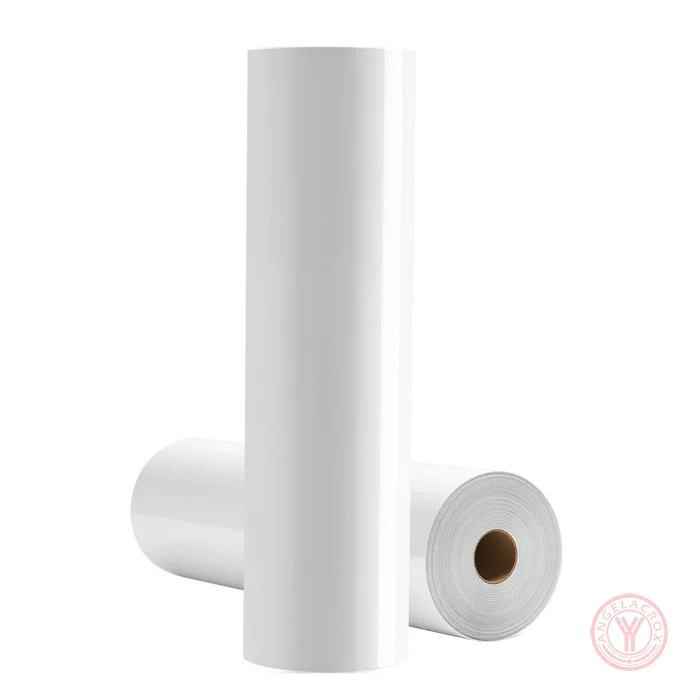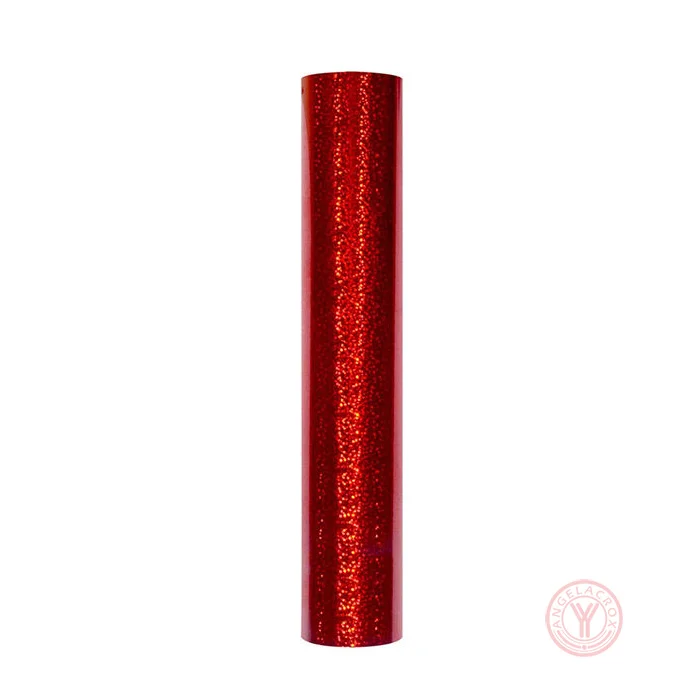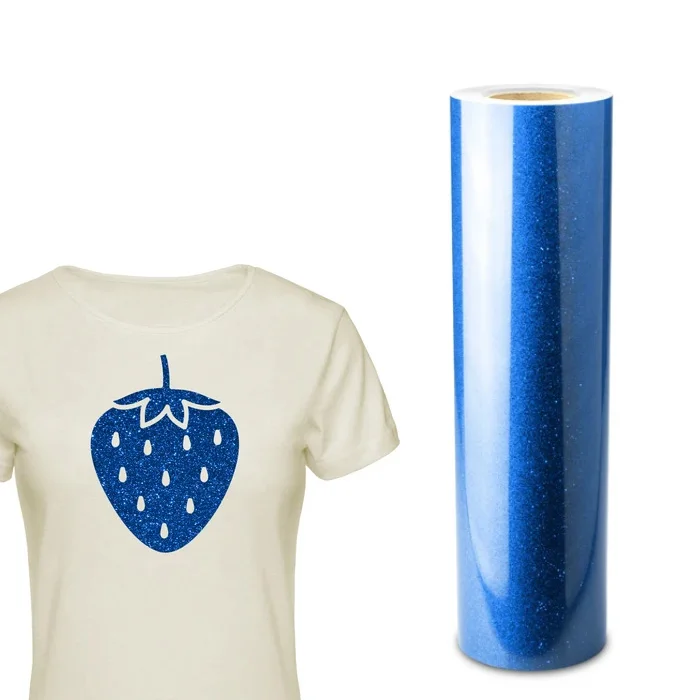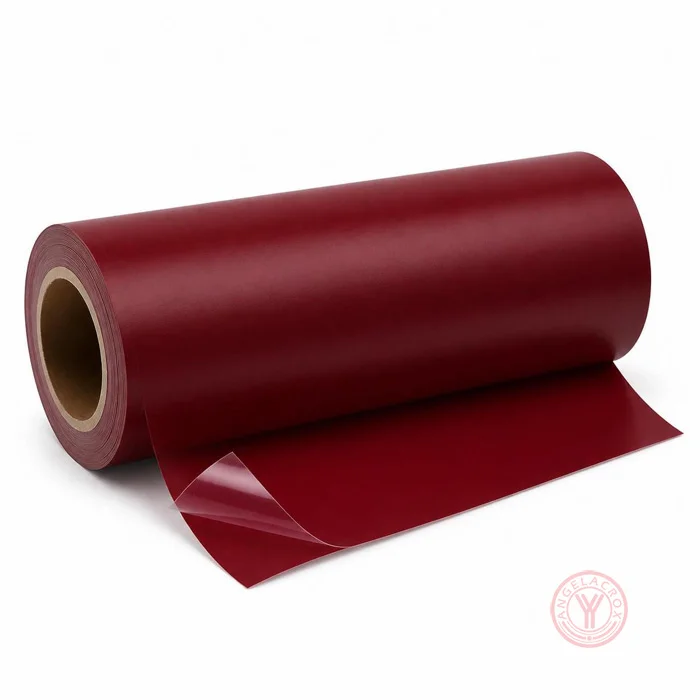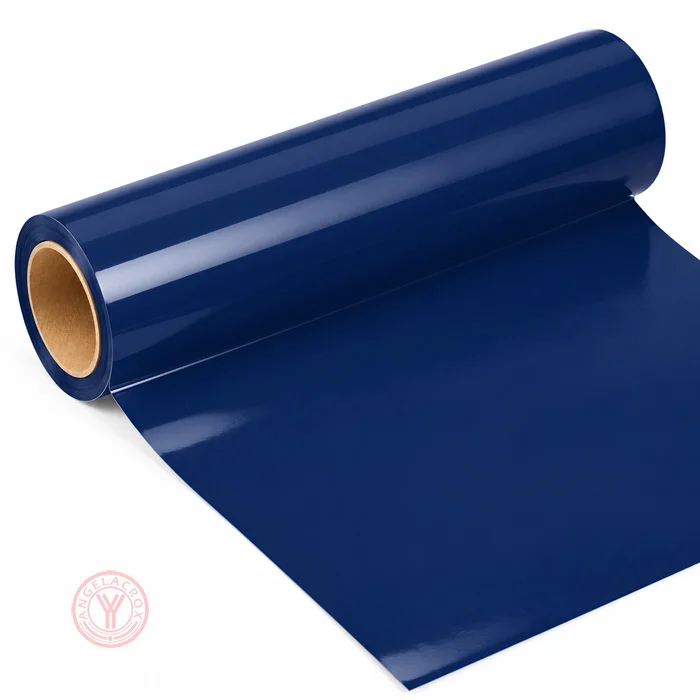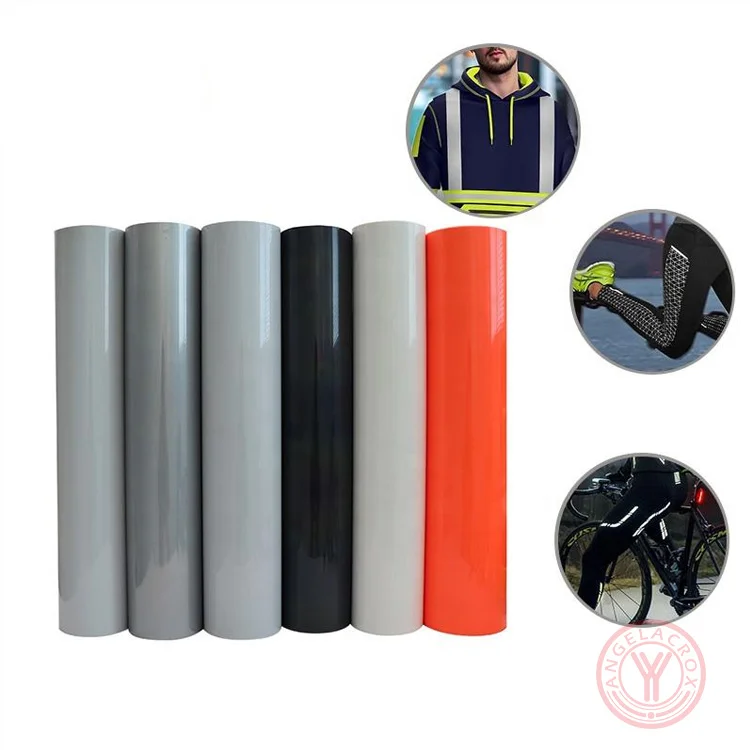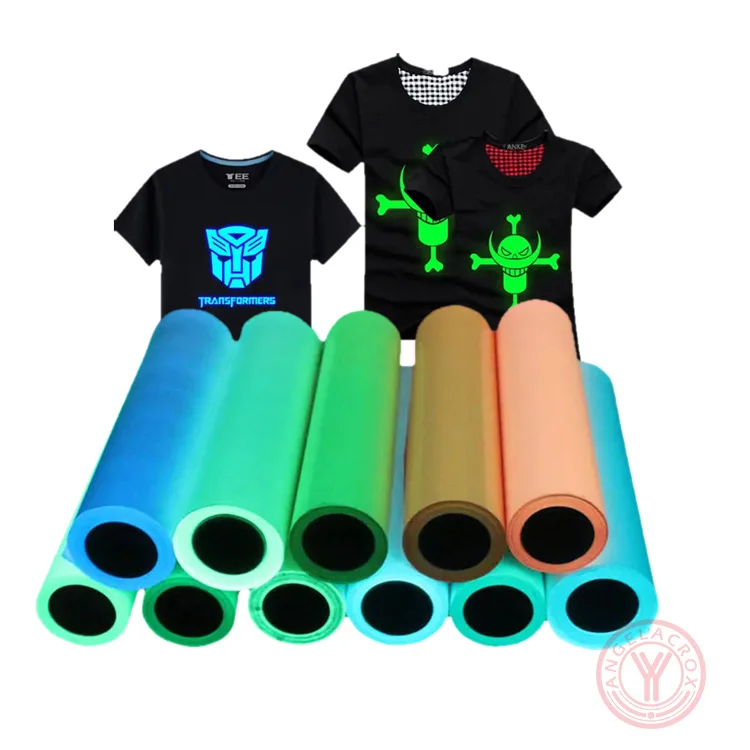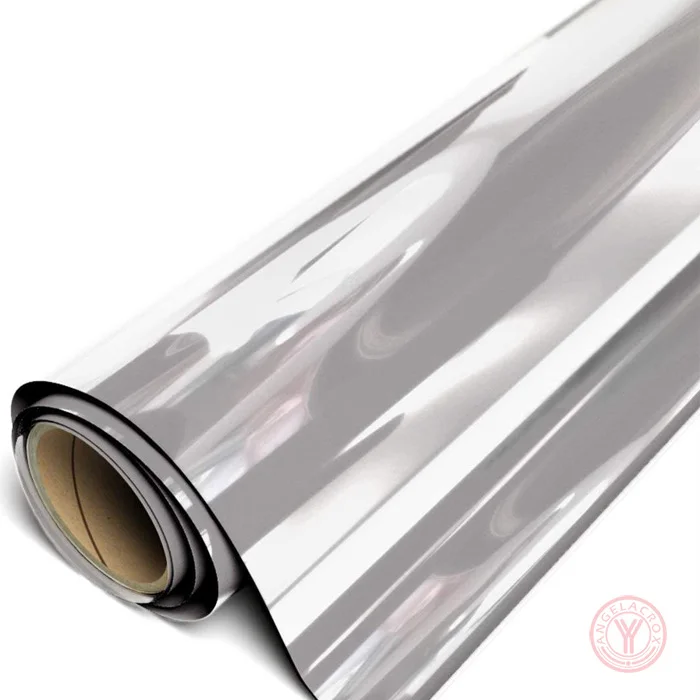
Description
Send Inquiry
Key Features
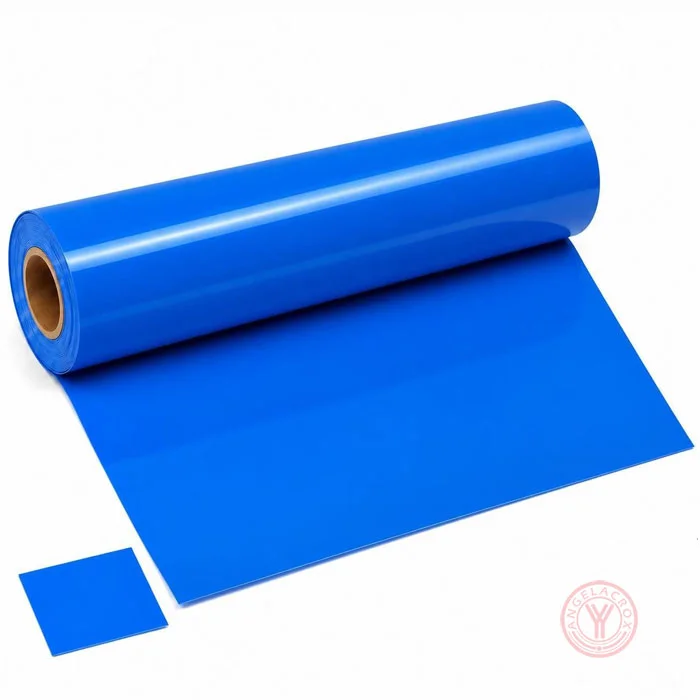
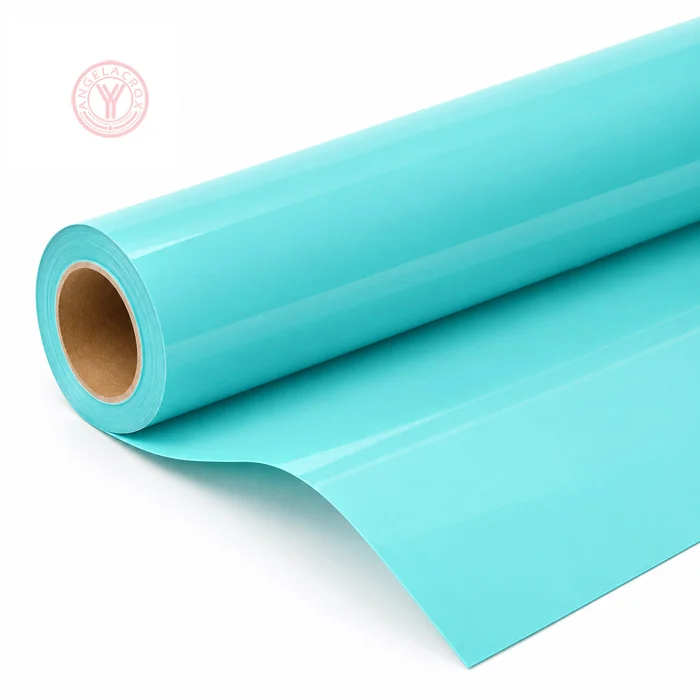
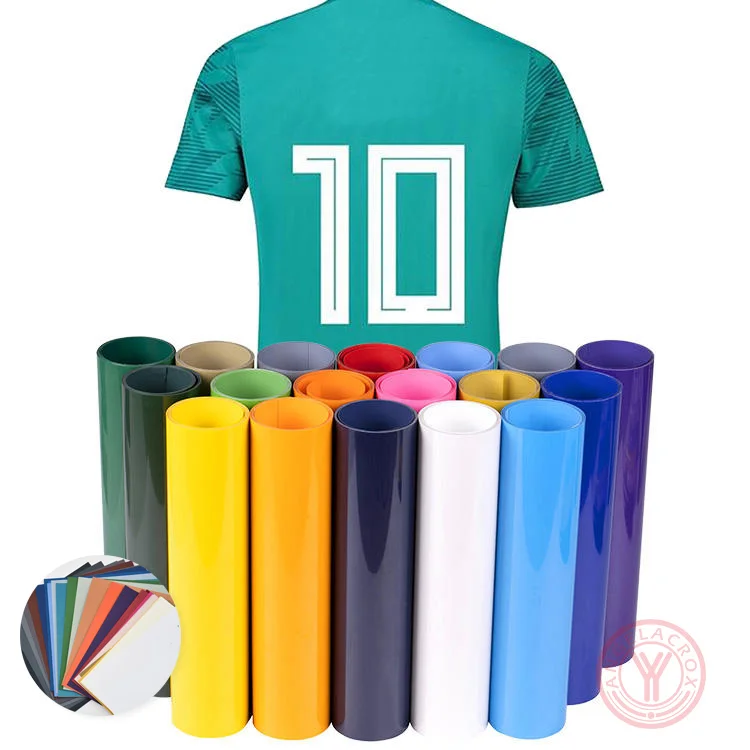
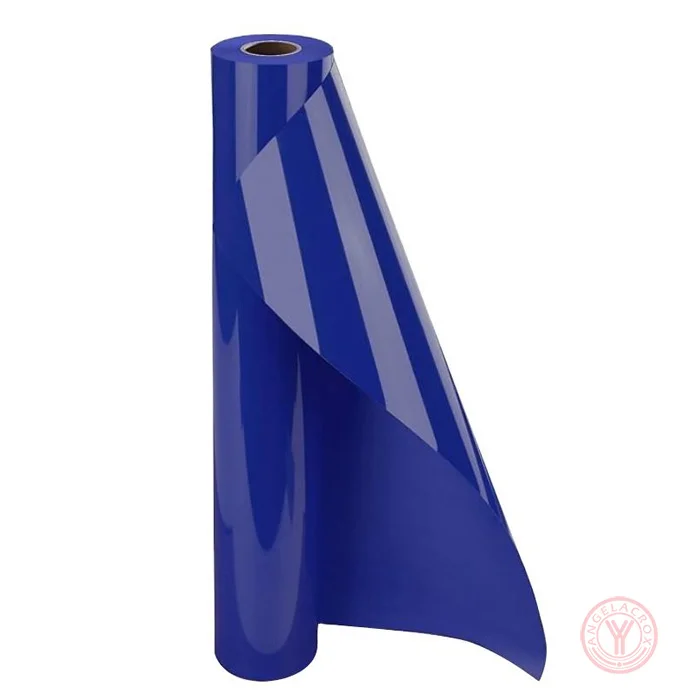
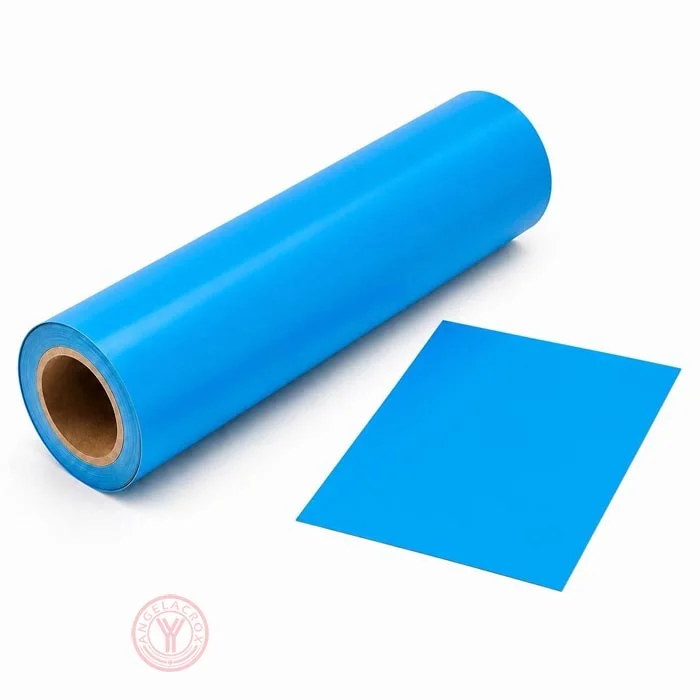
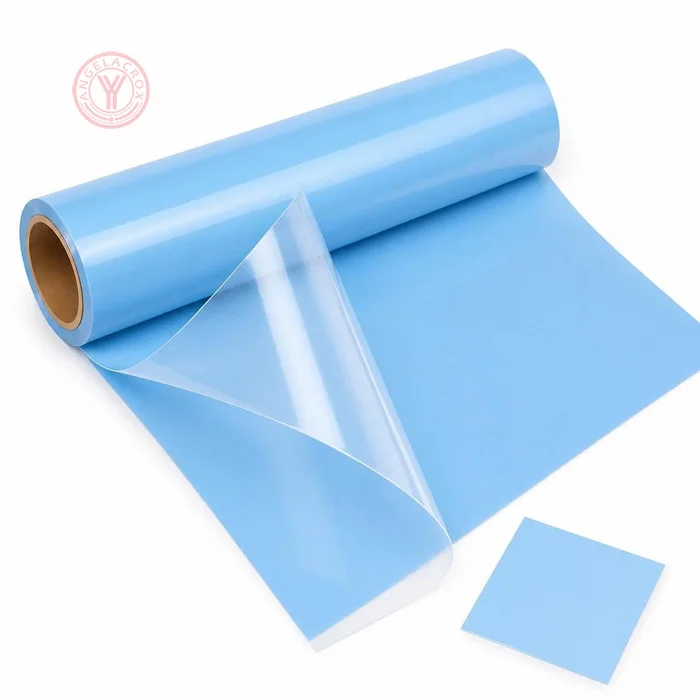
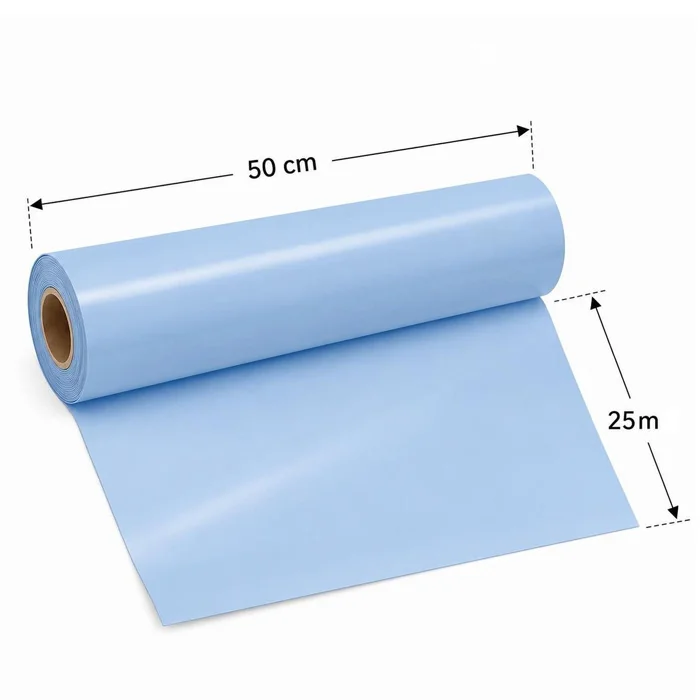
- Light Blue, Not Loud: Adds a fresh touch of color to your designs without an intense, high-contrast look.
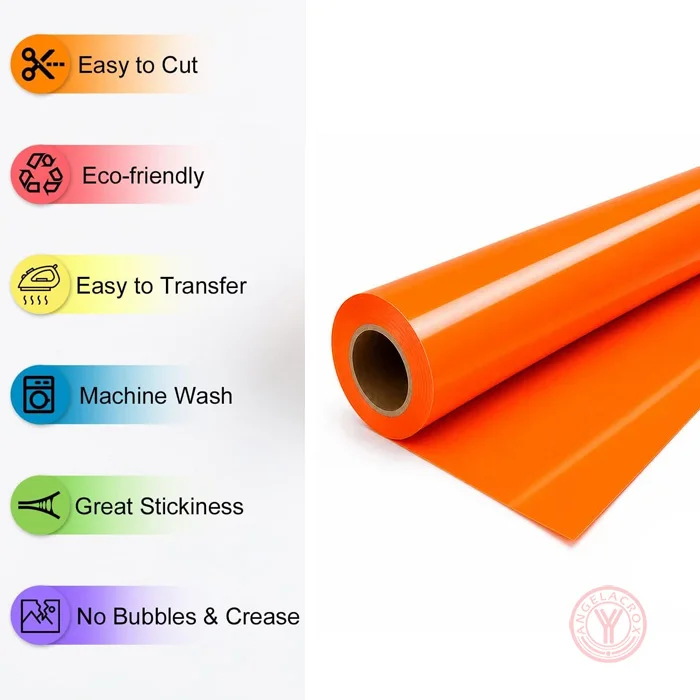
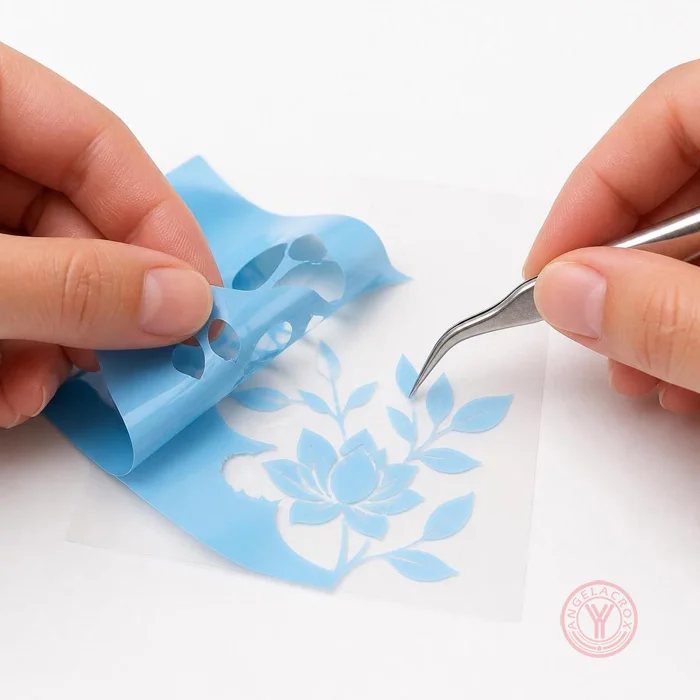
- Easy Cutting & Weeding: Supports clean cutting of custom shapes and easy removal of excess material to prepare logos, letters, and graphics for heat transfer.
- Fabric Compatibility: Suitable for cotton, polyester, cotton-polyester blends, and other compatible textiles.
- Wash & Abrasion Resistance: Designed to withstand repeated washing and everyday friction while helping maintain the appearance and adhesion of garment graphics.
- Eco-Friendly & Safe: Compliance options include OEKO-TEX® STANDARD 100, REACH, and CPSIA, depending on the selected material.
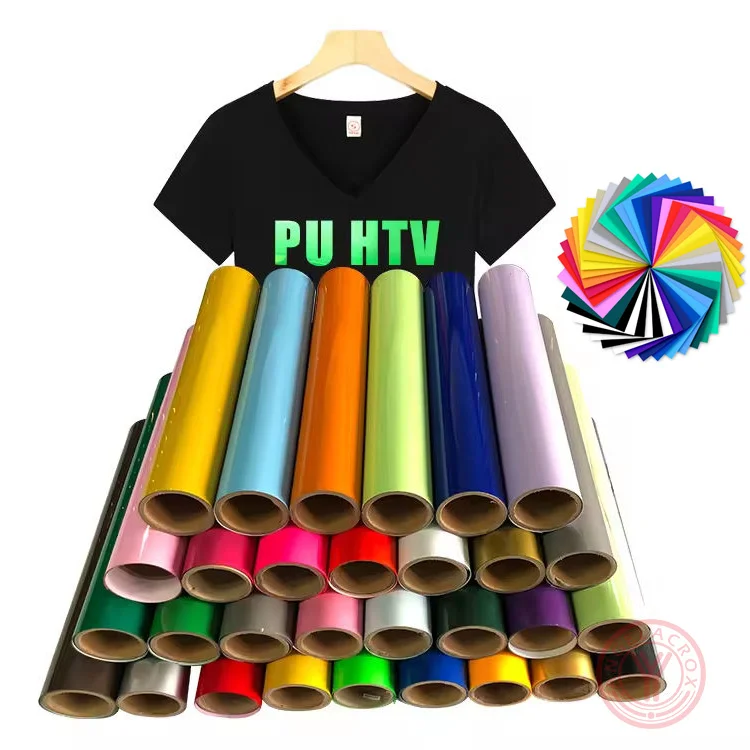
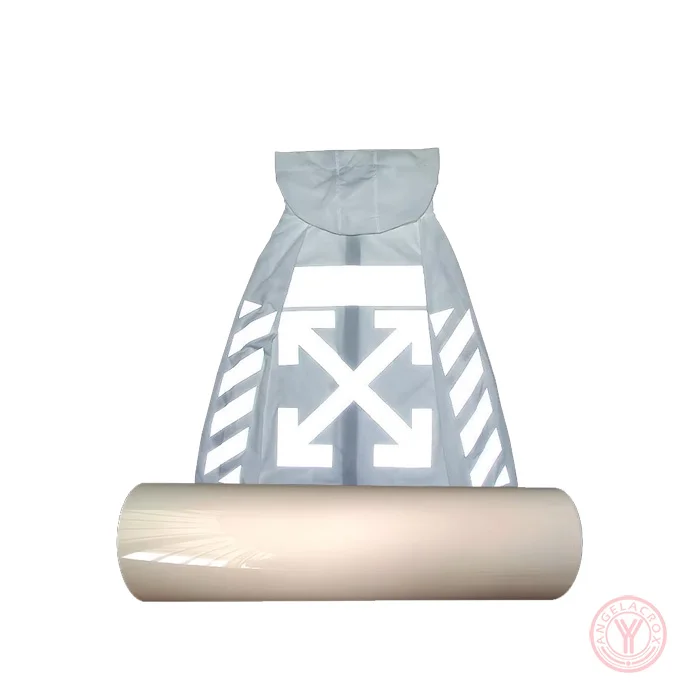
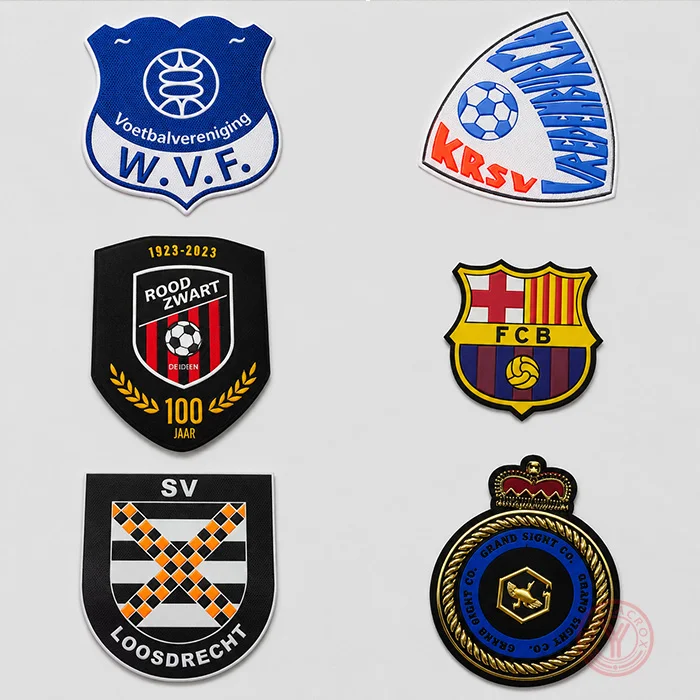
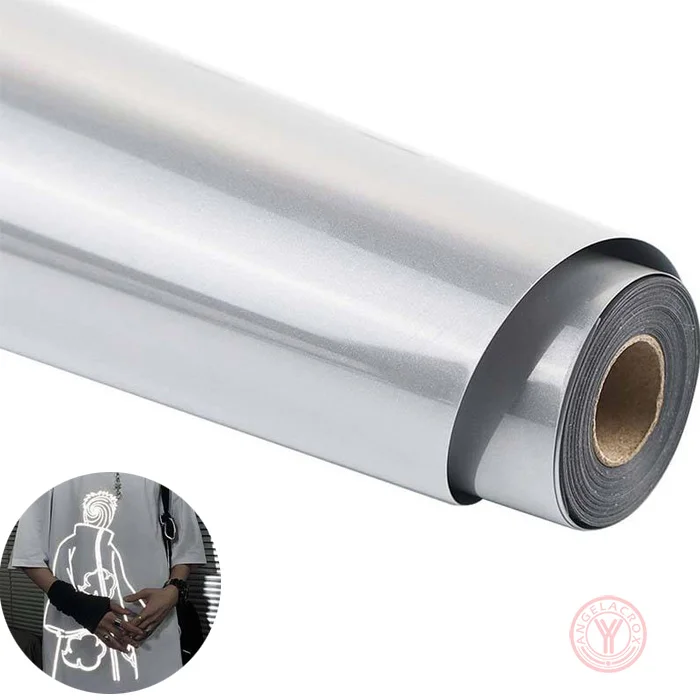
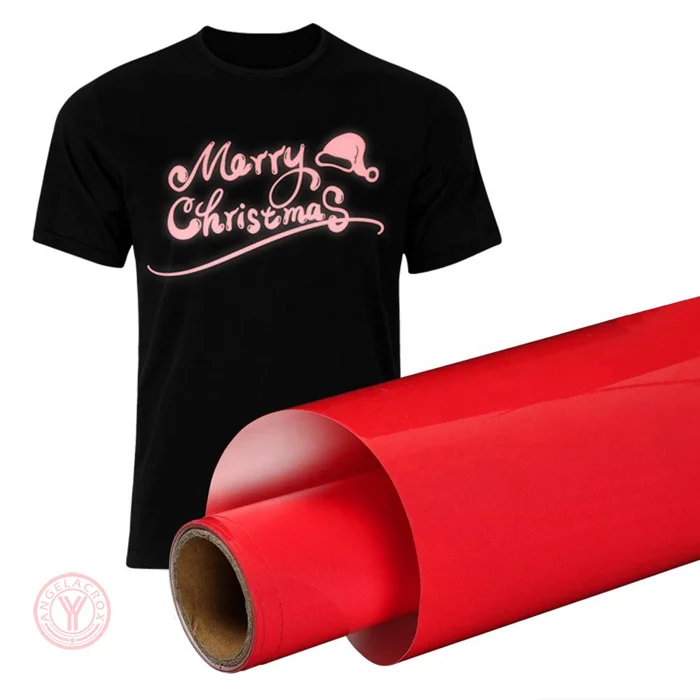
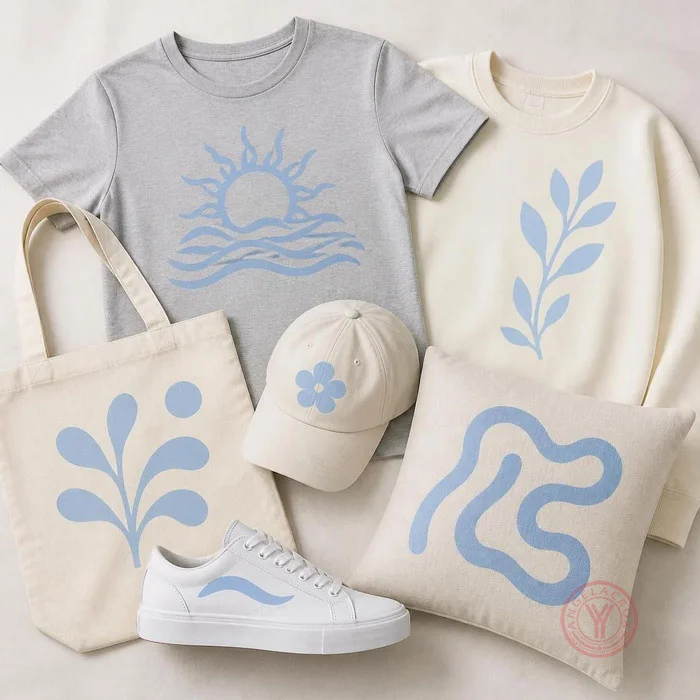
- Versatile Applications: The light blue HTV suitable for T-shirts, hoodies, sportswear, team jerseys, school uniforms, workwear, tote bags, and personalized apparel made from compatible fabrics.
Specifications
|
Product Name |
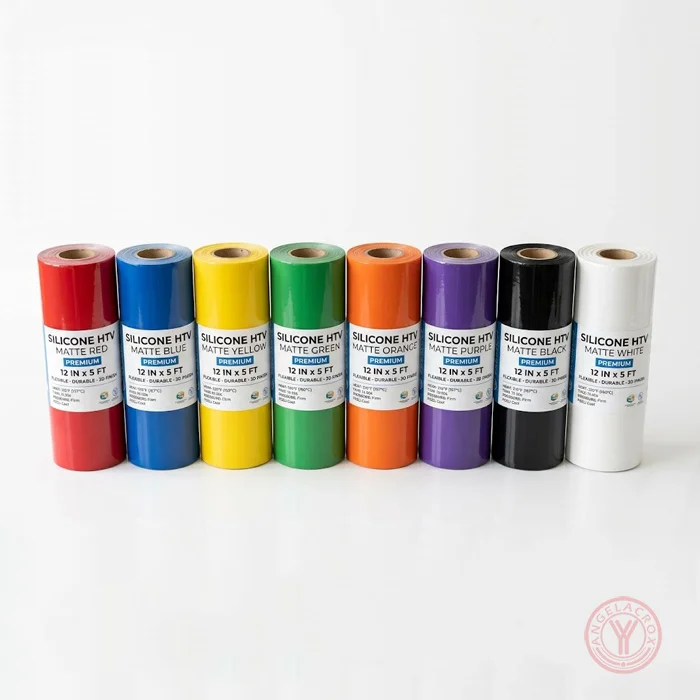
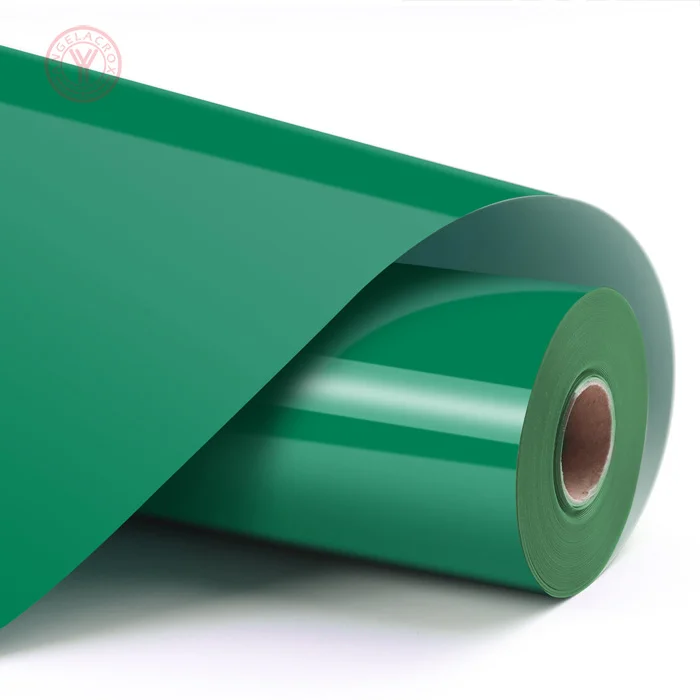
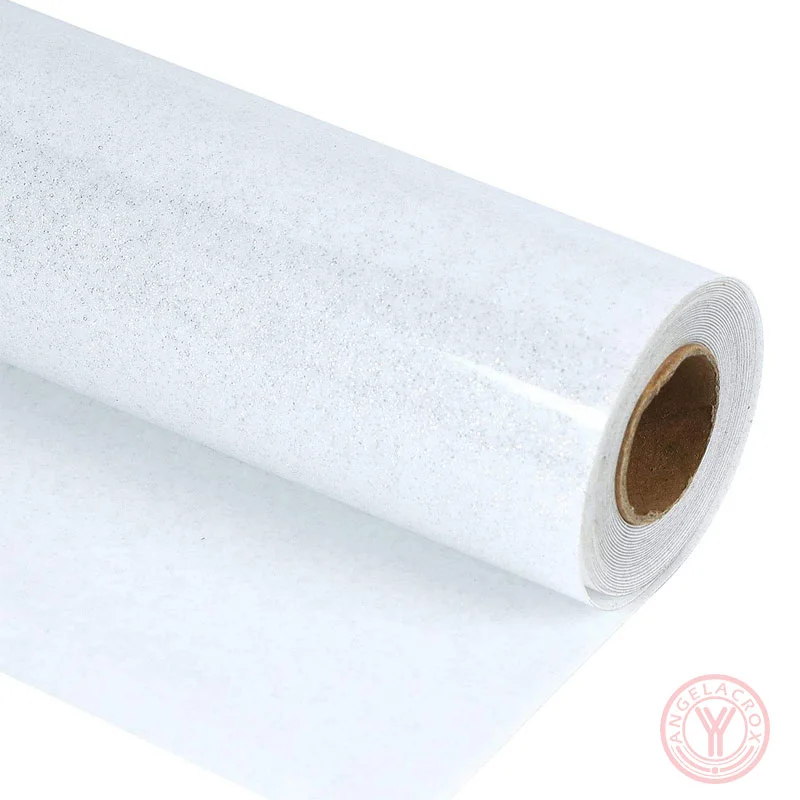
Light Blue Heat Transfer Vinyl (HTV) |
|
Color |
Light Blue |
|
Material |
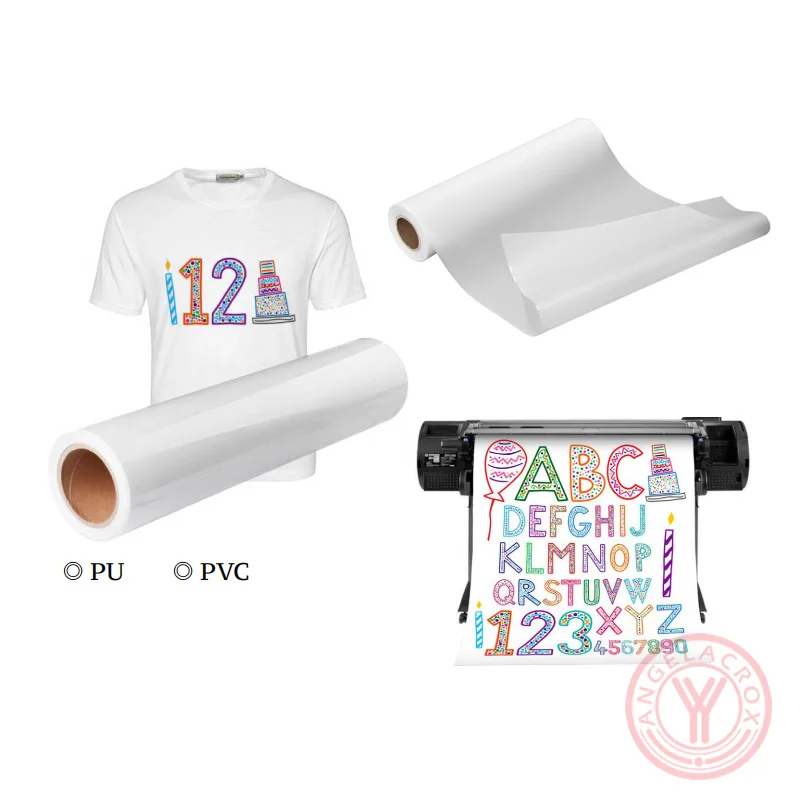
TPU, PU, PVC, Silicone;Customizable |
|
Available Forms |
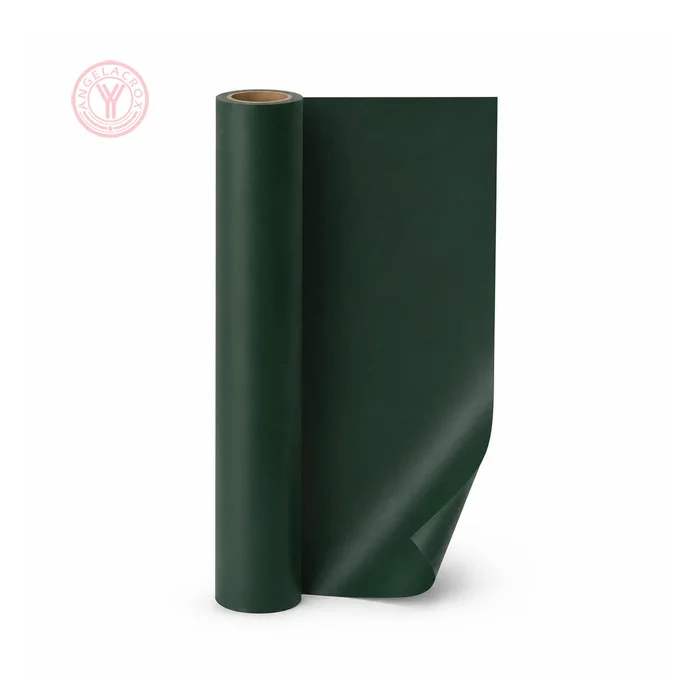
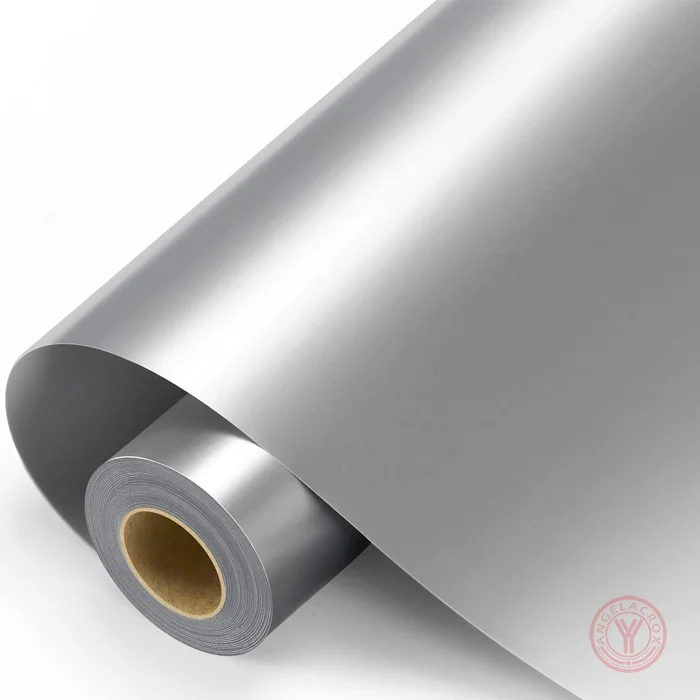
Roll / Sheets |
|
Size |
50cm*25m/50m;Customizable |
|
Thickness |
0.1-1mm;Customizable |
| Transfer Temperature | 140-145°C |
| Transfer Time | 8-10s |
| Transfer Pressure | 3 -5Kg;Medium |
| Peeling Method | Warm Peeling |
|
Finish |
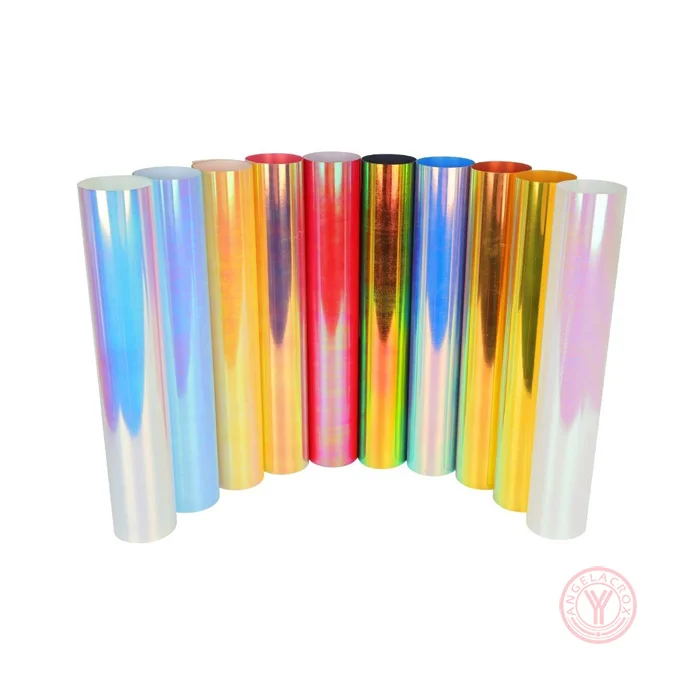
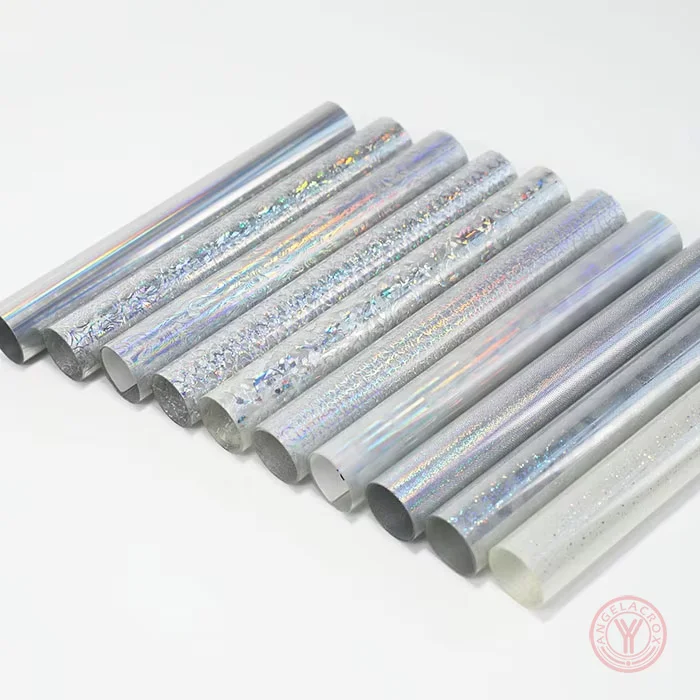
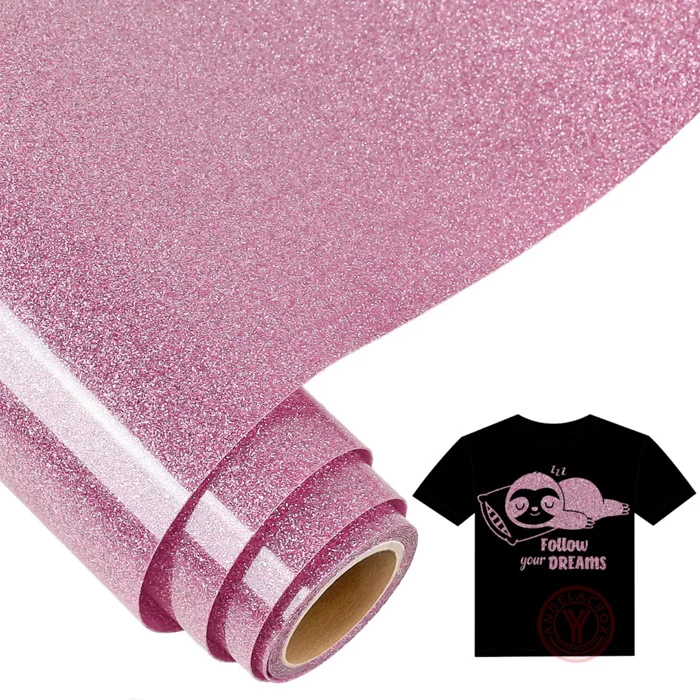
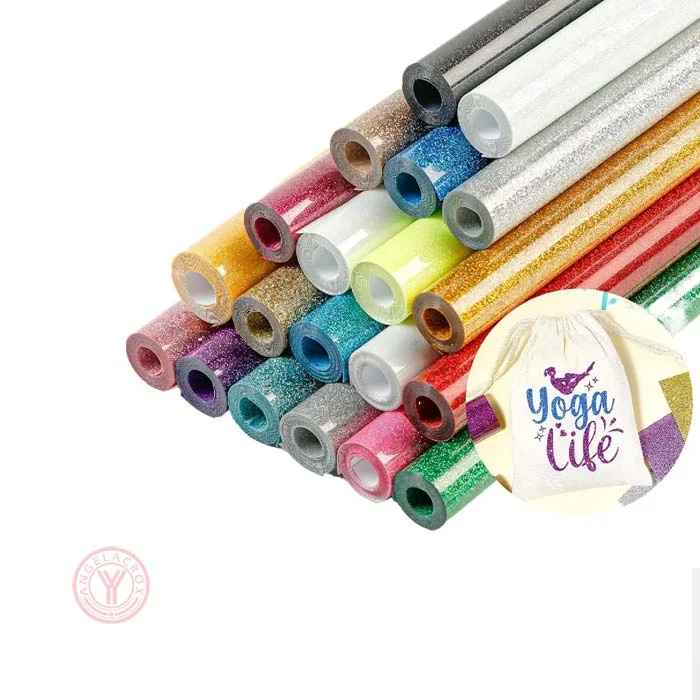
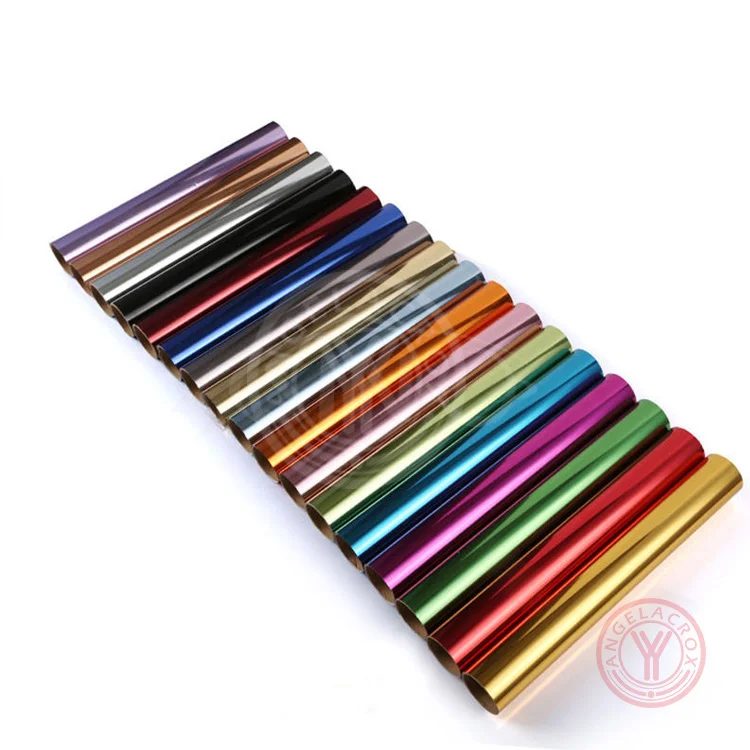
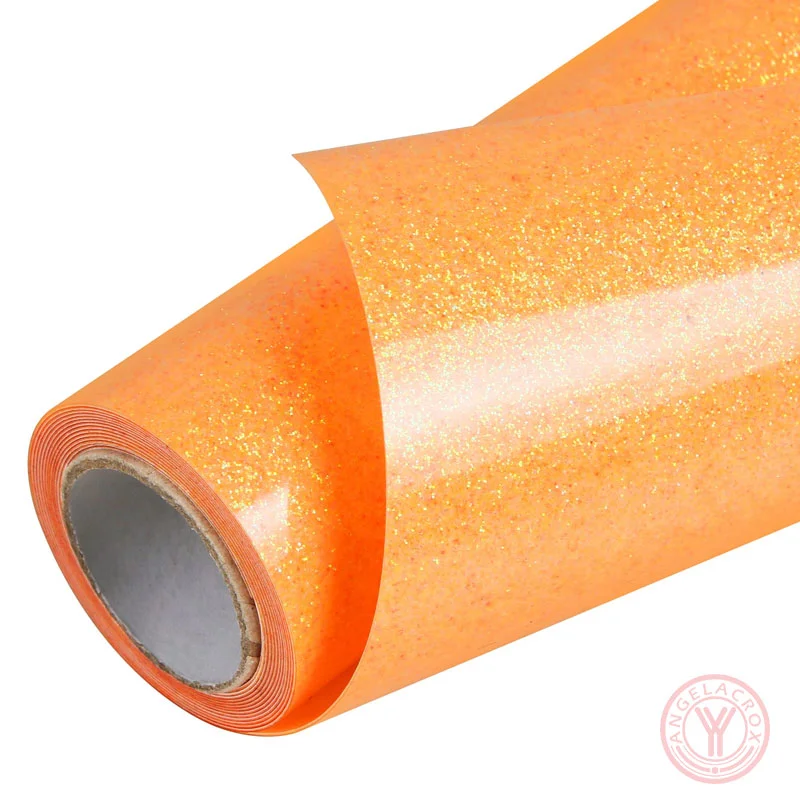
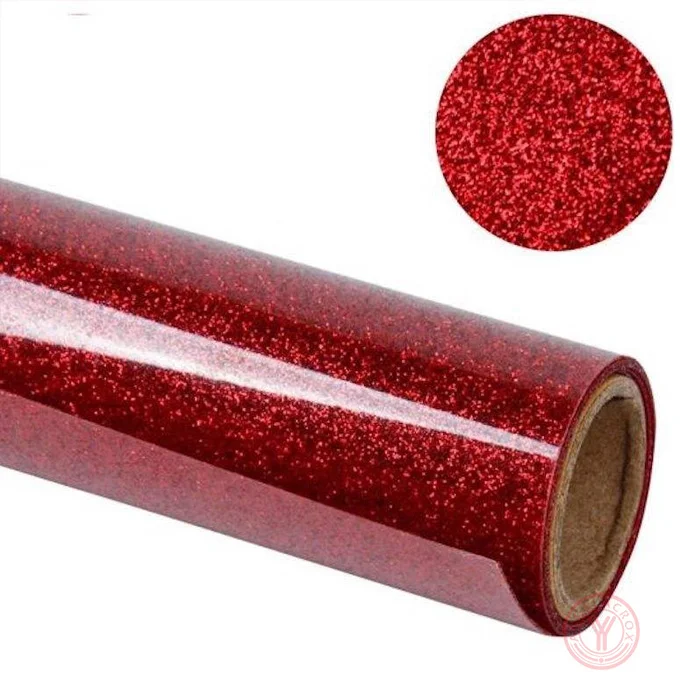
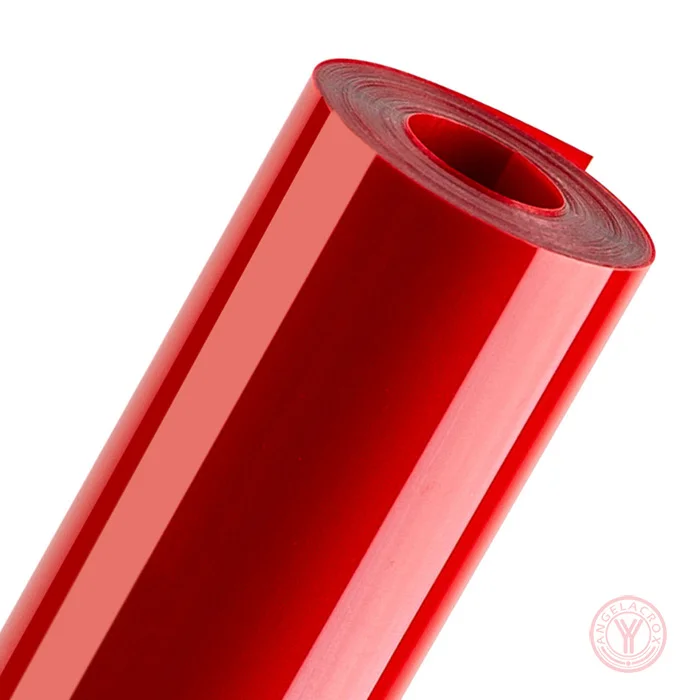
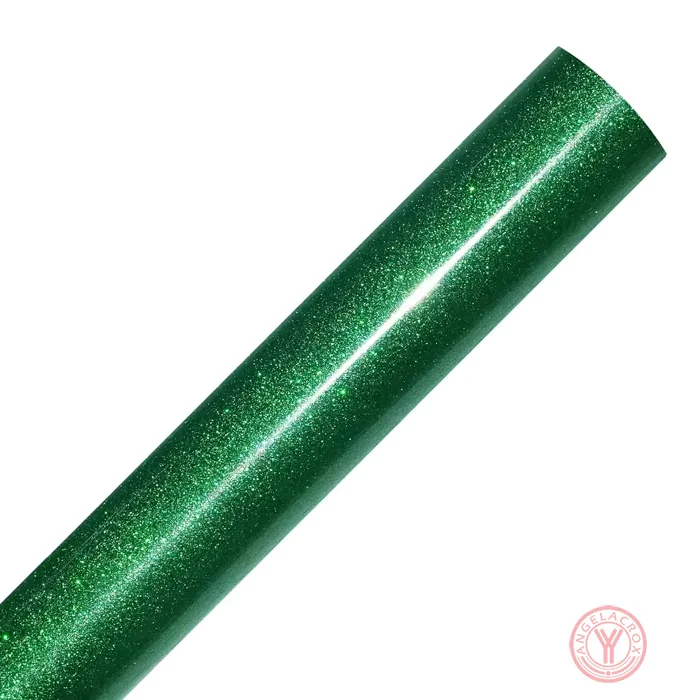
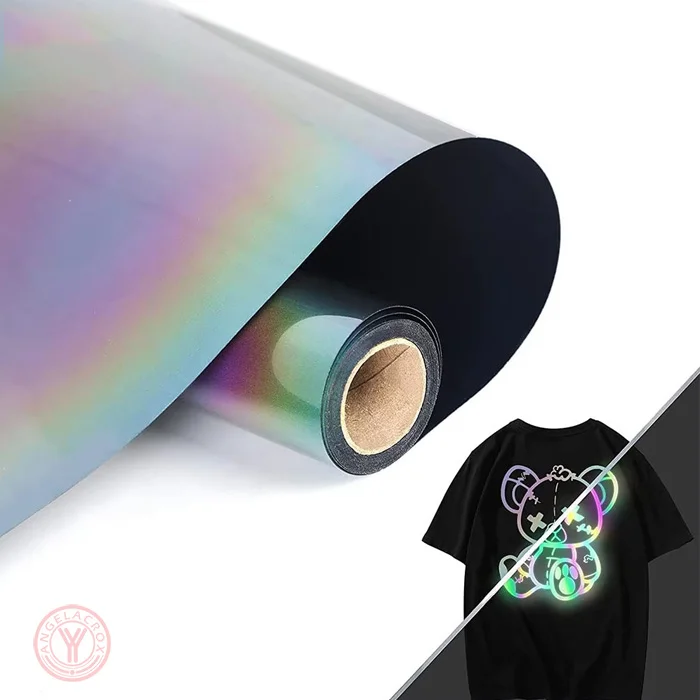
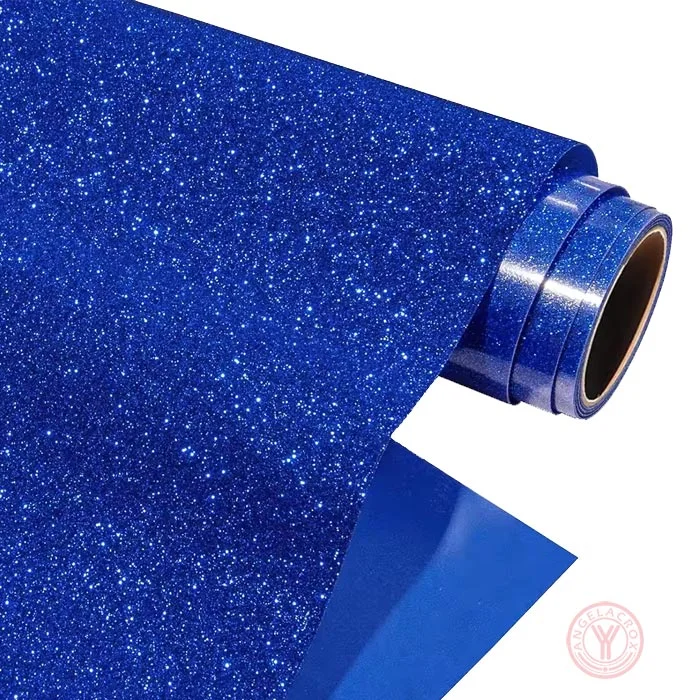
Matte / Glossy / Glitter;Customizable |
|
Cutting Method |
Vinyl Cutter / Cutting Plotter |
|
MOQ |
1 Roll |
|
Sample |
Free Sample |
How to Use Light Blue Heat Transfer Vinyl
- 1. Create Your Design: Prepare your logo, lettering, or graphic using compatible design software.
- 2. Mirror the Design: Flip the artwork horizontally before cutting if required by the vinyl type.
- 3. Cut the Vinyl: Adjust the cutting settings according to the selected TPU, PU, PVC, or silicone material.
- 4. Weed Excess Vinyl: Remove unwanted material, leaving the desired design on the carrier film.
- 5. Pre-Press the Fabric: Press the garment for 2–3 seconds, if suitable for the fabric, to remove moisture and wrinkles.
- 6. Position the Design: Place the vinyl on the garment in the desired position.
- 7. Apply Heat and Pressure: Follow the recommended temperature, pressure, and pressing time for the selected material.
- 8. Warm Peel: Allow the transfer to cool briefly until warm to the touch, then peel off the carrier film slowly and evenly.
- 9. Check the Transfer: Ensure the design adheres properly before washing or further processing.
Note: Temperature, pressure, pressing time, and peeling method may vary by material. Test on a fabric sample before bulk production, especially for polyester and heat-sensitive textiles.