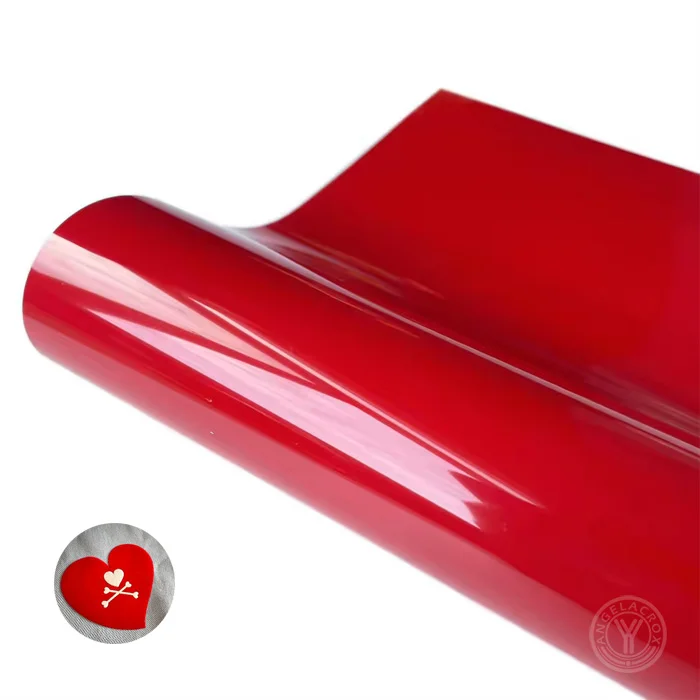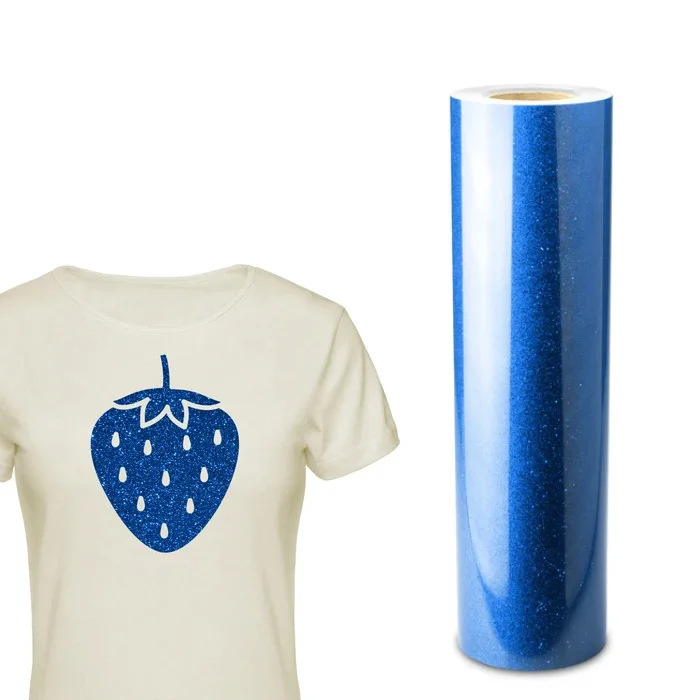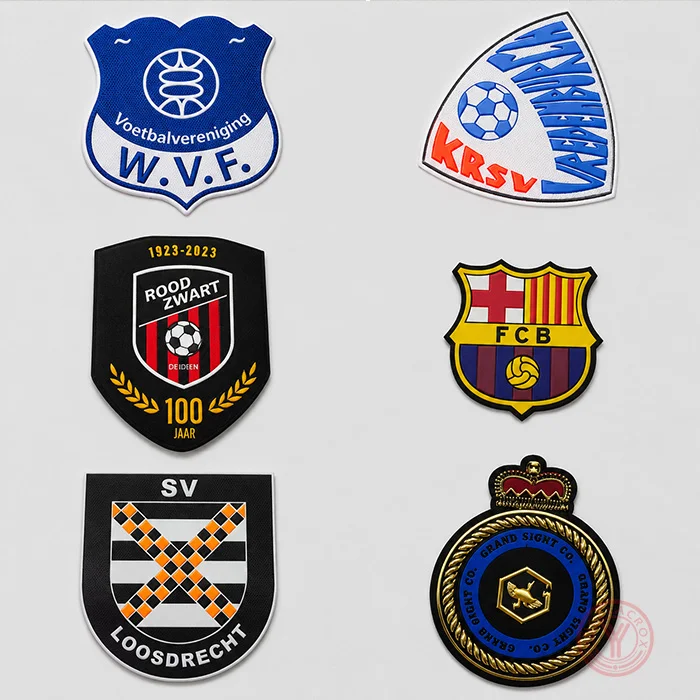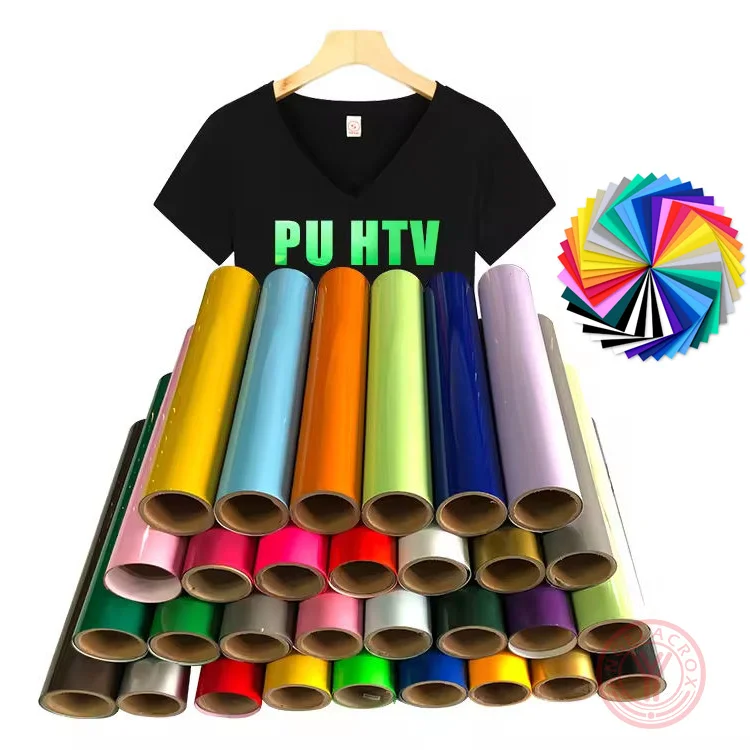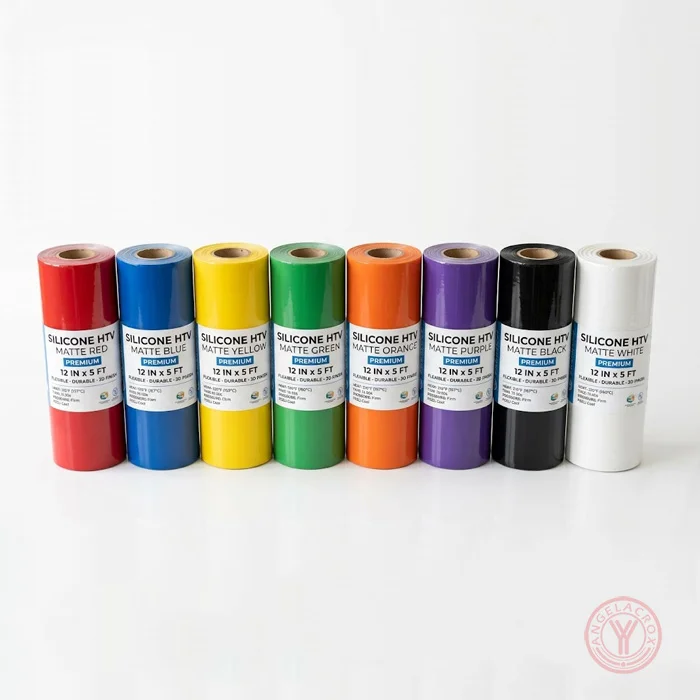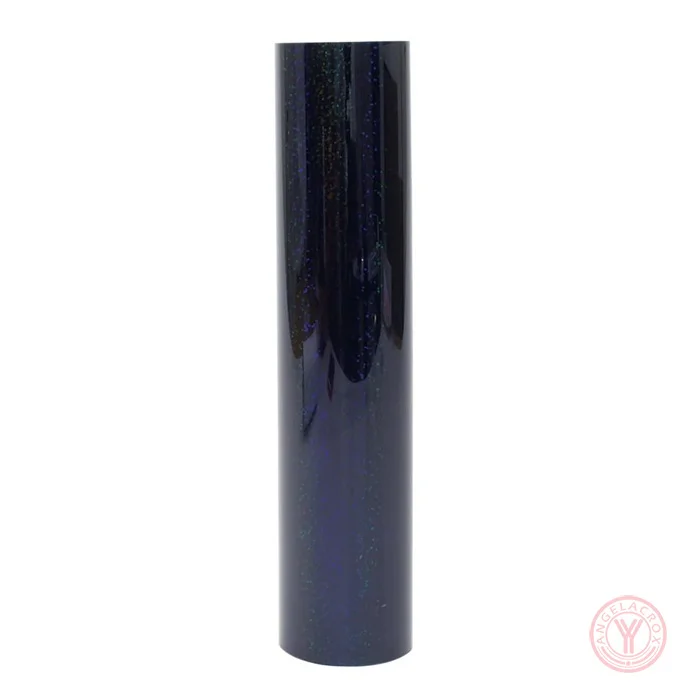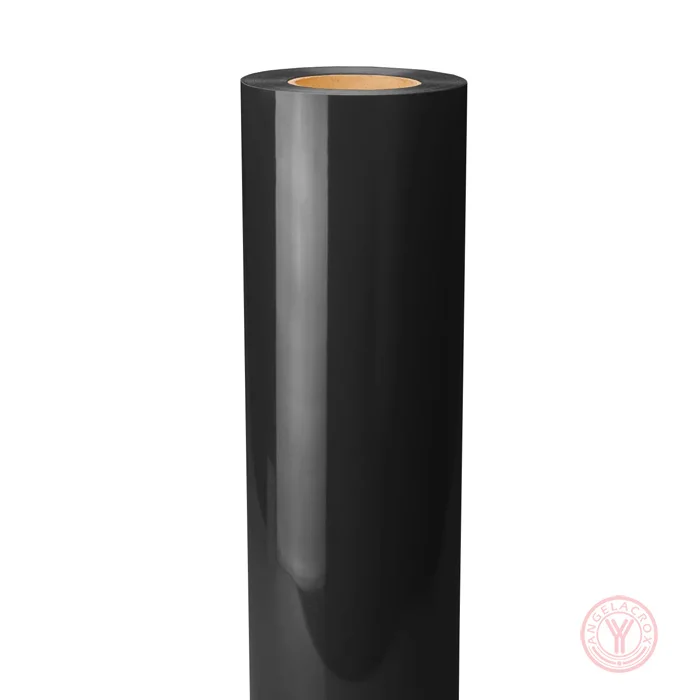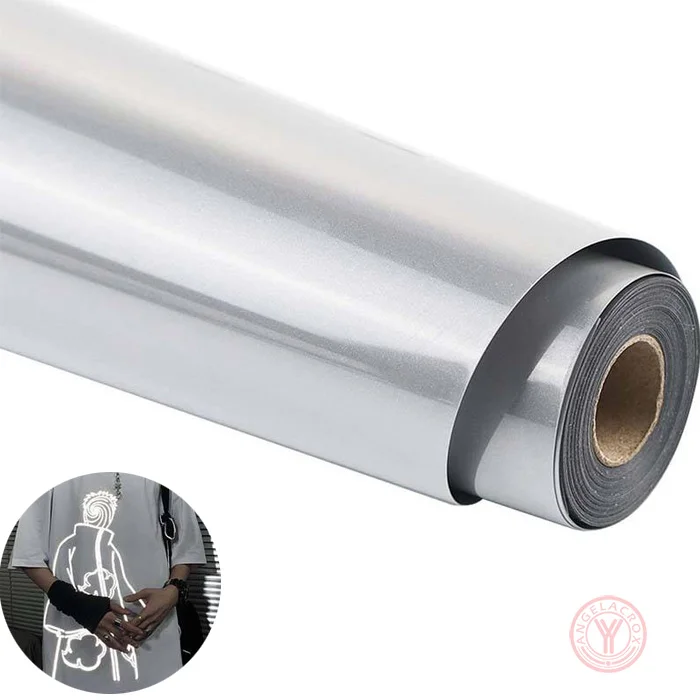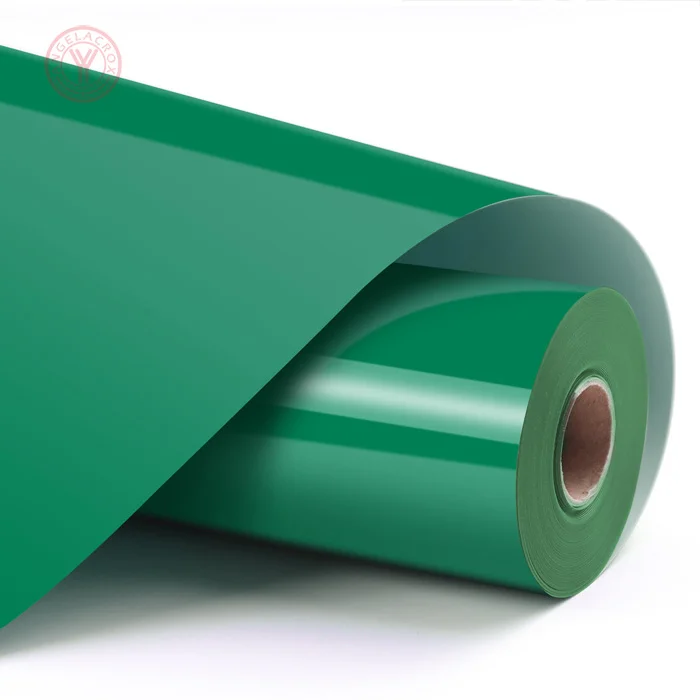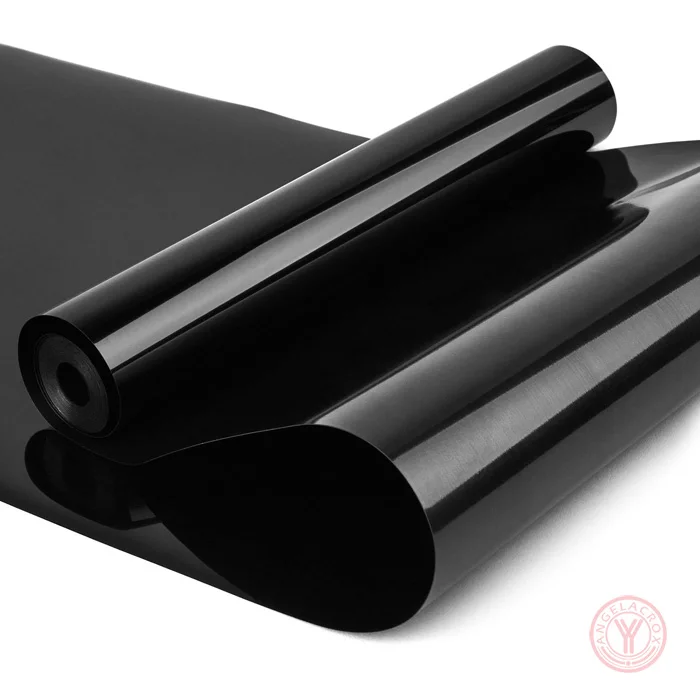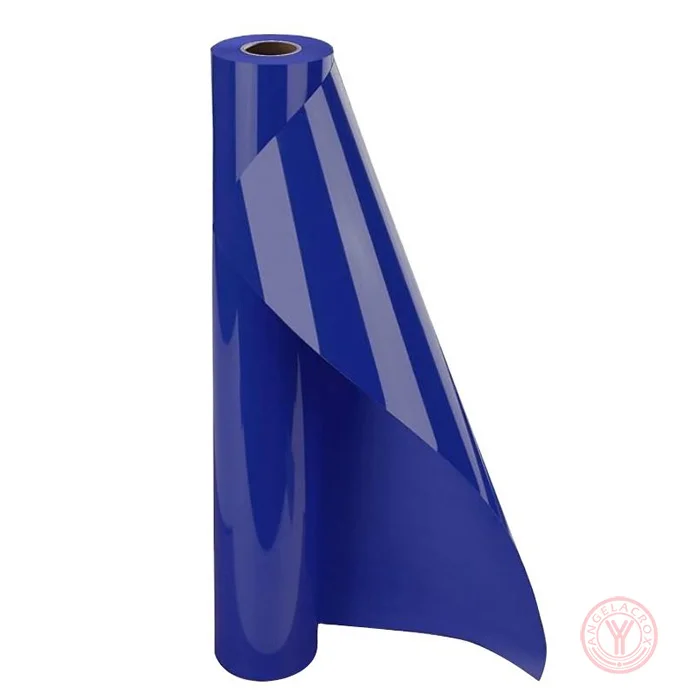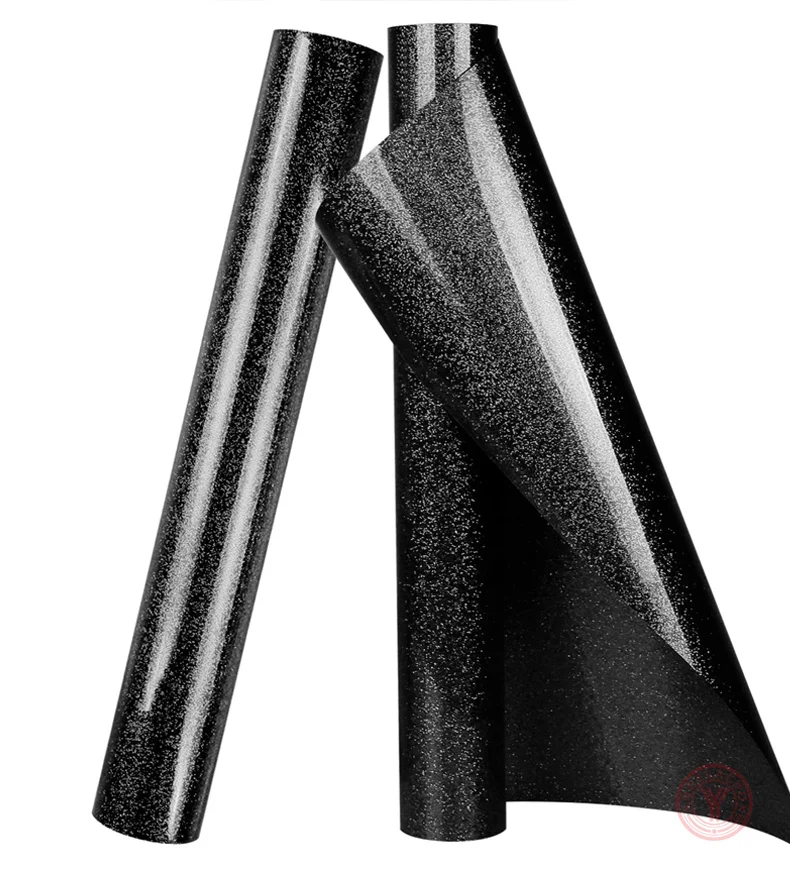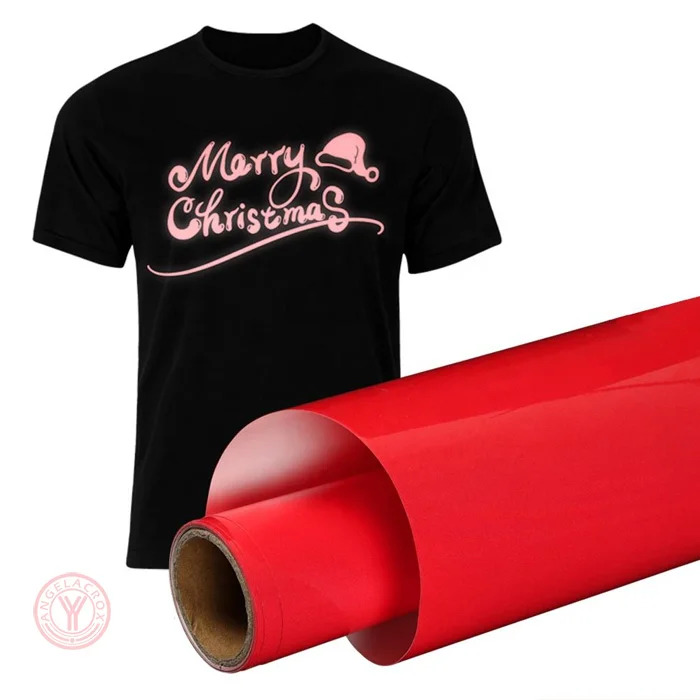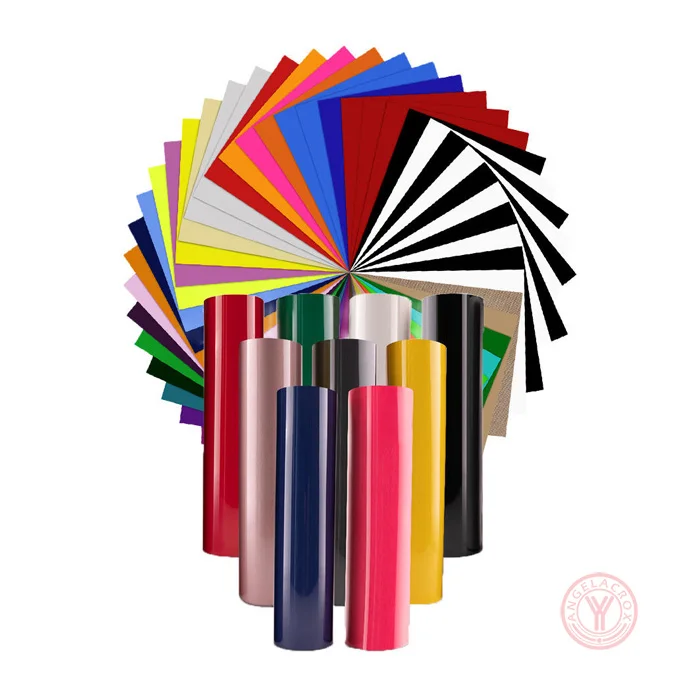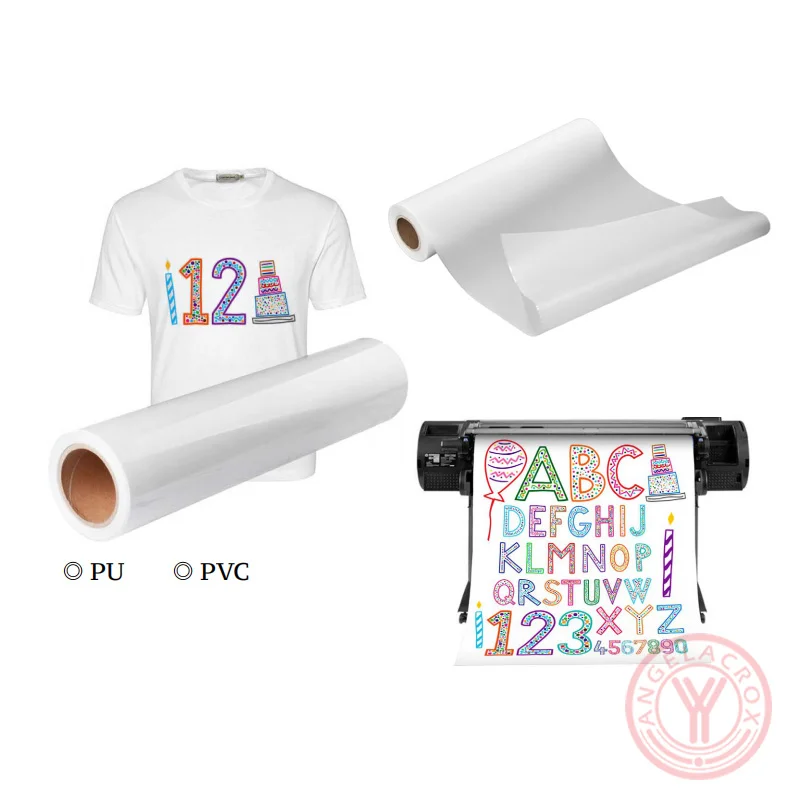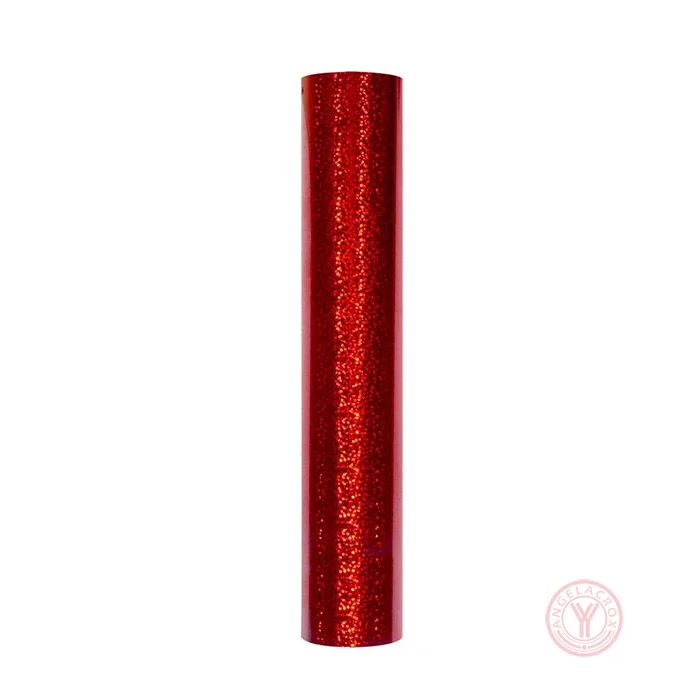
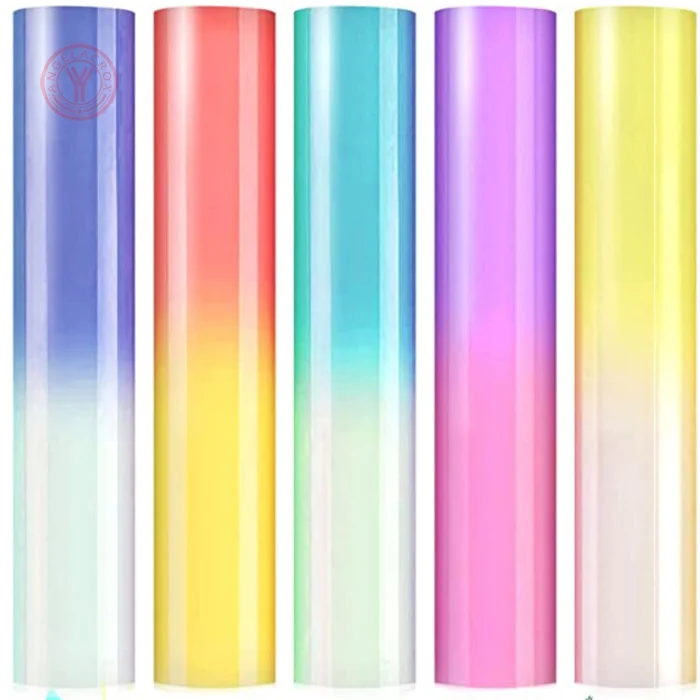
Description
Send Inquiry
Key Features
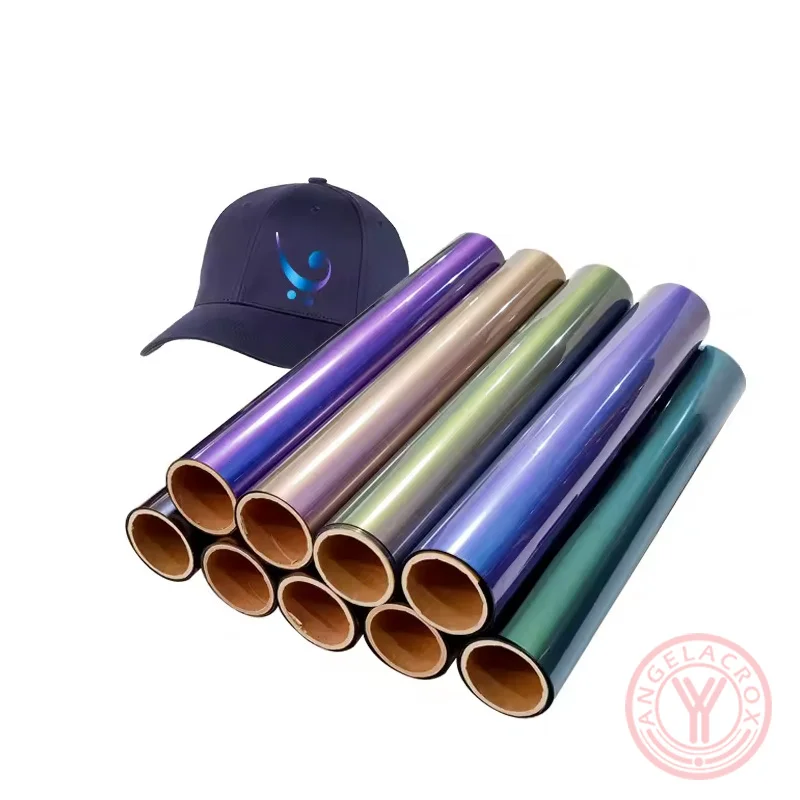
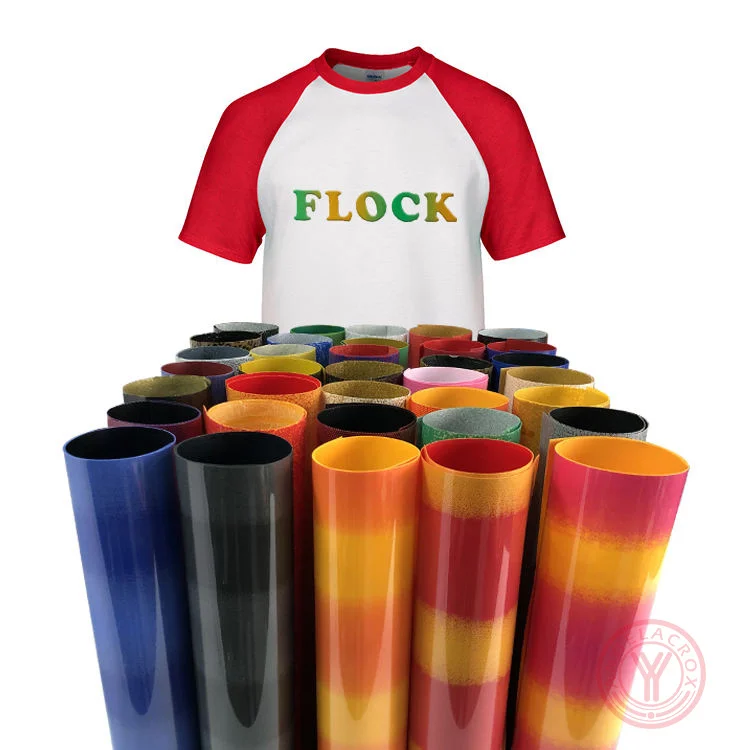
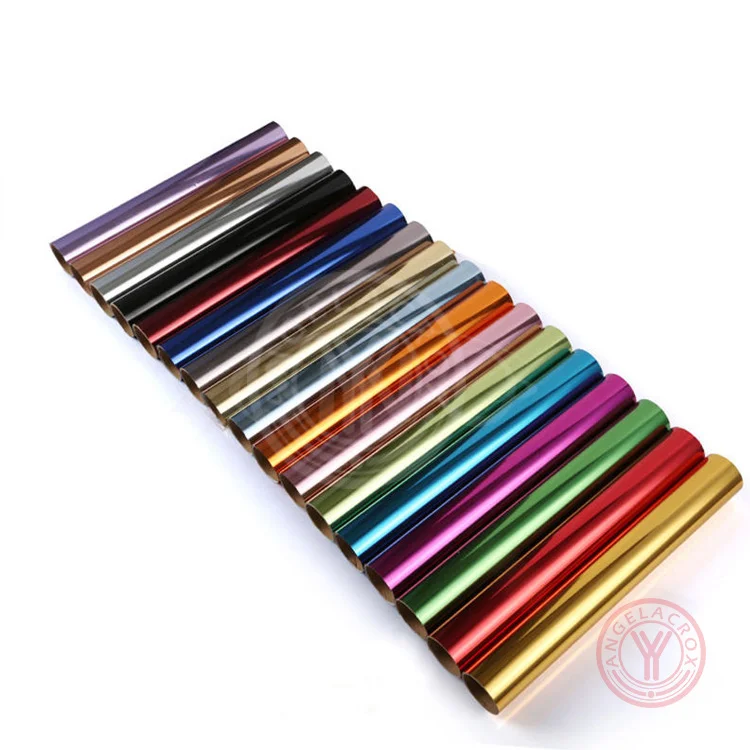
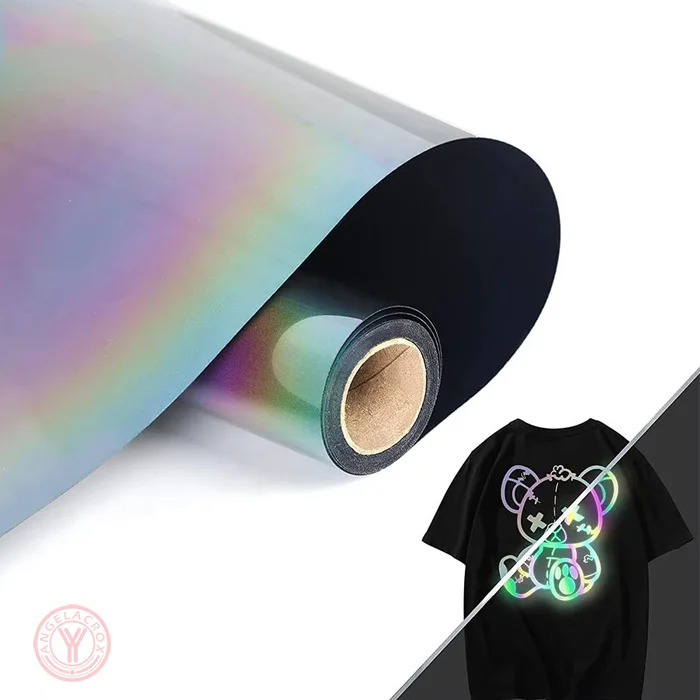
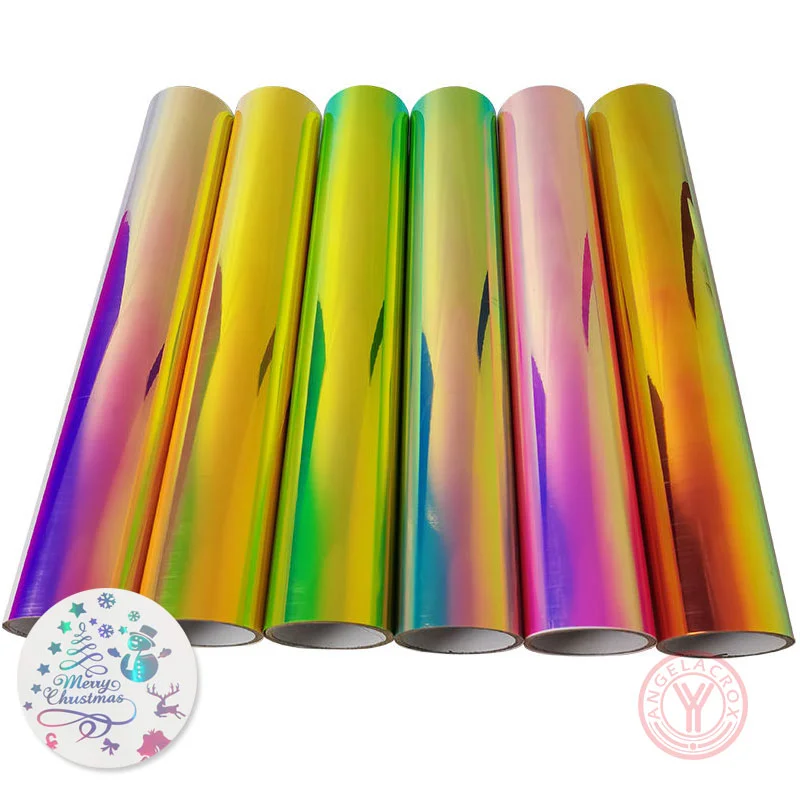
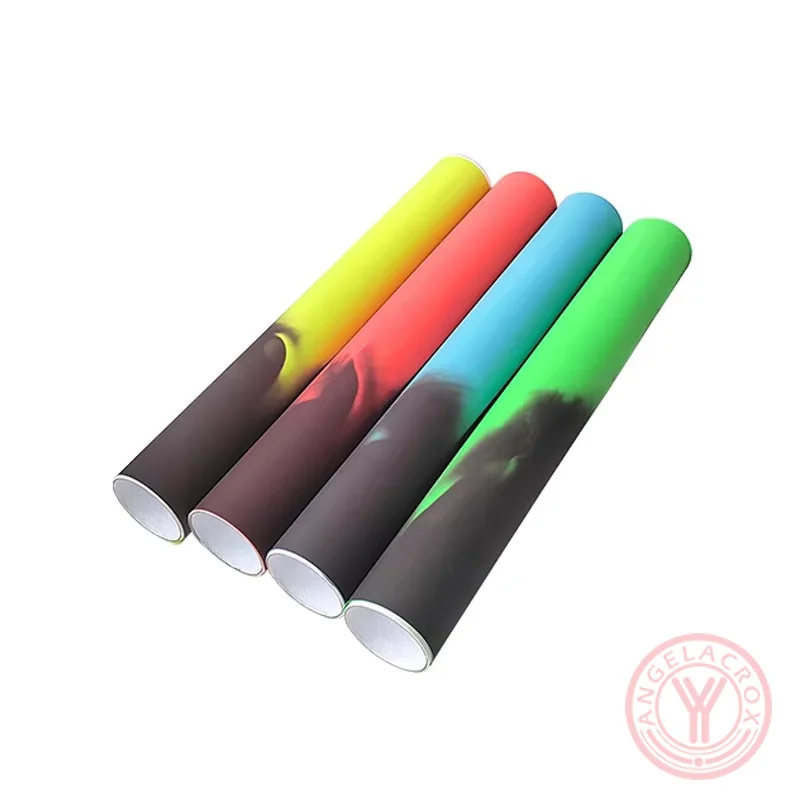
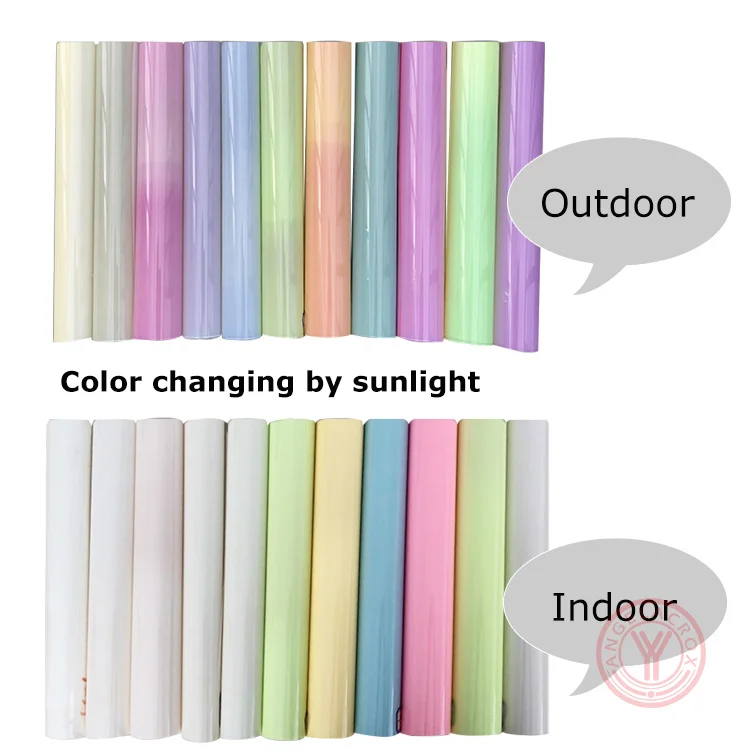
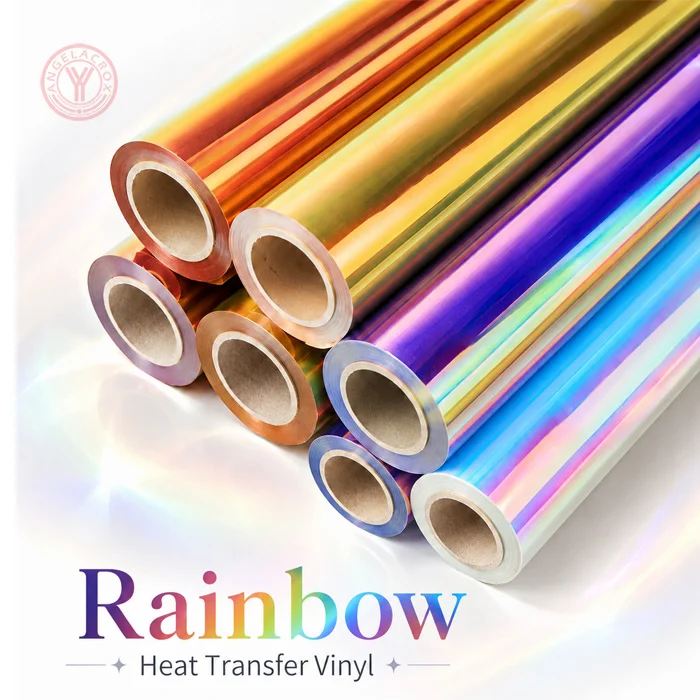
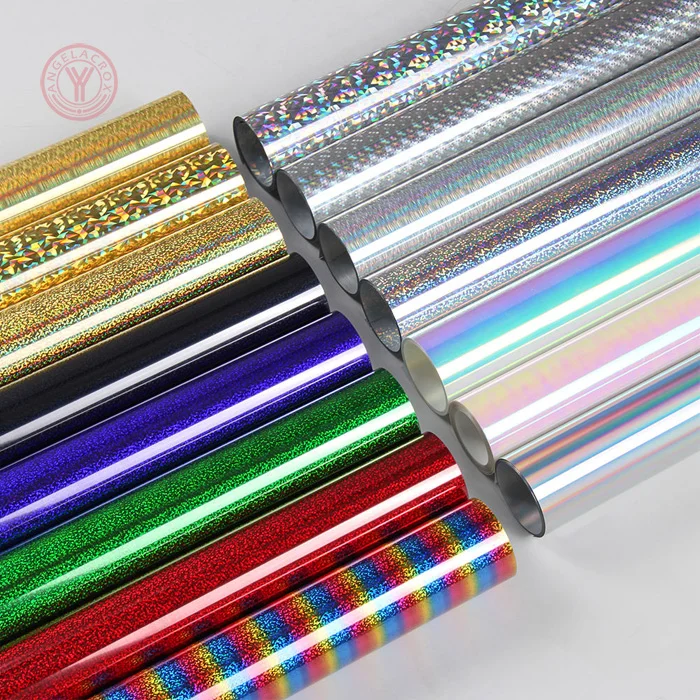
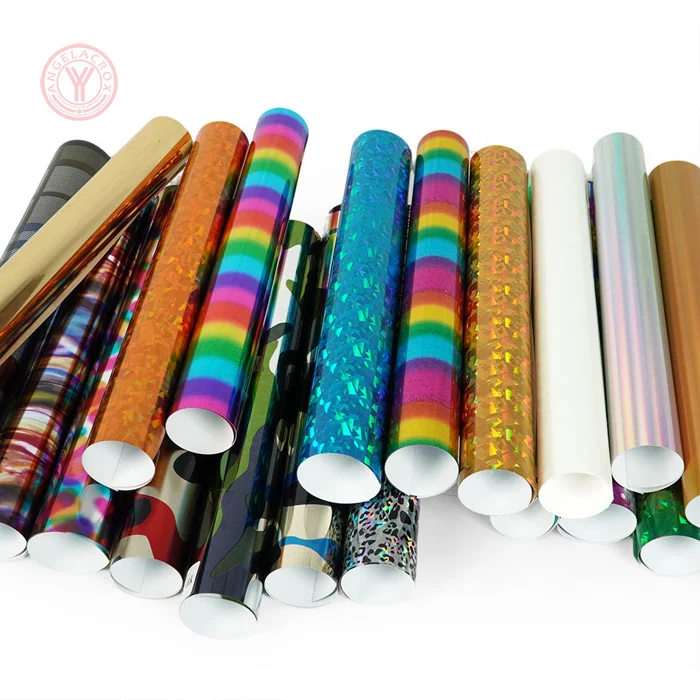
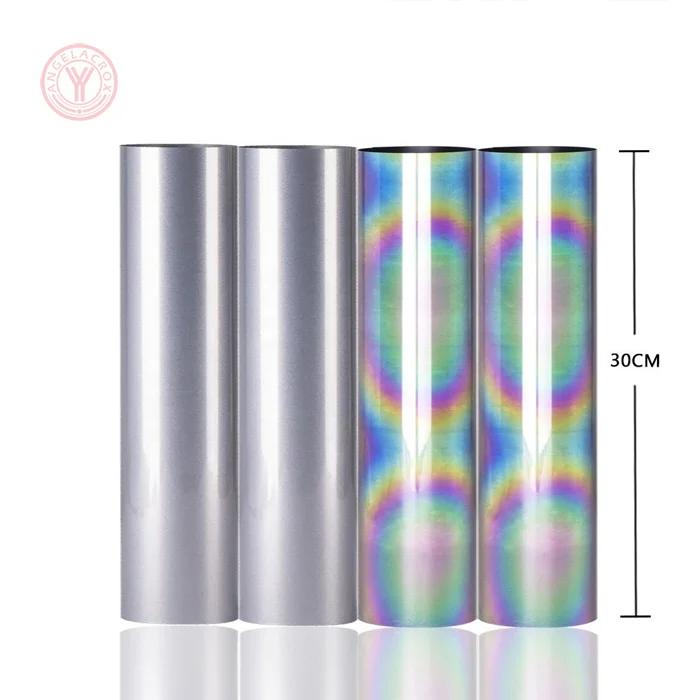
- Color-Shifting Effect — Multiple colors change with light and viewing angle.
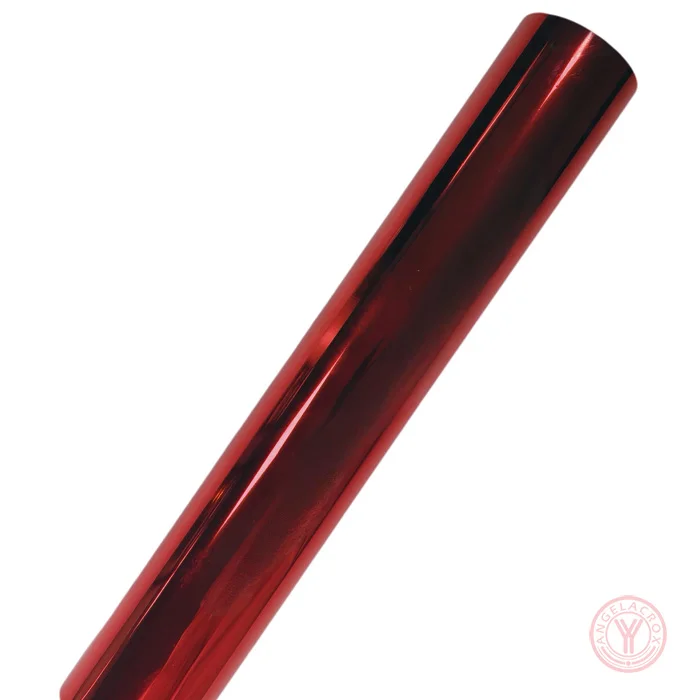
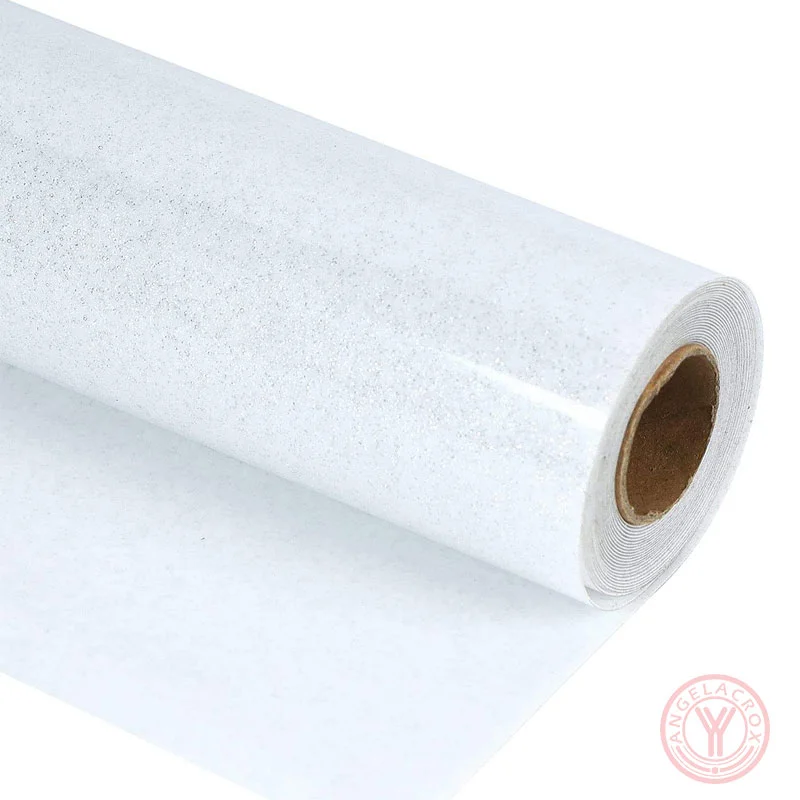
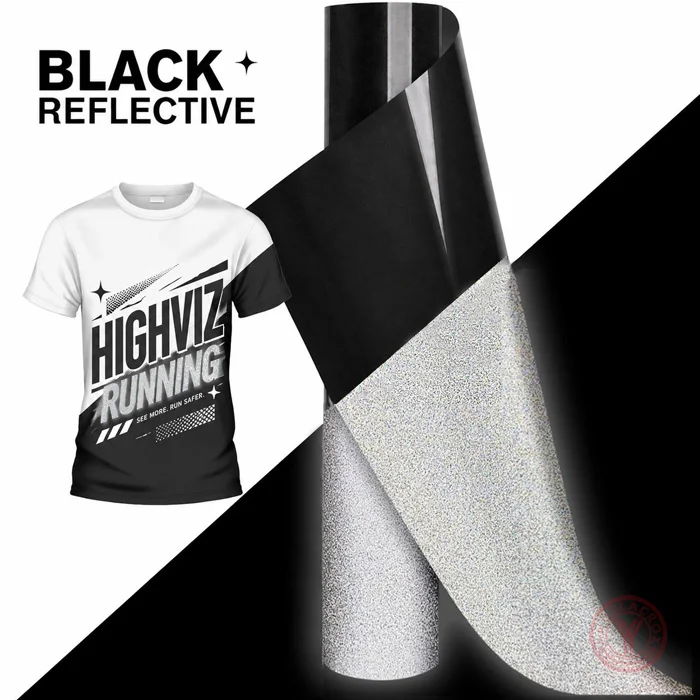
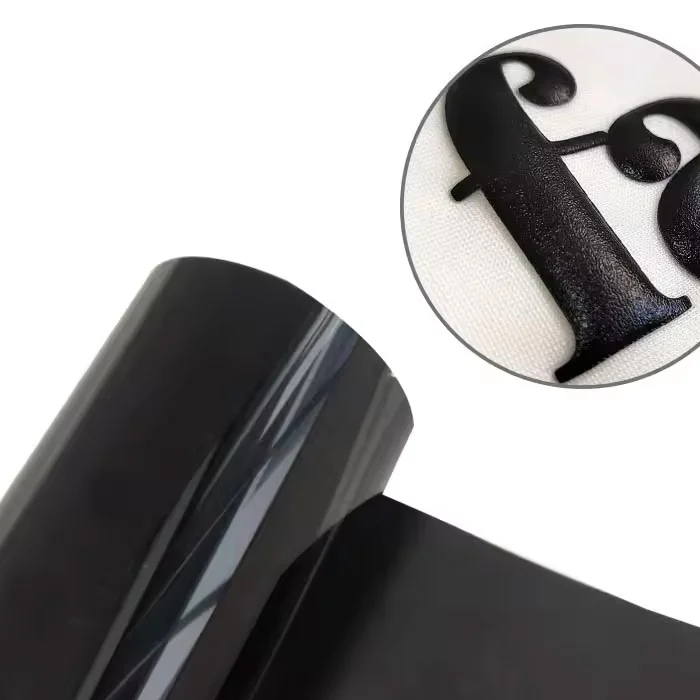
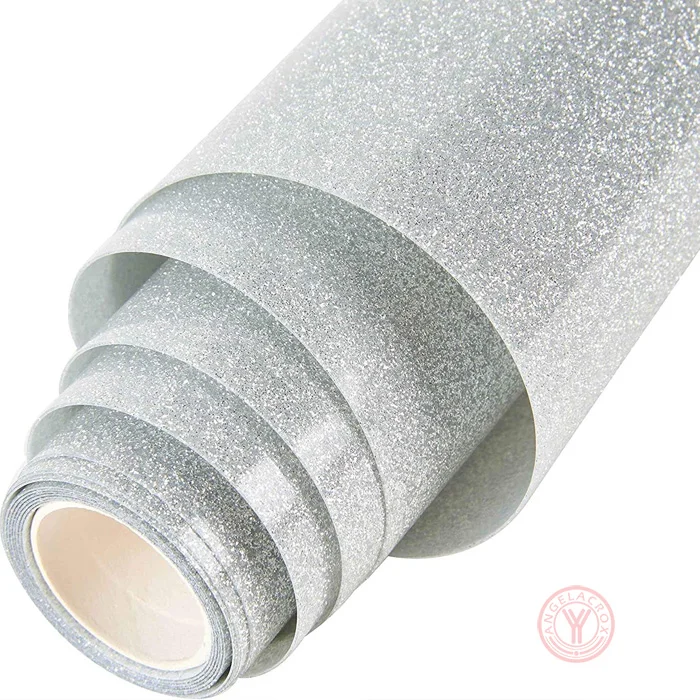
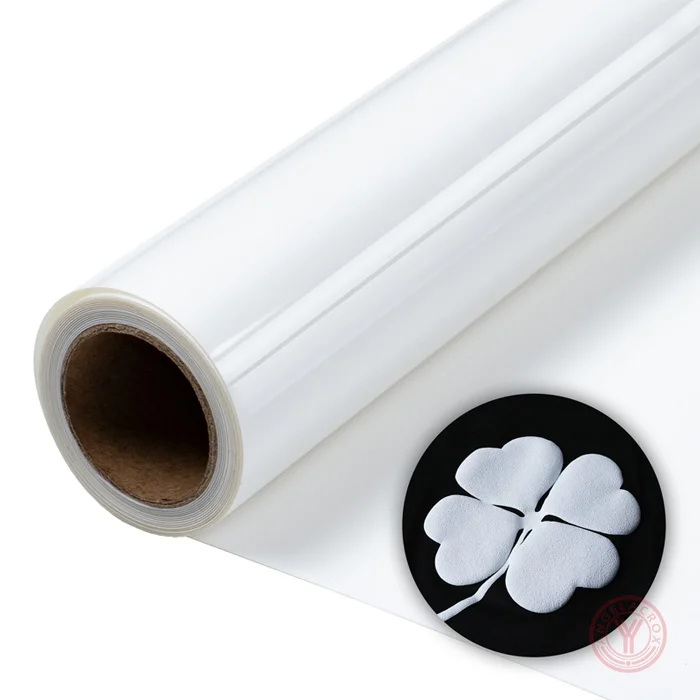
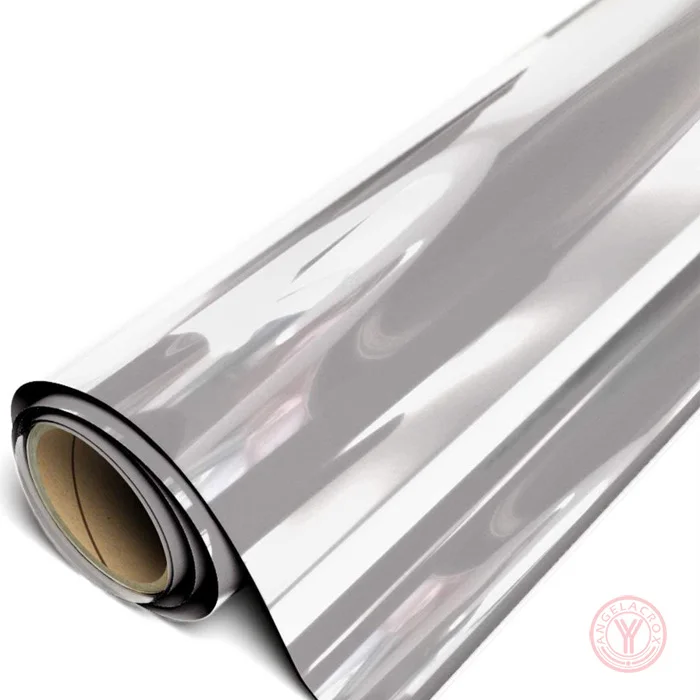
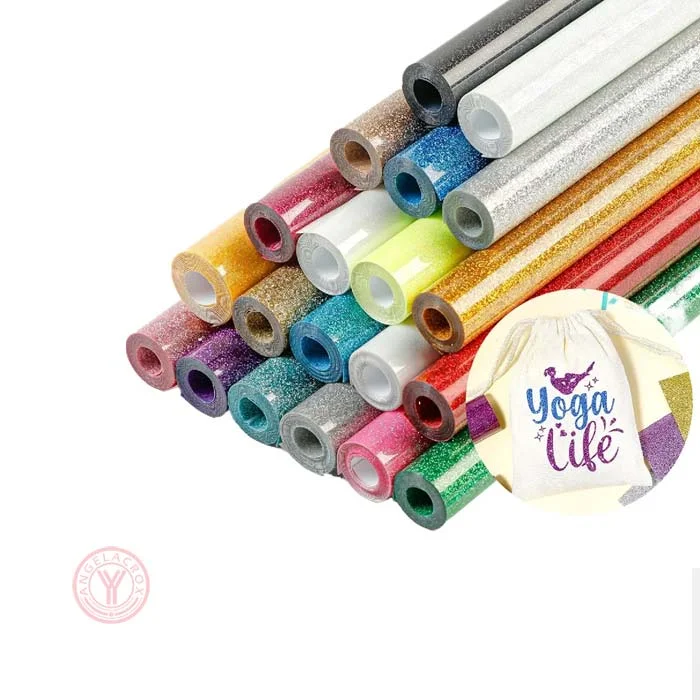
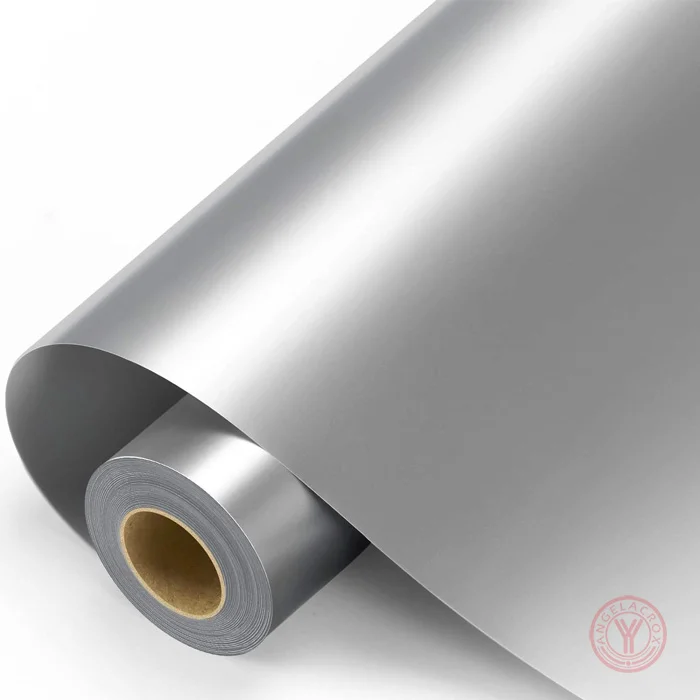
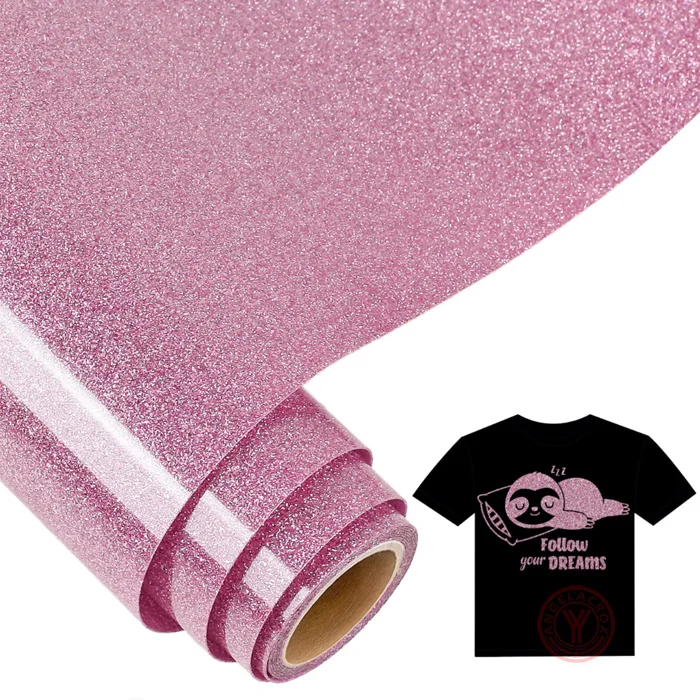
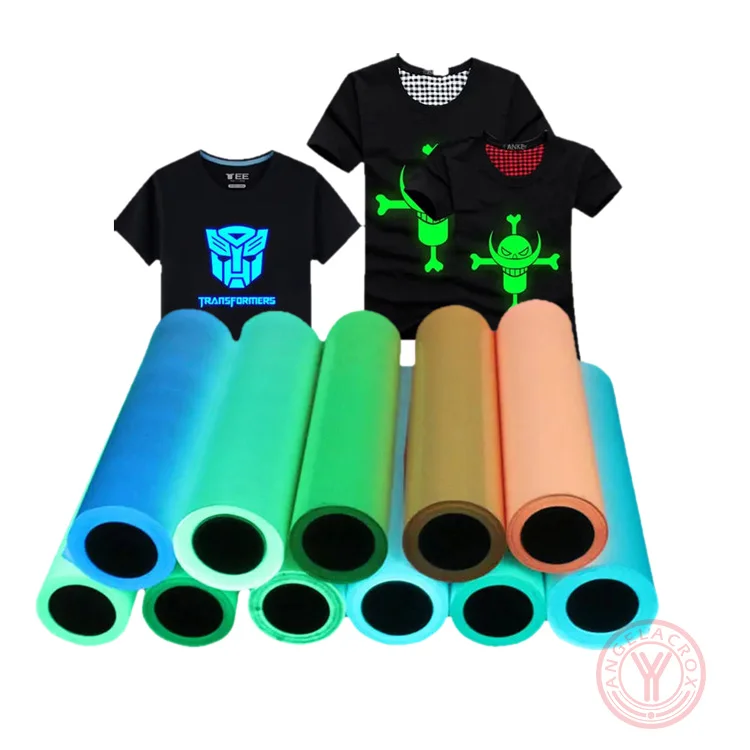
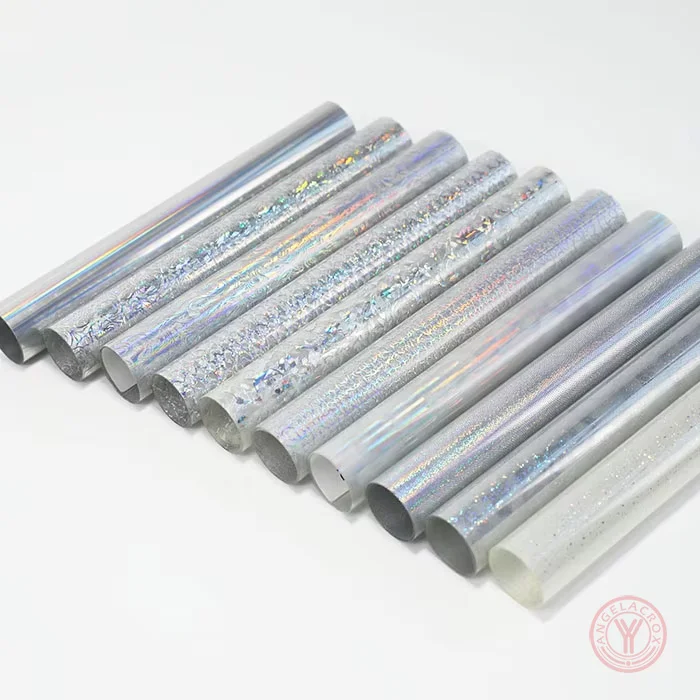
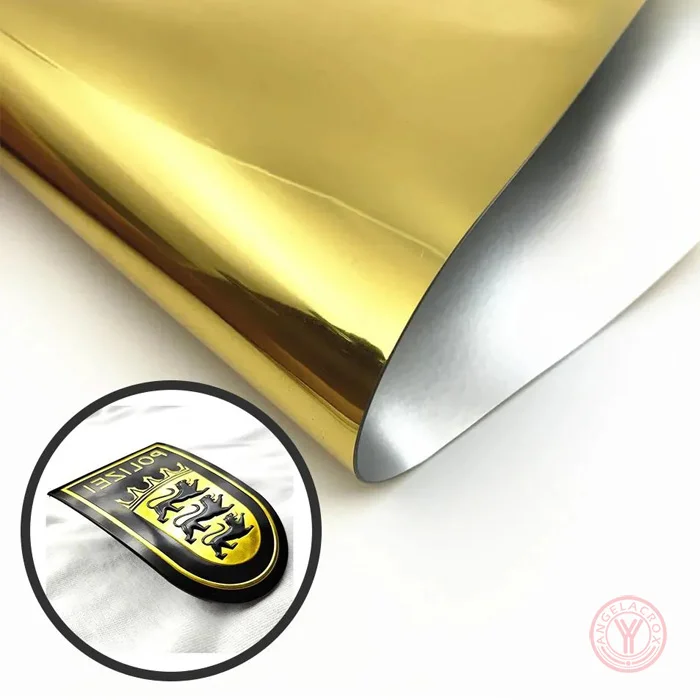
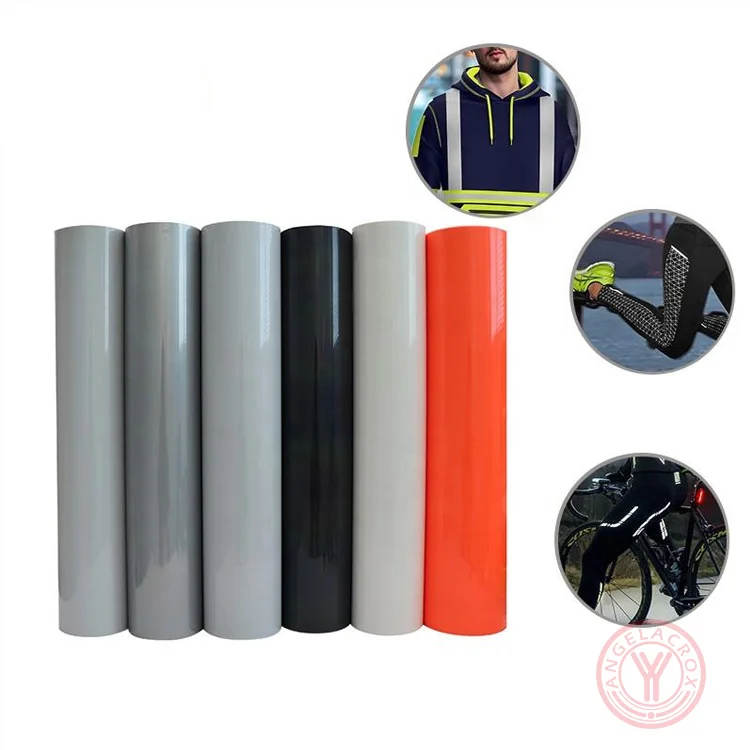
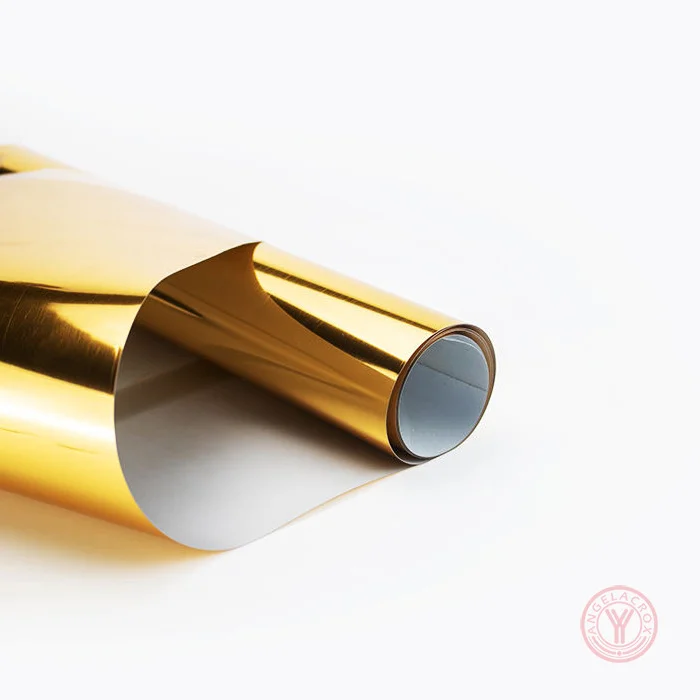
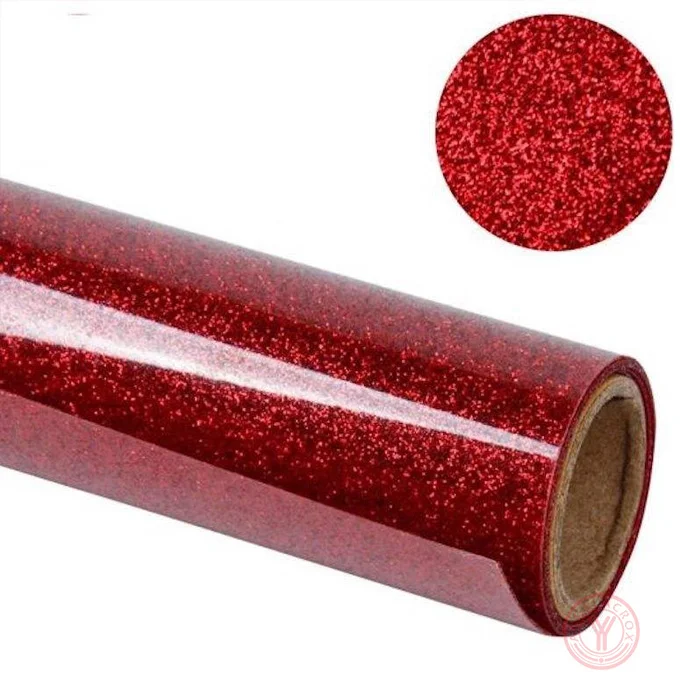
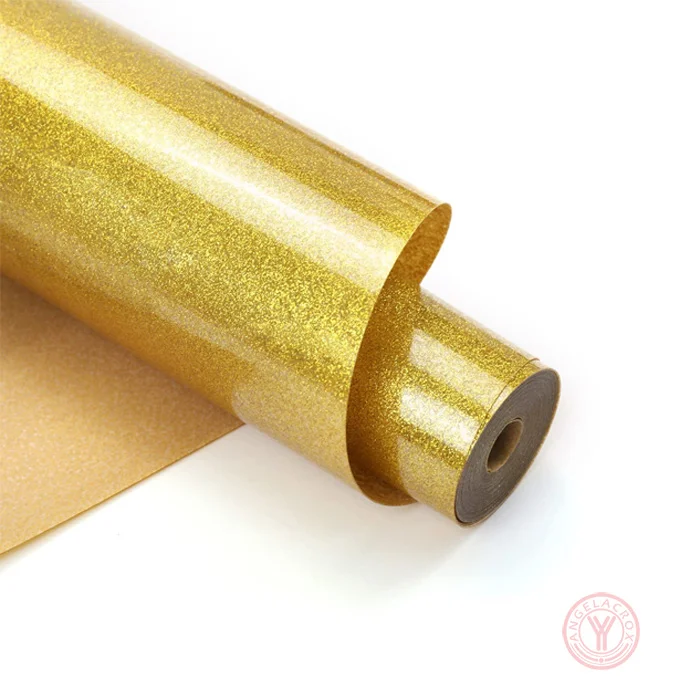
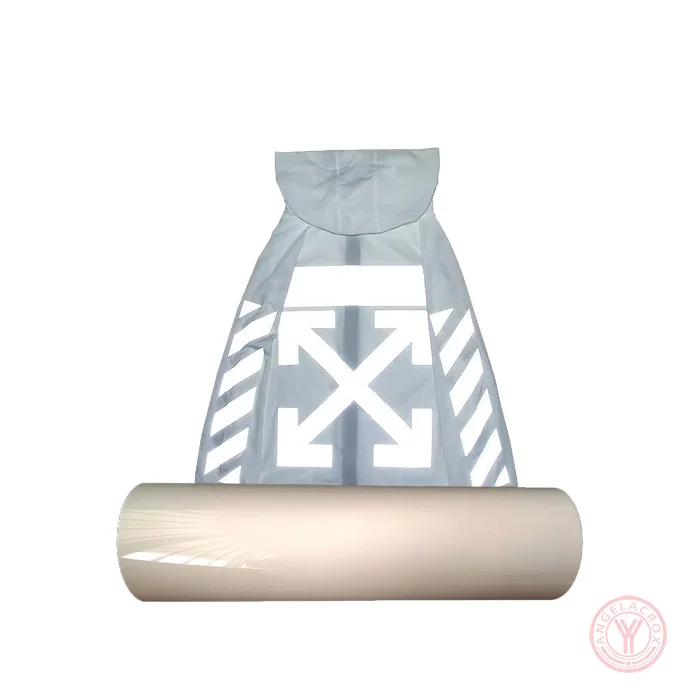
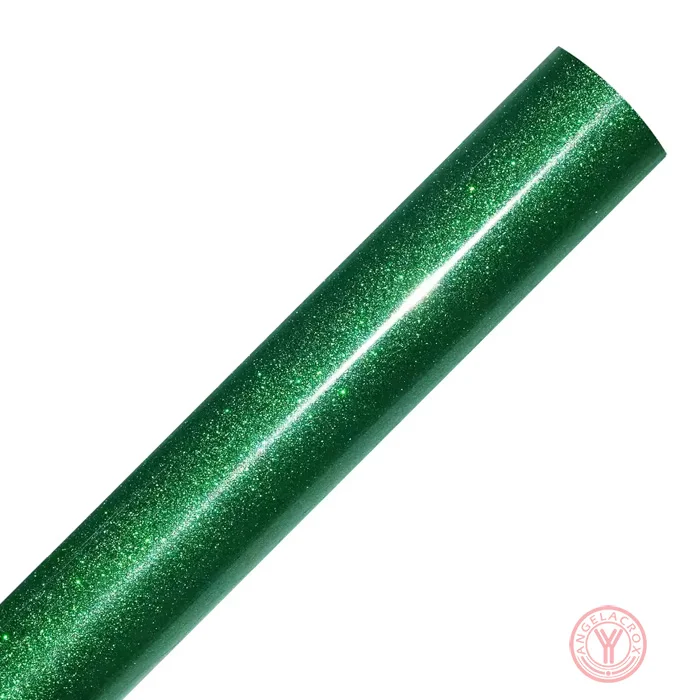
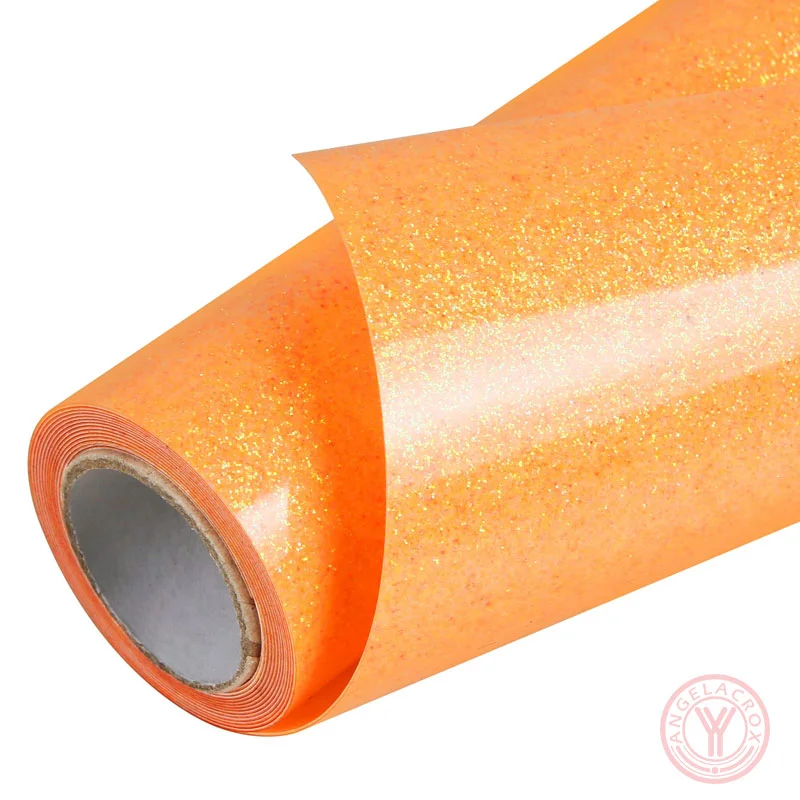
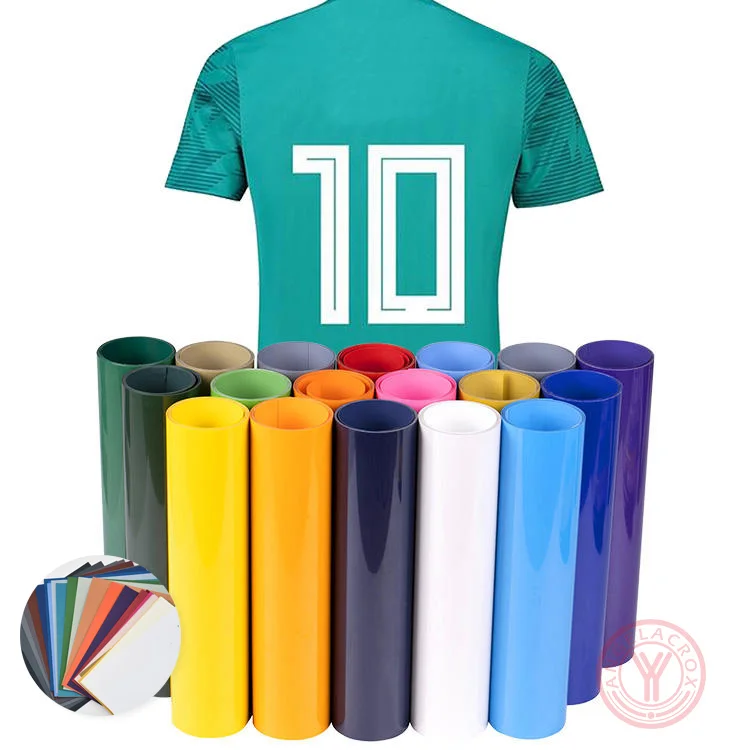
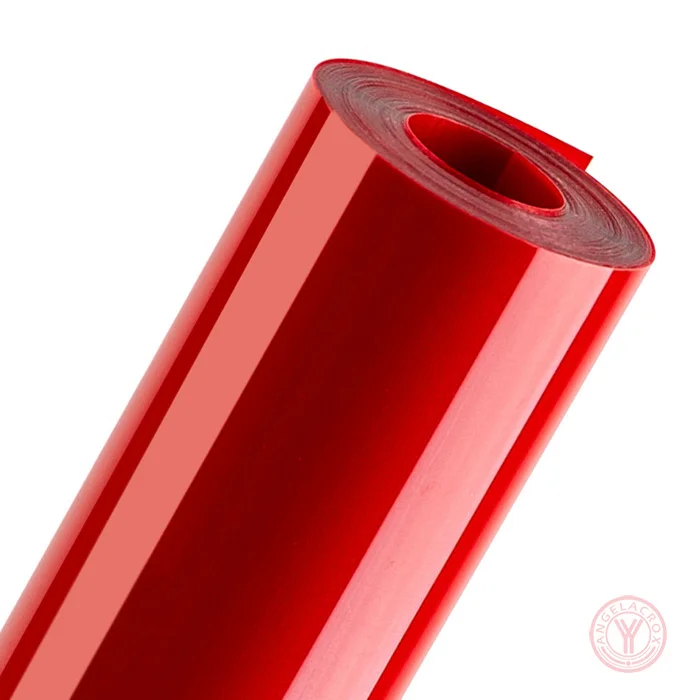
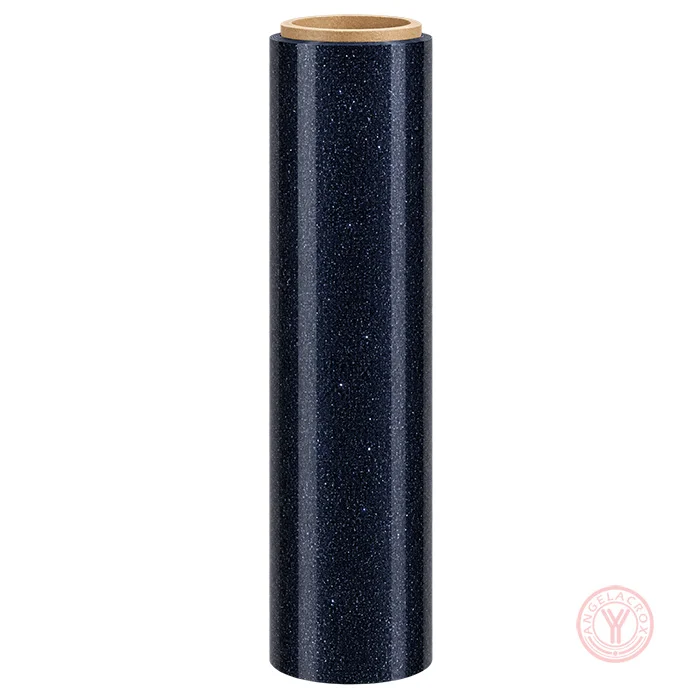
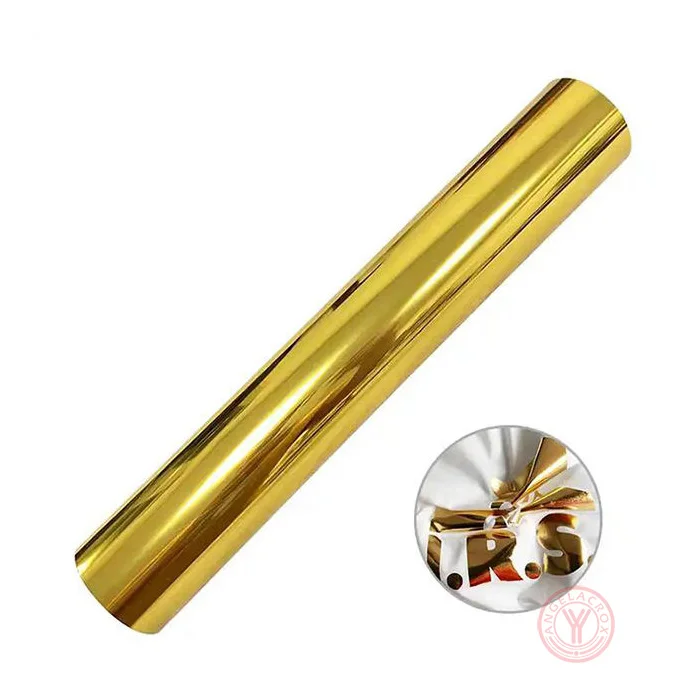
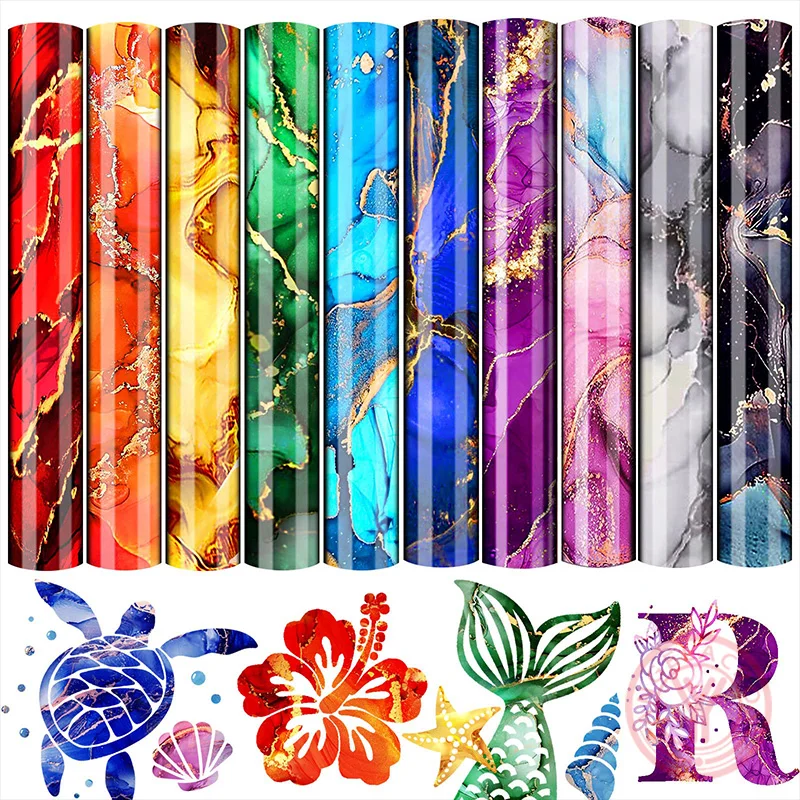
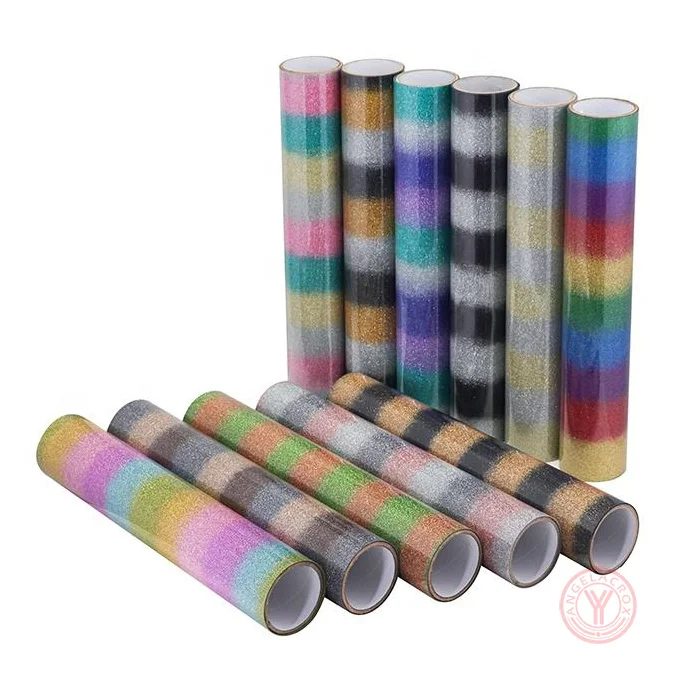
- Multiple Finishes — Metallic, glitter, holographic, ombre and reflective options.
- Rich Color Expression — Smooth color transitions and vivid visual effects.
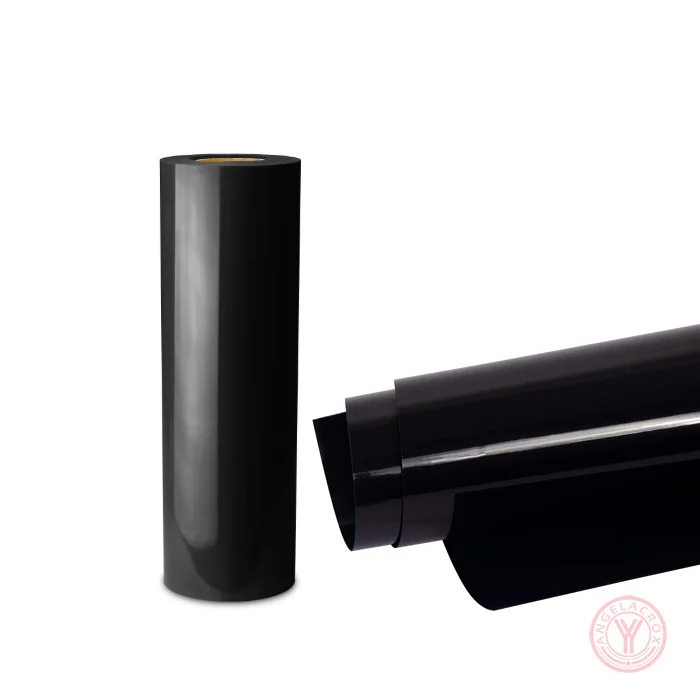
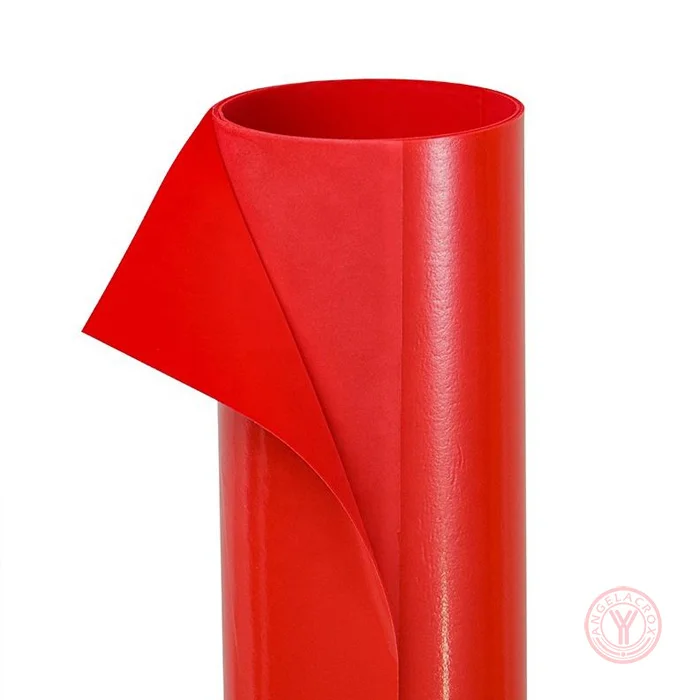
- Multiple Materials — PU, TPU, PVC, PET and silicone options.
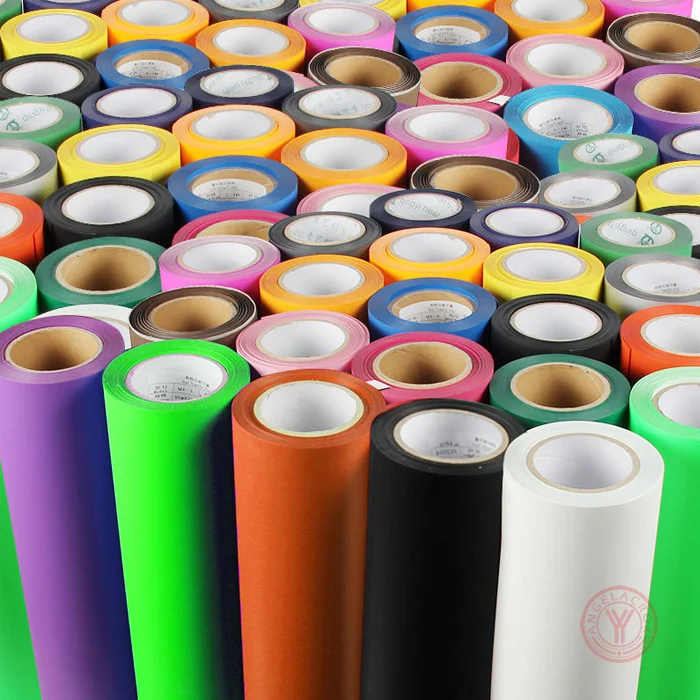
- Custom Specifications — Custom finishes, sizes, thicknesses and materials.
- Factory Direct Supply — Samples, flexible MOQ and OEM/ODM support.
Specification
| Material | PU, TPU, PVC, PET |
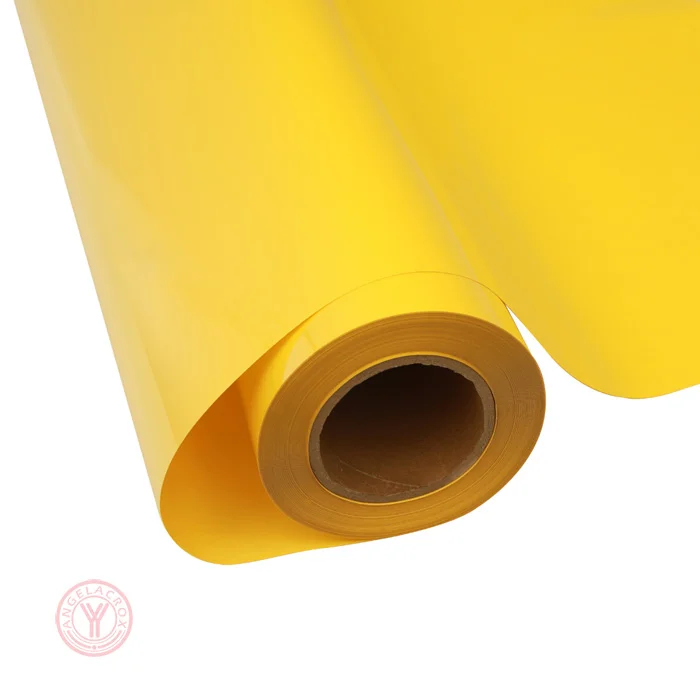
| Finish | Metallic, Glitter, Holographic, Ombre, Rainbow Reflective HTV,Puff |
| Color | Rainbow |
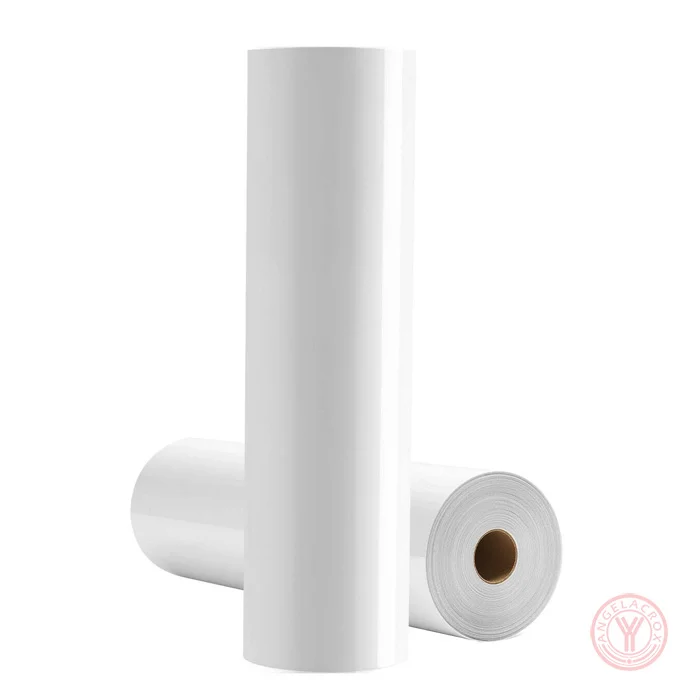
| Size | 50cm*25m (Customizable) |
| Thickness | 120um (Customizable) |
| Heat Transfer Temperature | 135-150°C |
| Peel | Warm or cold peel, depending on product |
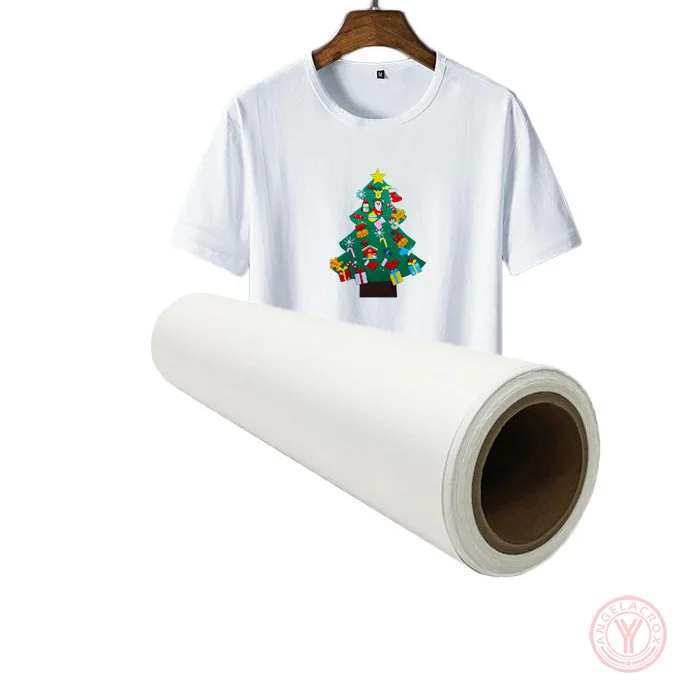
| Usage | T-Shirts & Hoodies, Sportswear, Fashion Apparel, Teamwear & Uniforms, Bags & Accessories, Custom Garments, Personalized Names & Numbers, Logo & Graphic Decoration |
| MOQ | 1 roll |
| Sample | Free samples |
How to Use Rainbow Heat Transfer Vinyl
- 1. Create Your Design: Prepare your artwork and mirror the design before cutting.
- 2. Cut the Vinyl: Place the Rainbow HTV Vinyl on the cutting mat with the correct side facing up, then cut with a suitable HTV setting.
- 3. Weed the Design: Remove the excess vinyl carefully, leaving only the design to be transferred.
- 4. Preheat the Fabric: Press the garment briefly to remove moisture and wrinkles.
- 5. Heat Press: Position the design on the fabric and apply the recommended temperature, pressure and pressing time for the specific Rainbow Heat Transfer Vinyl finish.
- 6. Peel & Finish: Peel according to the product's warm- or cold-peel requirement. Allow the transfer to cool and bond properly before handling.
Note: Heat-transfer settings may vary by material and finish. Always follow the recommended pressing parameters provided with the specific Rainbow HTV.