
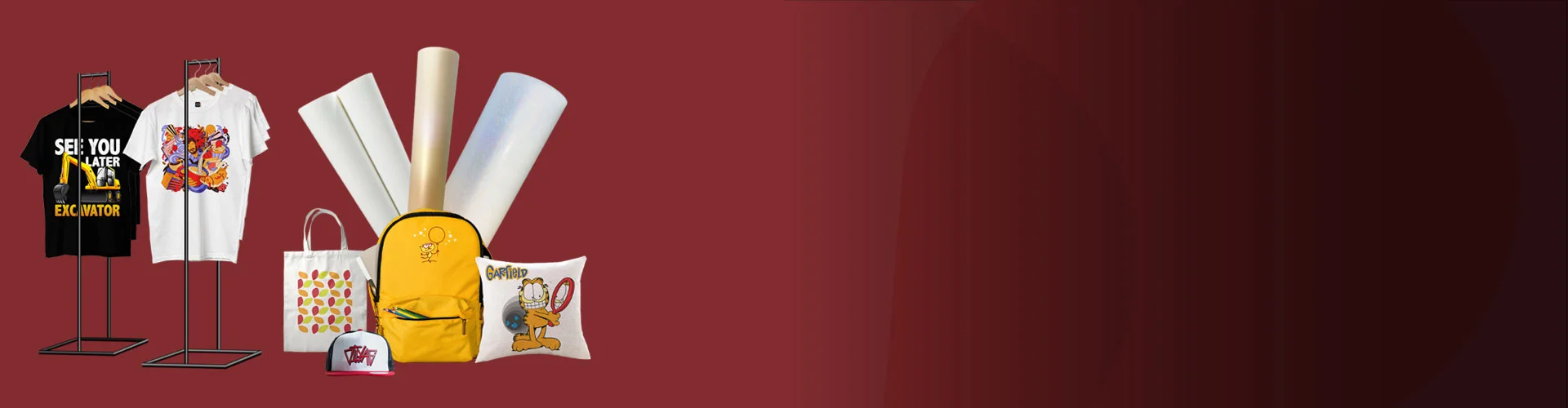
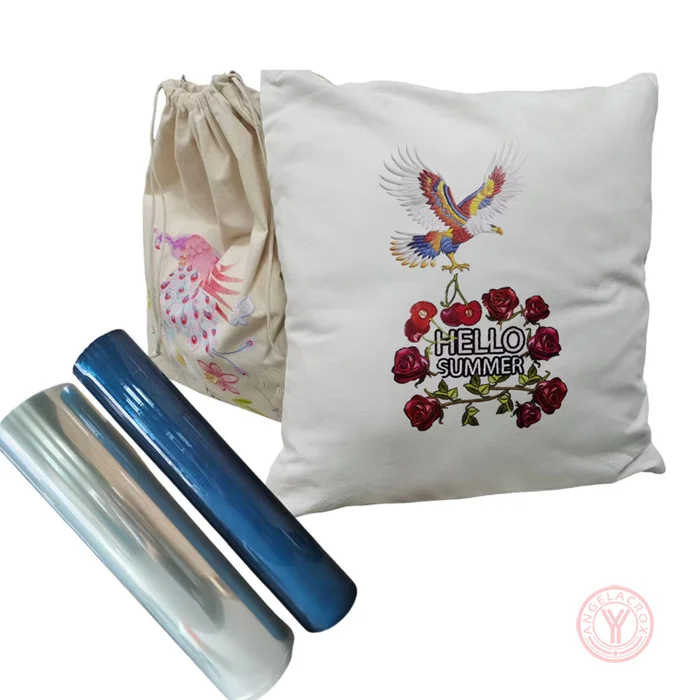
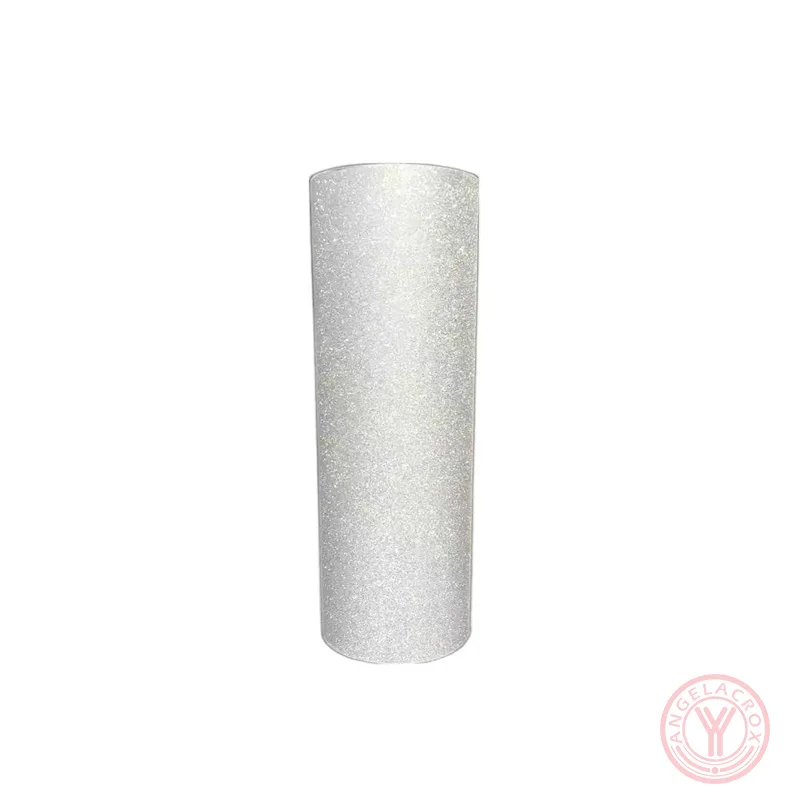
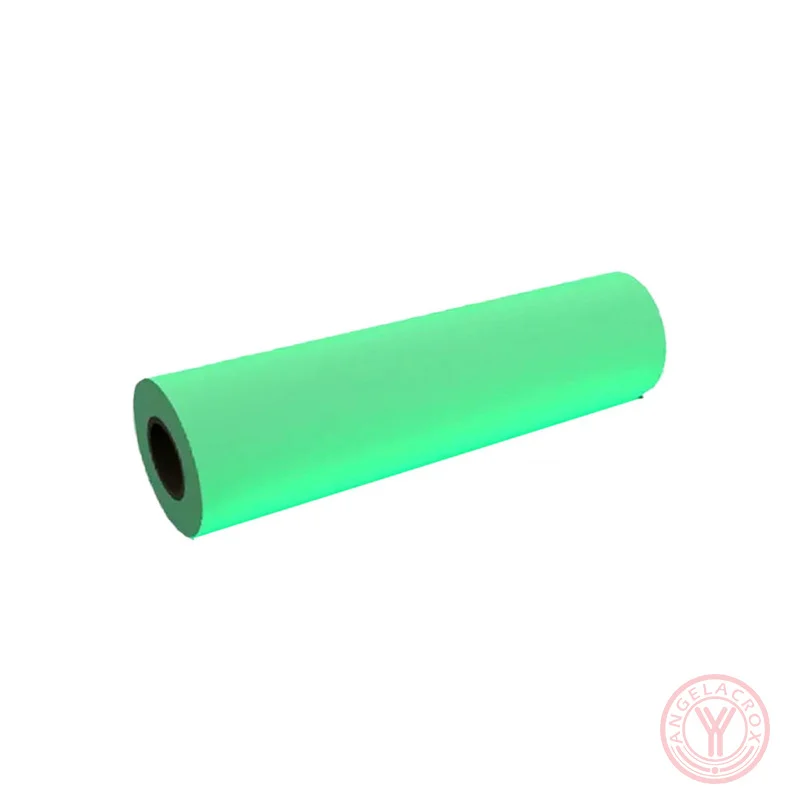
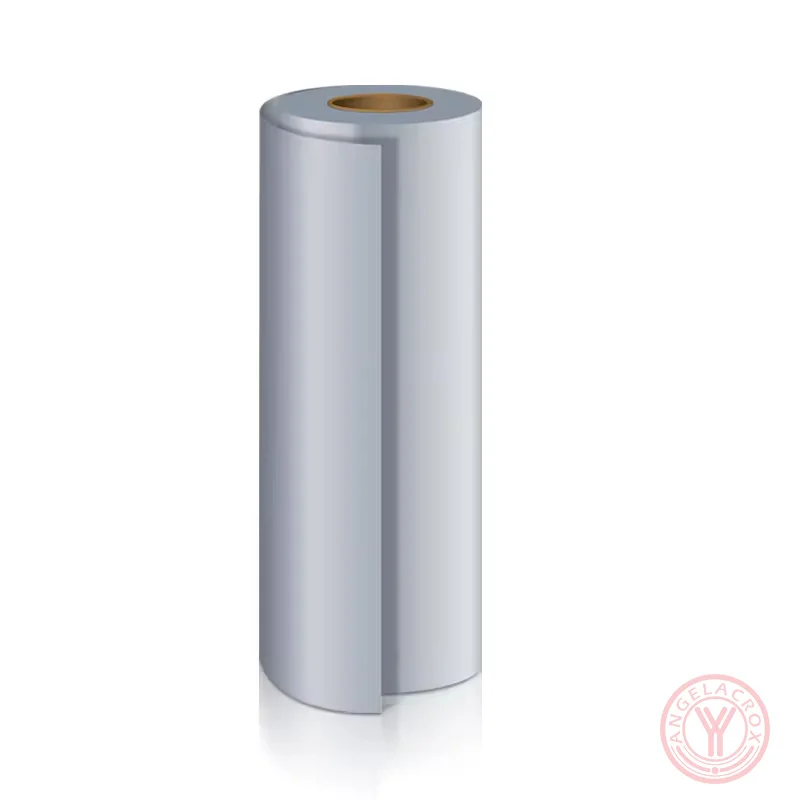
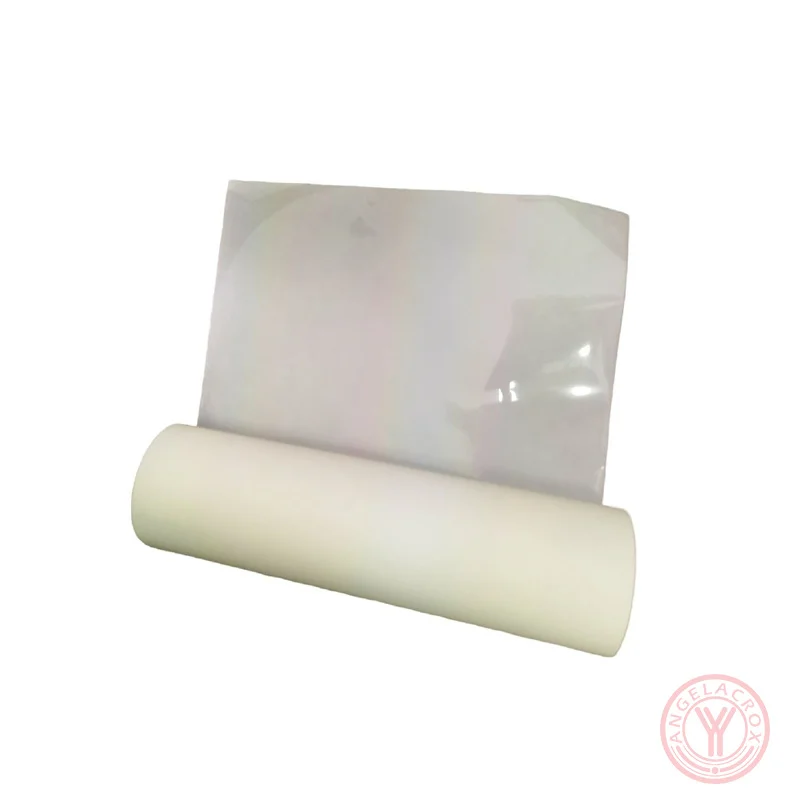
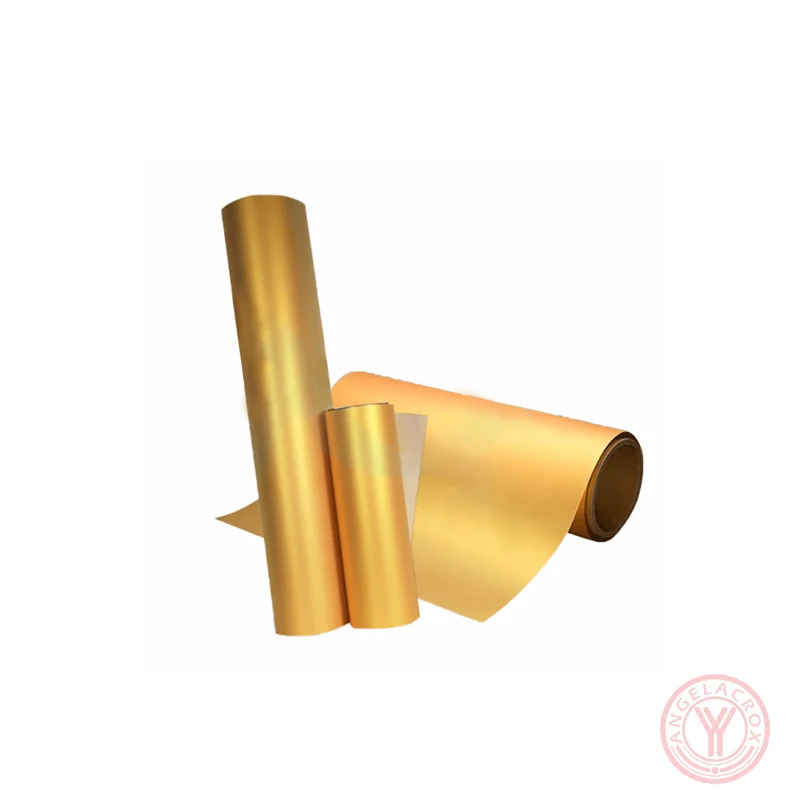
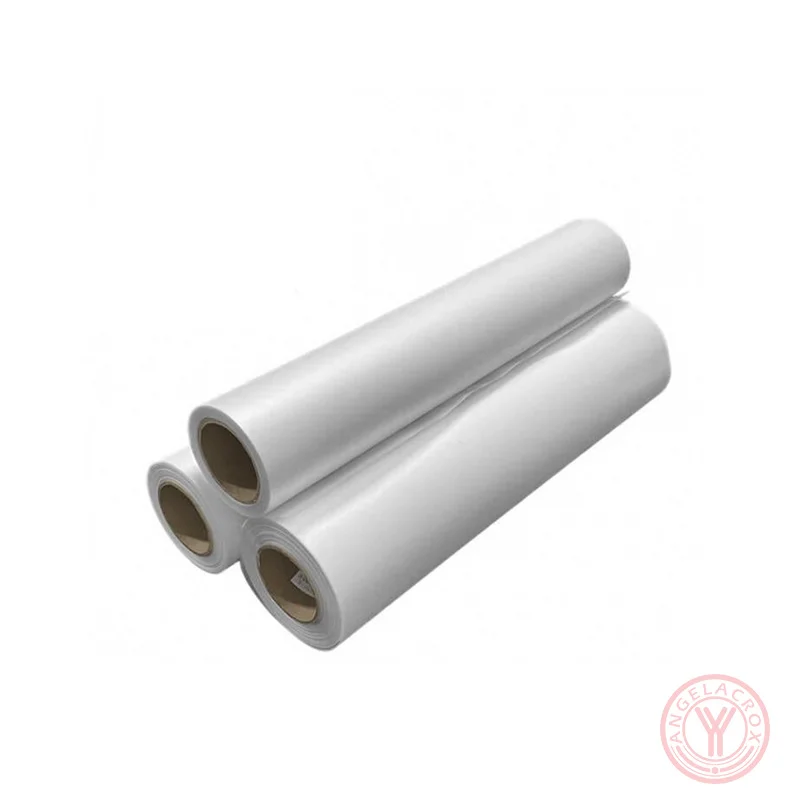
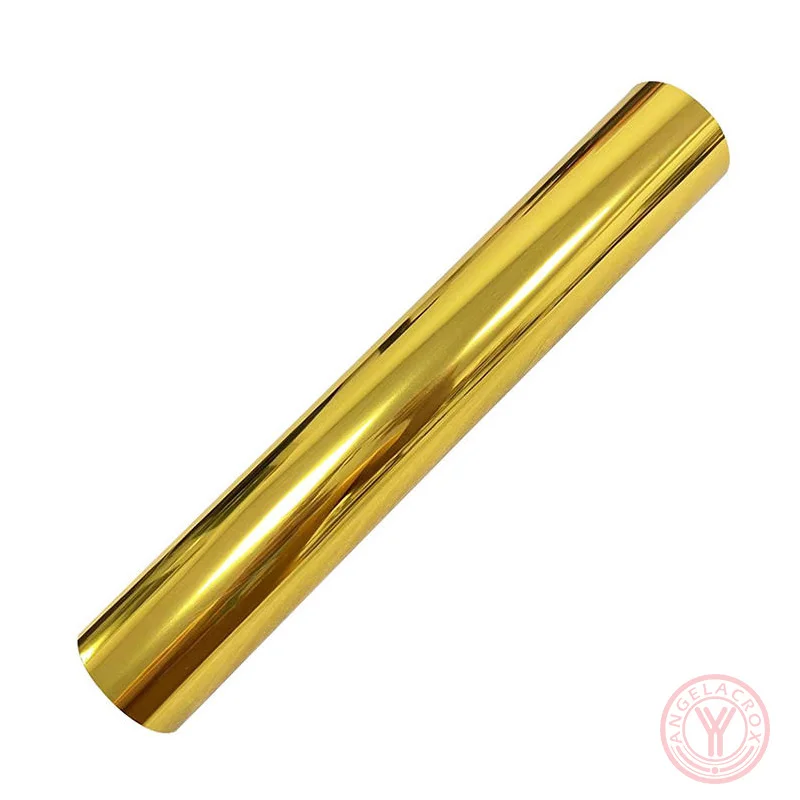
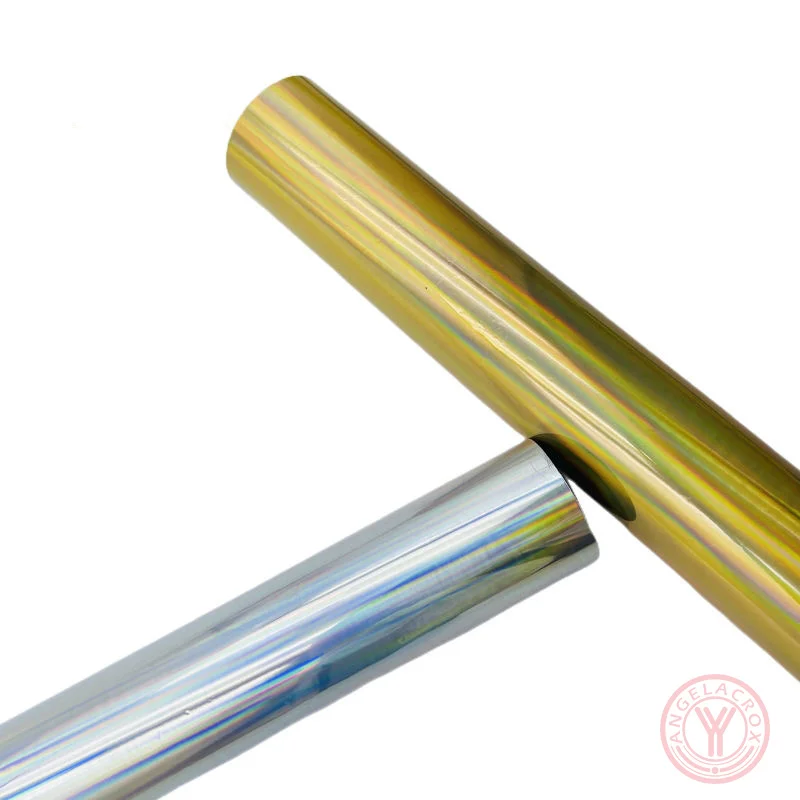
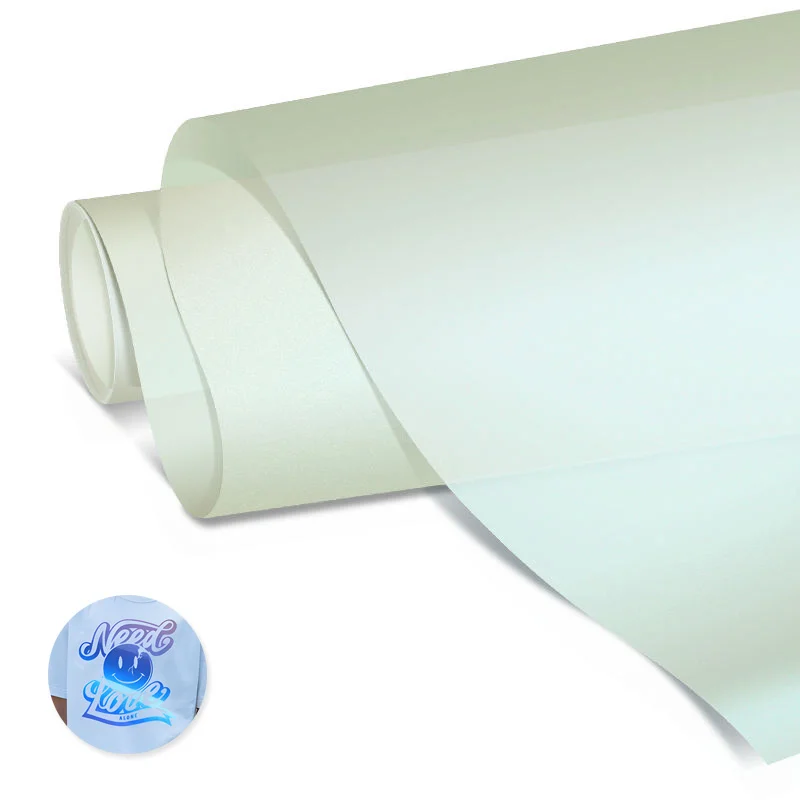
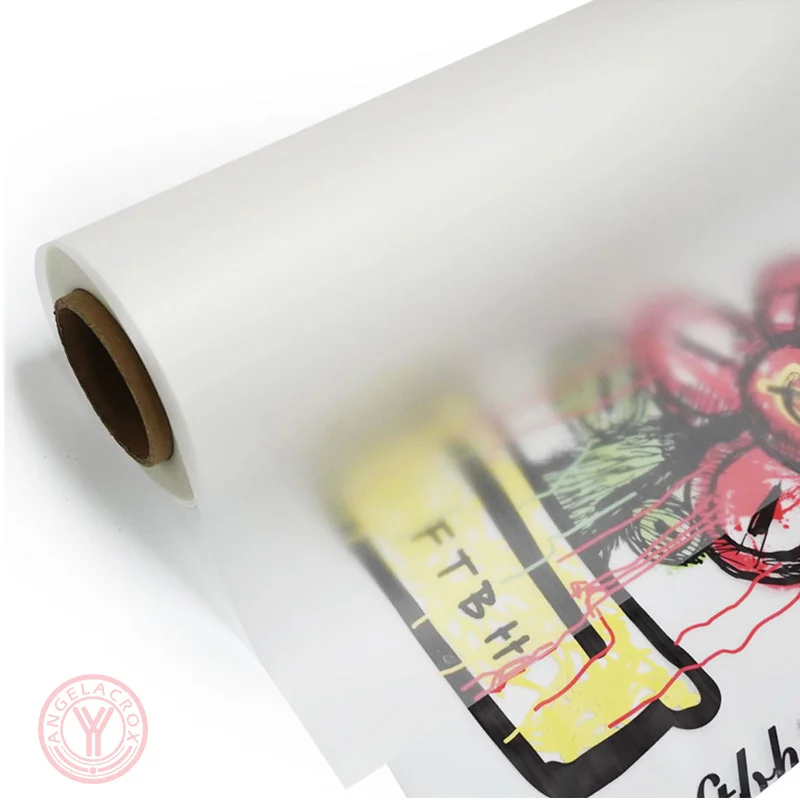






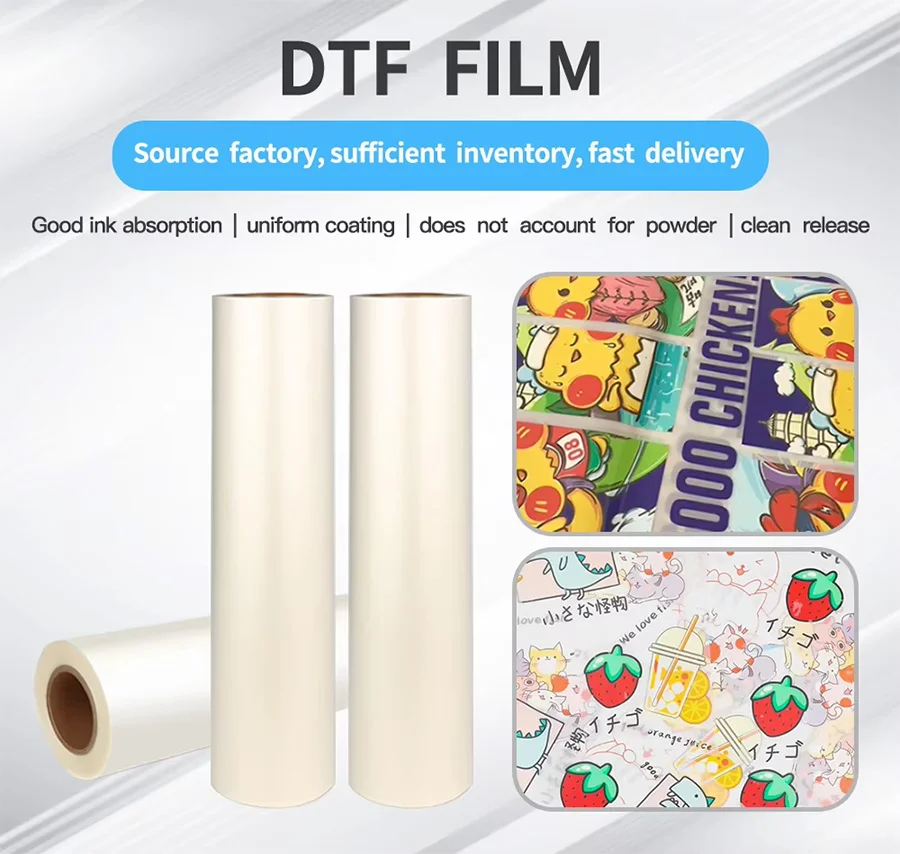
What is DTF Film?
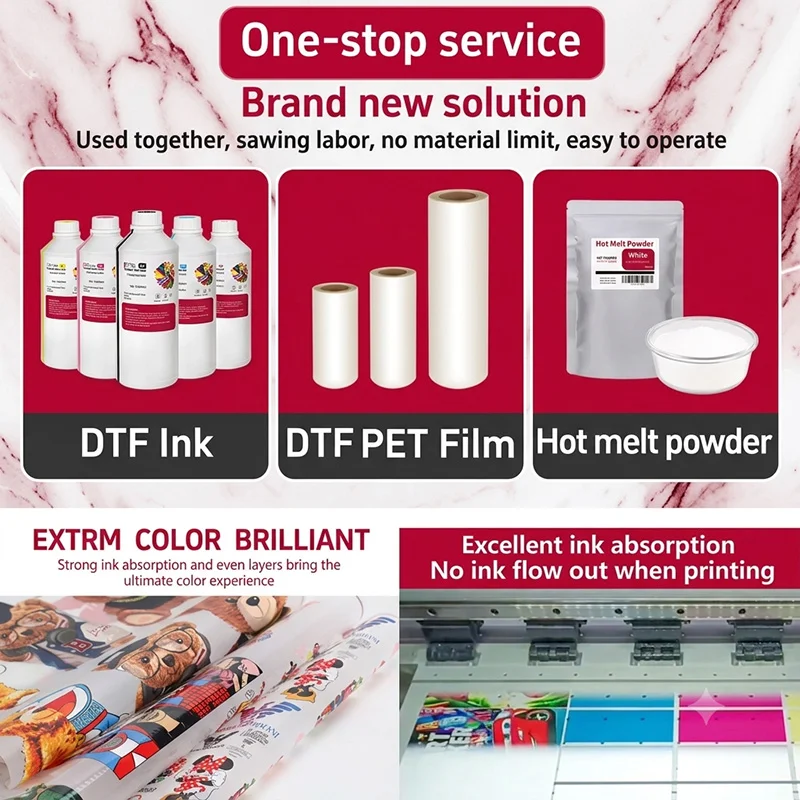
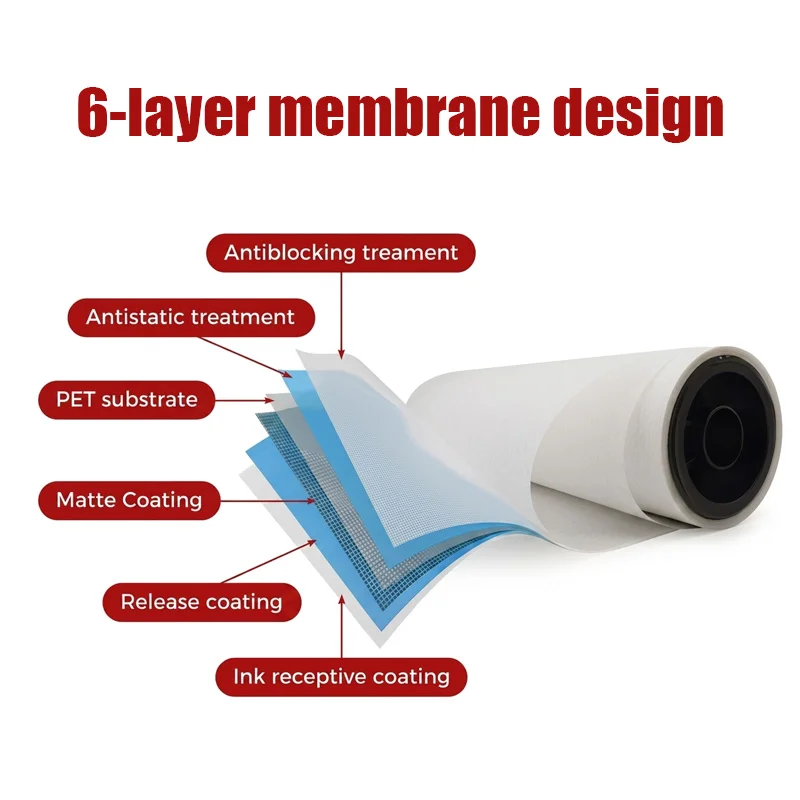
DTF film (Direct-to-Film transfer film) is a specially coated PET (polyethylene terephthalate) film used in the Direct-to-Film printing process. It works as a temporary carrier that holds the printed design before transferring it onto fabrics through heat and pressure.
Unlike traditional heat transfer paper, DTF film is designed for use with DTF pigment inks (CMYK + White ink) and hot melt adhesive powder. It enables high-quality transfers on a wide range of materials,
including cotton, polyester, blends, canvas, and leather.
For a complete explanation of DTF film structure, printing process, types, and applications, read:What Is DTF Transfer Film? A Complete Guide
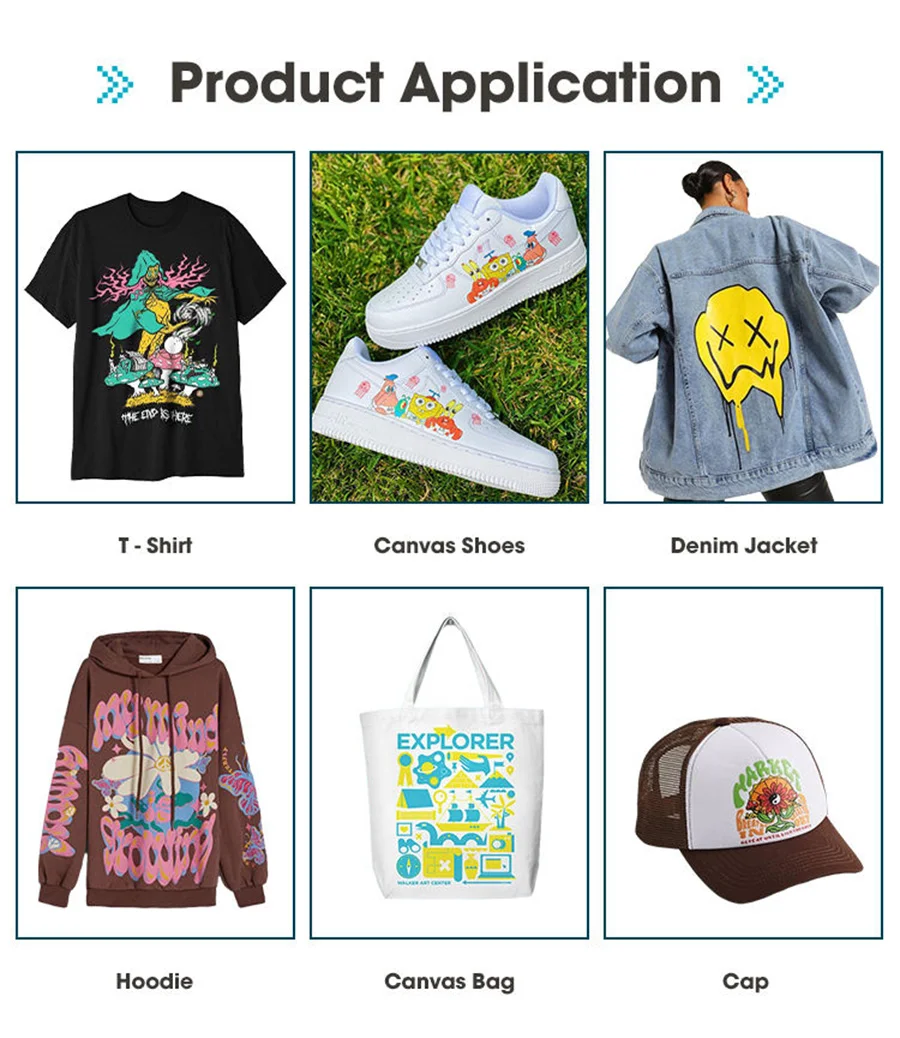
What is DTF Film Used For?
DTF film is mainly used for:
- Custom apparel printing – T-shirts, hoodies, jackets, sweatshirts, and uniforms
- Logo and branding applications – Company logos, labels, and promotional clothing
- Sportswear decoration – Team names, numbers, and performance wear designs
- Fashion and textile production – Custom patterns, graphics, and detailed artwork
- DIY and small business printing – Personalized gifts, custom clothing, and on-demand products
Materials Compatible with DTF Film
- Cotton
- Polyester
- Cotton/polyester blends
- Denim
- Canvas
- Nylon and some treated synthetic fabrics
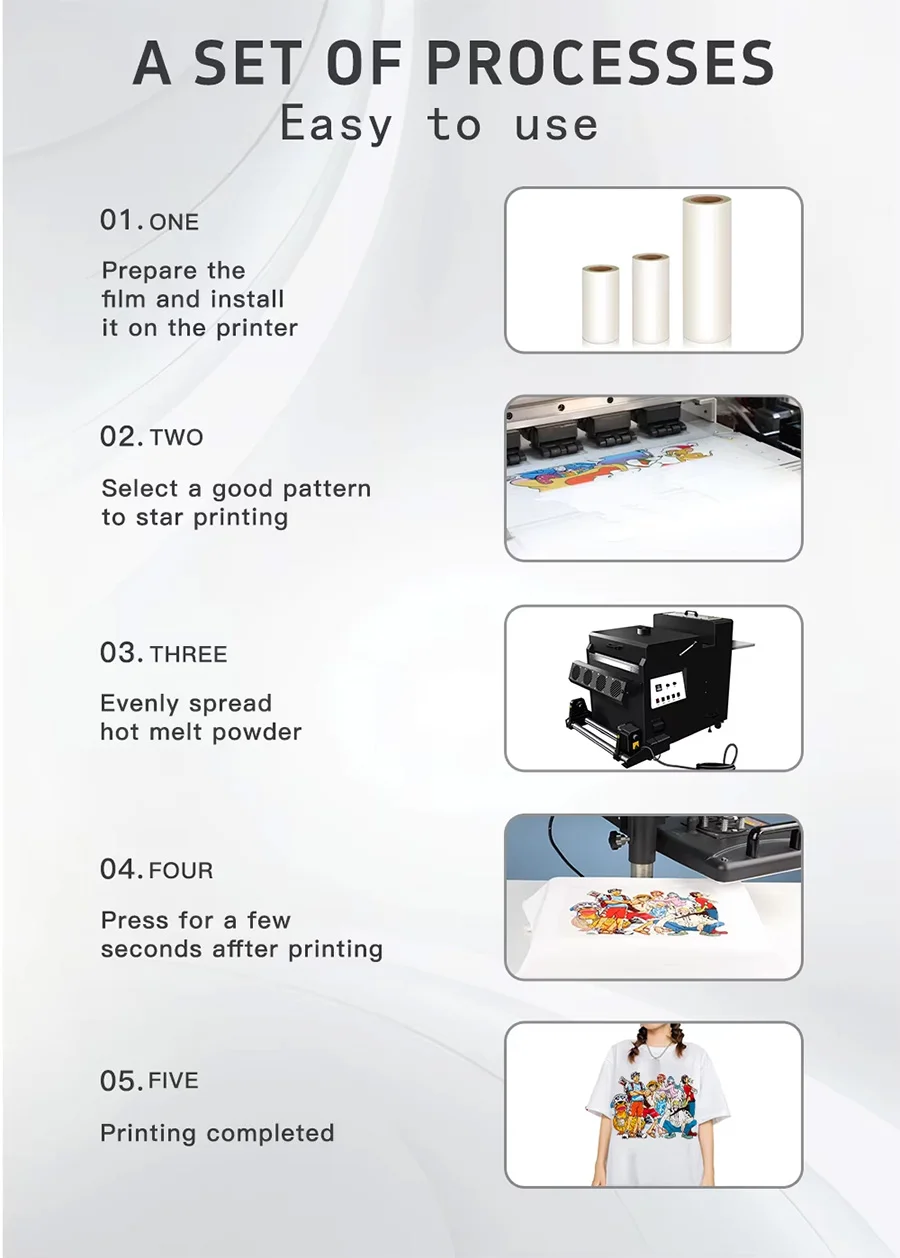
How to Use DTF Film?
The basic DTF transfer process involves printing a design on the coated side of the film, applying hot melt adhesive powder, curing the powder, and transferring the design onto fabric using a heat press.
- Print – Print the design on the coated side of the DTF film using DTF ink (CMYK + White ink).
- Apply Powder – Apply hot melt adhesive powder evenly over the printed design.
- Cure – Heat the film to melt the powder and create a strong bond with the ink layer.
- Heat Transfer – Press the film onto fabric using a heat press (150–170°C, 10–15 seconds, medium pressure).
- Peel – Remove the film using hot peel, warm peel, or cold peel methods depending on the DTF film type.
Tips: Always print on the correct coated side of the film and test your settings before starting bulk production.
How to Choose DTF PET Film?
When choosing DTF PET film, consider the film type, surface coating, thickness, printer compatibility, and transfer requirements.
-
Choose the Right Peel Type:
- Hot Peel Film: Faster production; peel immediately after pressing.
- Cold Peel Film: Better control and ideal for detailed designs.
- Warm Peel Film: A balanced option for various applications.
-
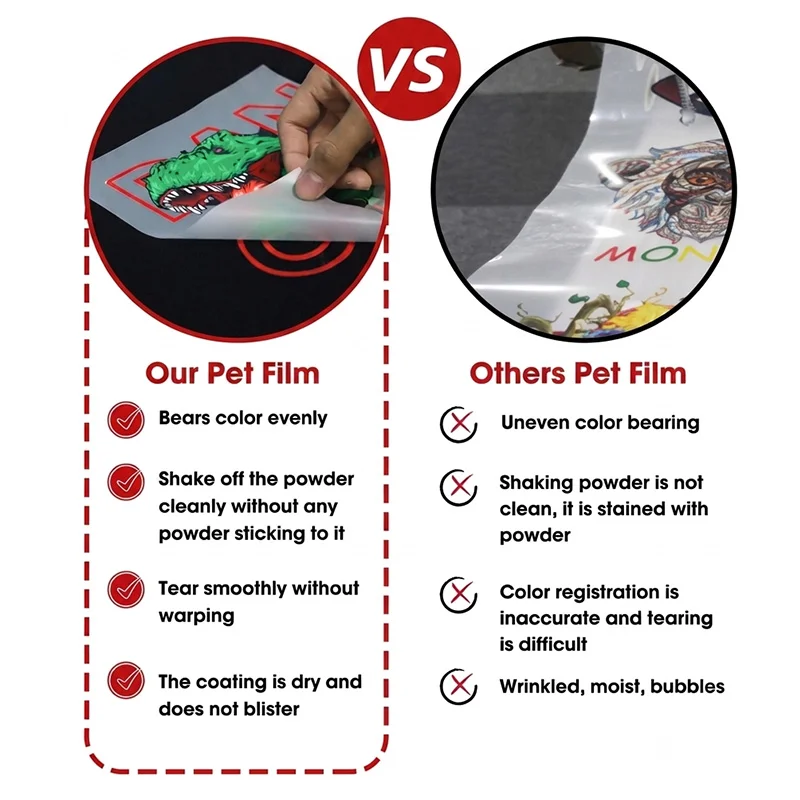
Check Coating Quality:
High-quality coatings provide smooth ink absorption, vibrant colors, sharp details, and strong powder adhesion. -
Select the Right Thickness:
Common thicknesses range from 75–100 microns. Thicker films generally offer better handling and stability. -
Match Your Printer and Ink:
Ensure the PET film is compatible with DTF printers, DTF pigment inks (CMYK + White), and hot melt adhesive powder. -
Choose the Correct Size:
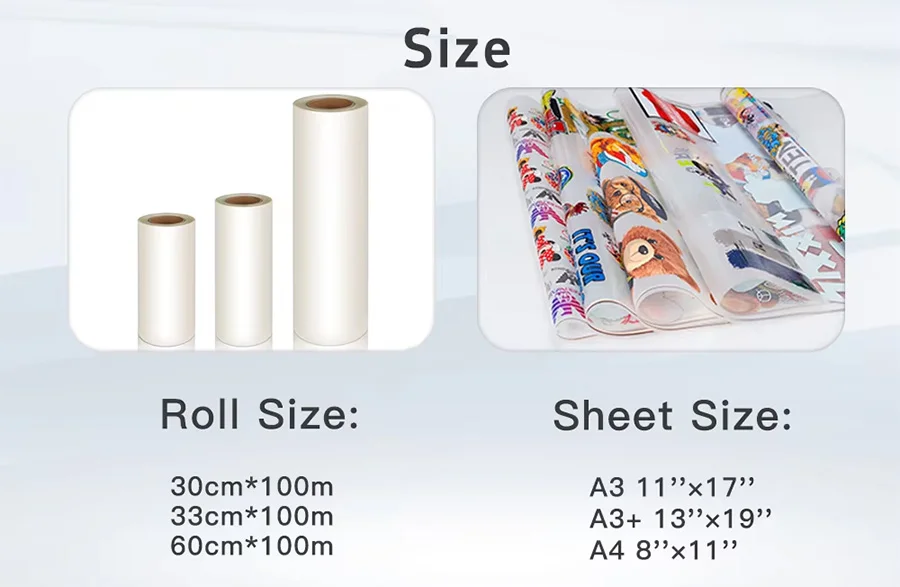
Available options include A4, A3 sheets, and roll sizes such as 30cm, 33cm, and 60cm widths based on production requirements. -
Consider the Surface Type:
- Matte Finish: Reduces glare and improves feeding performance.
- Double-Sided Matte: Reduces static and enhances printer stability.
- Glossy Finish: Suitable for applications requiring a smooth surface.
Can you use sublimation ink on DTF film?
No. DTF film is designed for DTF inks (CMYK + White ink), not sublimation ink. Sublimation ink requires a polyester coating and high-temperature dye sublimation process to bond with fabrics, while DTF film uses a special coating to receive DTF pigment ink and transfer powder. For best results, use DTF film with compatible DTF printers and in.Can I print on DTF film with an inkjet printer?
Yes, but not ideal.You can print on DTF film with some inkjet printers, but for stable quality and durability, a proper DTF printer with DTF ink is recommended.Can you reuse DTF film?
No. DTF film is designed for single-use transfer applications. Once the film has been printed, powdered, and heat-transferred onto fabric, the coating layer and ink-receiving properties are no longer suitable for reuse. For stable print quality and durability, always use a new piece of DTF transfer film for each design.Can you use DTF film for sublimation?
No. DTF film is not suitable for sublimation printing. DTF film is specially coated to work with DTF pigment inks, white ink, and hot melt powder, allowing designs to be transferred onto cotton, polyester, blends, and other fabrics. Sublimation requires sublimation ink and a polyester-coated or polyester-based substrate where the ink turns into gas and bonds with the material under heat.How long do you press DTF film?
First Transfer: Temperature: 160–165℃ (320°F–329°F); Time: 6–8 secondsSecond Transfer: Temperature: 180℃ (356°F); Time: 30 seconds
Pressure: Medium to firm.
The exact settings may vary depending on the DTF film type, adhesive powder, fabric material, and heat press machine.
What is the difference between A3 and A4 DTF film?
The main difference between A3 and A4 DTF film is the sheet size and printing area. Both types use the same DTF transfer process and are compatible with DTF inks, but A3 film provides a larger printing area for bigger designs.
| Feature | A3 DTF Film | A4 DTF Film |
|---|---|---|
| Size | 297 × 420 mm (11.7 × 16.5 in) | 210 × 297 mm (8.3 × 11.7 in) |
| Printing Area | Larger designs, multiple small prints per sheet | Small logos, labels, and simple graphics |
| Best For | T-shirts, hoodies, front/back prints, commercial production | Pocket logos, names, small artwork, DIY projects |
| Material | PET film with DTF coating | PET film with DTF coating |
| Ink Compatibility | DTF pigment ink (CMYK + White) | DTF pigment ink (CMYK + White) |
| Application Process | Same heat press process | Same heat press process |
Which one should you choose?
-
Choose A3 DTF film if you need higher production efficiency or larger garment designs. It is ideal for professional printing shops and bulk orders.
-
Choose A4 DTF film if you mainly print small graphics, test samples, or handle low-volume customization.
Both A3 and A4 DTF films deliver excellent color reproduction, strong adhesion, and durable wash resistance when used with compatible DTF printers, inks, and hot melt powder.
Which side of DTF film do you print on?
Print on the coated/matte side of the DTF film, not the glossy/smooth backing side. The coated side is designed to absorb ink properly and deliver clean, high-quality transfers.
Quick ways to identify the printable side:
- Hold the film under light: the printable side usually appears less shiny.
- Touch test: the printable side feels slightly rougher due to the coating.
- Water test: the printable side absorbs water better instead of repelling it.
If both sides look similar, print a small test corner first to confirm the correct printing surface before full production.
What Paper Setting Should I Use for DTF Film?
DTF film is a PET transfer film, not regular paper, so there is no universal paper setting. The best setting depends on your DTF printer model, print driver, and RIP software. Generally, select a media option designed for thick, coated, or specialty materials to ensure stable feeding and accurate ink delivery.
Recommended Settings:
- Media Type: Thick Paper / Heavy Paper / Specialty Film / PET Film (if available)
- Paper Thickness: Medium or High thickness setting
- Print Quality: High Quality / Photo Mode
- Ink Type: DTF Pigment Ink (CMYK + White Ink)
- Print Direction: Follow your RIP software recommendations
For the best results, test your settings with the specific DTF film type you use, such as cold peel, hot peel, or double-sided matte DTF film, before starting bulk production.