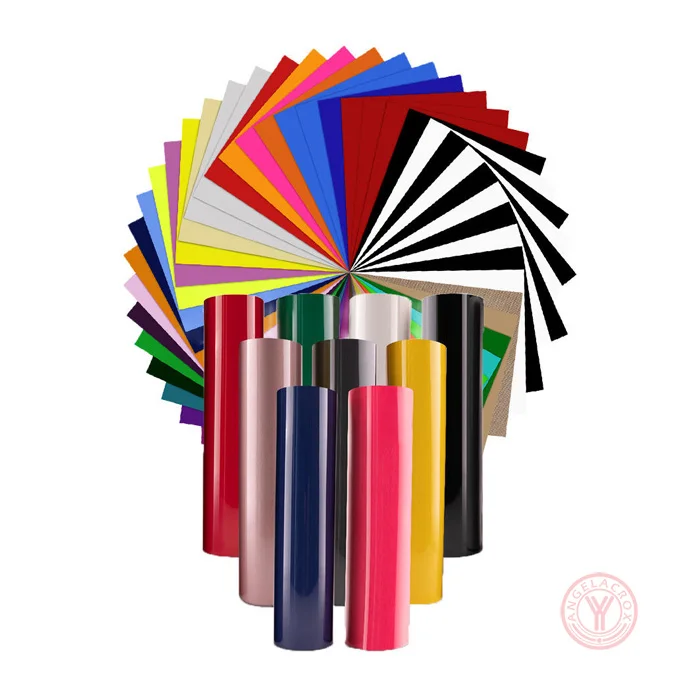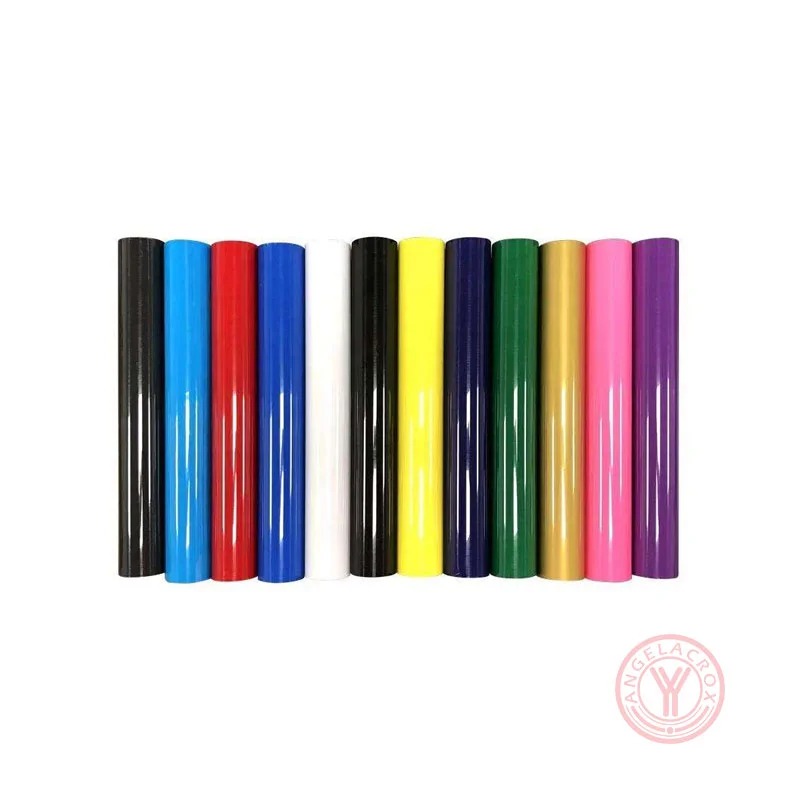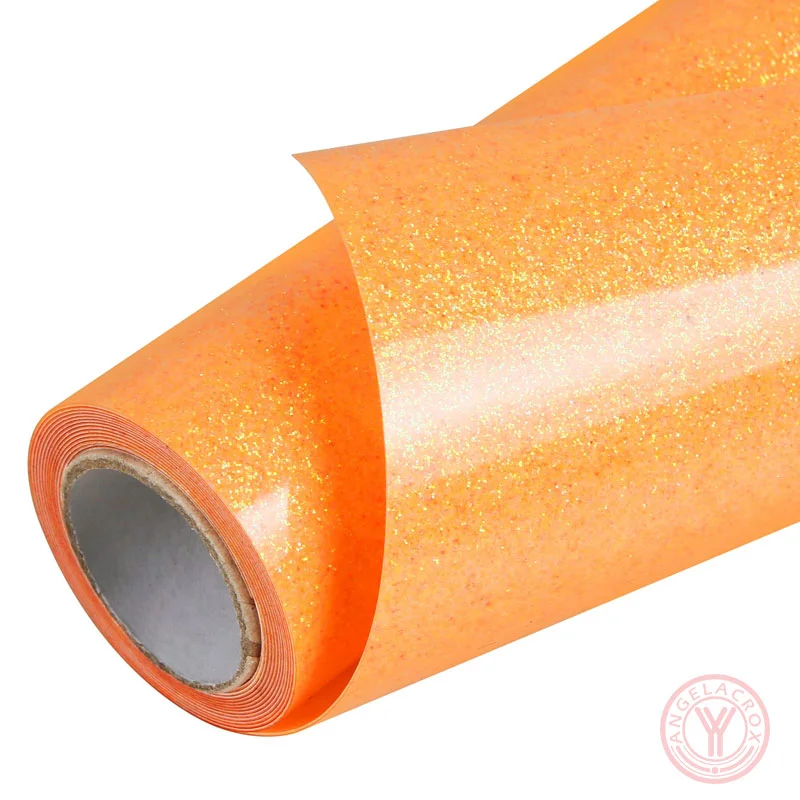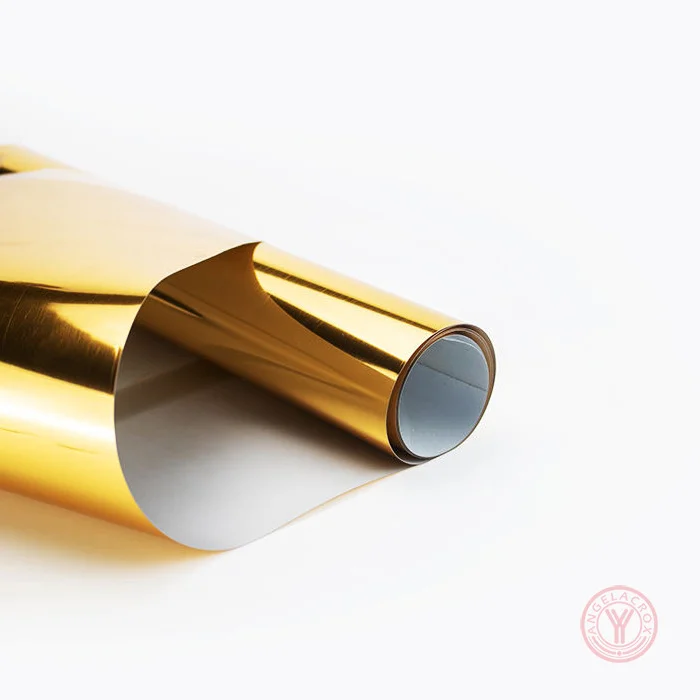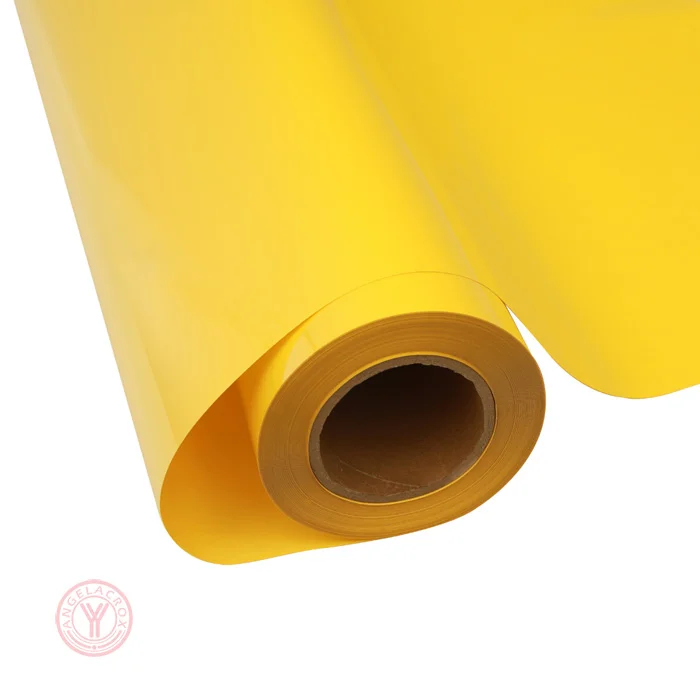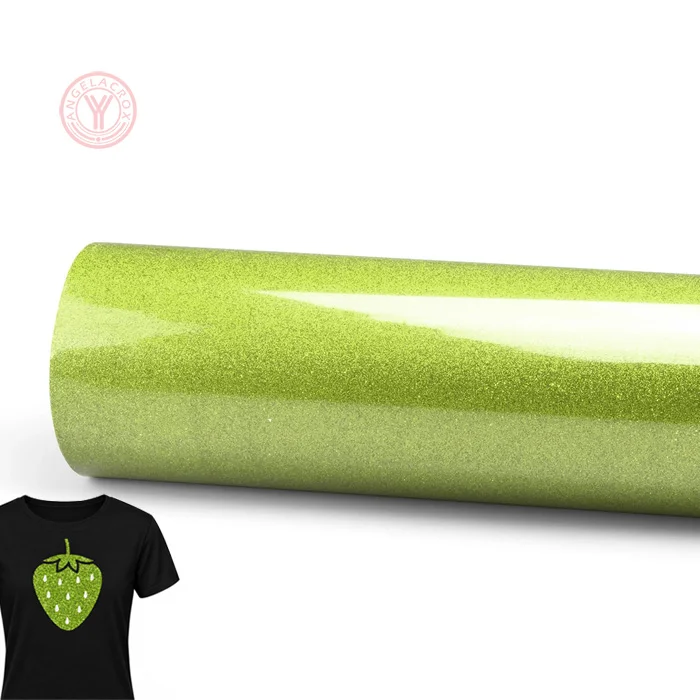
Description
Send Inquiry
Specification
| Material | PU, TPU, PET |
|---|---|
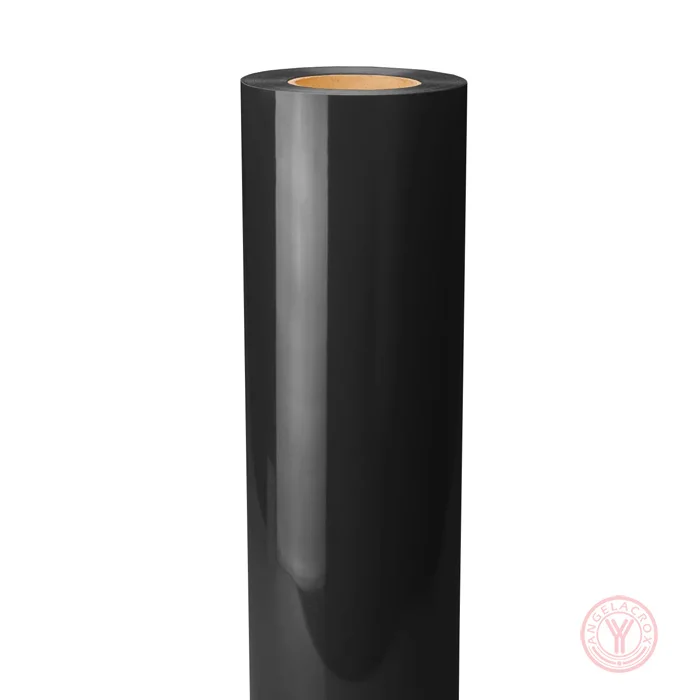
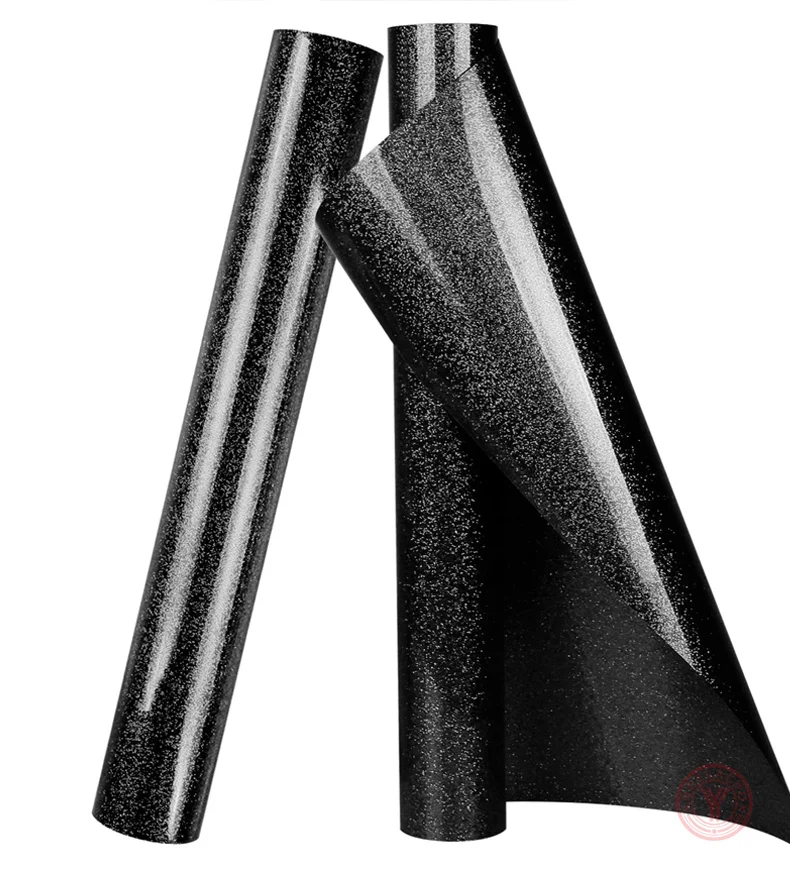
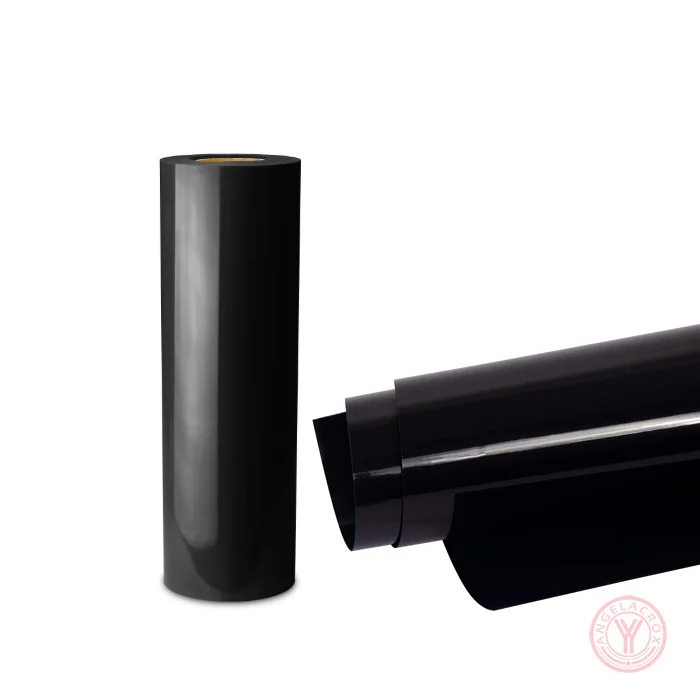
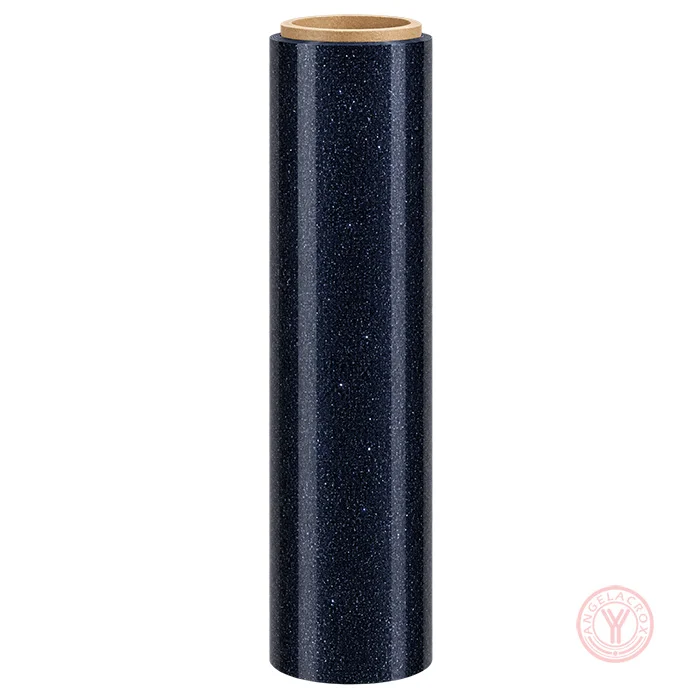
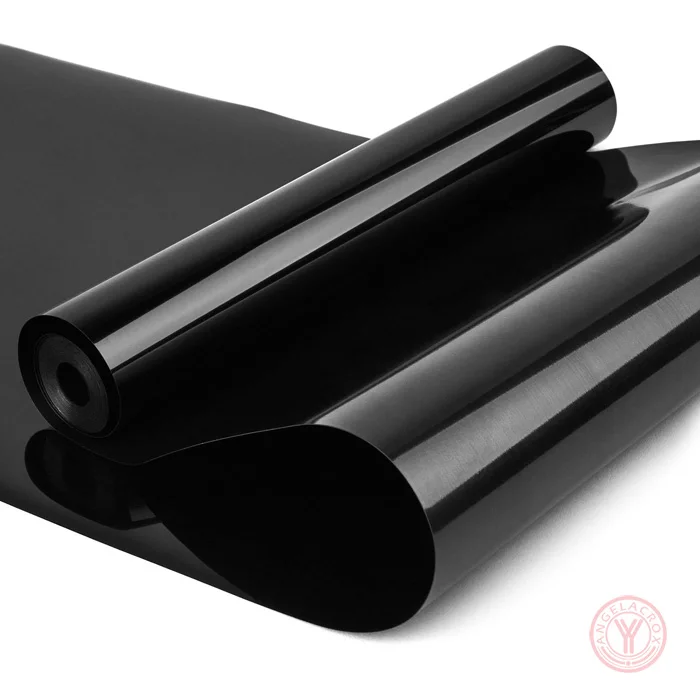
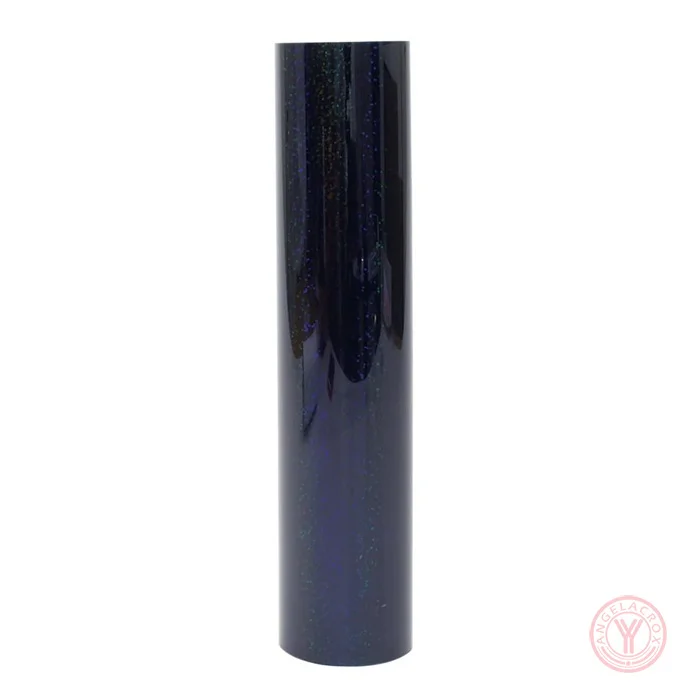
| Color | Black |
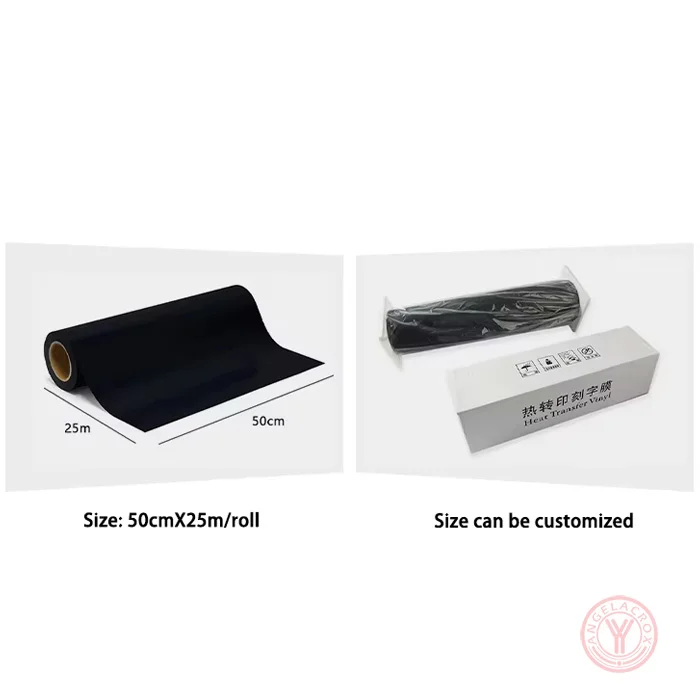
| Size | 50cm × 25m/Roll (Customizable) |
| Thickness | 0.1mm (Customizable) |
| Transfer Temperature | 155–165℃ |
| Pressure | Medium Pressure; 3–5kg |
| Press Time | Front Side: 8s; Back Side: 15s |
| Peeling Method | Cool Peeling |
| MOQ | 1 Roll |
| Sample | Free Samples Available |
| Lead Time |
Sample Orders: 1–3 Days Bulk Orders: 7–15 Working Days |
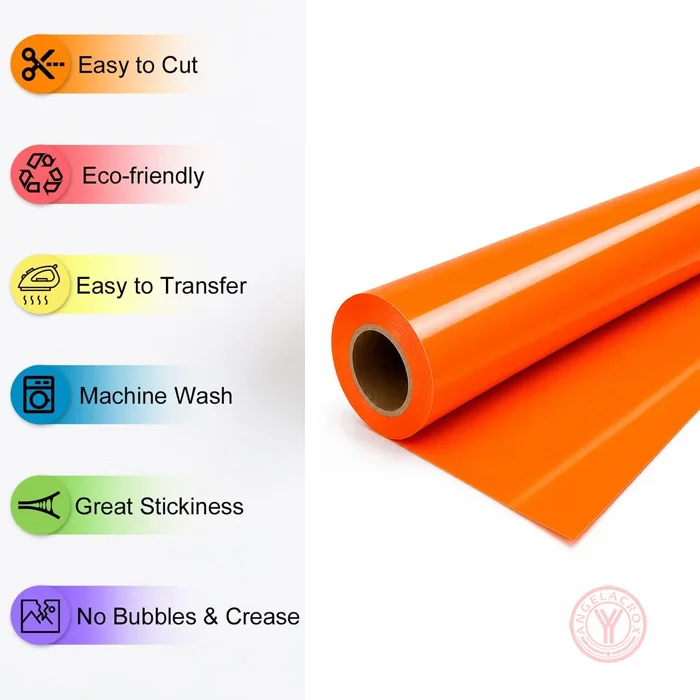
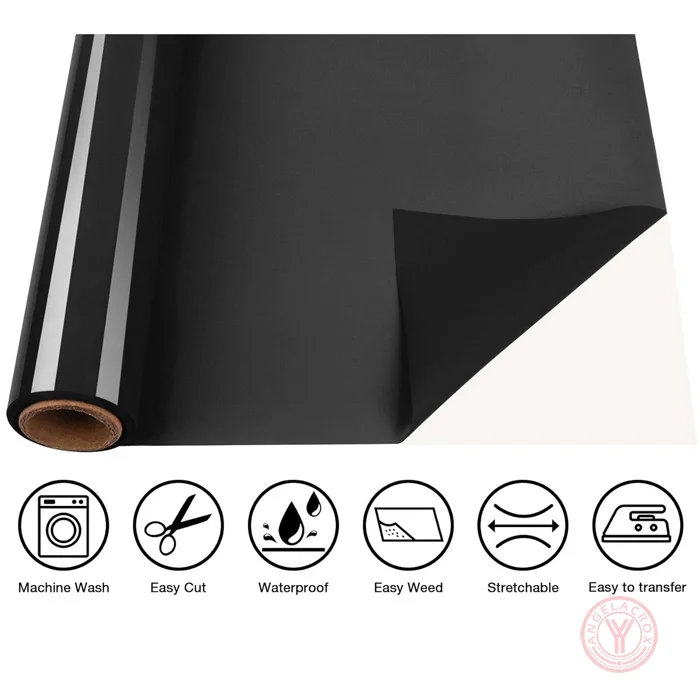
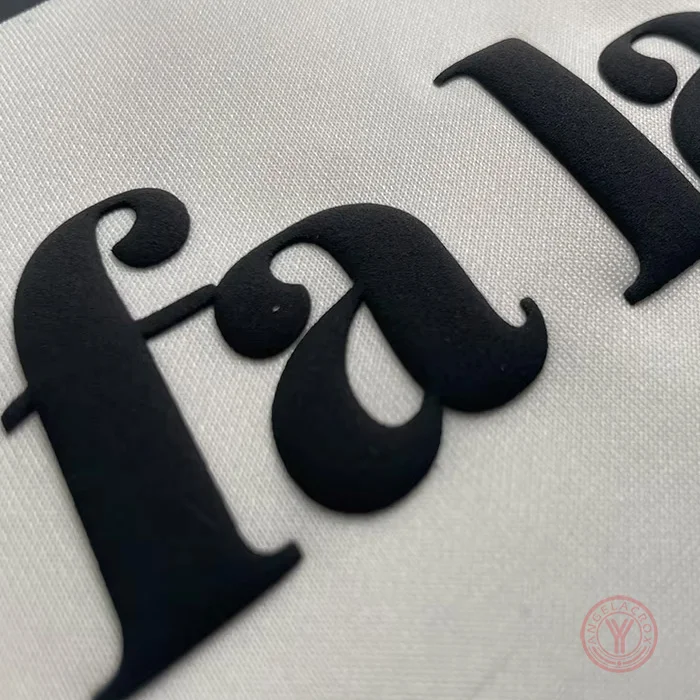
| Features | Washable, Easy Weeding, Soft Touch |
| Fabric Compatibility | Cotton, Polyester & Blends |
Applications
Black Puff HTV is widely used for:
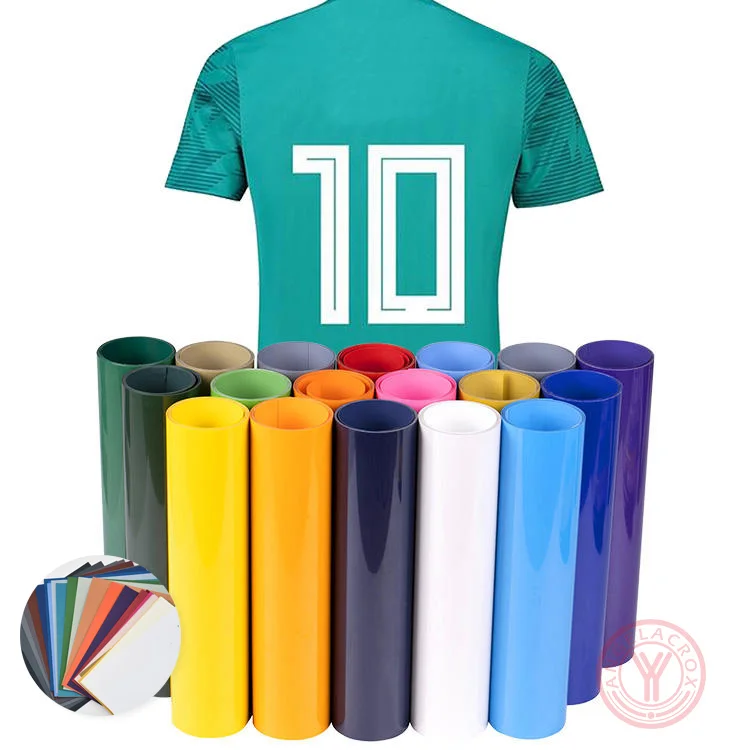
- Custom T-Shirts
- Hoodies & Sweatshirts
- Streetwear Clothing
- Sportswear
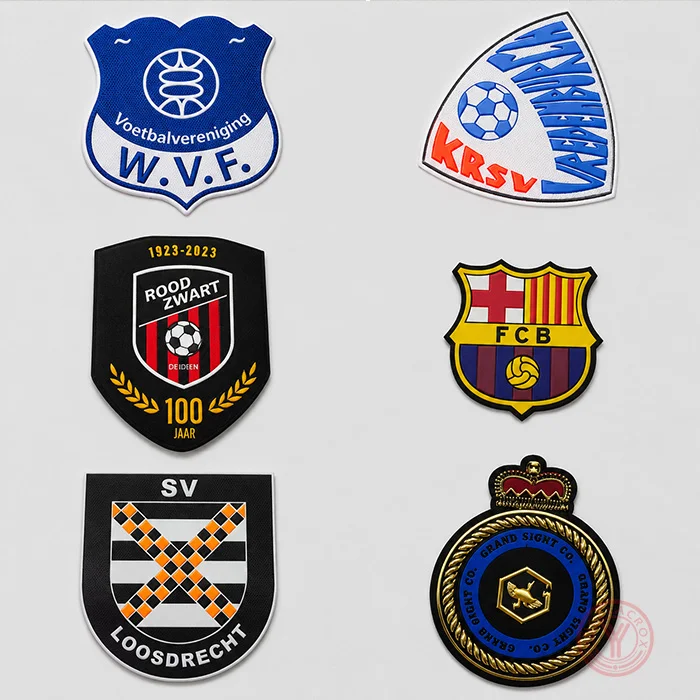
- Brand Logos
- Team Apparel
- Personalized Garments
How to Use Black Puff HTV
1. Cut the Design
Cut the Black Puff HTV with a vinyl cutter according to your artwork.
2. Weed the Excess Vinyl
Remove unwanted areas carefully to keep the design clean.
3. Heat Transfer
Place the design on the fabric and press with a heat press.
Recommended Settings:
- Temperature: 155–165℃(311–329℉)
- Time: Front Side 8s + Back Side 15s
- Pressure: Medium Pressure (3–5kg)
- Peel: Cool Peel
4. Finish the Transfer
Allow the material to cool, then remove the carrier sheet and check the transferred design.