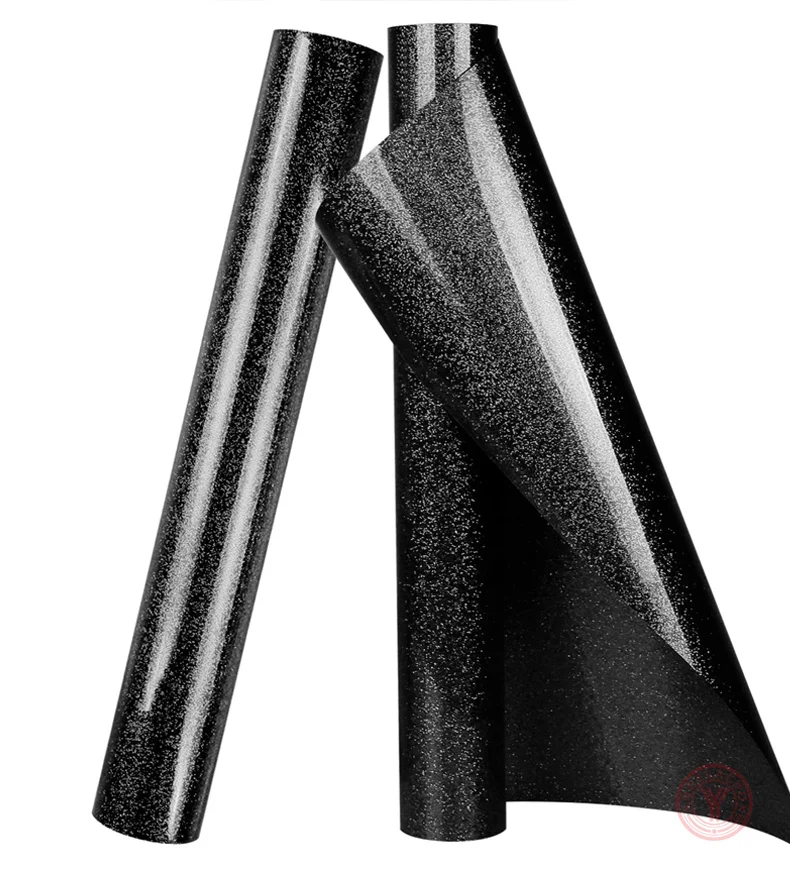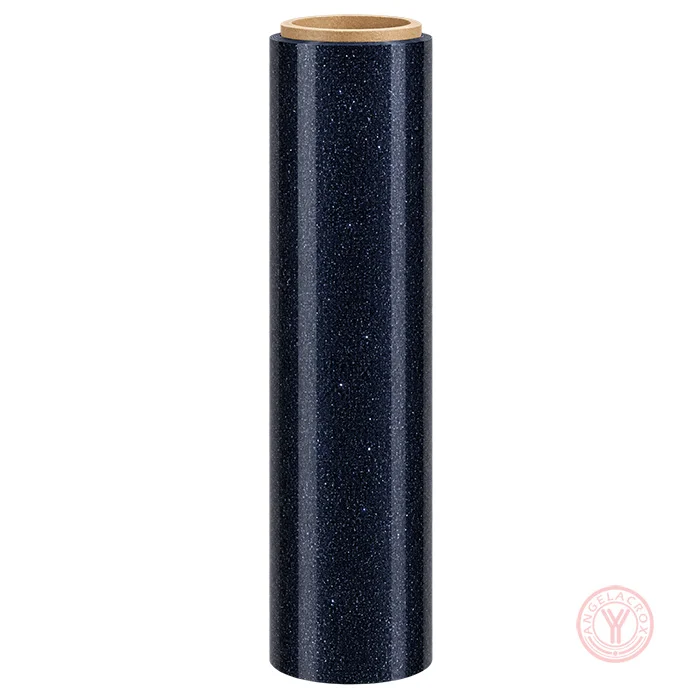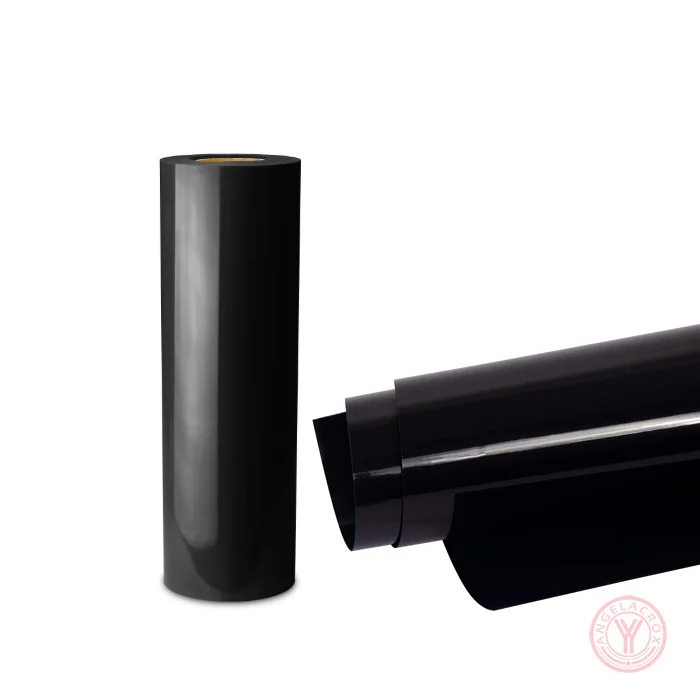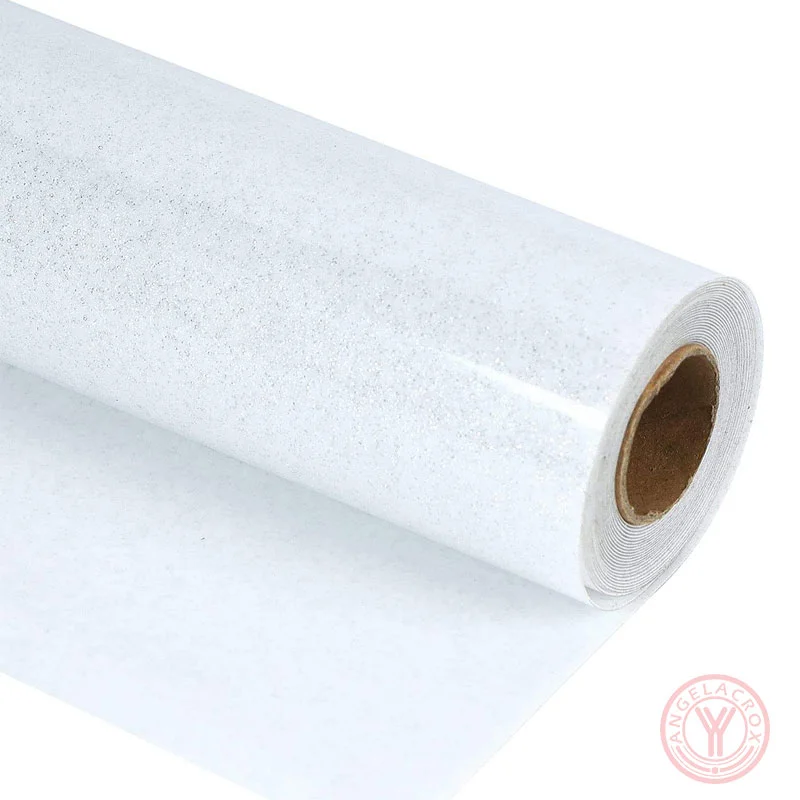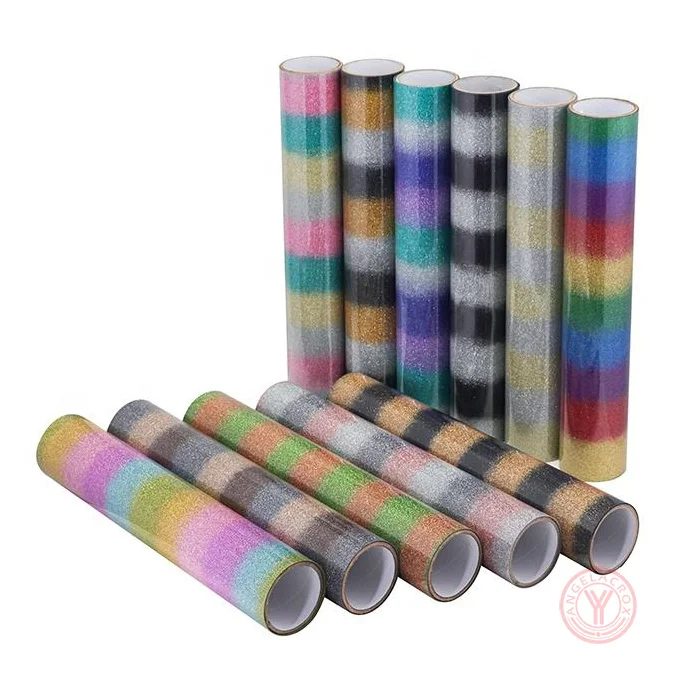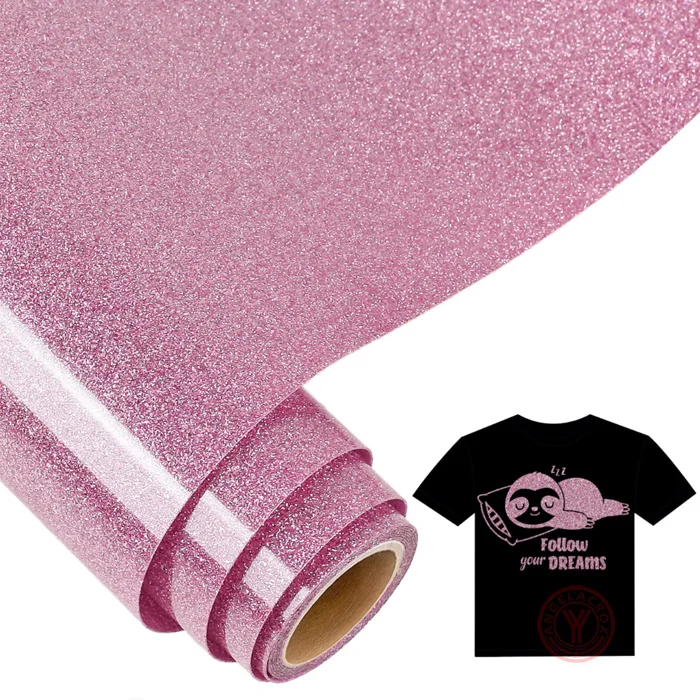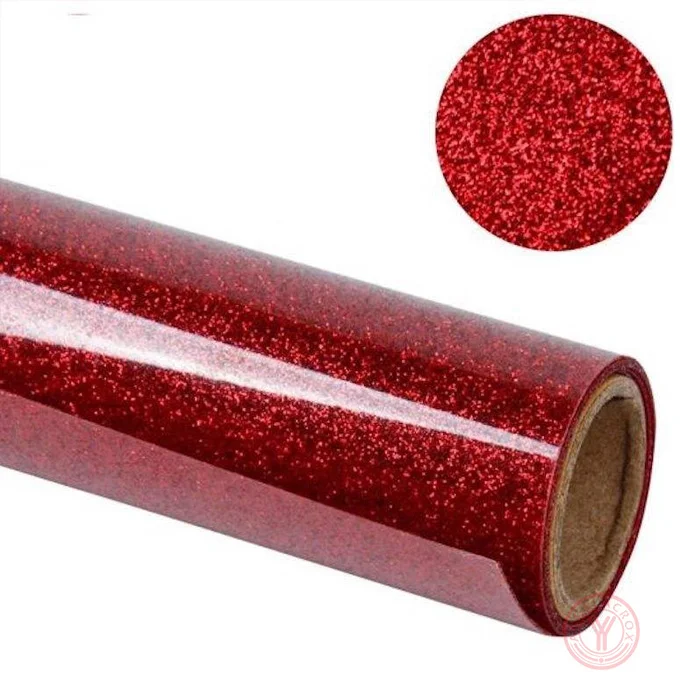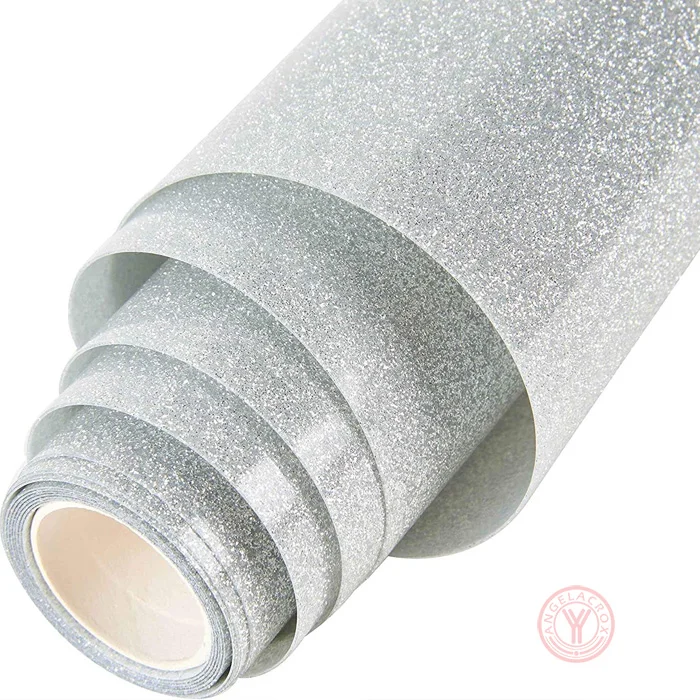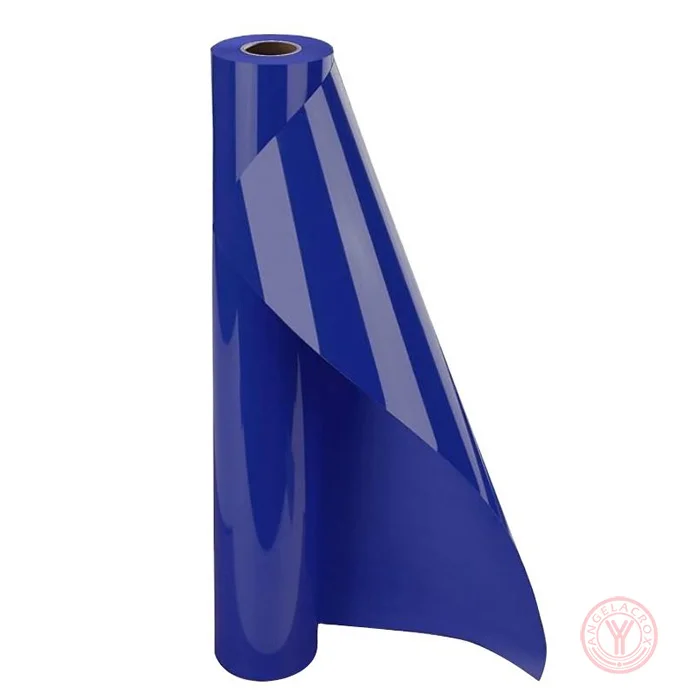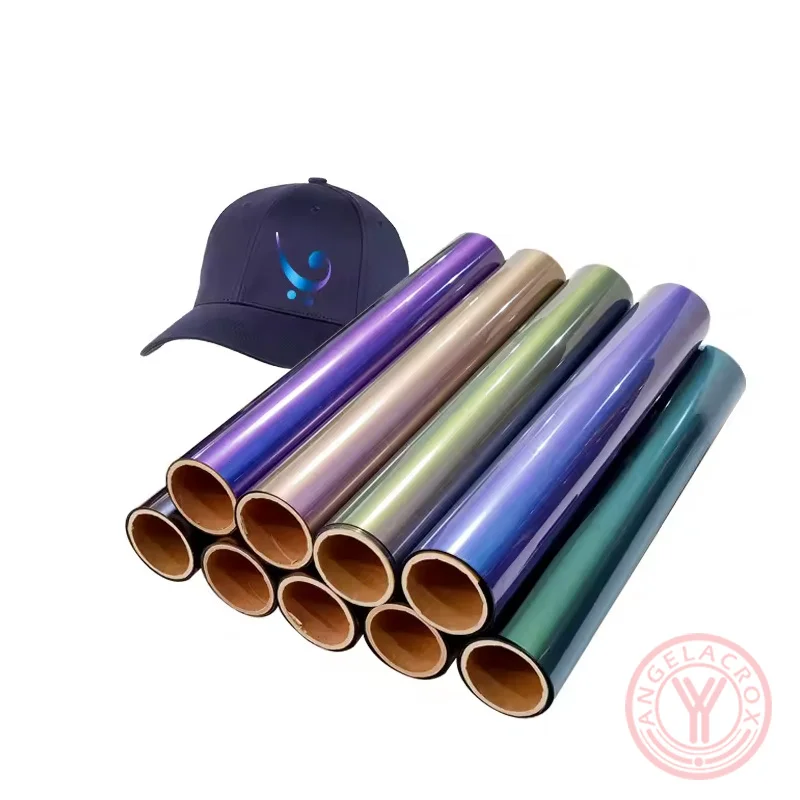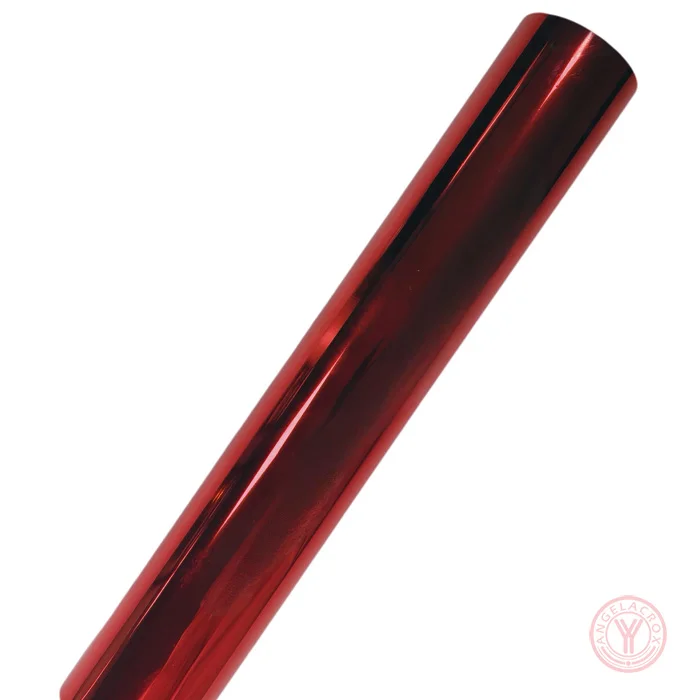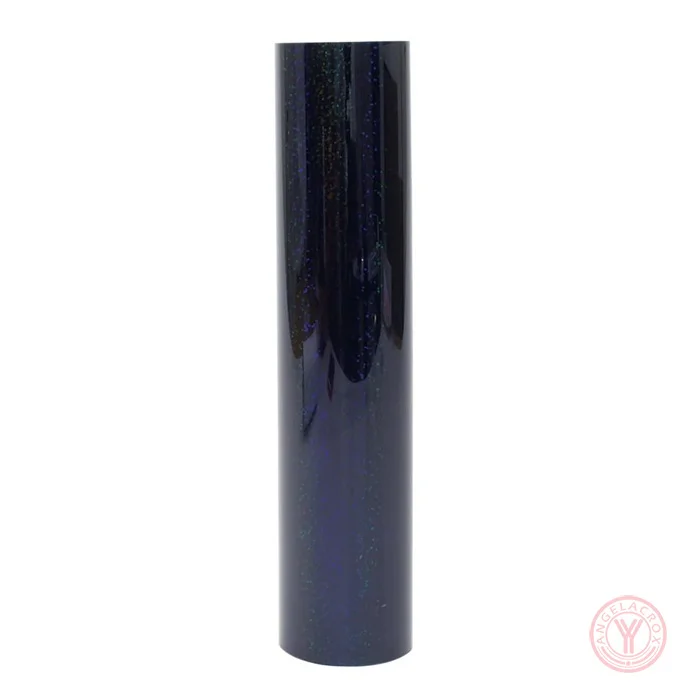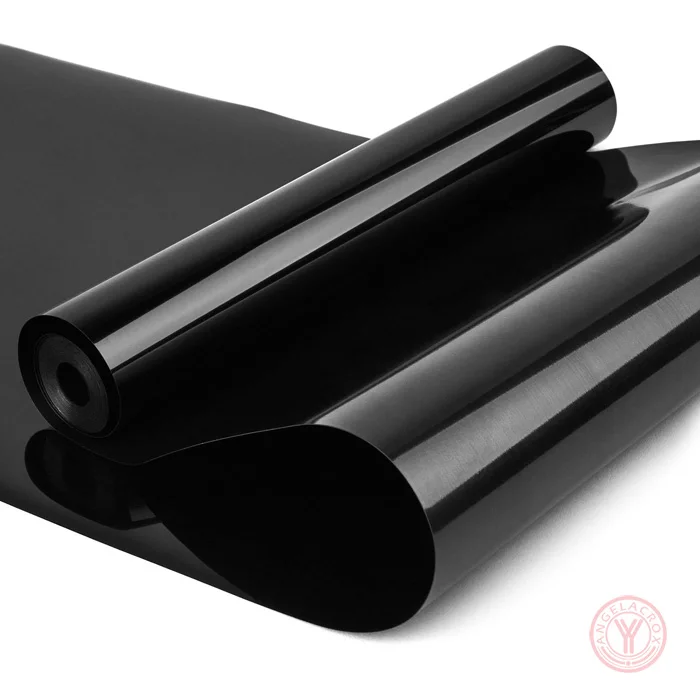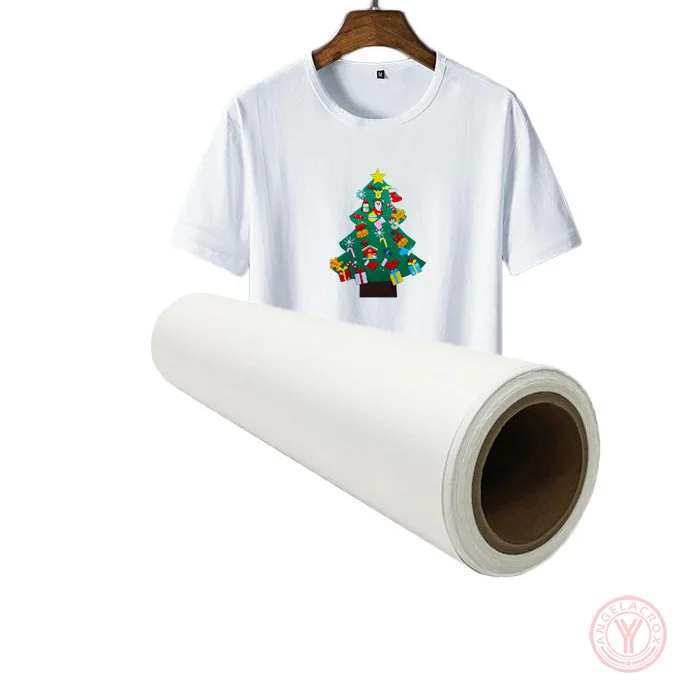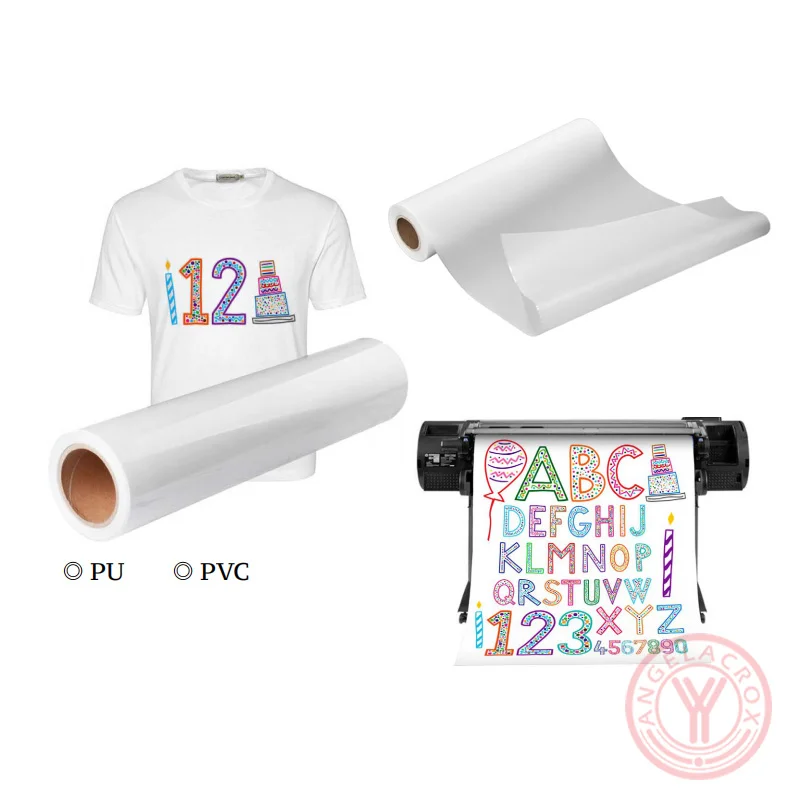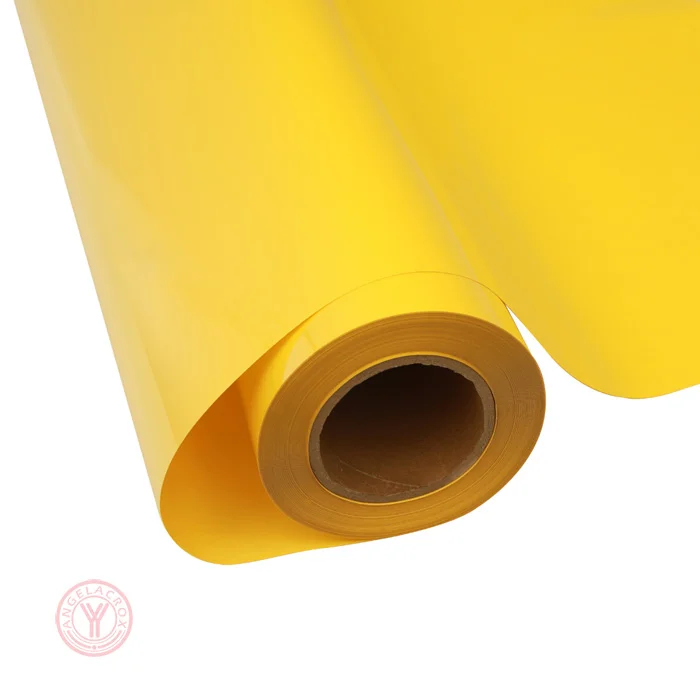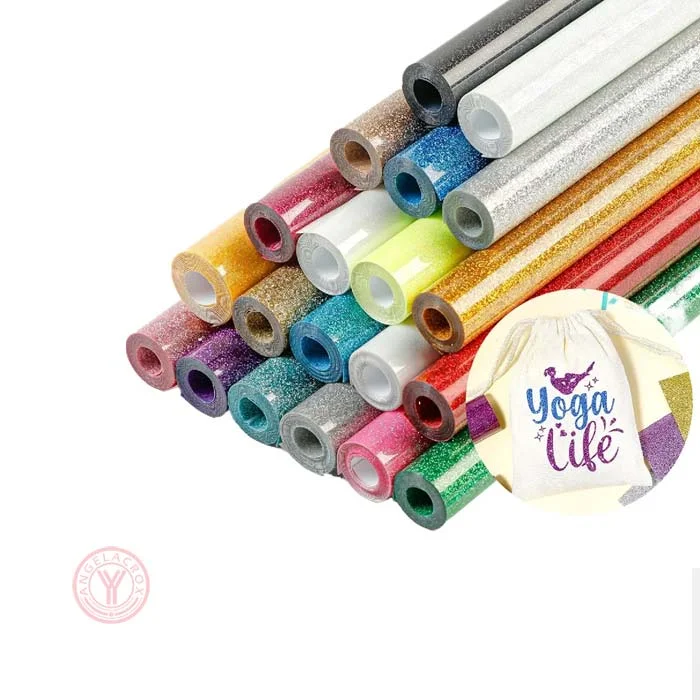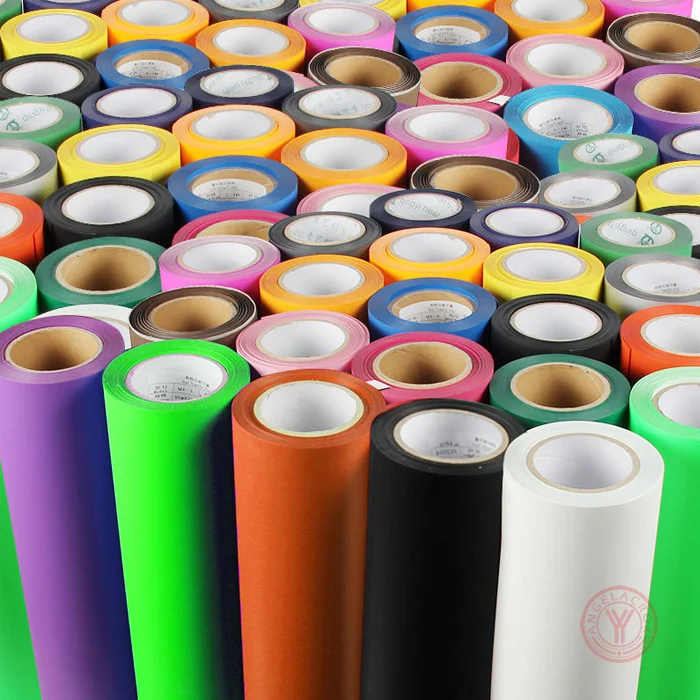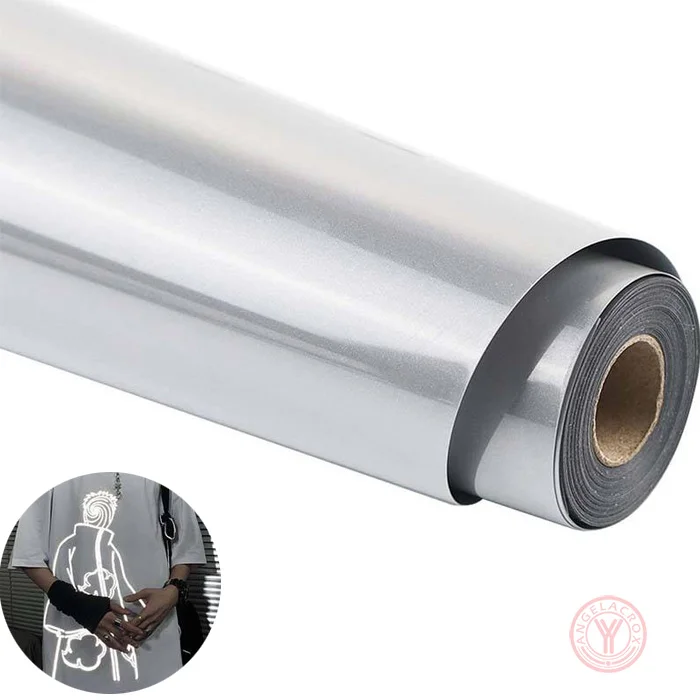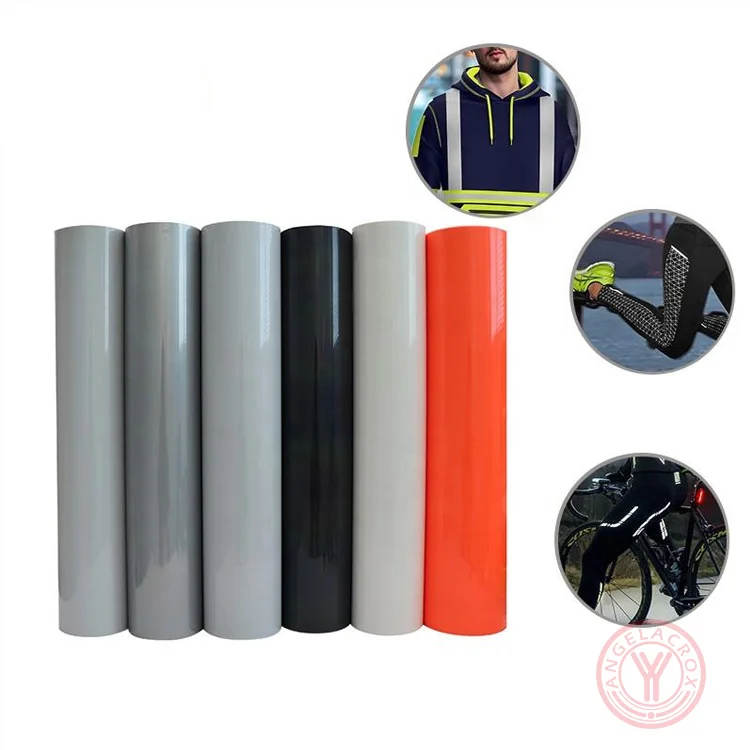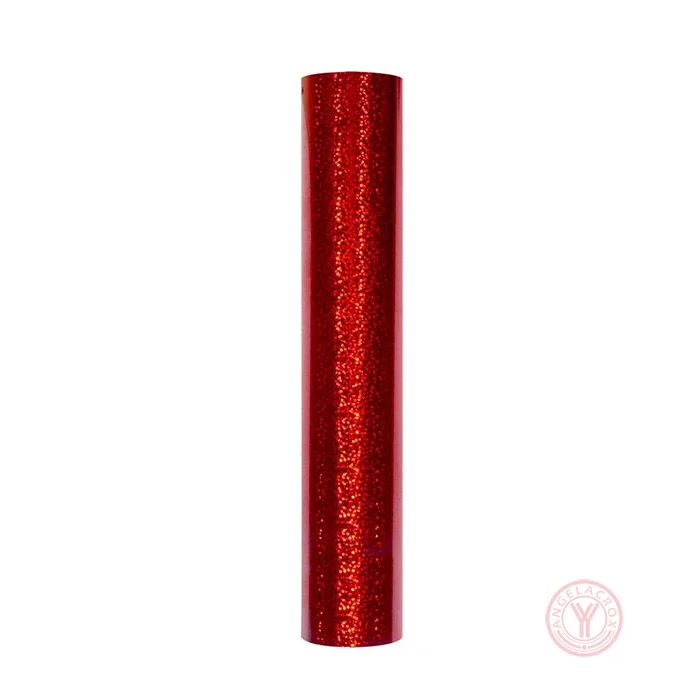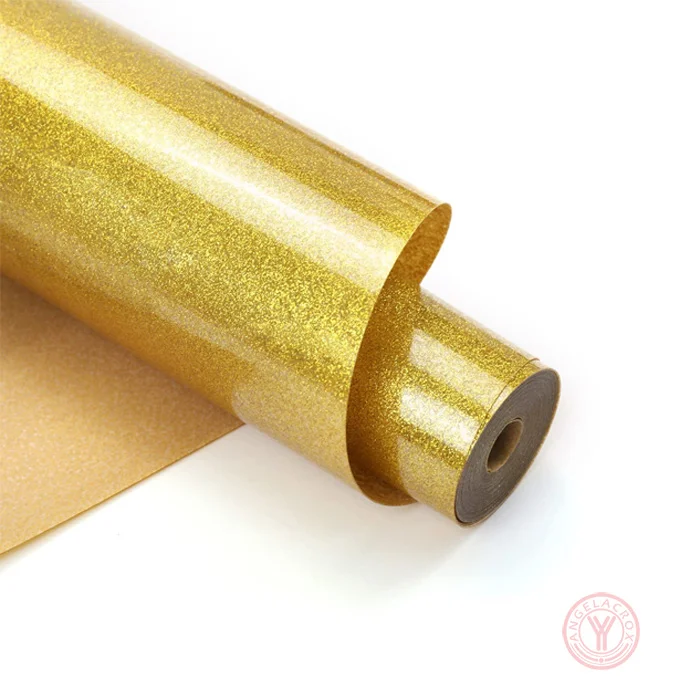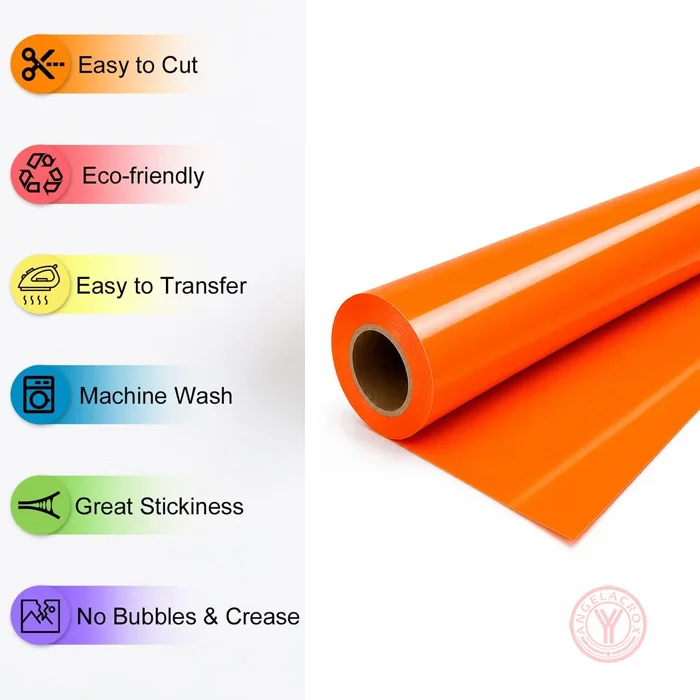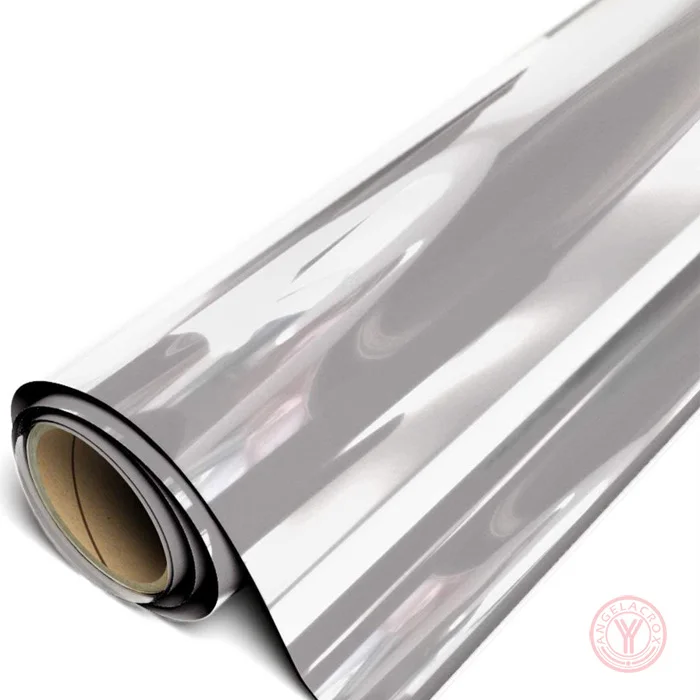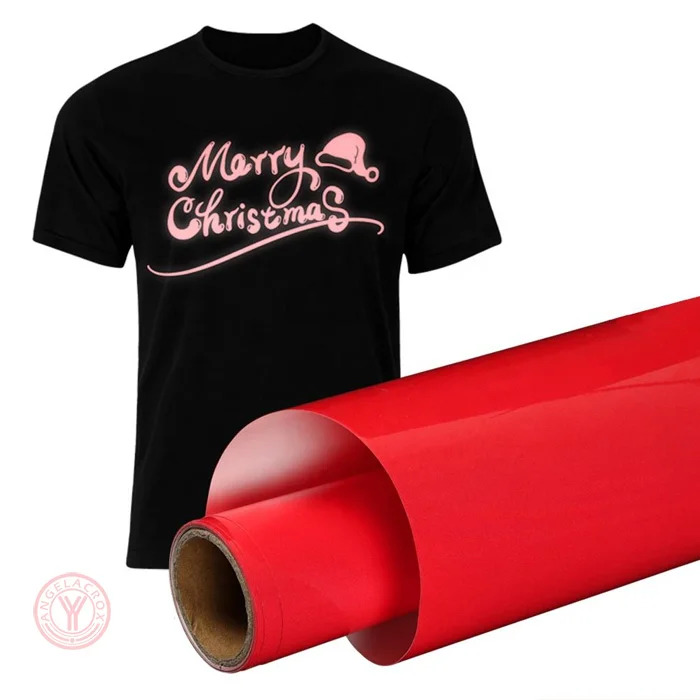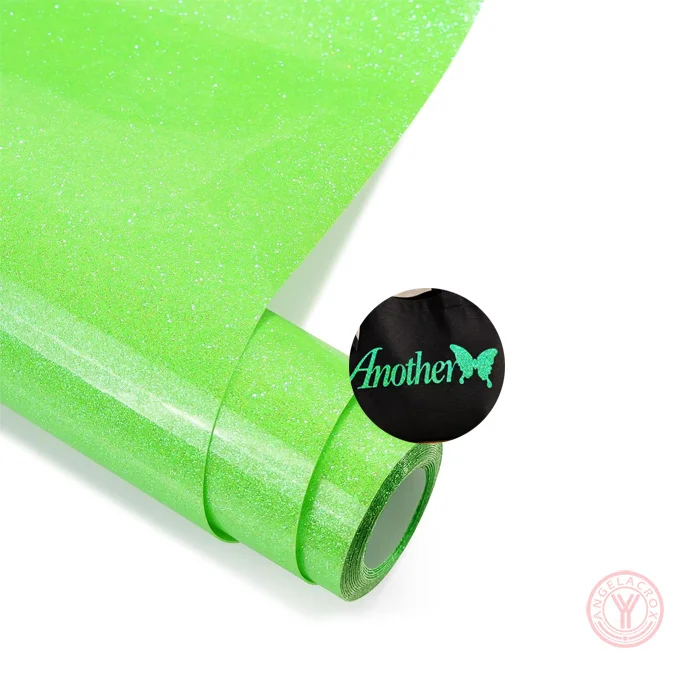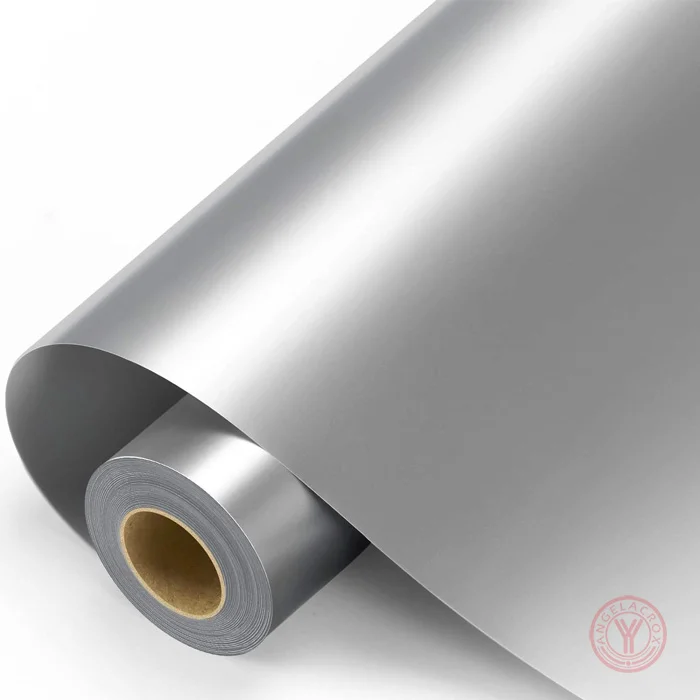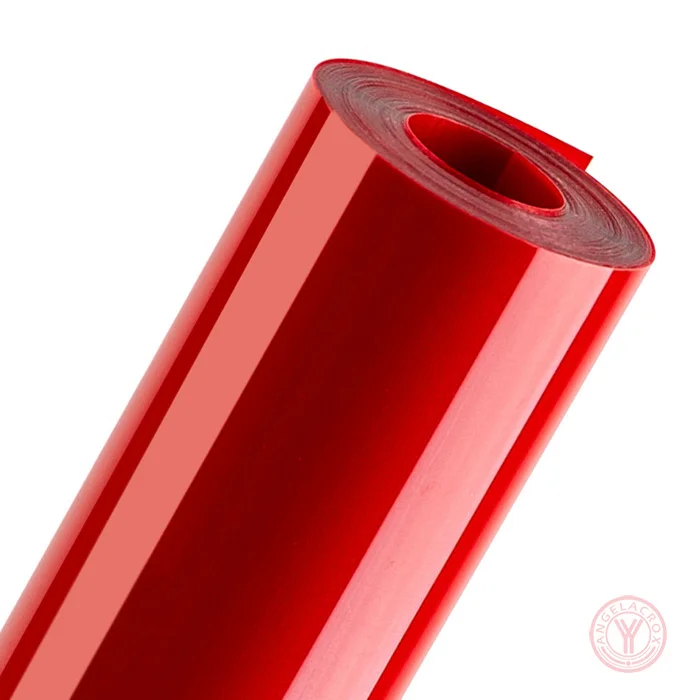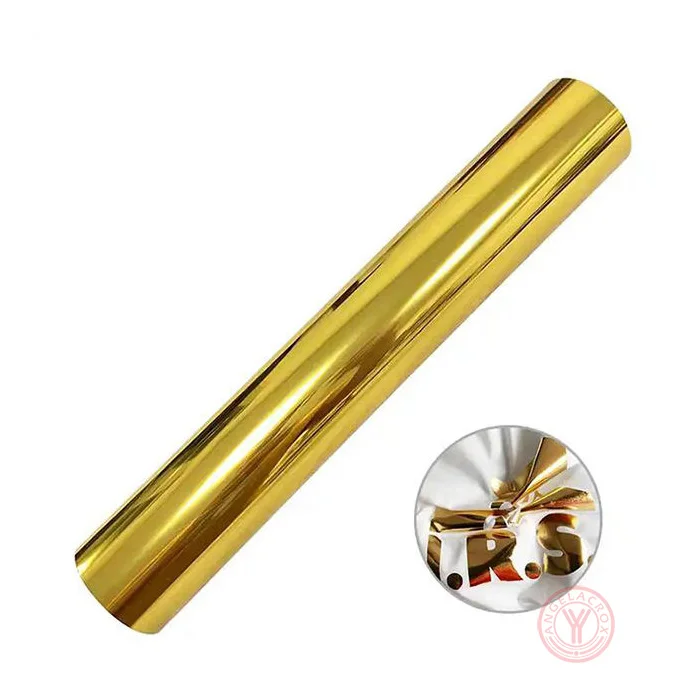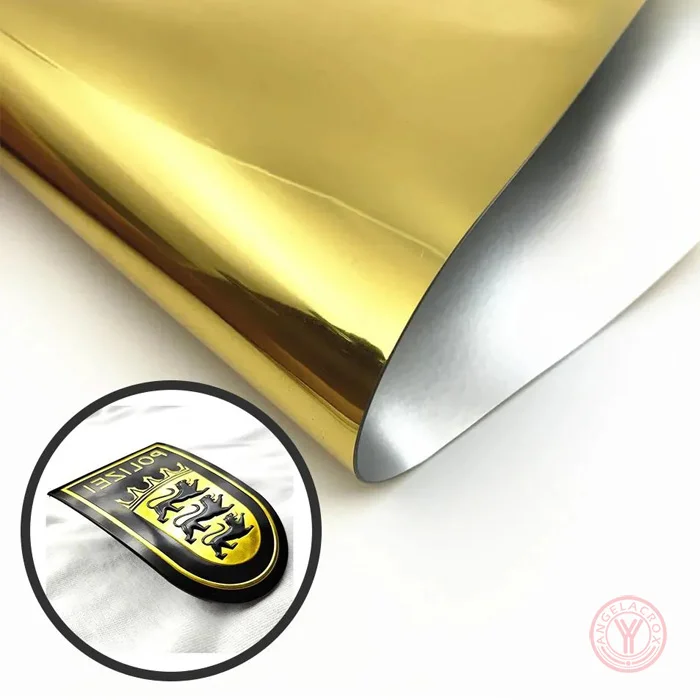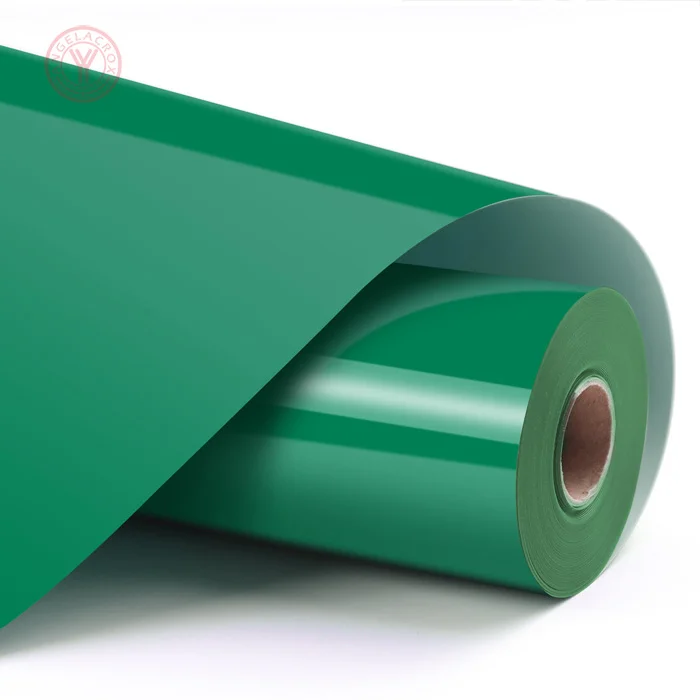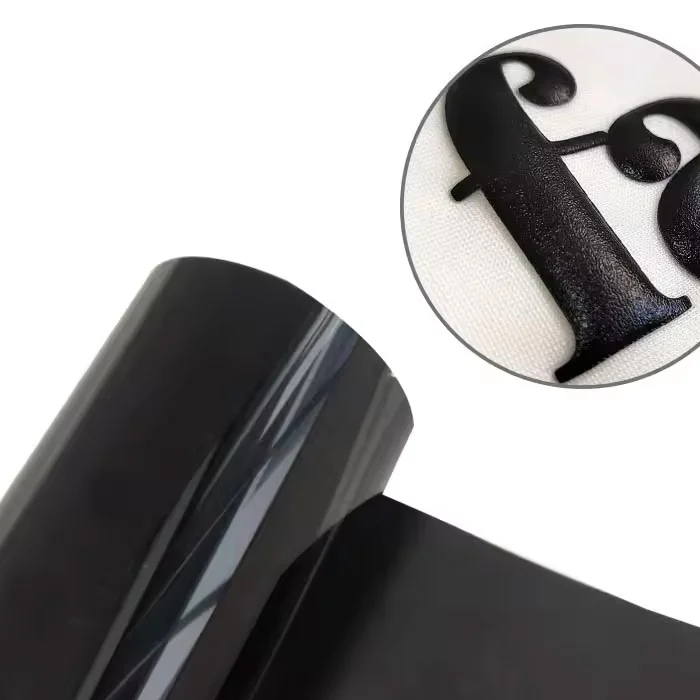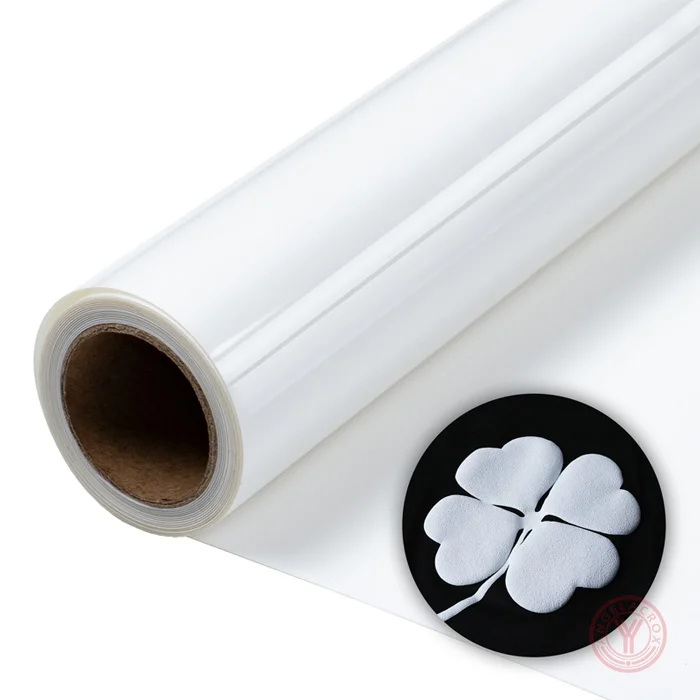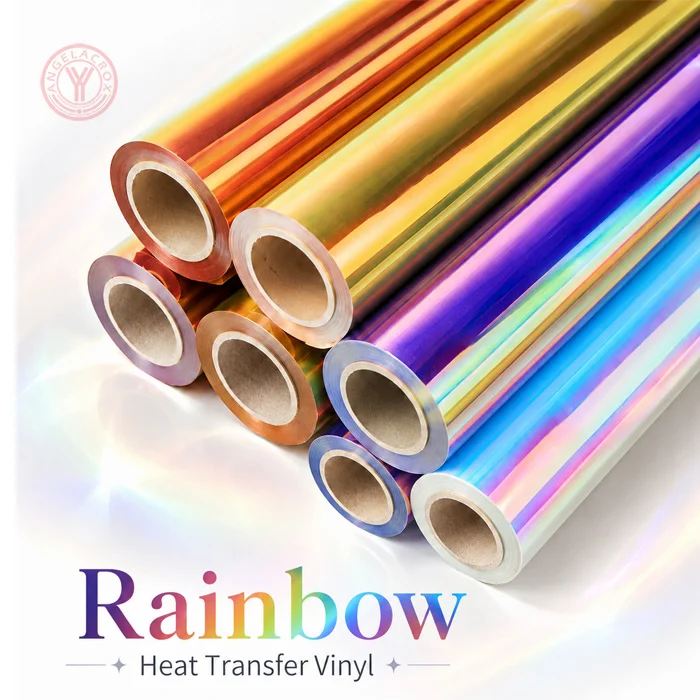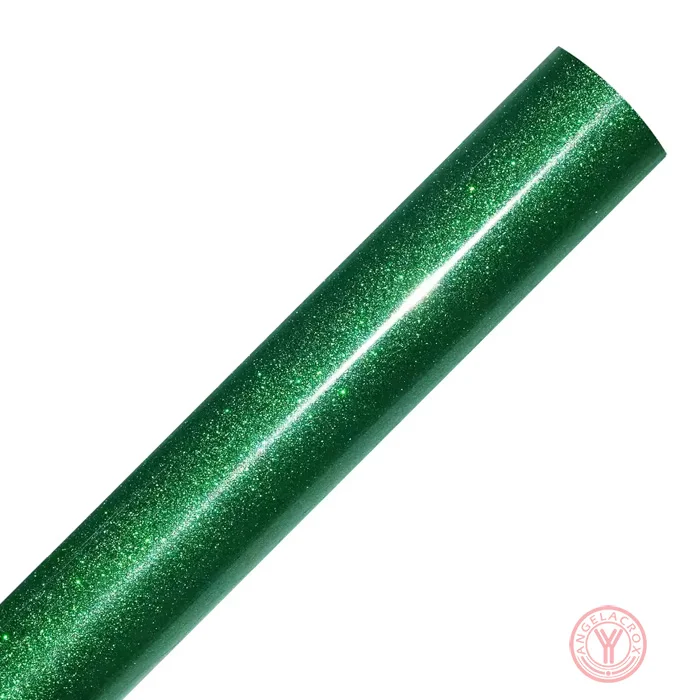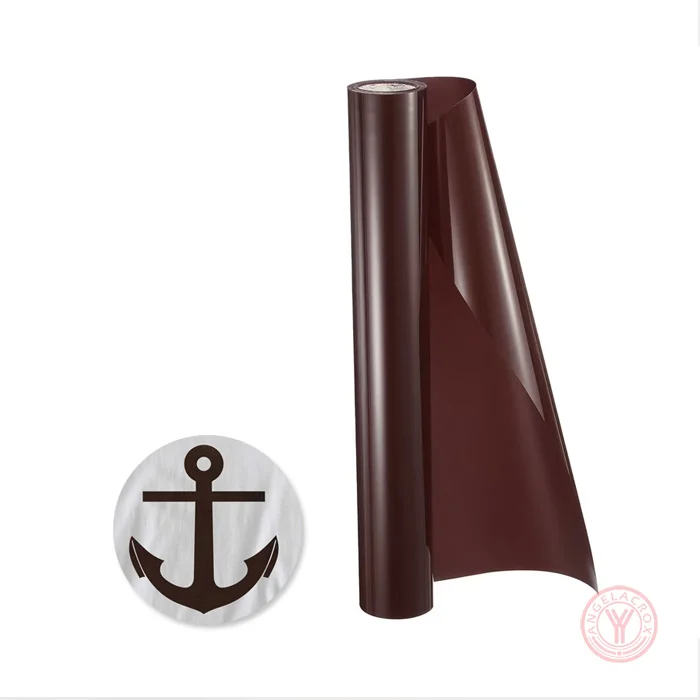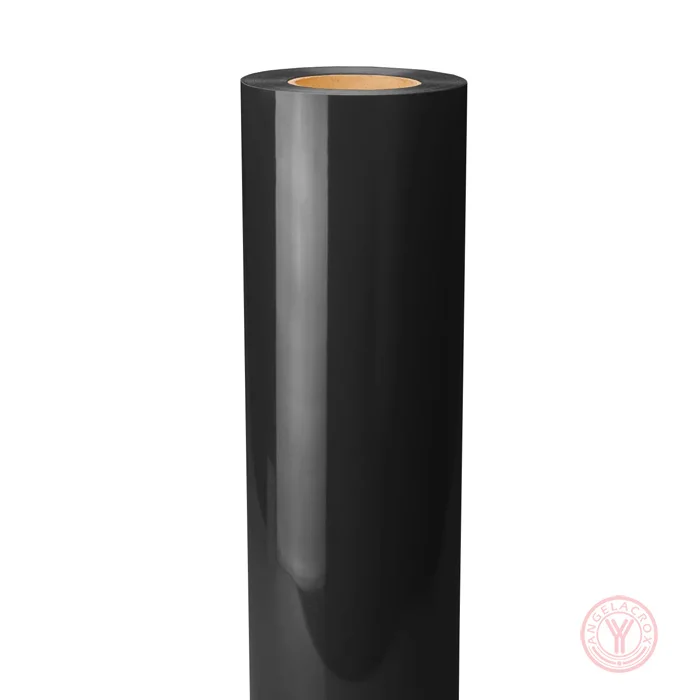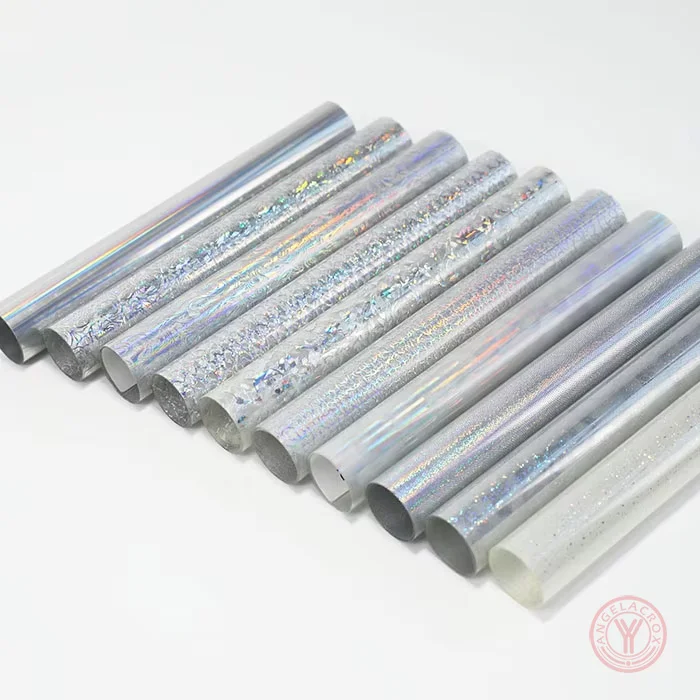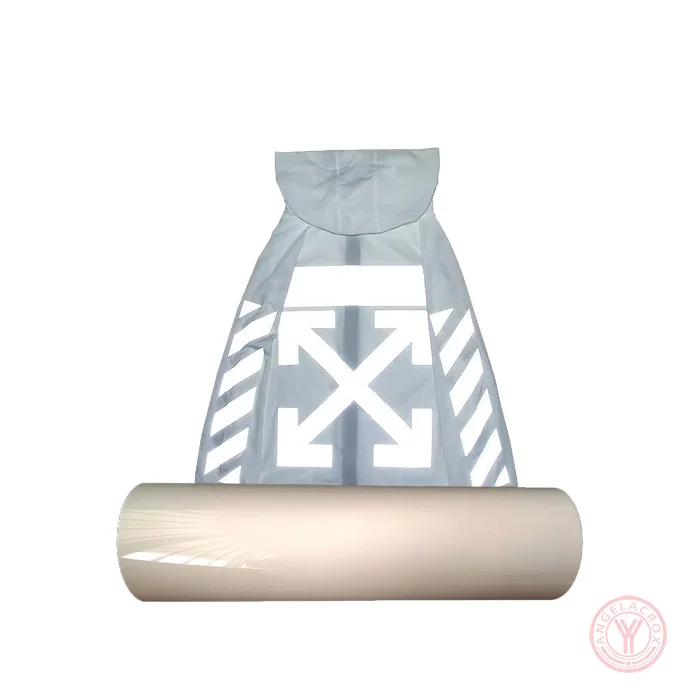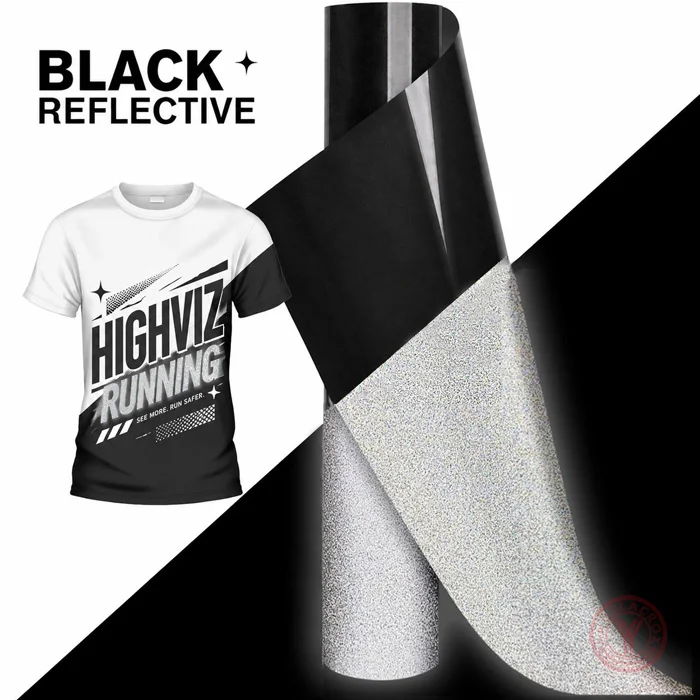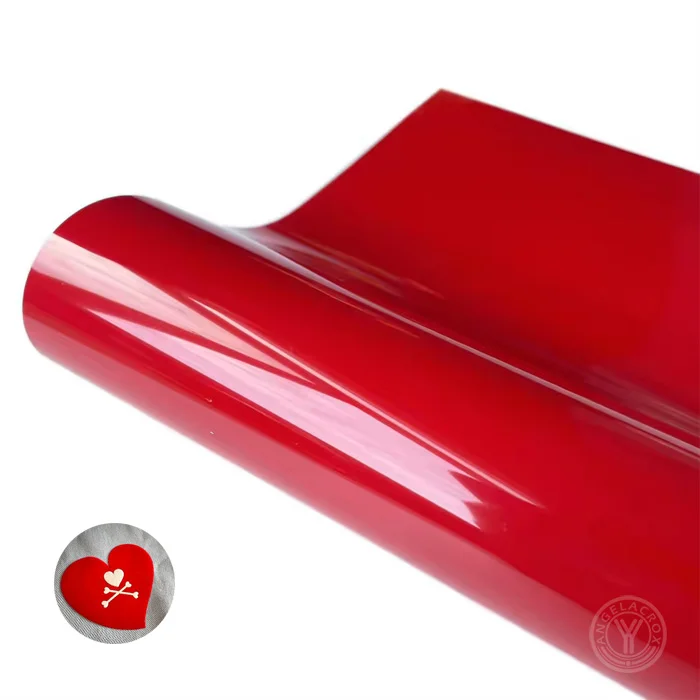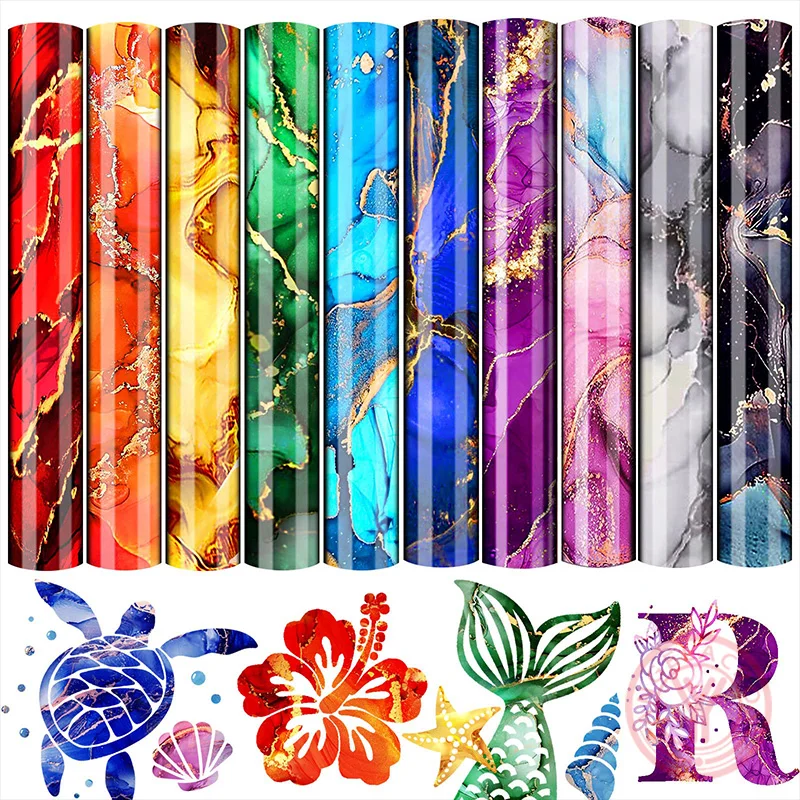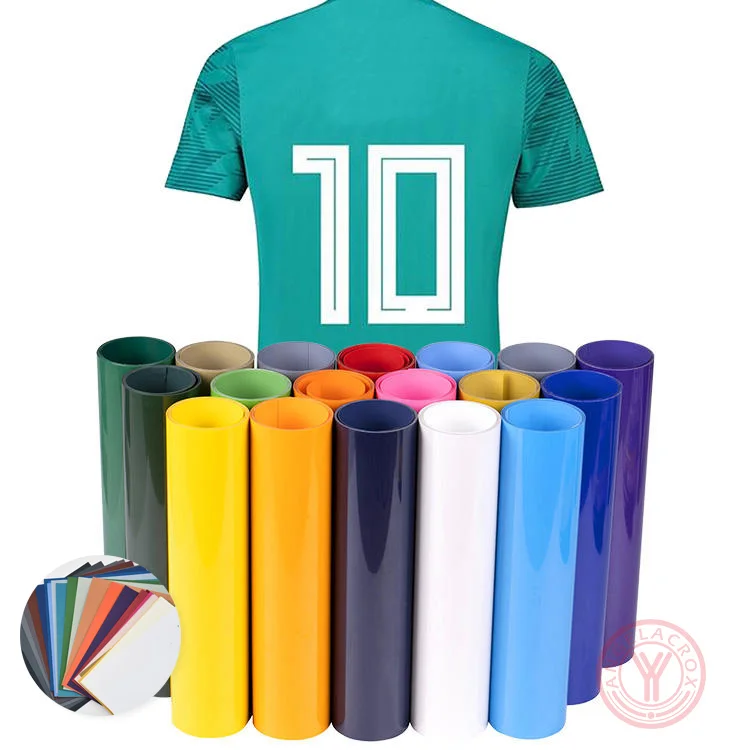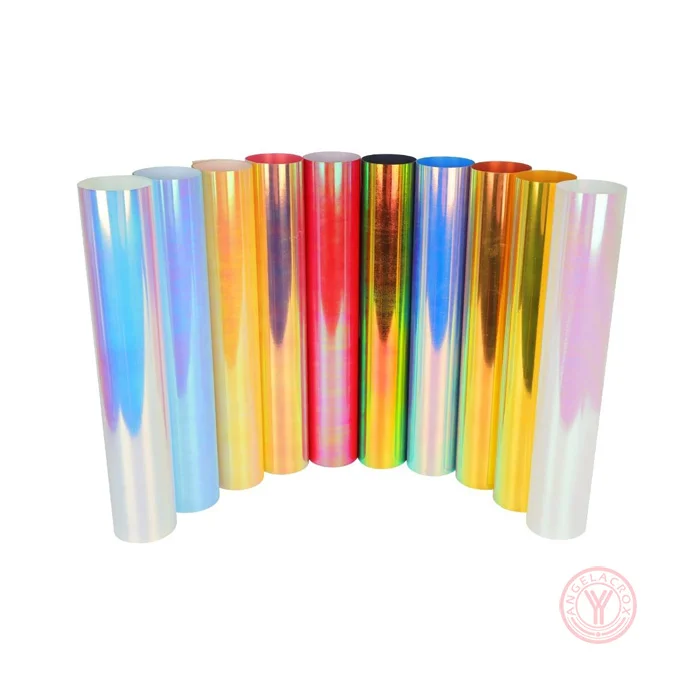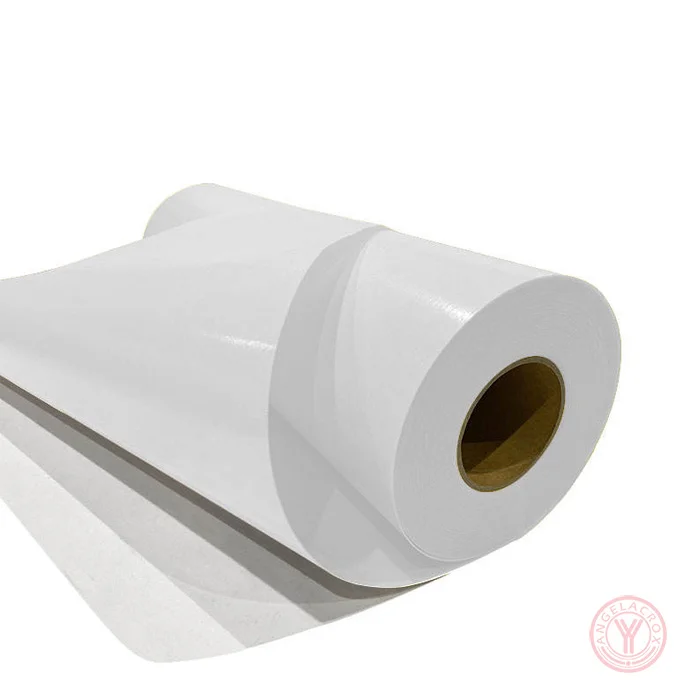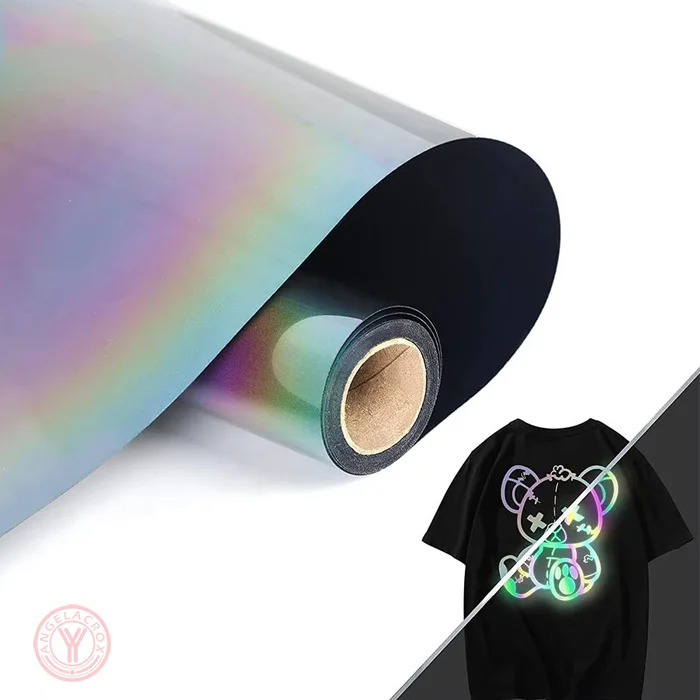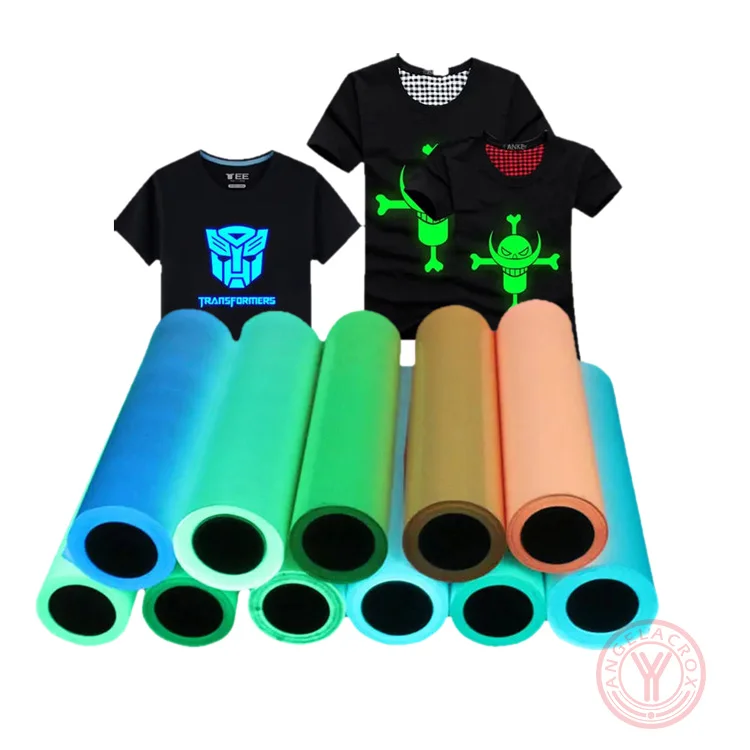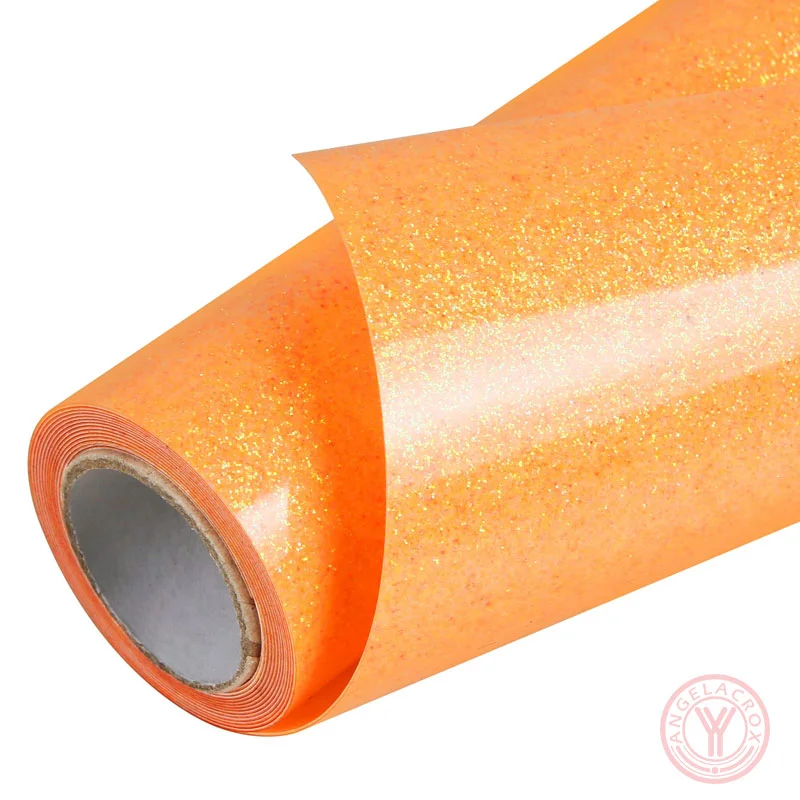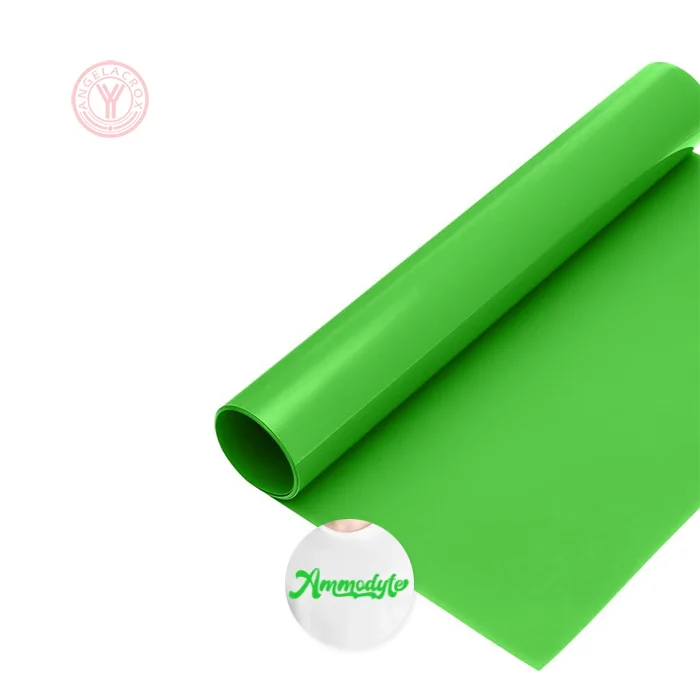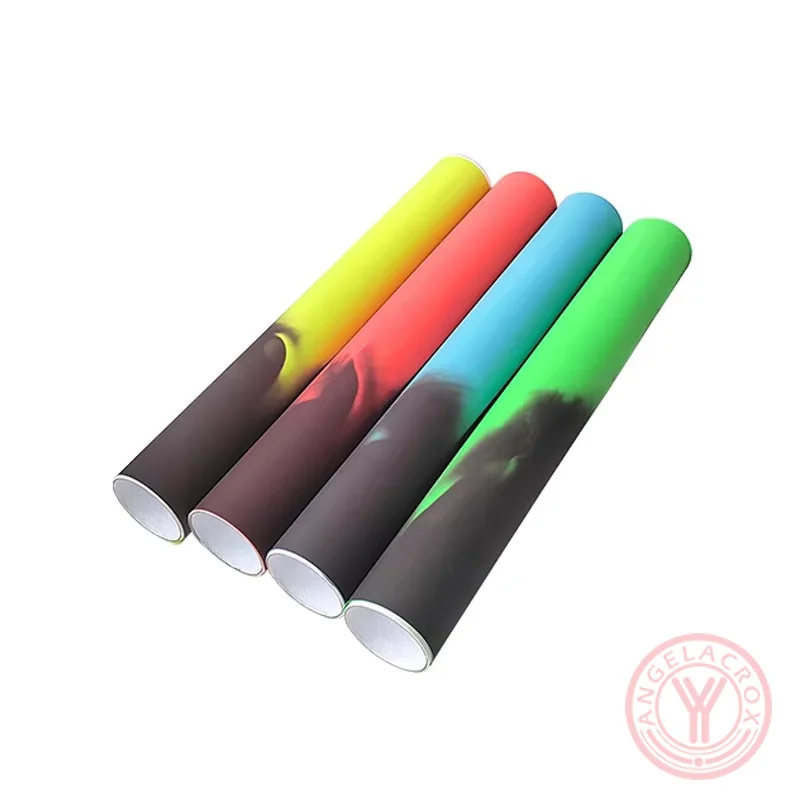
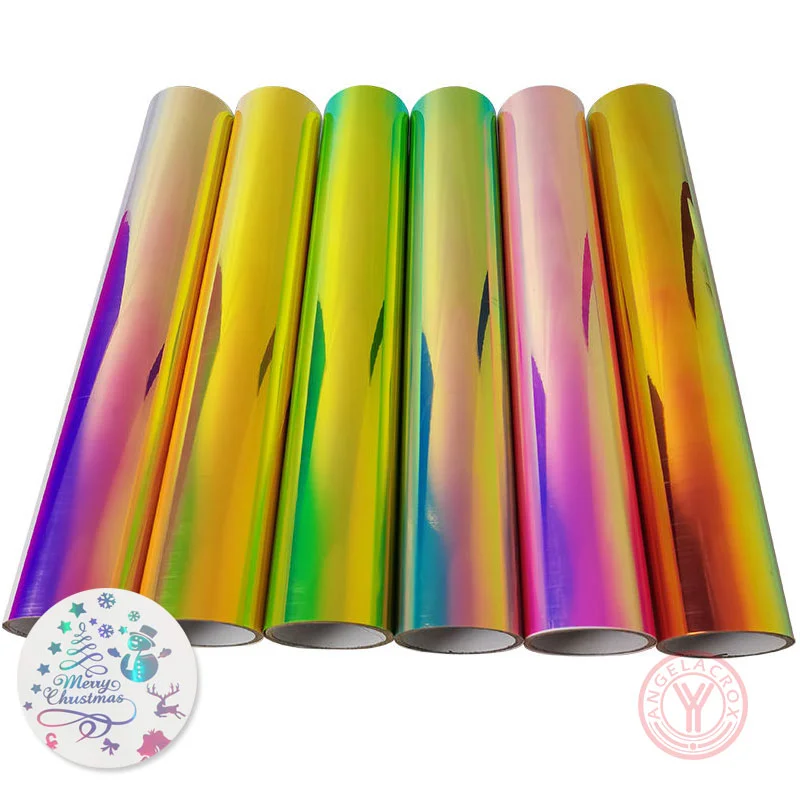
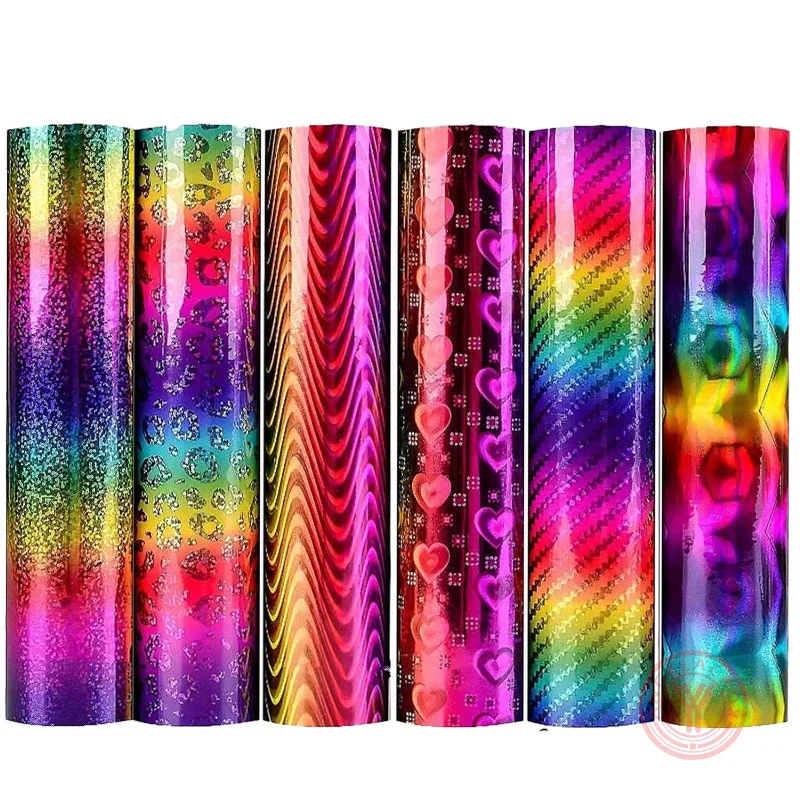
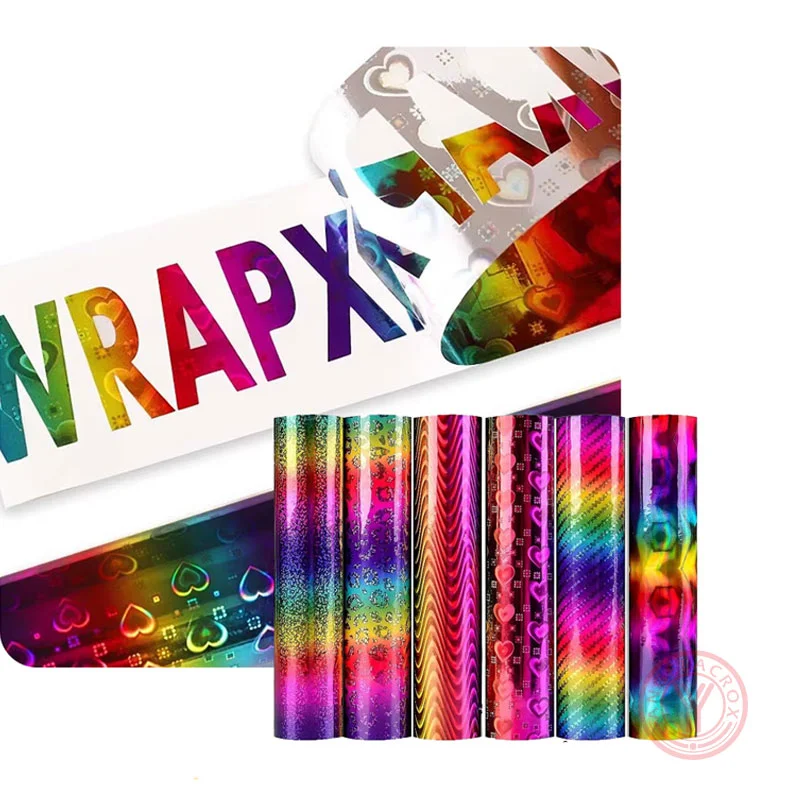
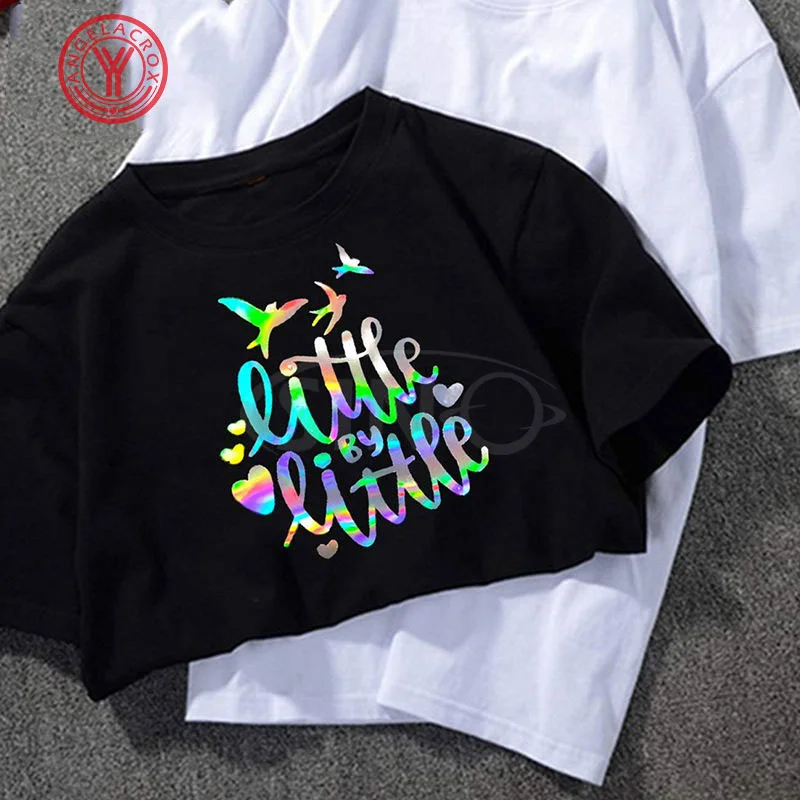
Hologram Heat Transfer Vinyl (HTV), often called holographic HTV, is a premium decorative HTV that reflects light in a multi-angle 3D rainbow shimmer effect. Unlike standard metallic vinyl, holographic HTV creates a dynamic color-shifting effect that changes with movement and lighting, making designs more vibrant and premium-looking.
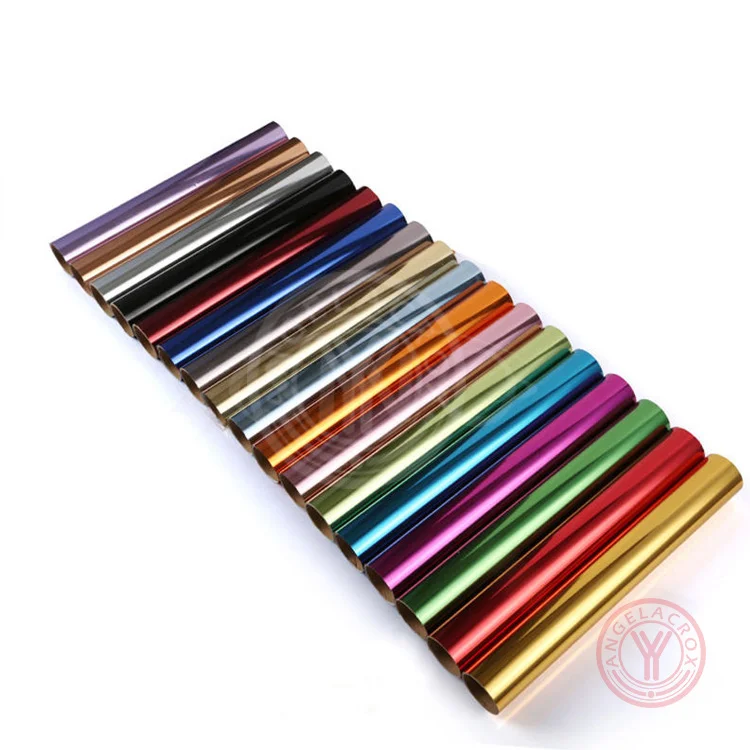
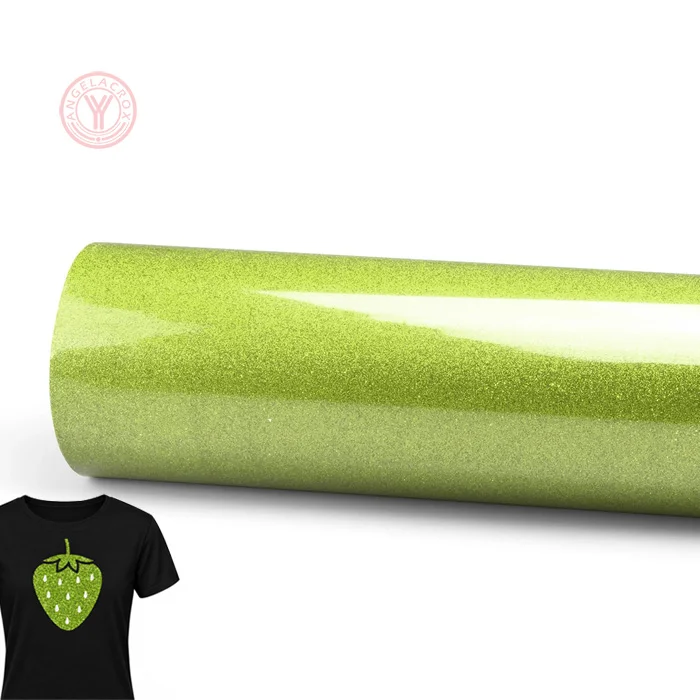
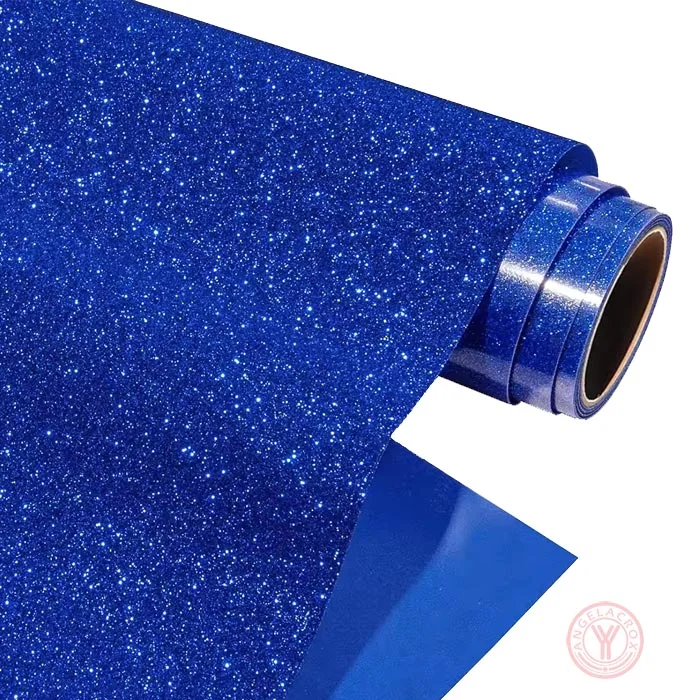
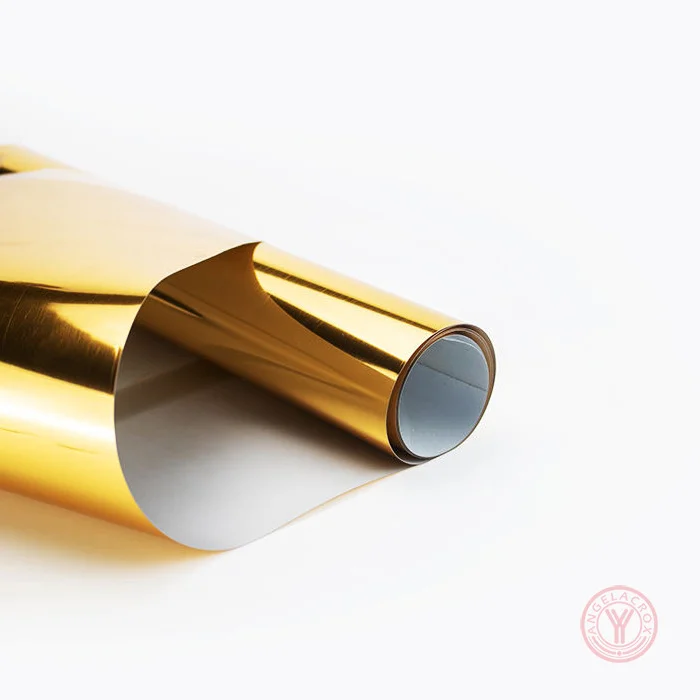
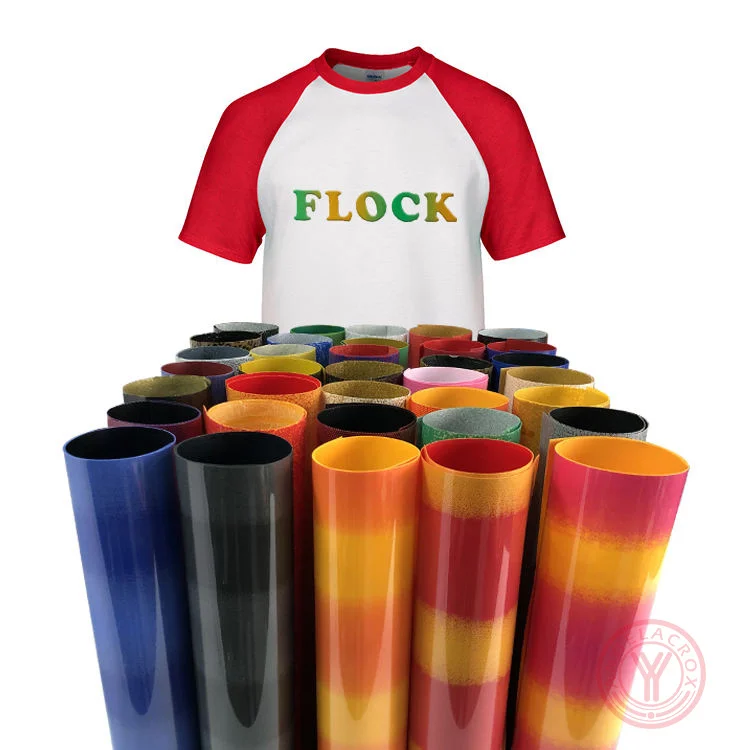
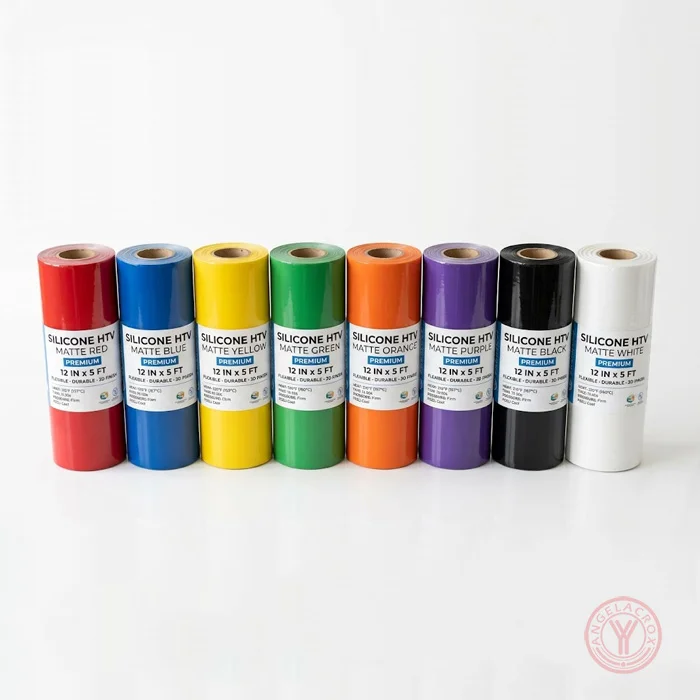
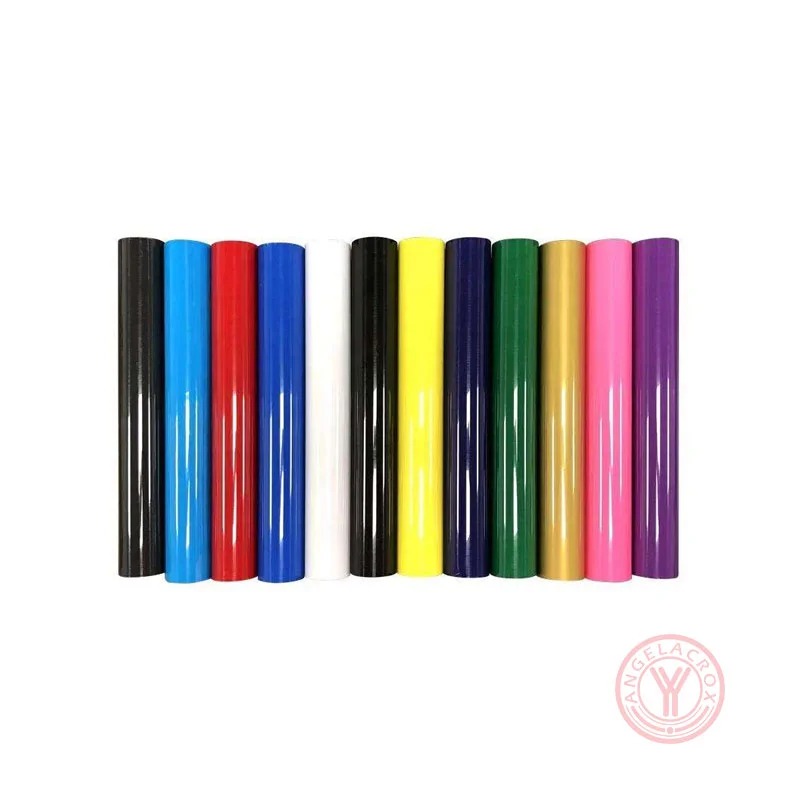
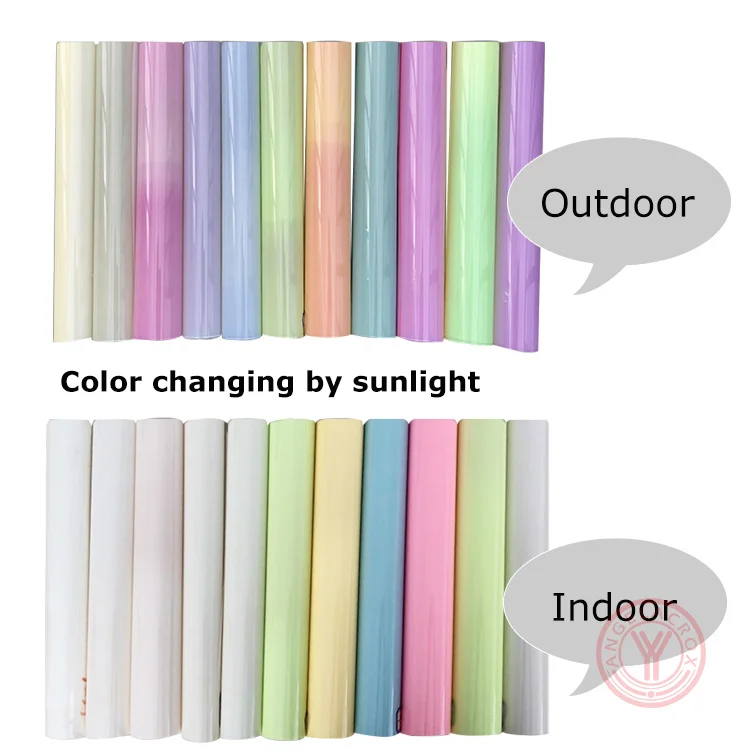
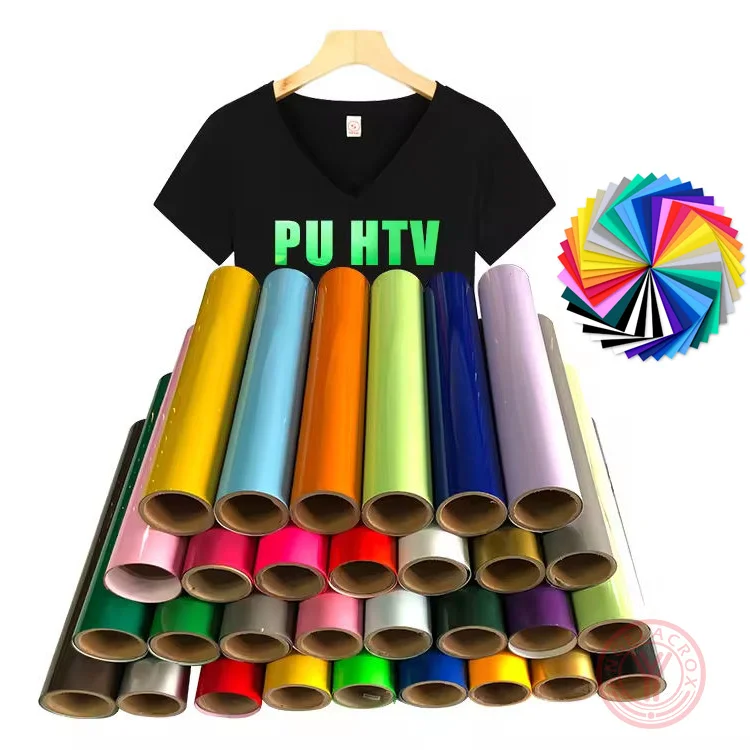
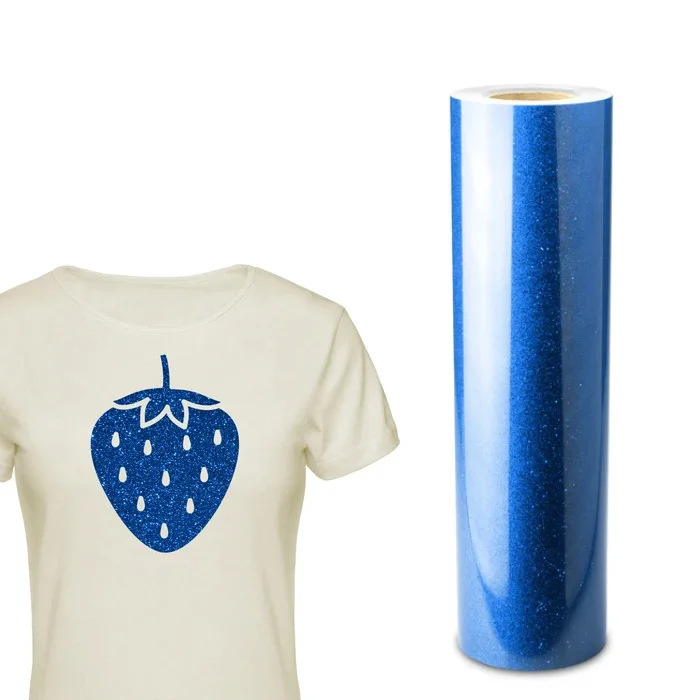
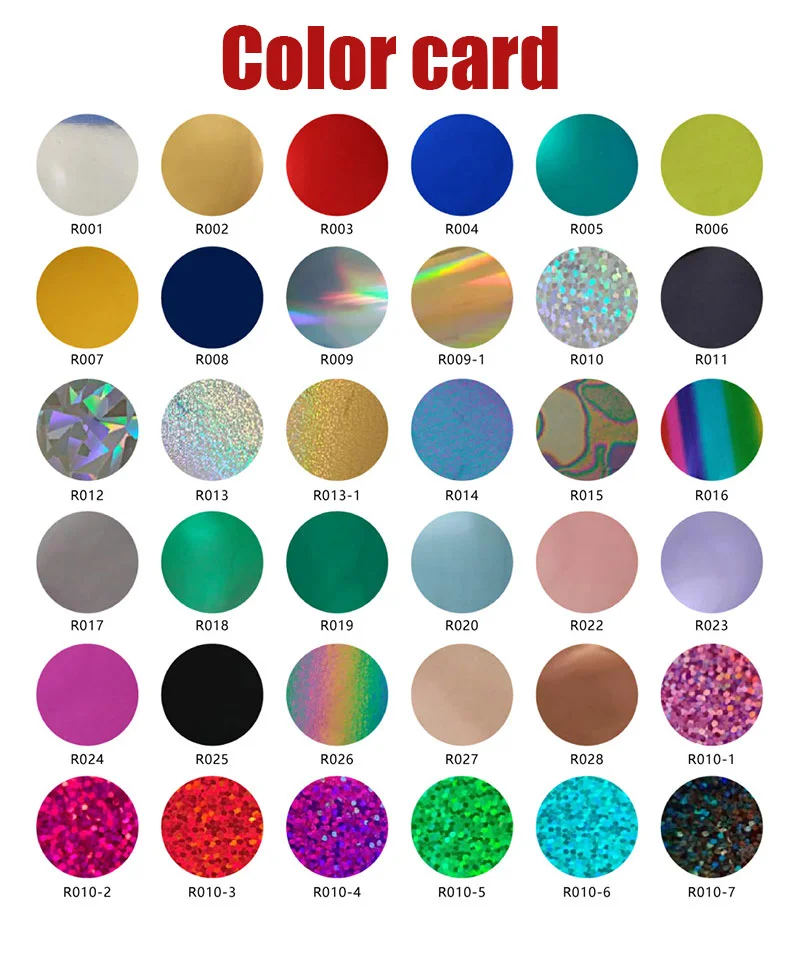
YanYan offer a wide range of holographic heat transfer vinyl in colors including rainbow, gold, silver, green, blue, purple, orange, white, opal, and transparent, along with various finish effects such as metallic, soft metallic, mirror (chrome), glitter, pearlescent/opal, and chameleon/color-shift, providing versatile options for eye-catching and high-impact designs.
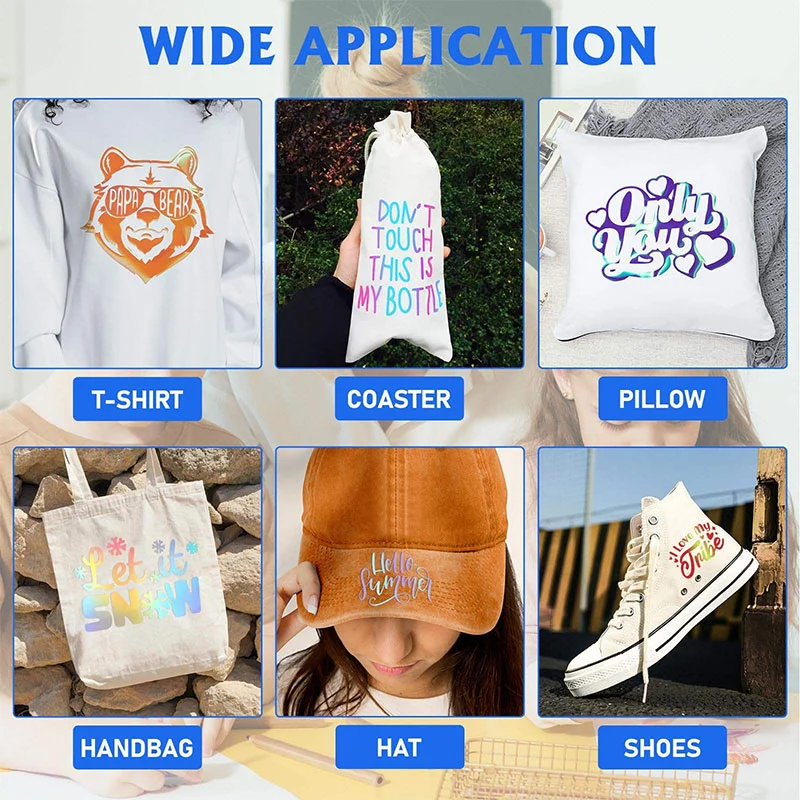
Use For
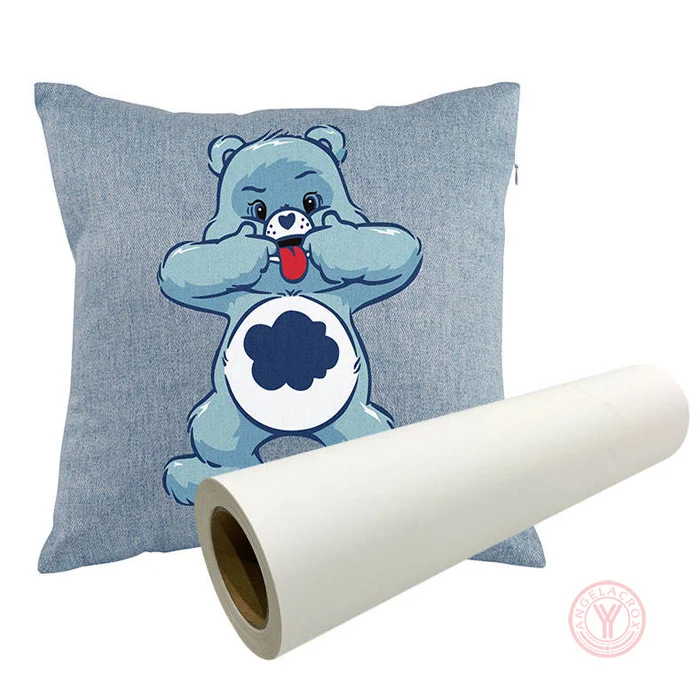
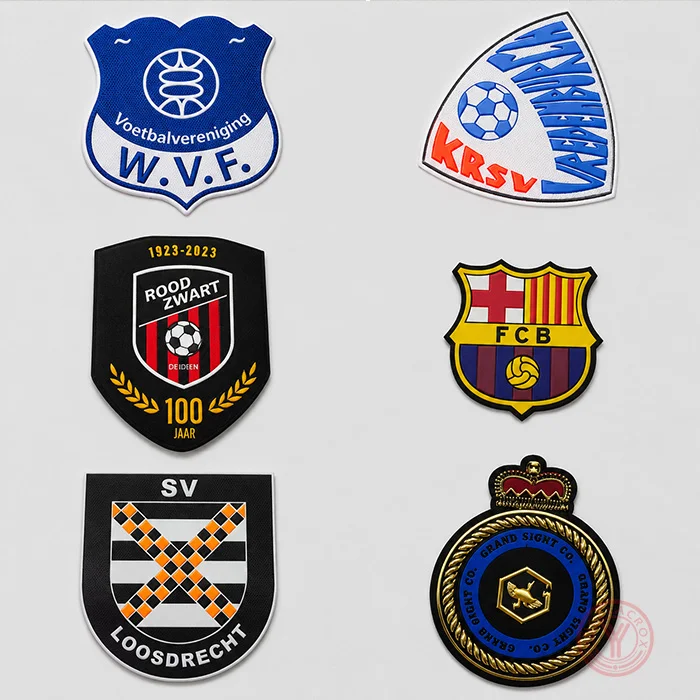
Perfect for custom T-shirts, hats, bags, streetwear fashion, sportswear branding, dance costumes, festival outfits, promotional apparel, and personalized DIY gifts.
Specification
| Material | PET/PU/TPU |
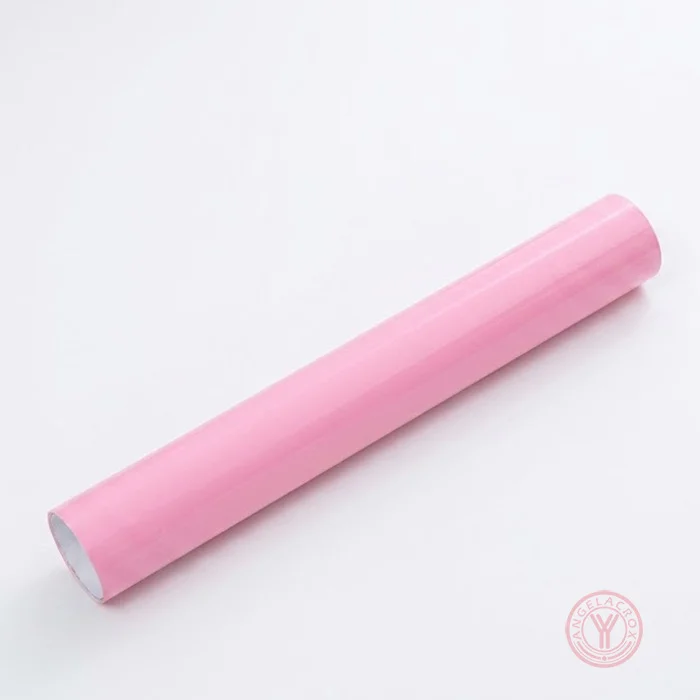
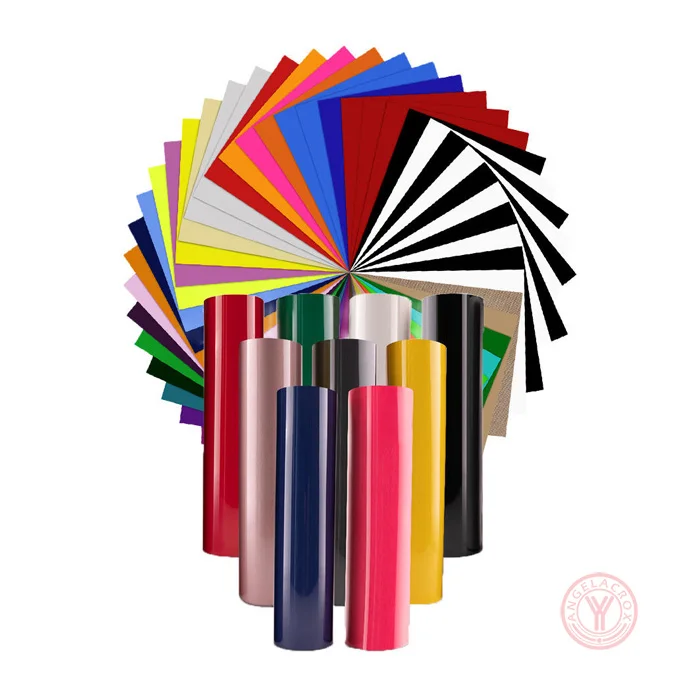
| Colors | Aqua/Teal, Black, Blush, Brown, Crystal, Fuchsia, Gold, Gold Crystal, Green, Navy Blue, Orange, Pink, Purple, Rainbow Dots, Rainbow Stripes, Red, Royal Blue, Silver, Sky Blue, Spectrum Silver, Violet (customizable) |
| Fabric Compatibility | Lycra and Spandex, 100% Polyester, 100% Cotton, 50/50 Cotton-Polyester blends |
| Thickness | 0.12mm |
| Product Size | 50cm × 25m/roll (customizable) |
| Temperature | 150-160°C/302-320°F |
| Pressure | 3–5kg, medium pressure |
| Pressing Time | 13-15 seconds |
| Peeling Method | cold peel |
| Washing Test | 60+ machine washes guaranteed |
| Available Formats | Rolls and sheets |
| MOQ | 1 roll |
| Sample | Free samples |
| Lead Time | Sample: 1–3 days; Bulk: 7–15 working days |

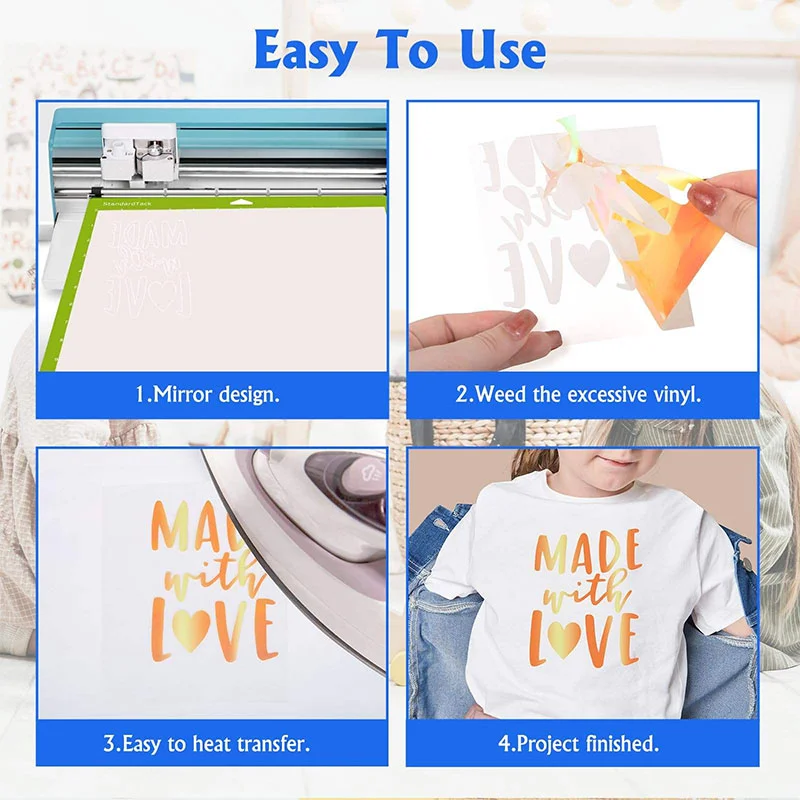
Holographic Heat Transfer Vinyl Instructions
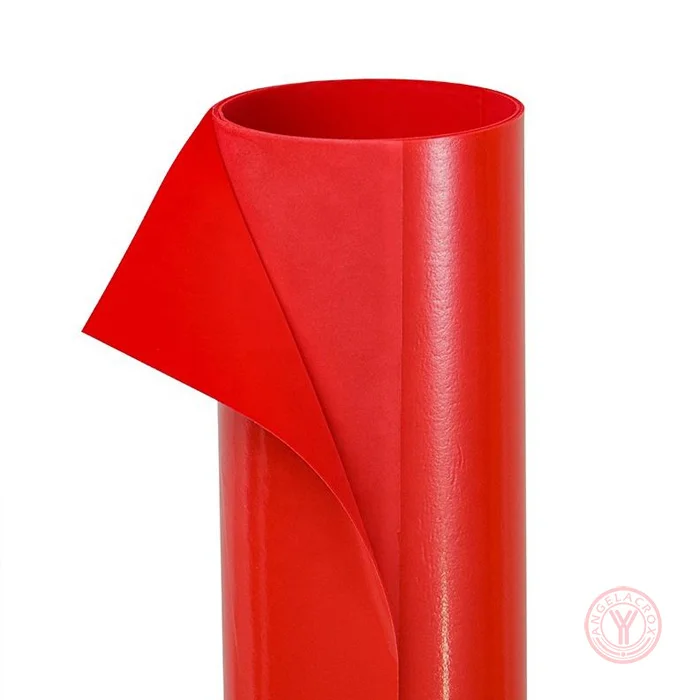
Applying holographic HTV vinyl requires more heat than standard vinyl and is almost always a "cold peel". Always mirror your design before cutting and place the shiny, clear carrier sheet face down on your cutting mat.Cutting
- Design: Create and size your design using software like Cricut Design Space or Silhouette Studio.
- Mirror: Always mirror your image before cutting, as you are cutting through the back of the vinyl.
- Mat Placement: Place the vinyl onto your cutting mat with the clear carrier sheet facing down (dull/matte side facing up).
- Settings: Select a specialty setting. For Cricut, use the Iron-on or Glitter Iron-on setting and adjust pressure to “more”.
- Weeding: Use a weeding hook to carefully remove the excess vinyl surrounding your design.
Application
- Preheat: Preheat your fabric for 2–3 seconds to remove moisture and wrinkles.
- Temperature & Pressure: Set your heat press or EasyPress to 150-160°C/302-320°F. Apply firm pressure for 13-15 seconds. If using a household iron, set it between Cotton and Linen settings and press firmly without sliding for 13-15 seconds per section.
- Peel: Holographic HTV is generally a cold peel. Allow the material to cool completely before gently removing the carrier sheet. If lifting occurs, repress for 5–10 seconds.
Tip:Wait at least 24 hours before washing the finished garment. Always turn the item inside out, machine wash with mild detergent, and dry on a normal dryer setting. Do not dry clean.
For more detailed step-by-step guidance, please read: 《How to Use Hologram Heat Transfer Vinyl》