
Description
Send Inquiry
Key Features
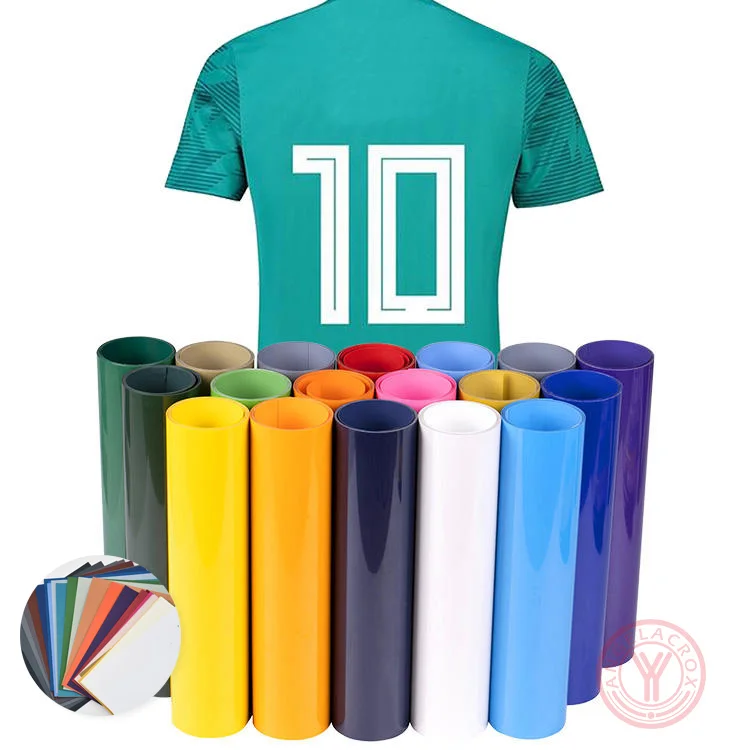
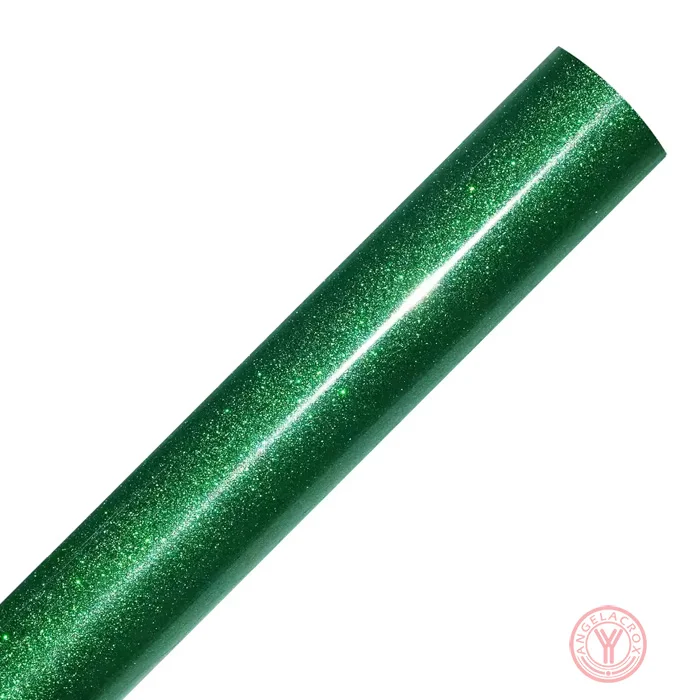
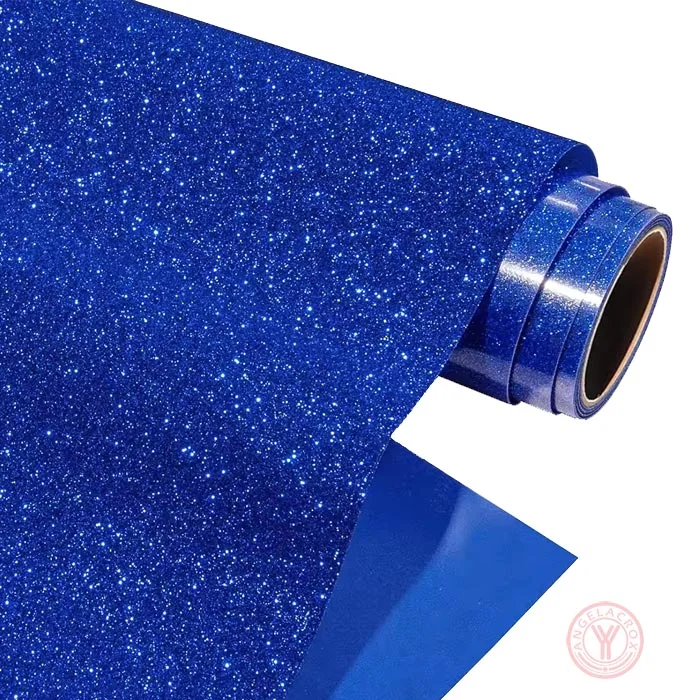
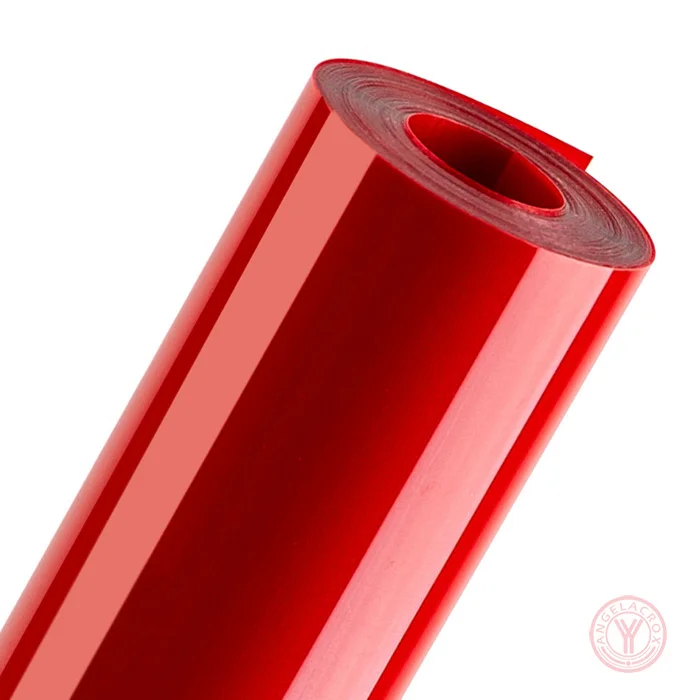
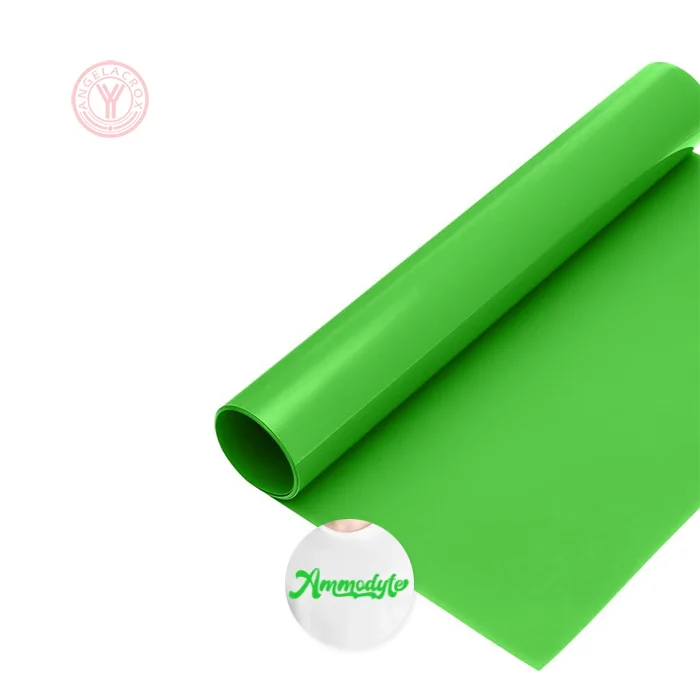
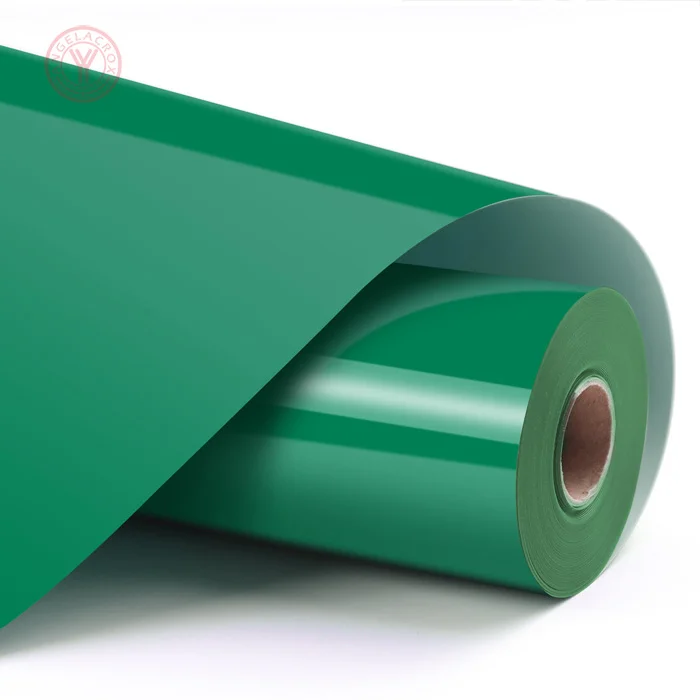
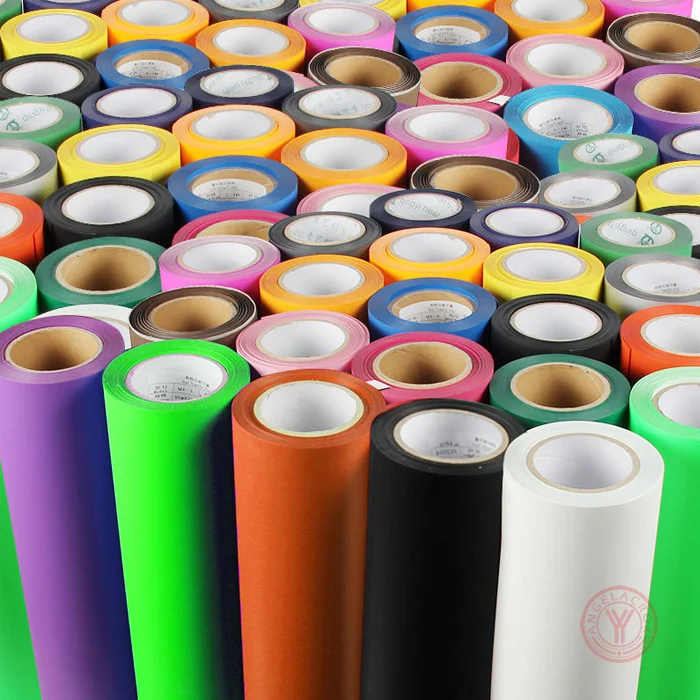
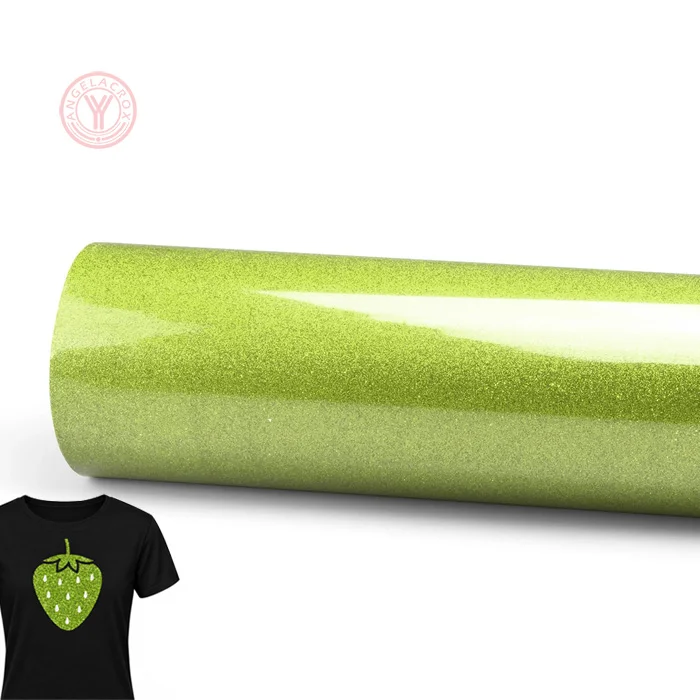
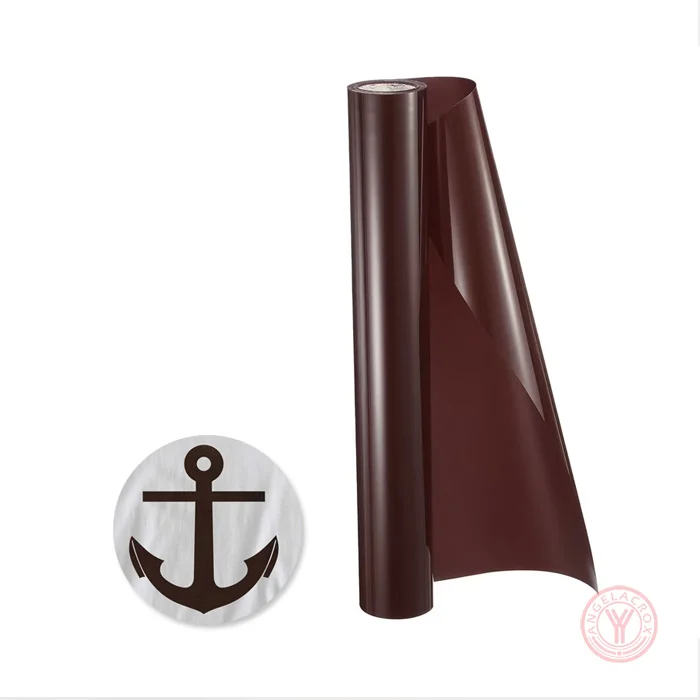
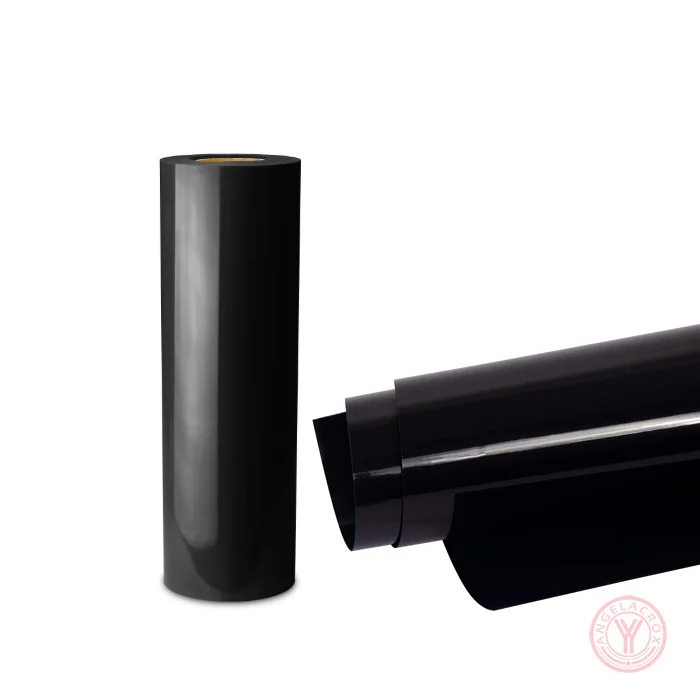
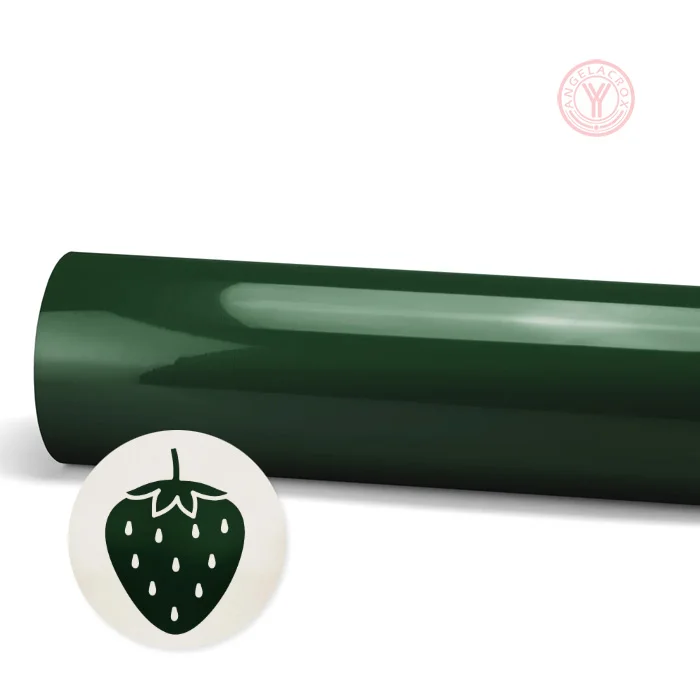
- Rich Dark Green Color – Deep green finish for professional and high-contrast garment designs.
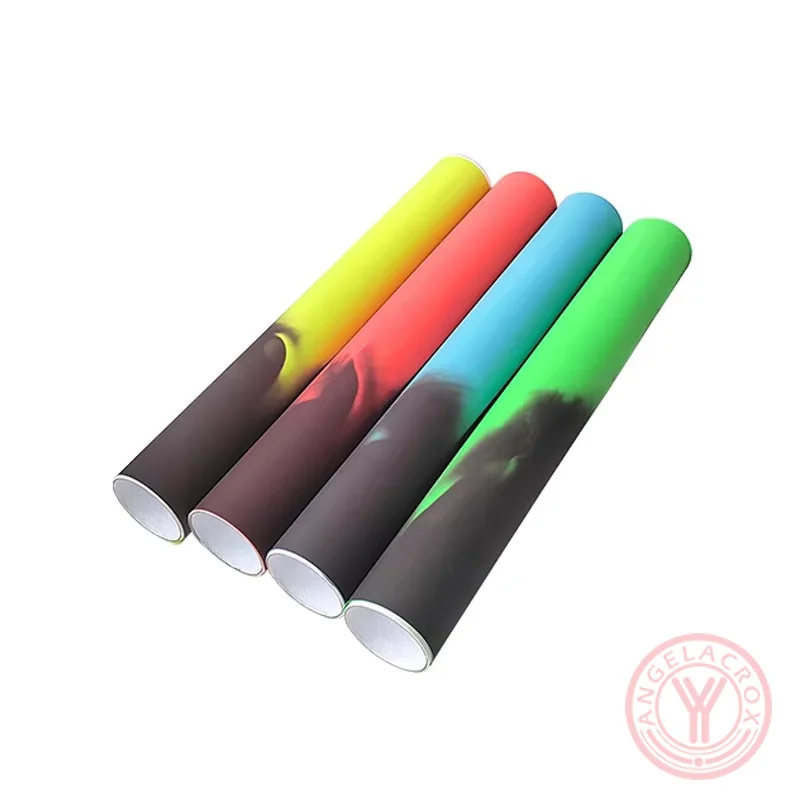
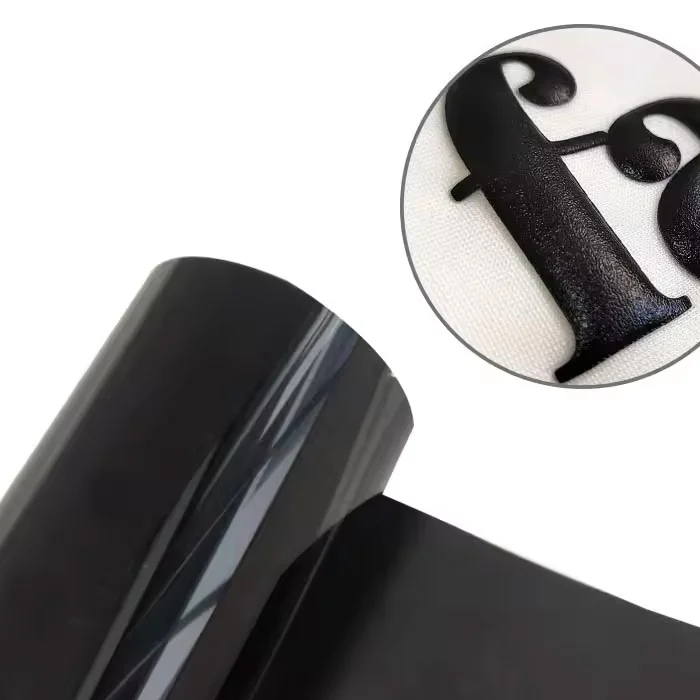
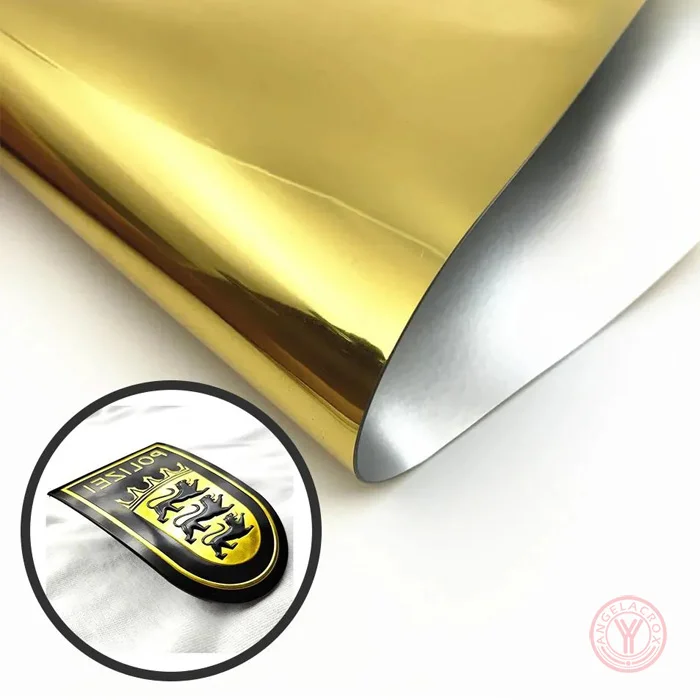
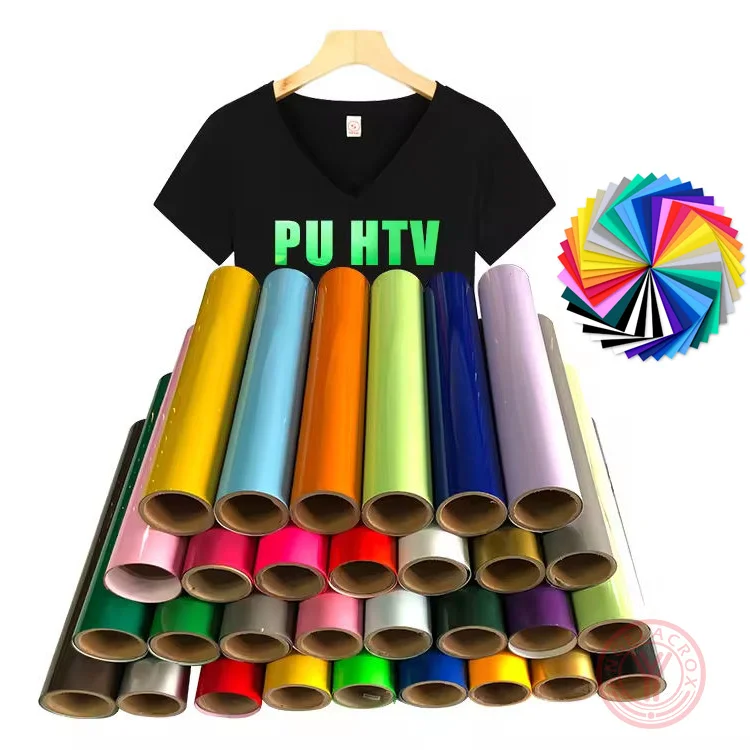
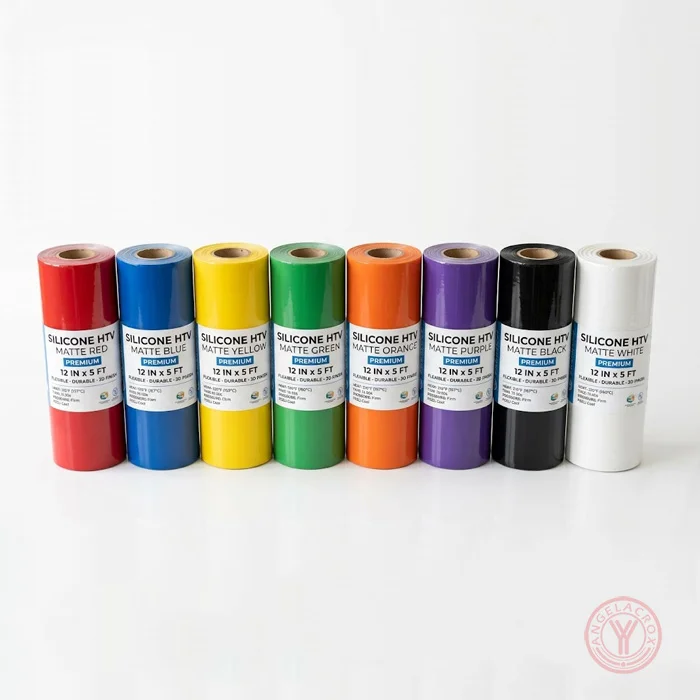
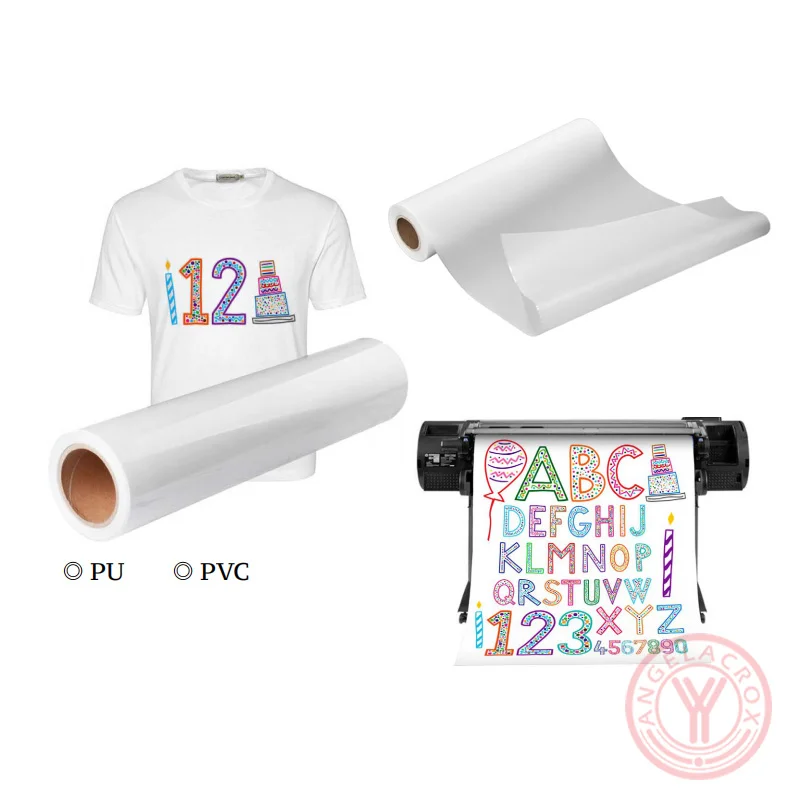
- 4 Material Options – TPU, PU, PET and Silicone available for different application requirements.
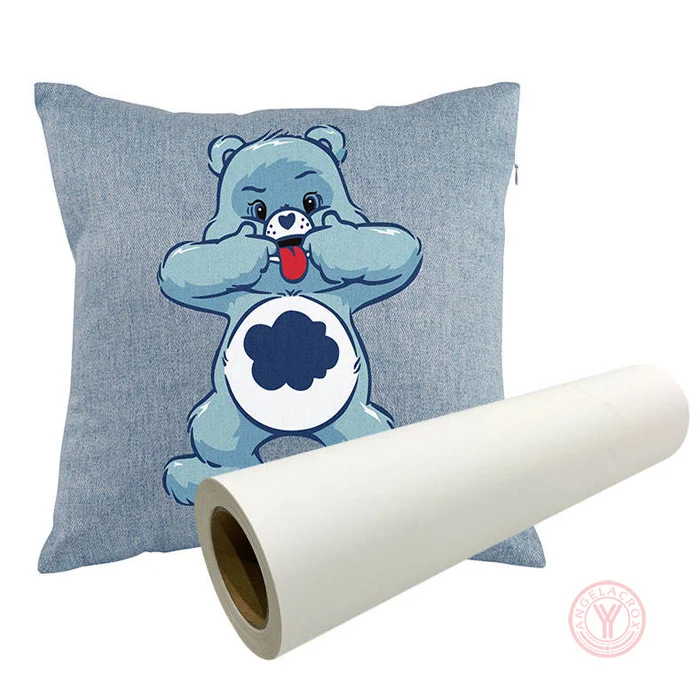
- Wide Fabric Compatibility – Suitable for 100% cotton, polyester, cotton/polyester blends, nylon, acrylic and other compatible textiles.
- Easy Cutting & Weeding – Clean cutting and easy weeding for letters, logos and detailed designs.
- Wide Device Compatibility – Works with Cricut, Silhouette, Brother ScanNCut and other compatible cutting machines.
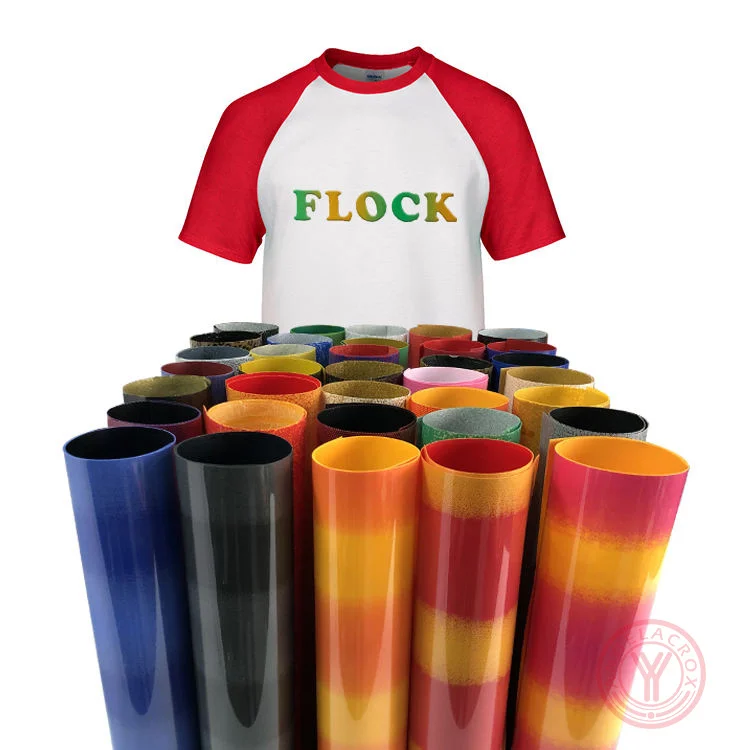
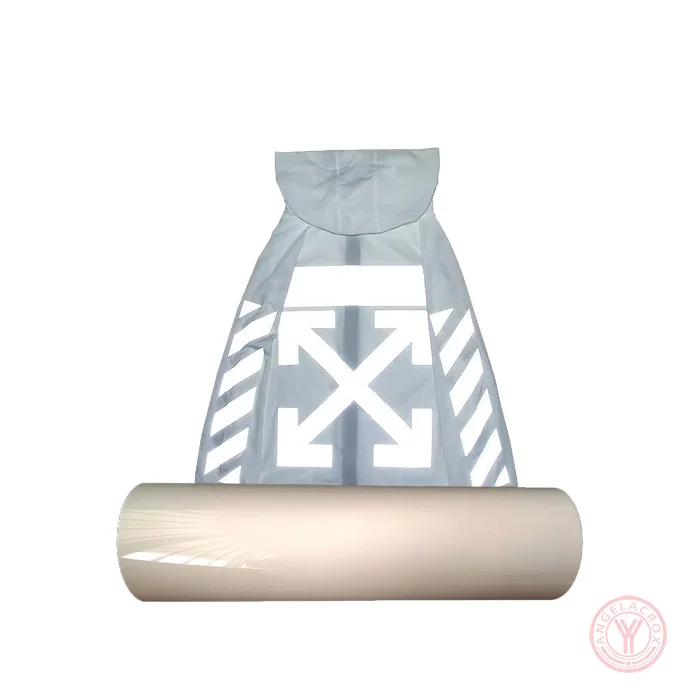
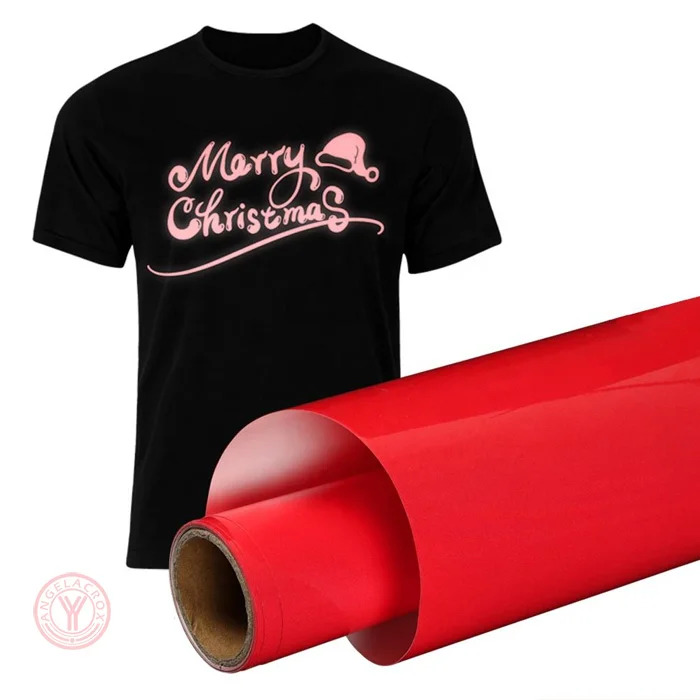
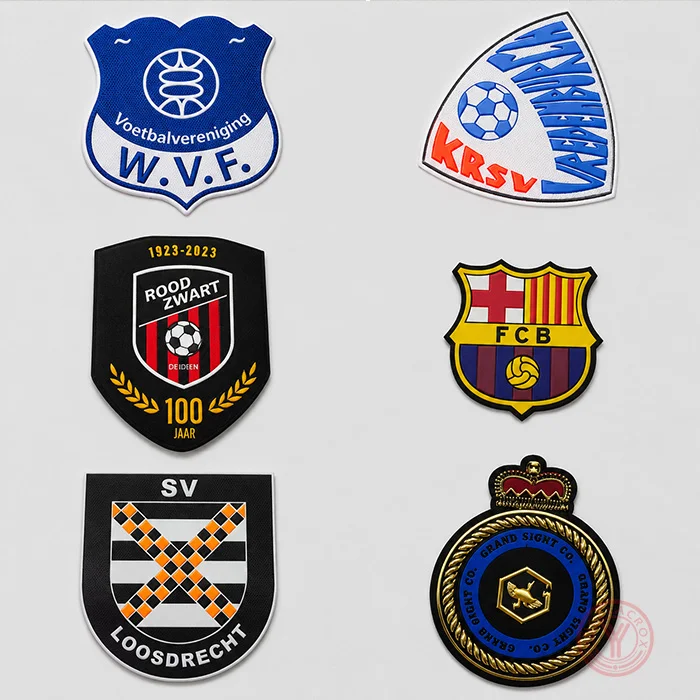
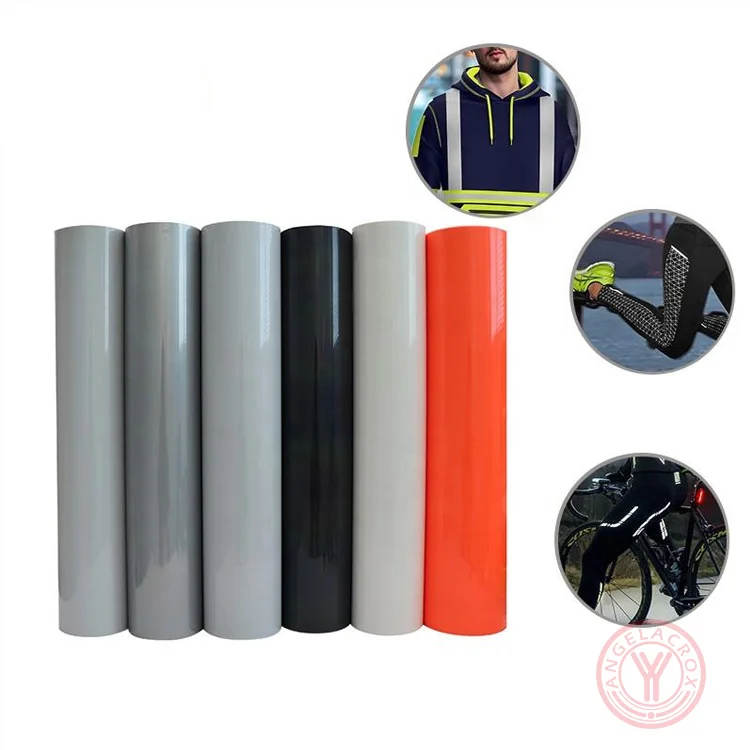
- Flexible Applications – Ideal for T-shirts, hoodies, sportswear, uniforms, workwear, bags and custom apparel.
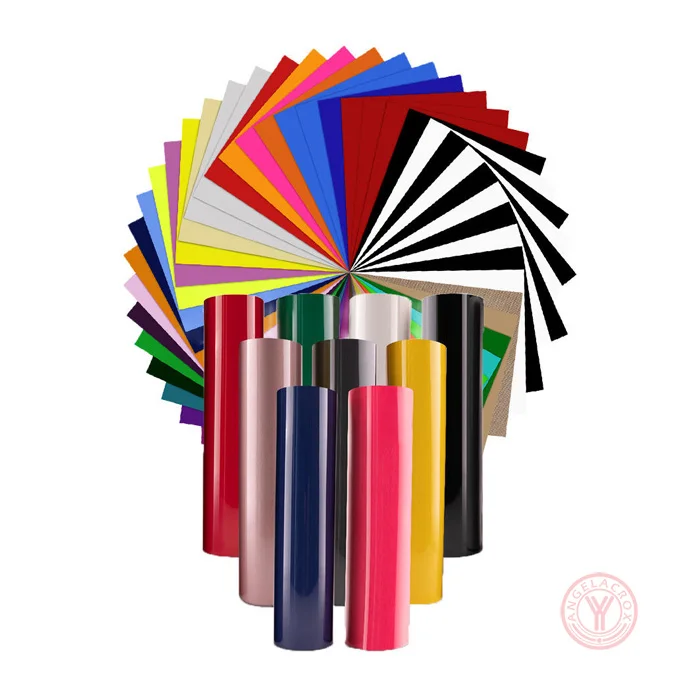
- Custom Production – Custom color, size, thickness and finish available for wholesale and OEM/ODM orders.
Specifications
| Product Name | Dark Green HTV Vinyl |
| Color | Dark Green |
| Material | TPU, PU, PET, Silicone |
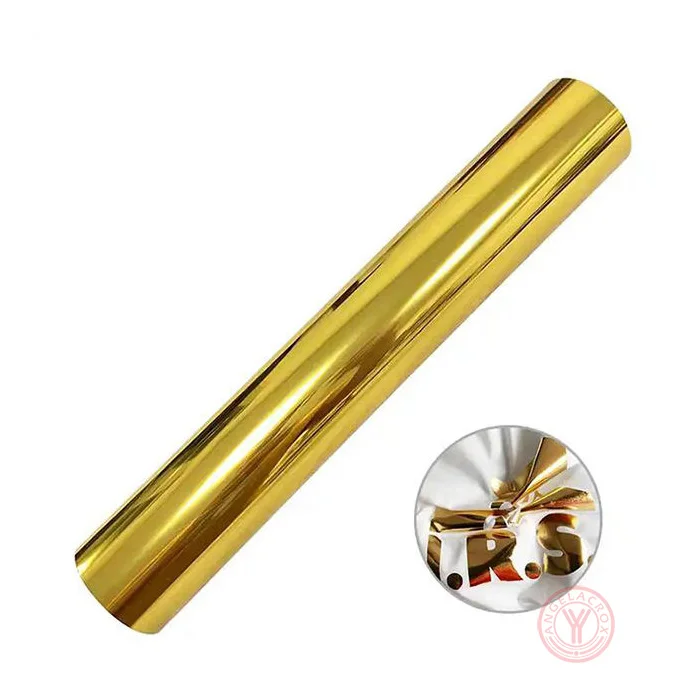
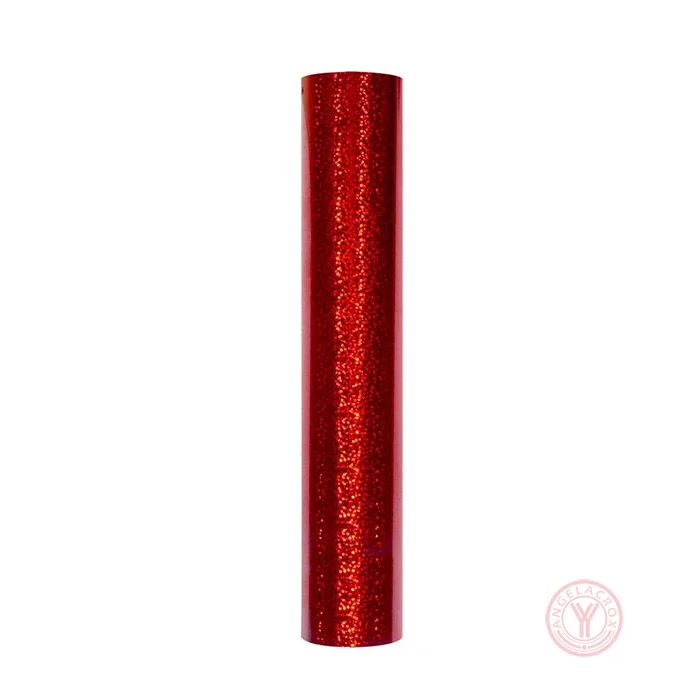
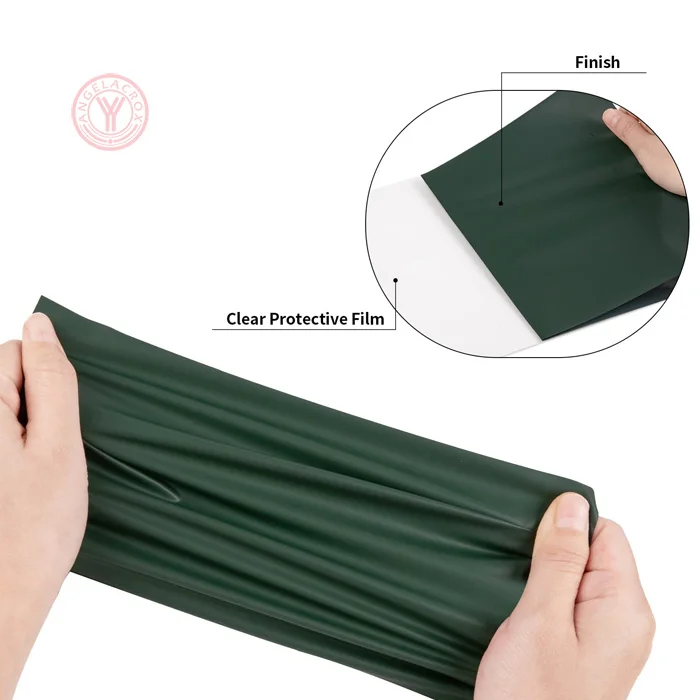
| Finish | Matte, Glossy or Custom |
| Size | 50 cm*25 m / 50 m;Customizable |
| Thickness | 0.08mm - 1mm;Customizable |
| Transfer Temperature | 140–145°C (284–293°F) |
| Pressing Time | 8–15 seconds |
| Pressure | Medium pressure;3–5kg |
| Peel | Warm peel |
| Cutting | Compatible with Cricut, Silhouette, Brother ScanNCut and other vinyl cutting machines |
| Application | T-Shirts, Hoodies, Sportswear, Uniforms, Workwear and Textile Products |
| MOQ | 1 Roll |
| Samples | Free samples |
How to Use Dark Green Heat Transfer Vinyl
- 1. Create and Mirror Your Design: Prepare your logo, lettering, numbers or graphics, then mirror the design before cutting.
- 2. Cut the Vinyl: Place the Dark Green HTV on the cutting mat and cut it with a compatible vinyl cutting machine, such as Cricut, Silhouette or Brother ScanNCut.
- 3. Weed the Design: Remove the excess vinyl carefully, leaving only the design you want to transfer.
- 4. Pre-Press the Fabric: Pre-press the garment briefly to remove moisture and wrinkles before application.
- 5. Position the Design: Place the weeded design on the fabric with the adhesive side facing down.
- 6. Heat Press: Set the heat press to 140–145°C (284–293°F) and apply medium pressure (3–5 kg) for 8–15 seconds.
- 7. Warm Peel: Peel the carrier film while warm. If needed, allow the transfer to cool slightly before removing the film.
- 8. Final Check: Make sure the edges are firmly bonded. For bulk production, test the recommended settings on the actual fabric and material first.
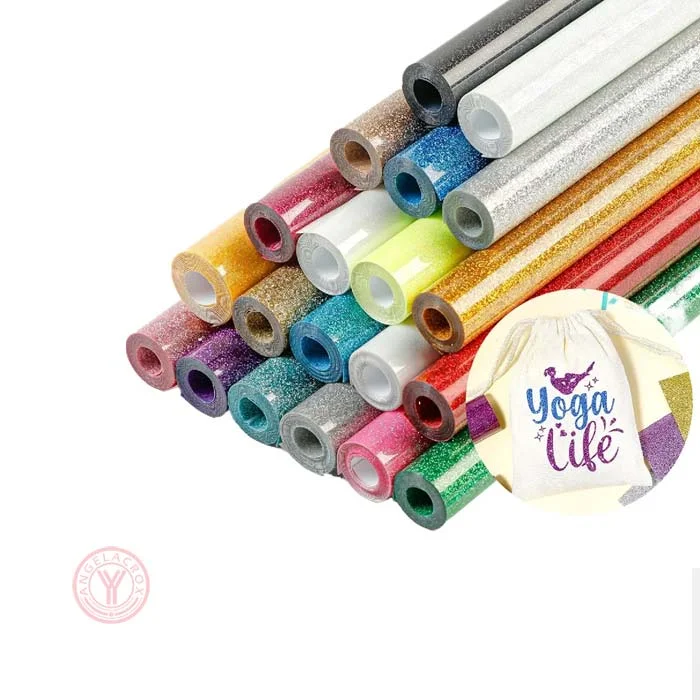
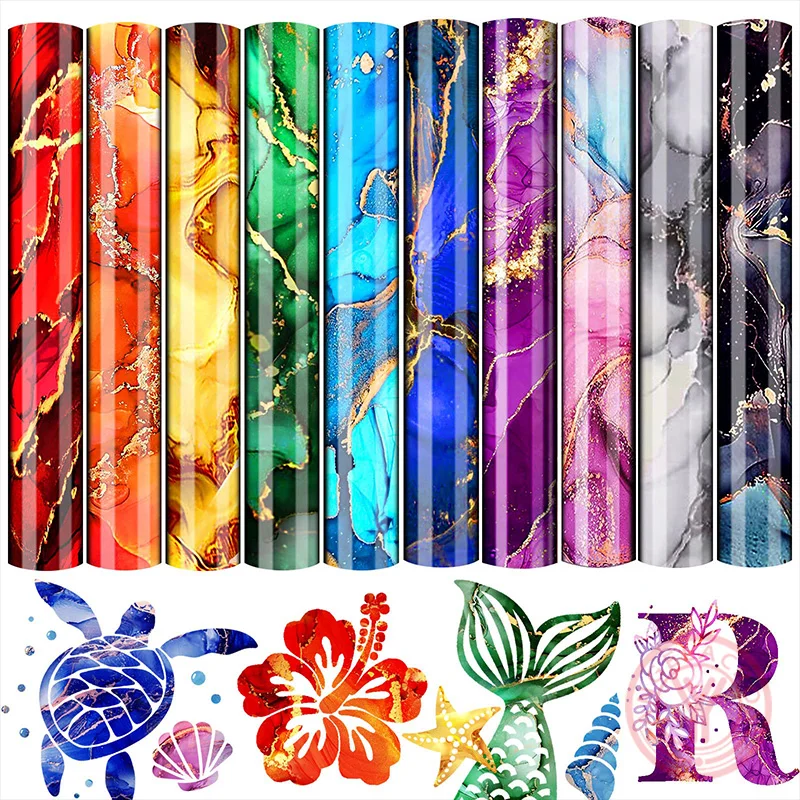
Looking for more green shades or finishes? Explore our Green Heat Transfer Vinyl collection for additional colors, materials and finish options. Choose the right green HTV for your garment decoration project, or contact YANYAN for custom color and wholesale solutions.