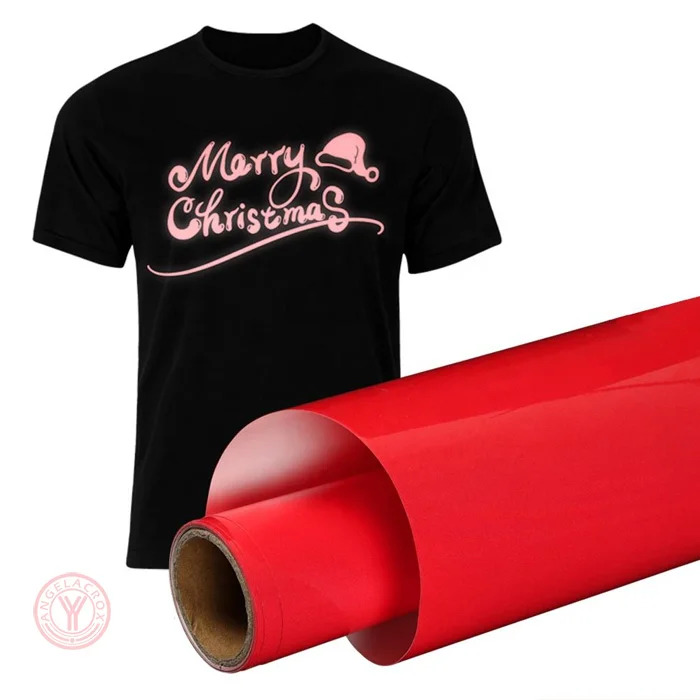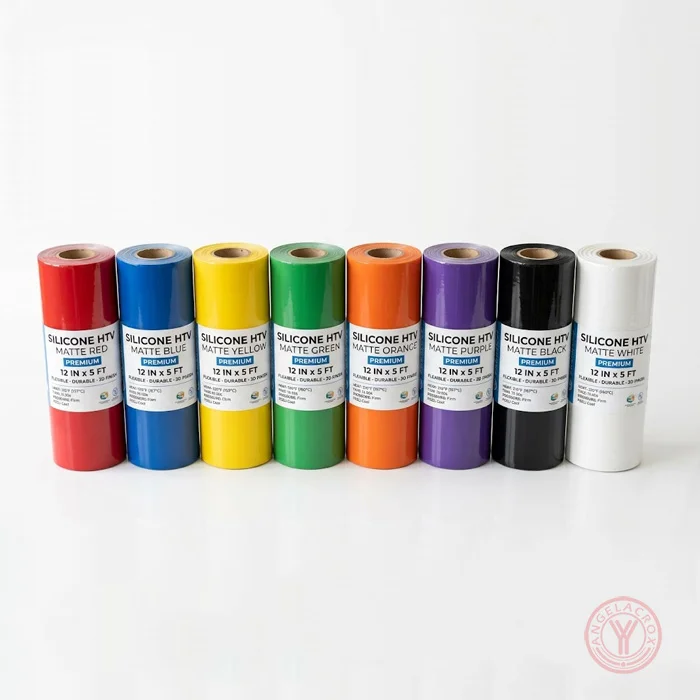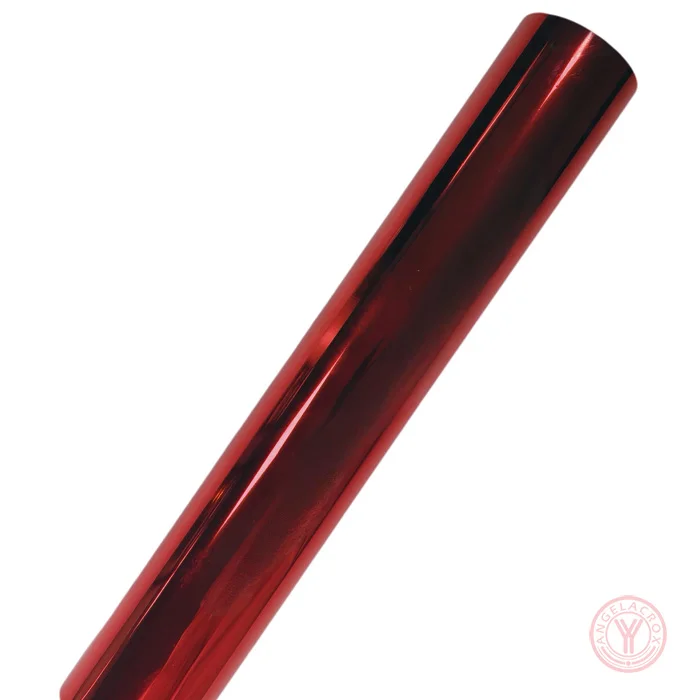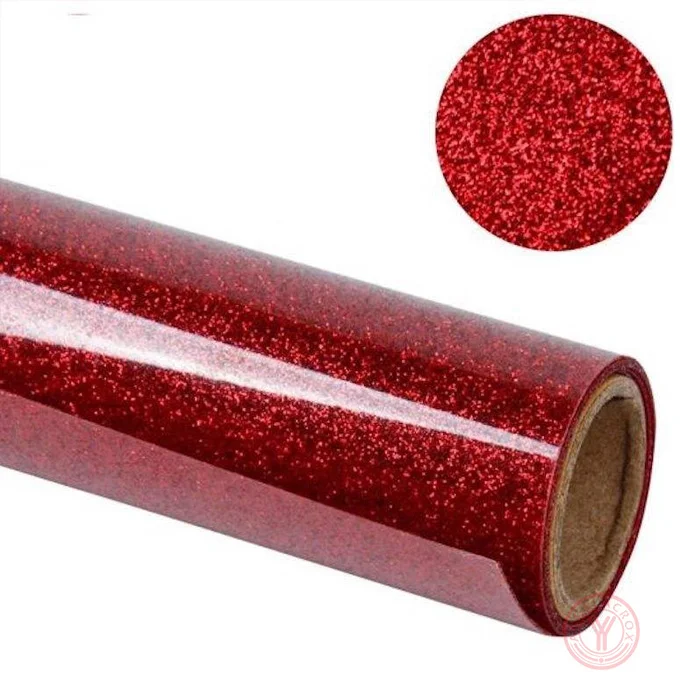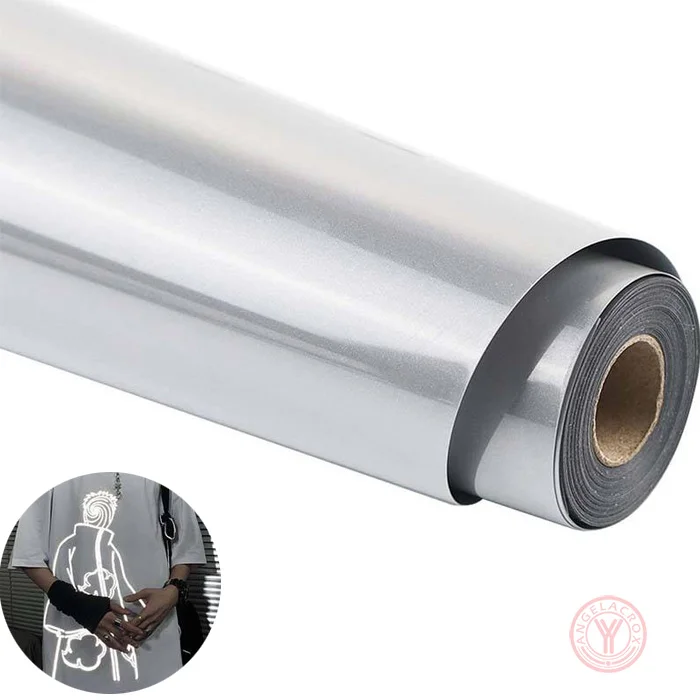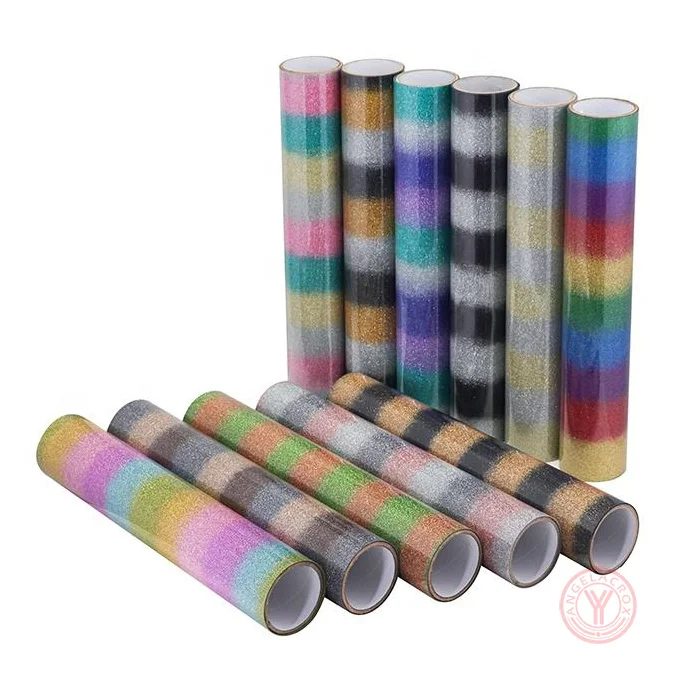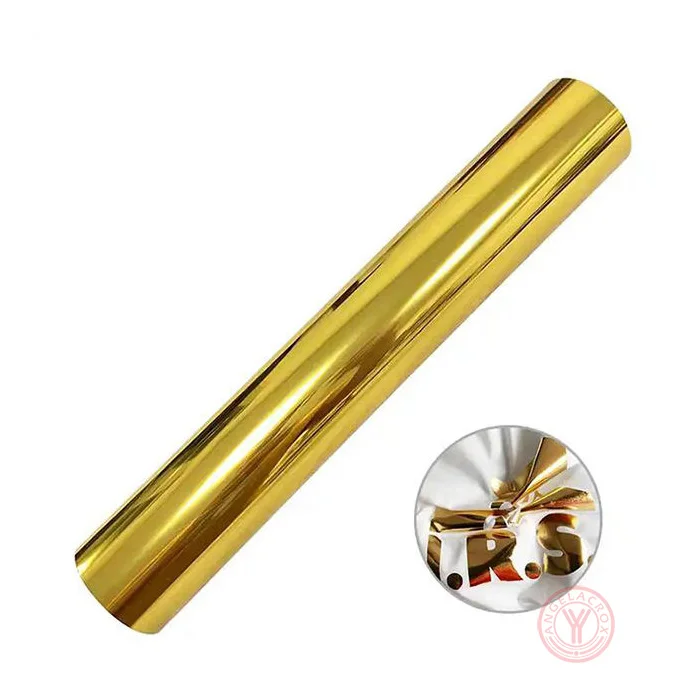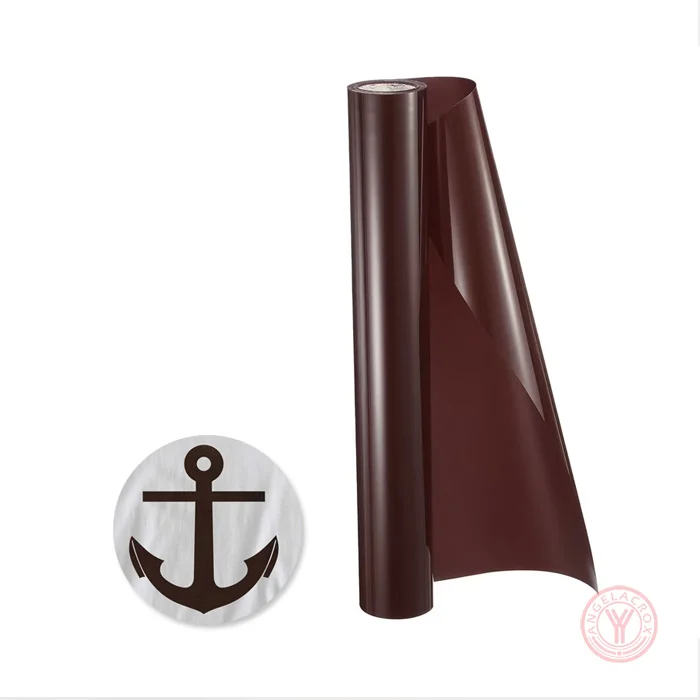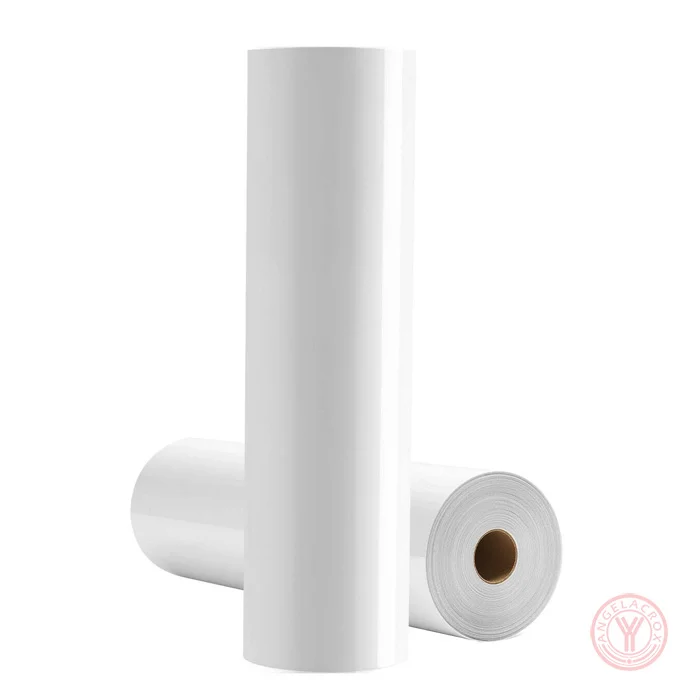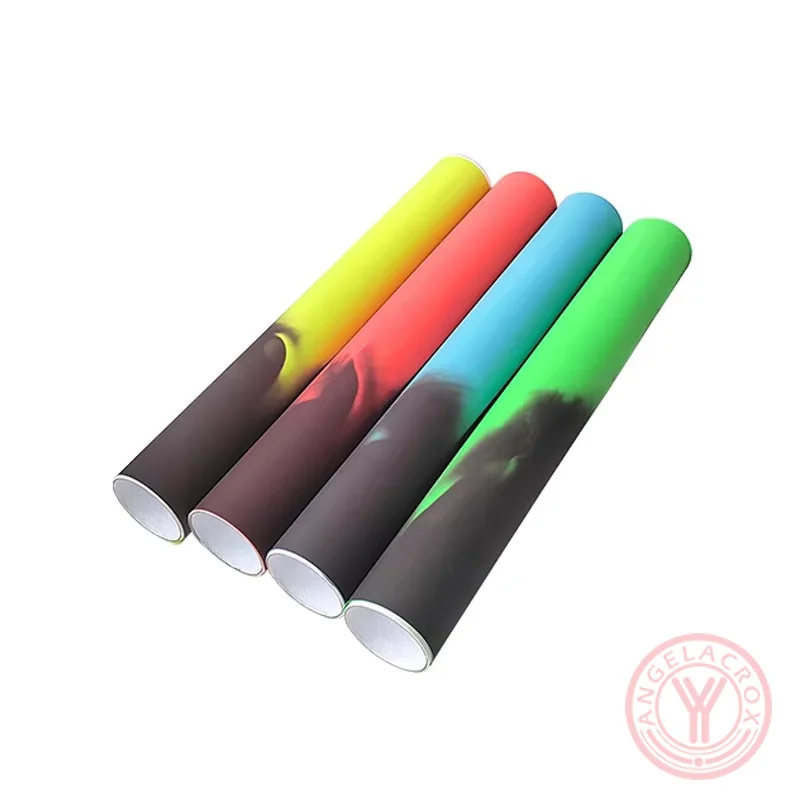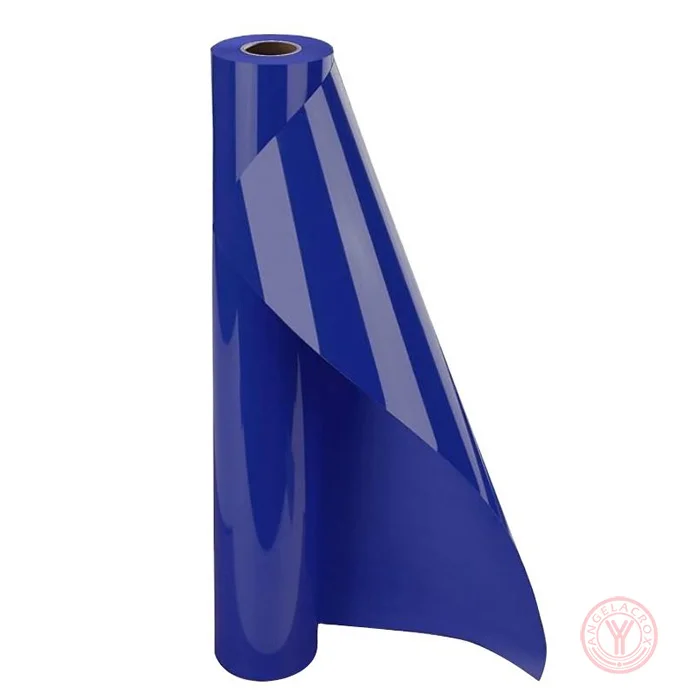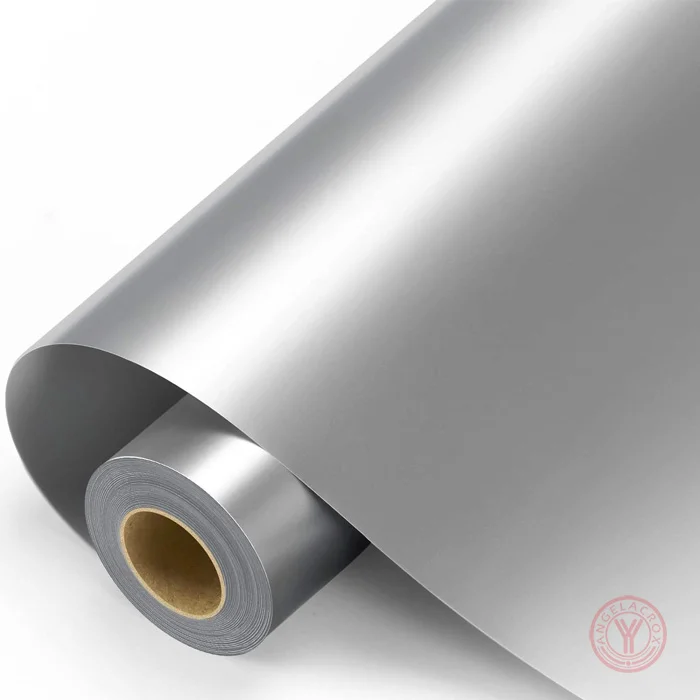
Description
Send Inquiry
Key Features
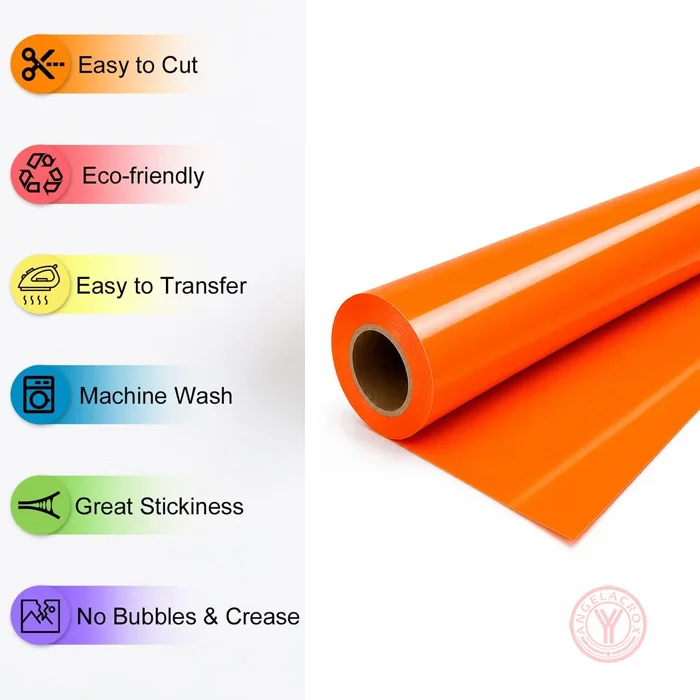
- Easy to Cut & Weed: Cuts cleanly for lettering, logos, numbers, and detailed designs, with easy removal of excess vinyl.
- Works with Most Cutting Machines: Compatible with Cricut, Silhouette Cameo, Brother ScanNCut, Roland, Graphtec, and other vinyl cutters.
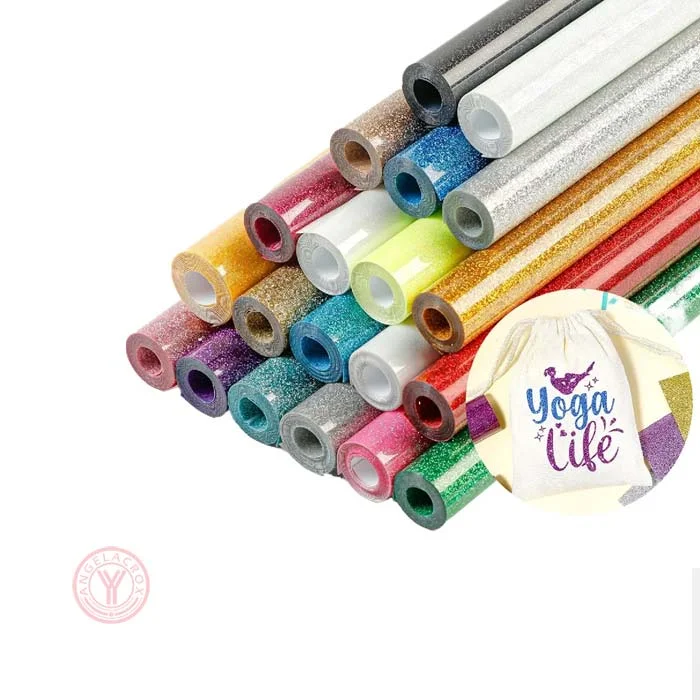
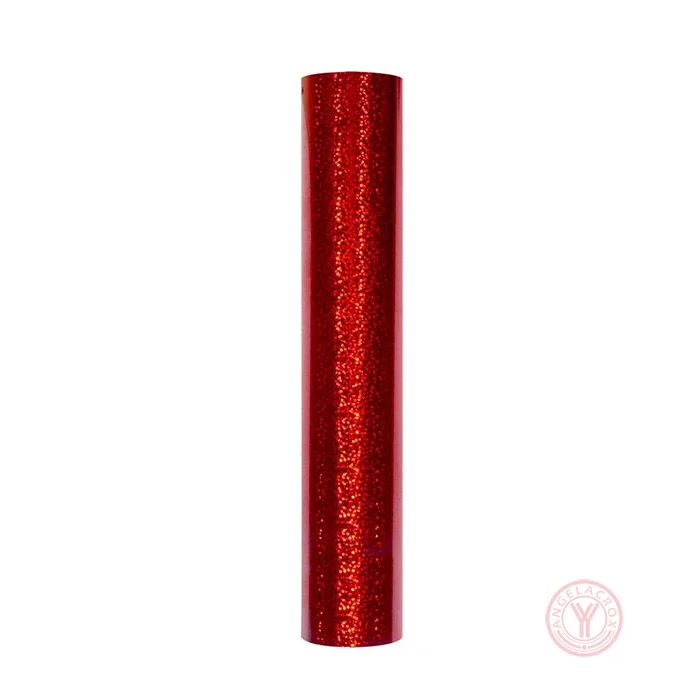
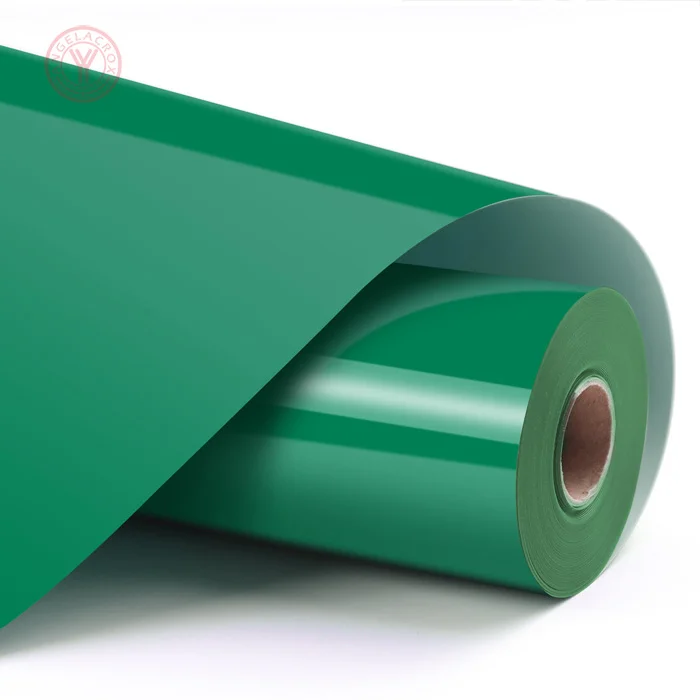
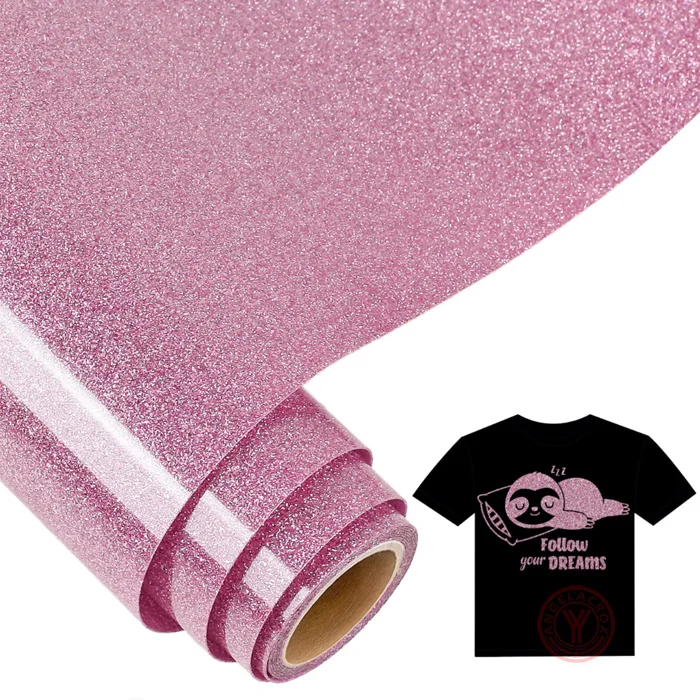
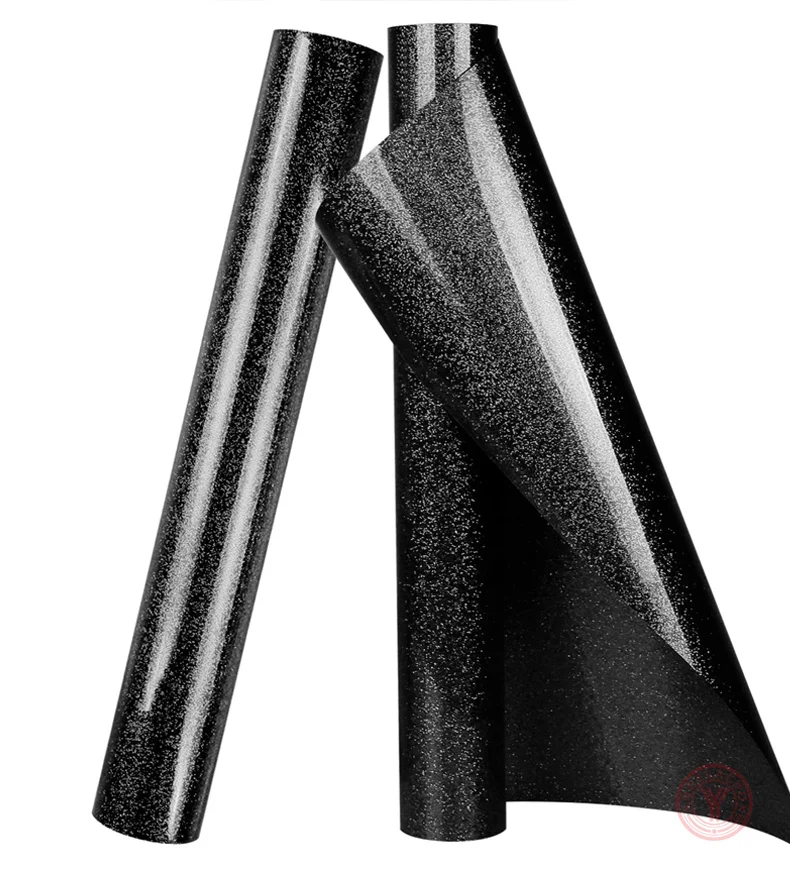
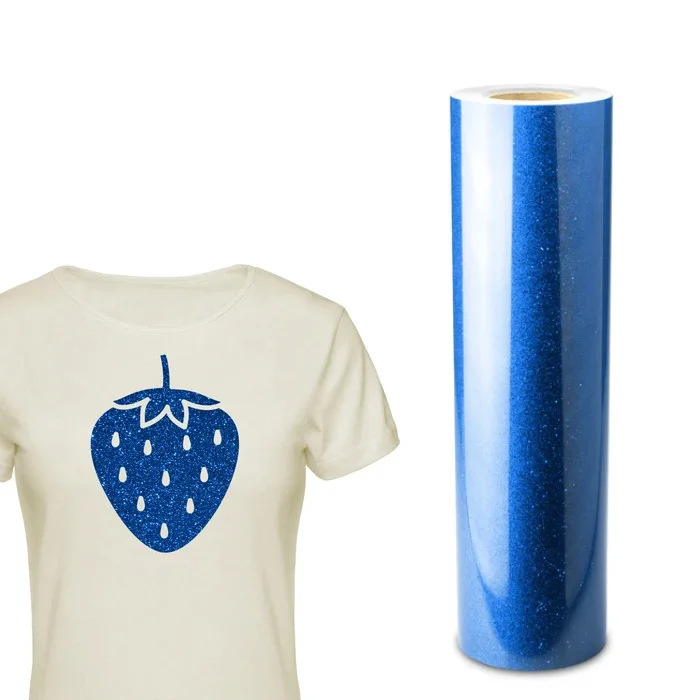
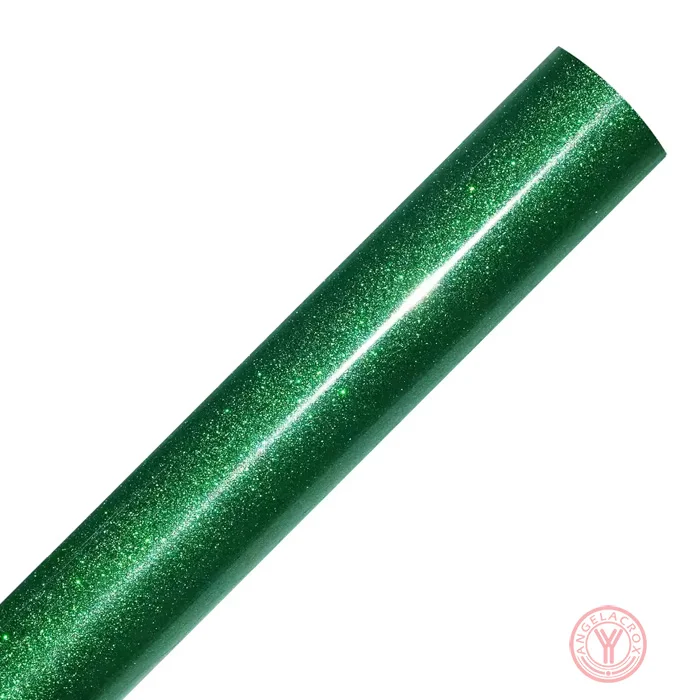
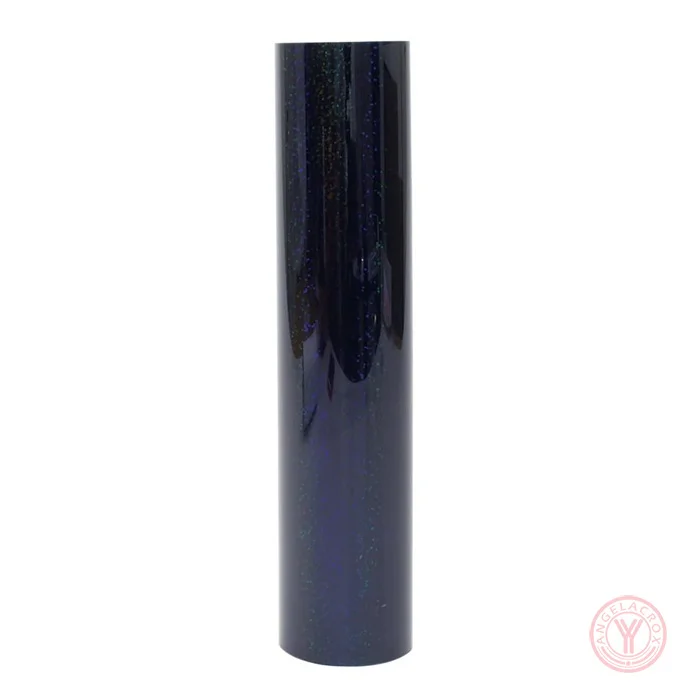
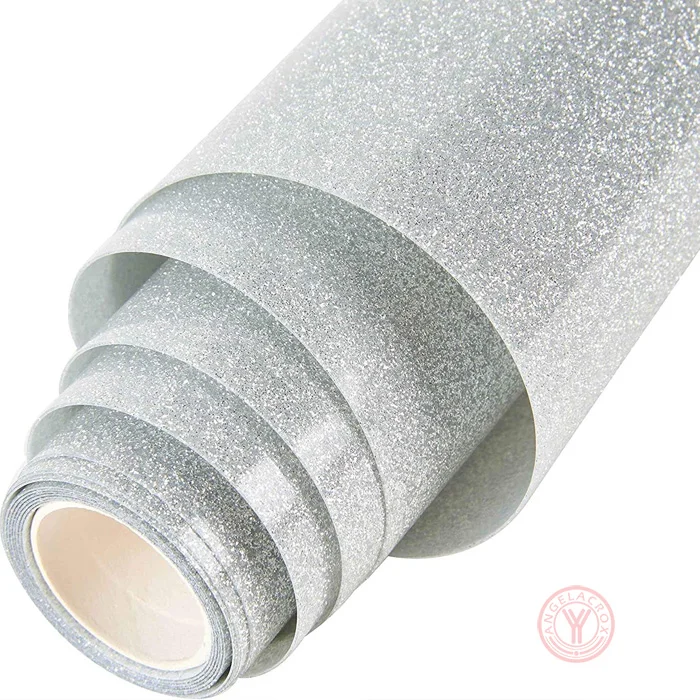
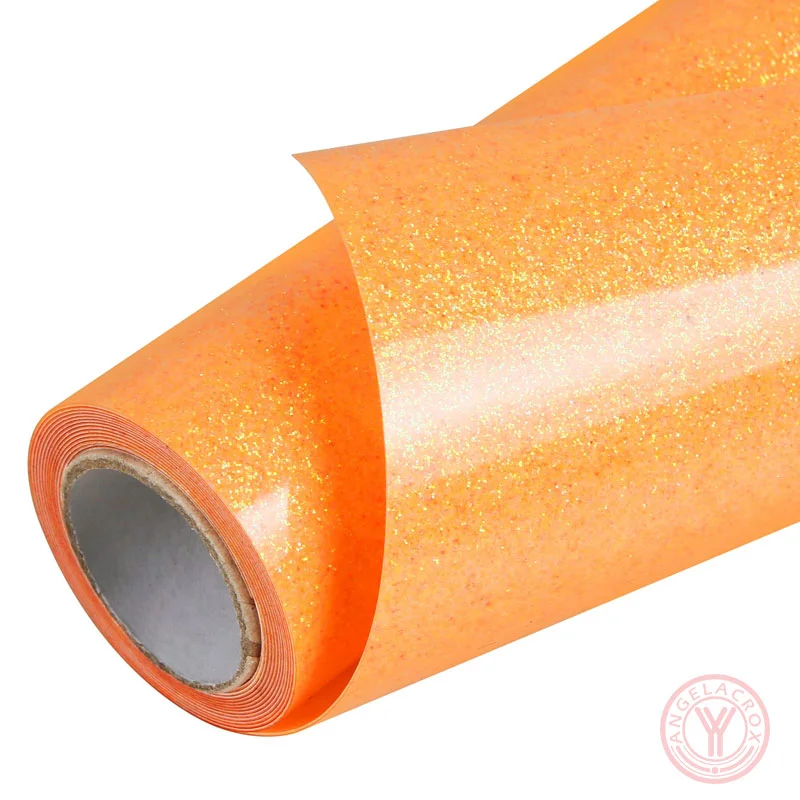
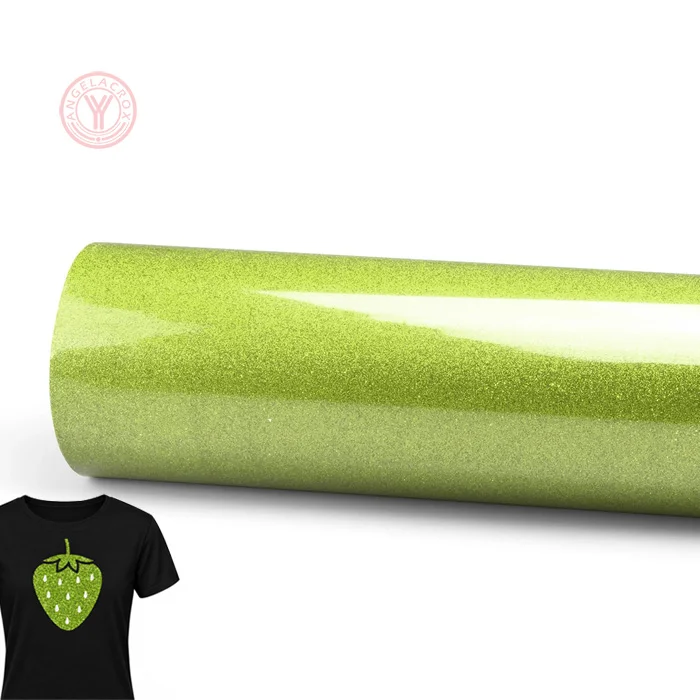
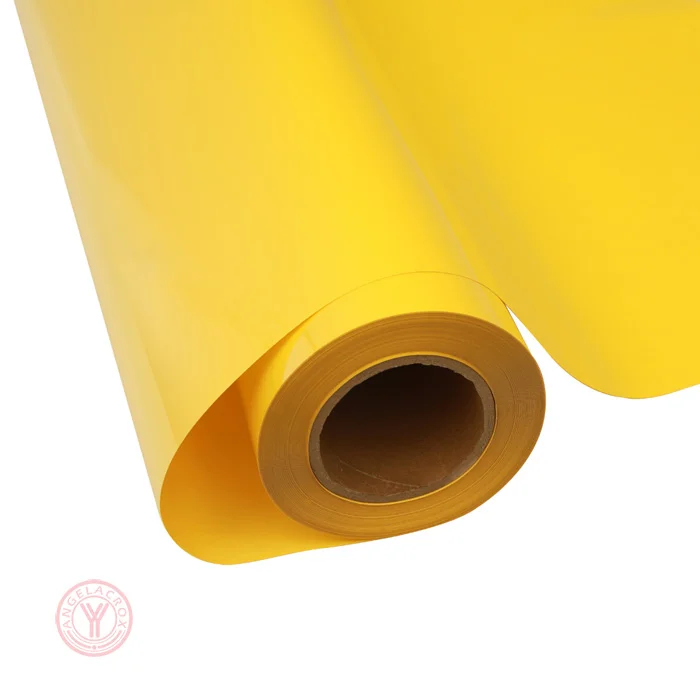
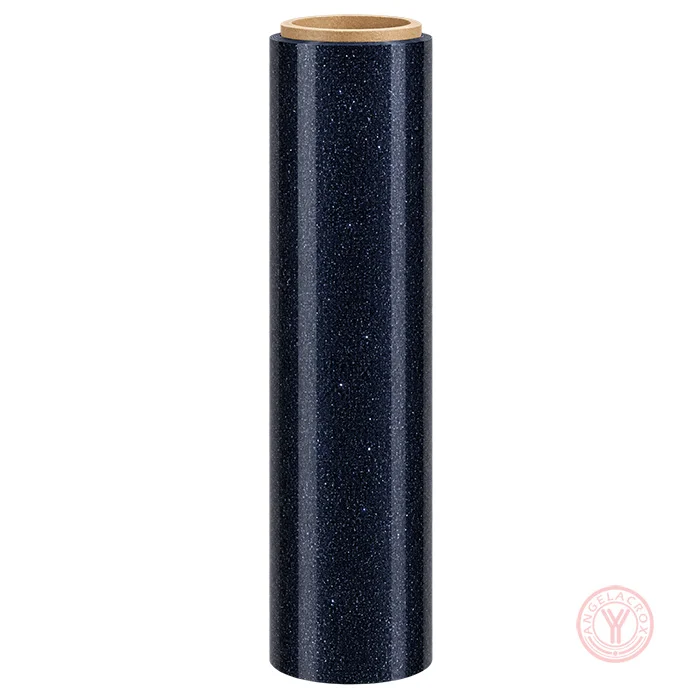
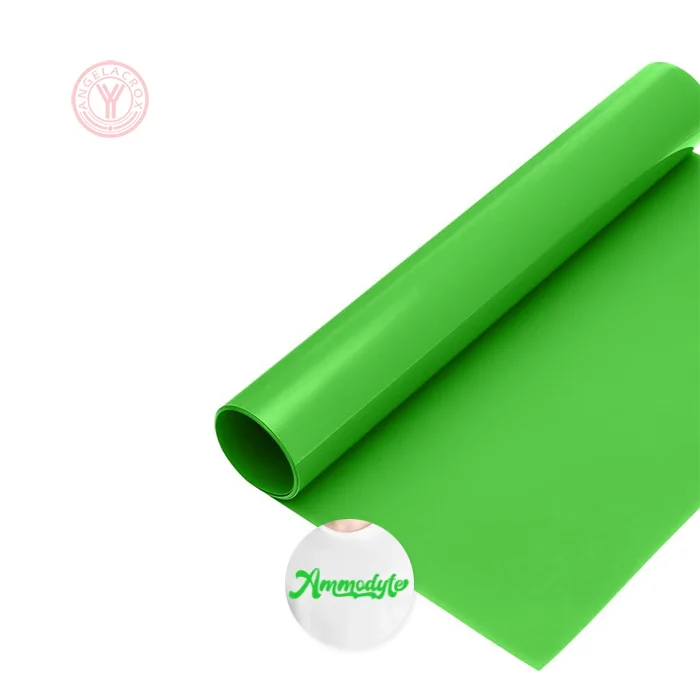
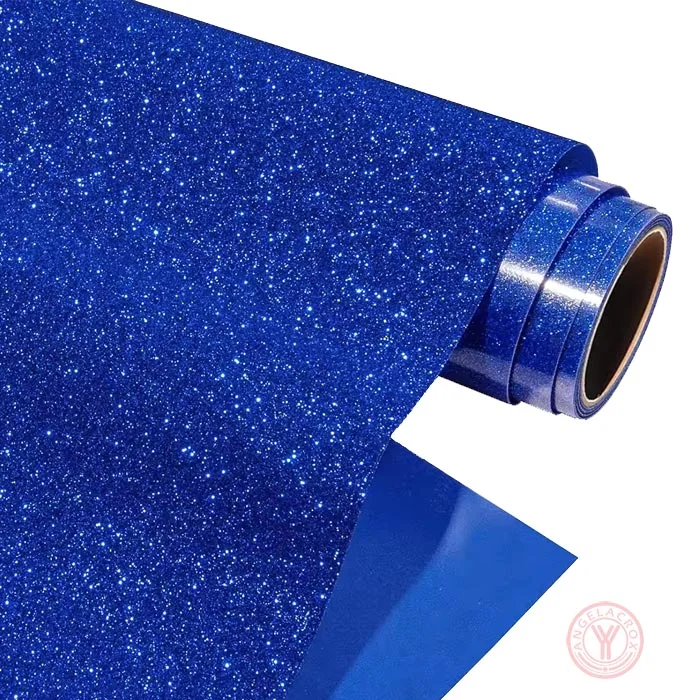
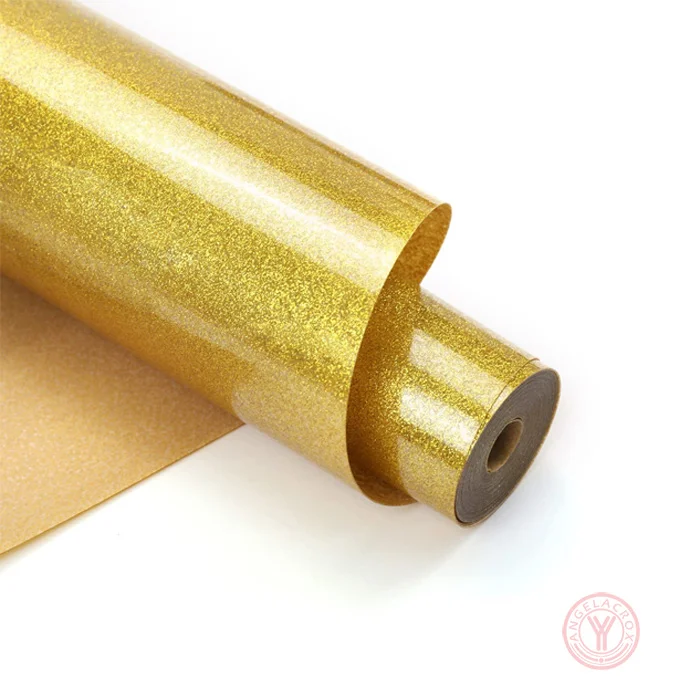
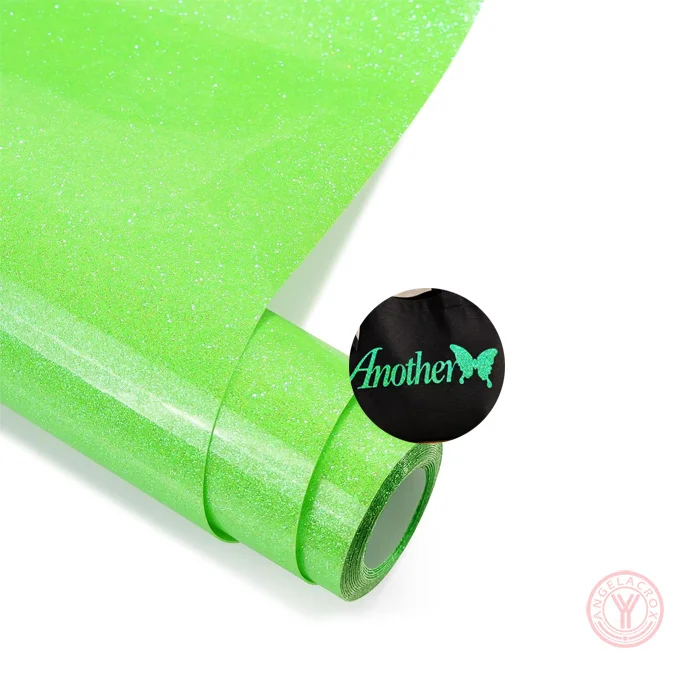
- Bright Neon Glitter Effect: The sparkling neon green surface adds bold color and shine to custom garment designs.
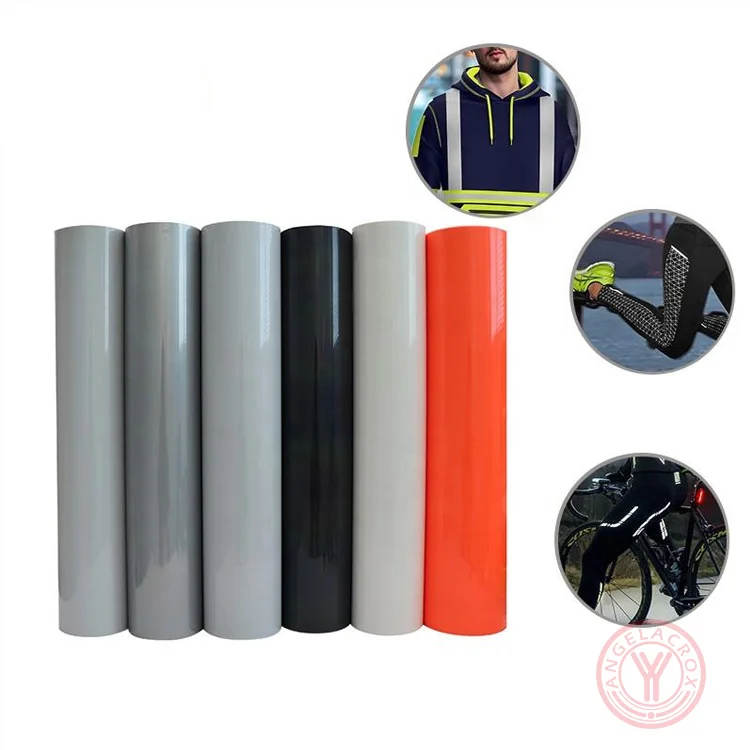
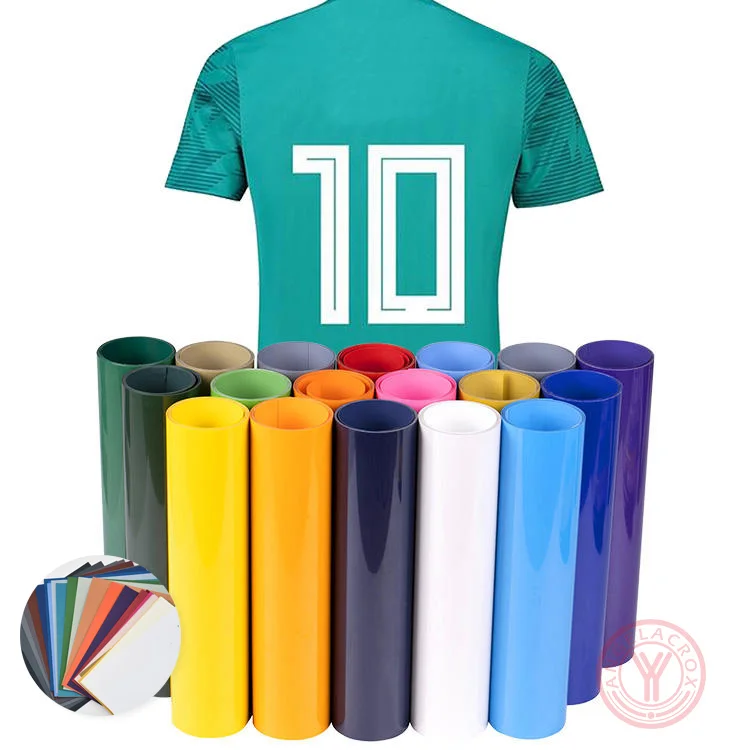
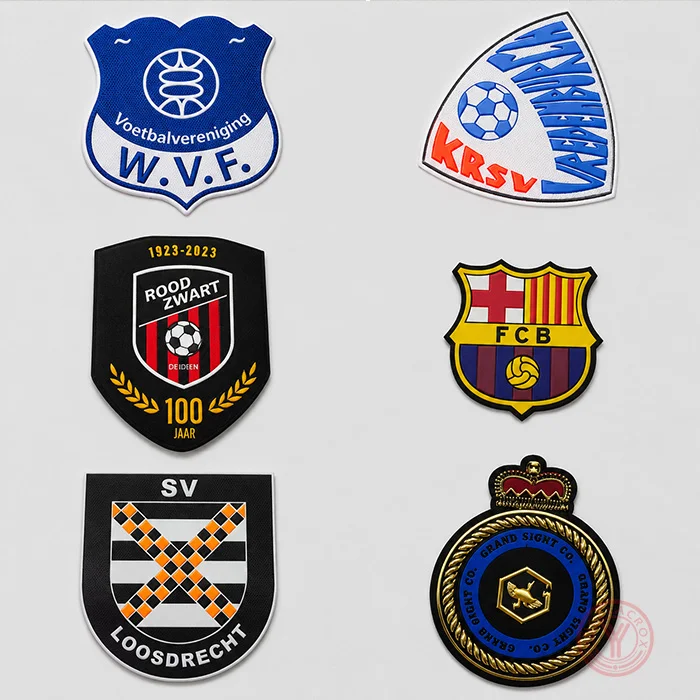
- Wide Fabric Compatibility: Suitable for cotton, polyester, and cotton blends, ideal for T-shirts, hoodies, sportswear, bags, and hats.
- Reliable Heat Transfer: Designed to bond firmly to compatible fabrics when the recommended temperature, pressure, and pressing time are followed.
- Durable & Machine Washable: Bonds firmly to fabric and resists fading, peeling, and cracking after repeated washes while maintaining vibrant color.
Specification
| Product Name | Neon Green Glitter Heat Transfer Vinyl |
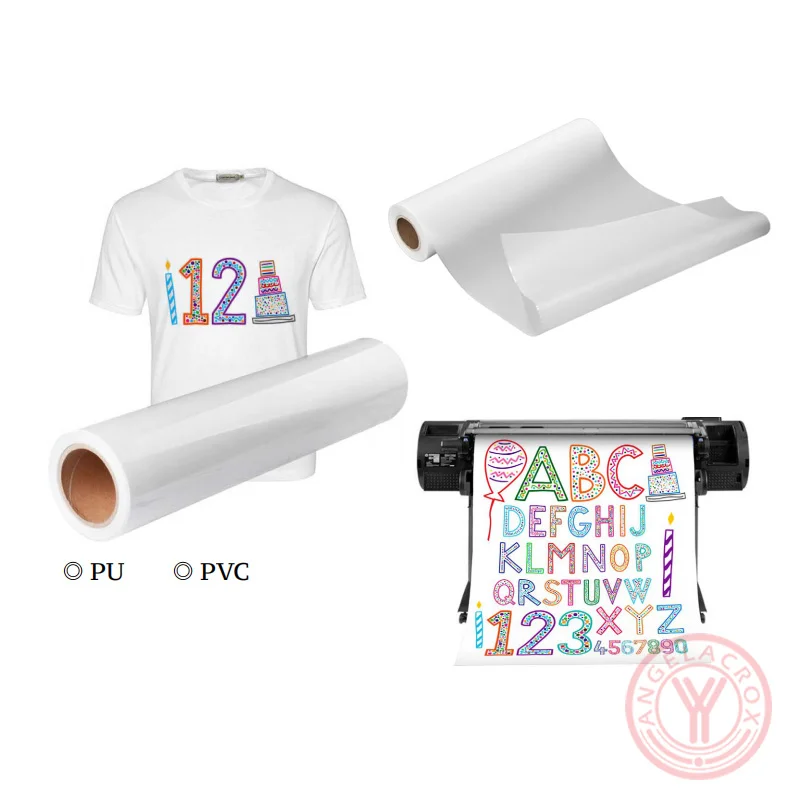
| Material | TPU, PU, PVC;Customizable |
| Color | Neon Green;Customizable |
| Finish | Glitter |
| Size | 50cm*25m/Roll;Customizable |
| Cutting Compatibility | Cricut, Silhouette Cameo, Brother ScanNCut, Roland, Graphtec |
| Fabric Compatibility | Cotton, Polyester, Cotton Blends |
| Thickness | 0.08 – 10mm, Customizable |
| Temperature | 140–145°C |
| Pressing Time | 8–12s |
| Pressure | Medium, 3–5 kg |
| Peel | Warm Peel |
| MOQ | 1 Roll |
| Sample | Free Samples |
How to Use Neon Green Glitter HTV
- 1. Create Your Design: Prepare your lettering, logo, or pattern using design software, then mirror the artwork before cutting.
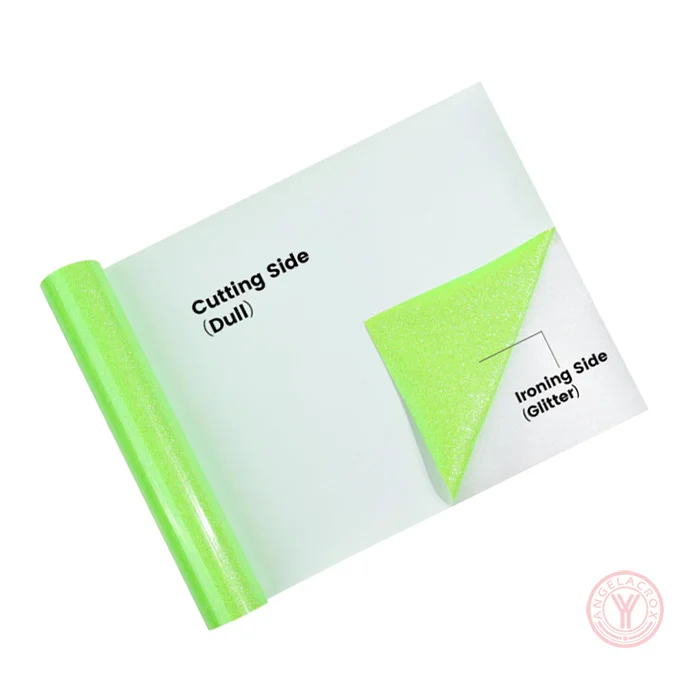
- 2. Cut the Vinyl: Place the HTV on your cutter according to the material's cutting requirements.
- 3. Weed the Design: Remove the excess vinyl carefully, leaving only the desired pattern.
- 4. Pre-Press the Fabric: Press the garment for 2–3 seconds to remove moisture and wrinkles.
- 5. Heat Transfer: Position the design on the fabric and press using the temperature, pressure, and time recommended for your specific HTV material.
- 6. Peel the Carrier: Follow the specified hot-peel, warm-peel, or cold-peel instructions for the selected product.
- 7. Care After Transfer: Allow the design to rest for 24 hours before the first wash. Turn the garment inside out before washing to help preserve the glitter finish.
Important: TPU, PU, and PVC versions may require different transfer settings. Test a sample first and use a suitable heat press mat to achieve consistent adhesion and glitter results.