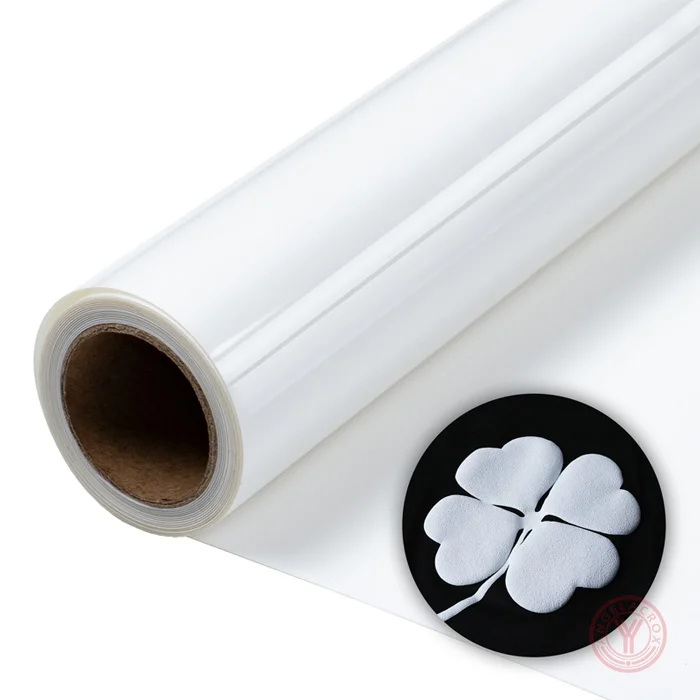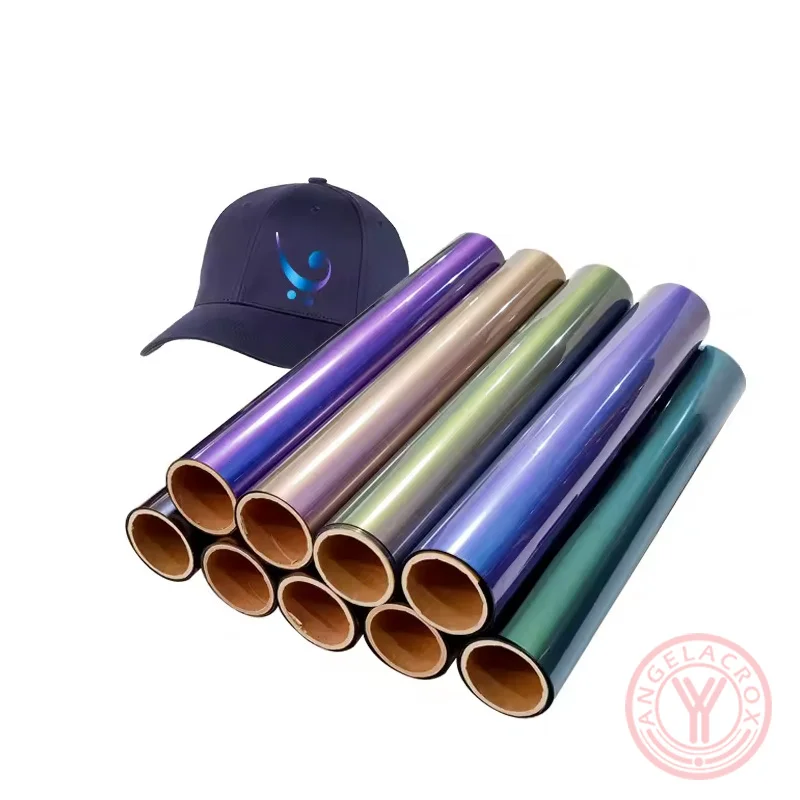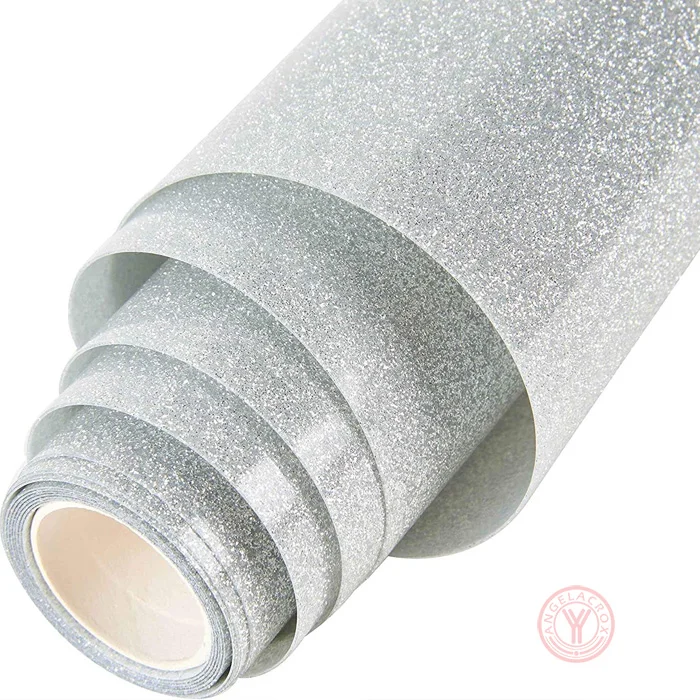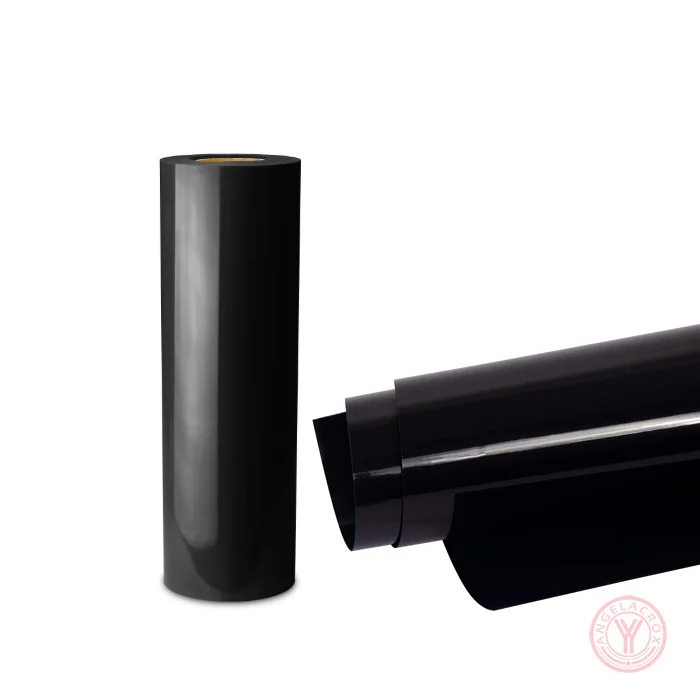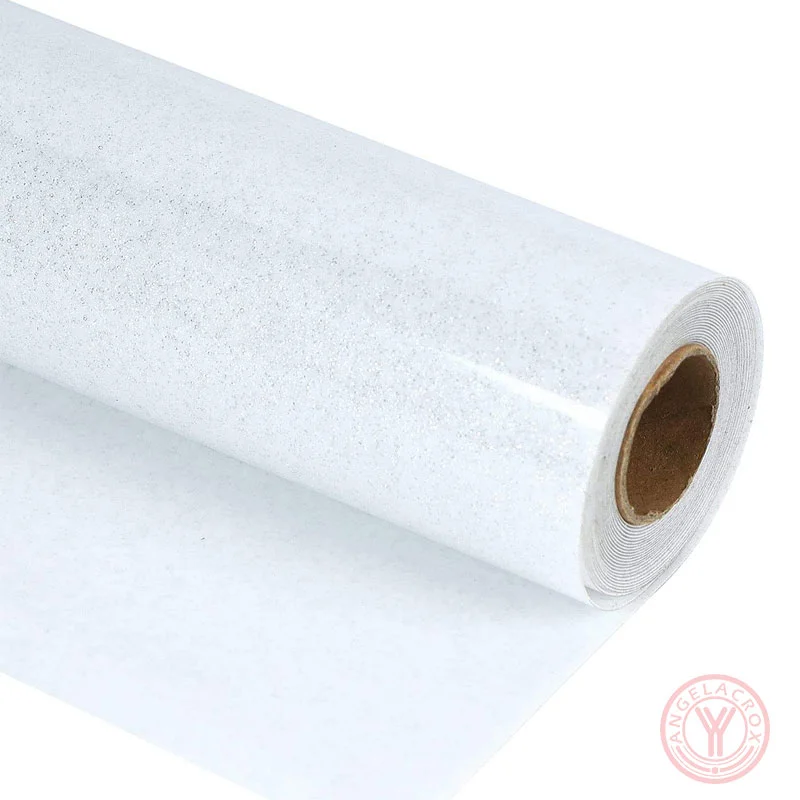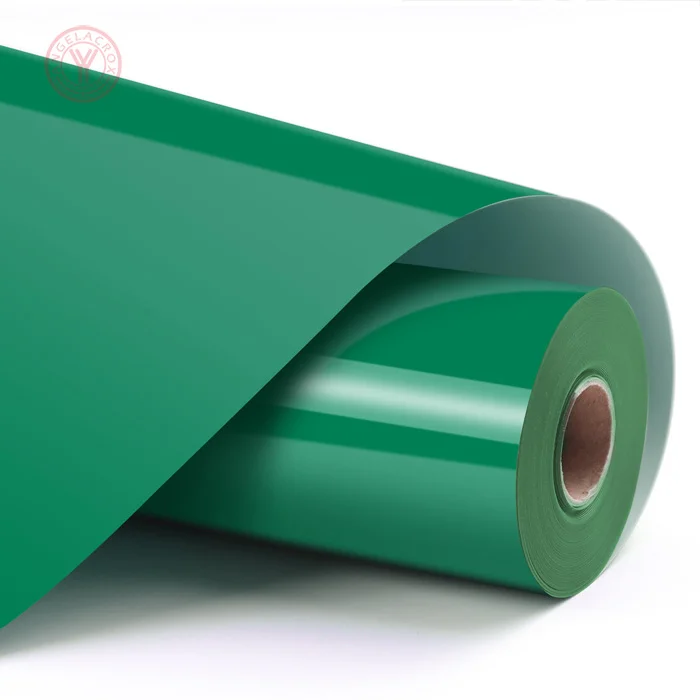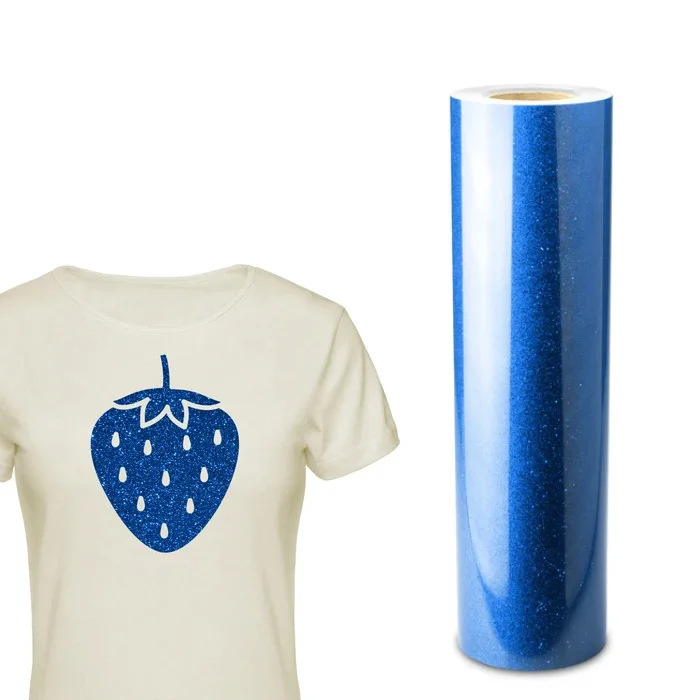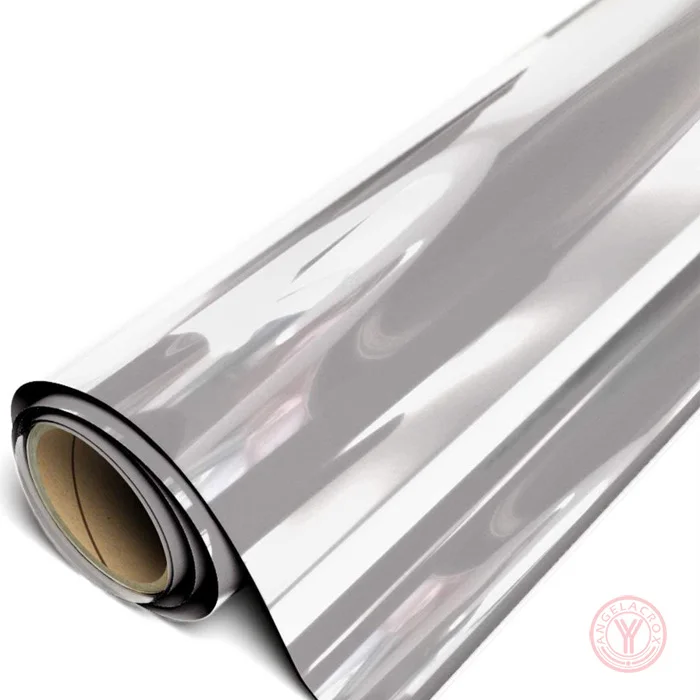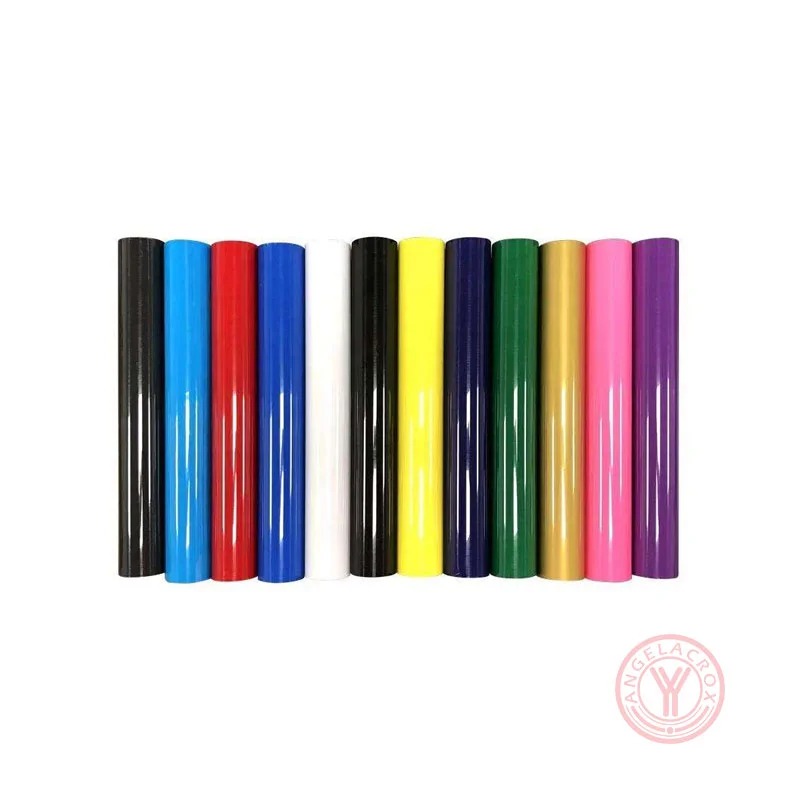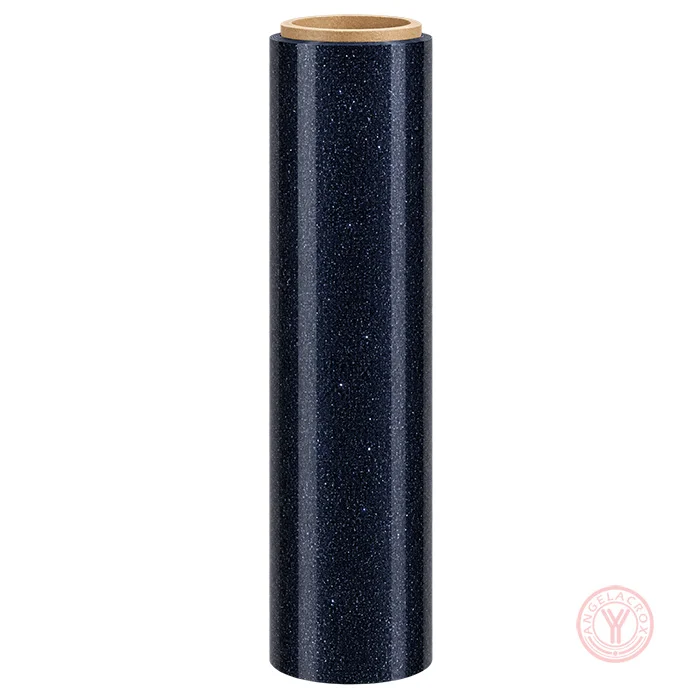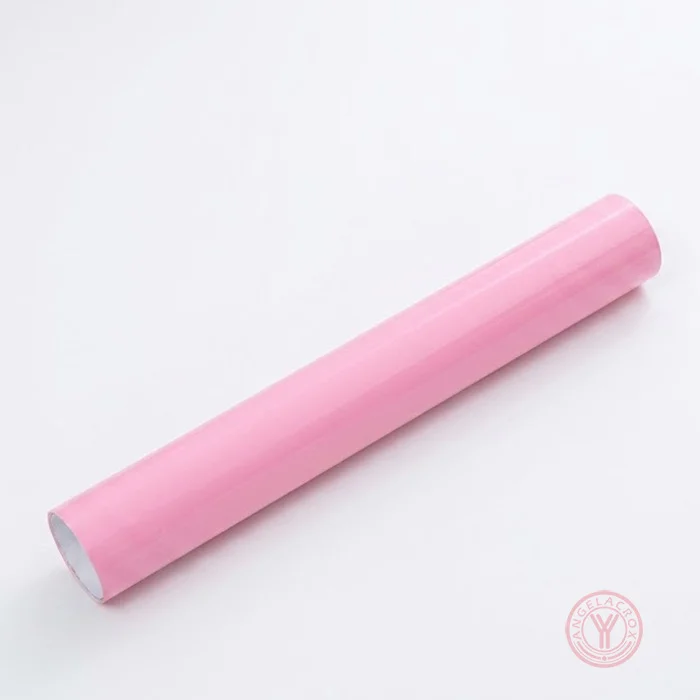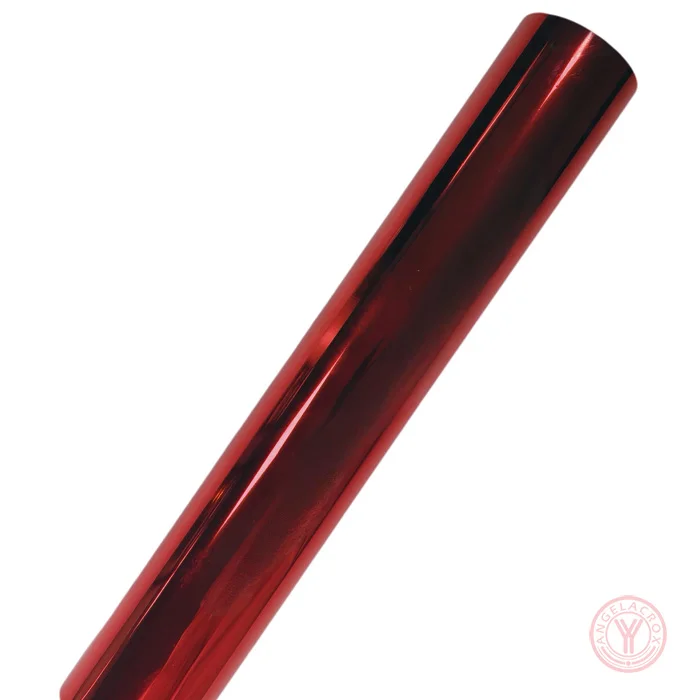
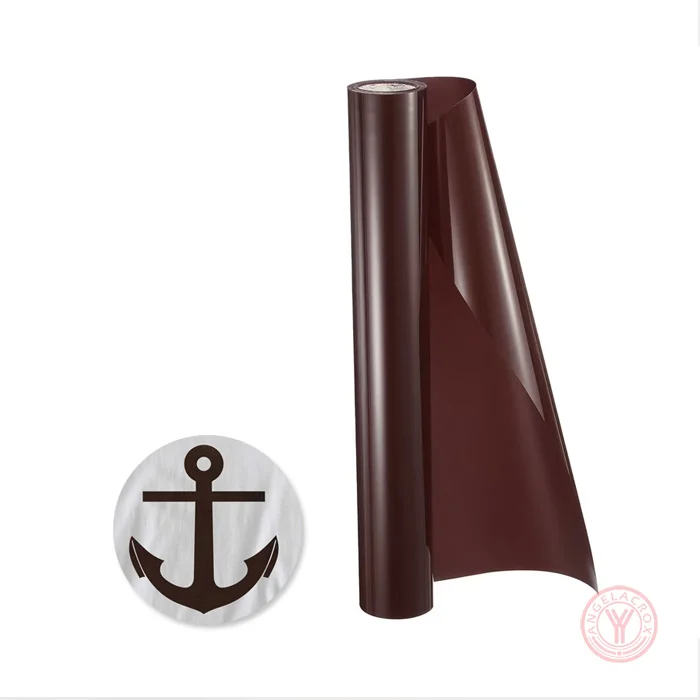
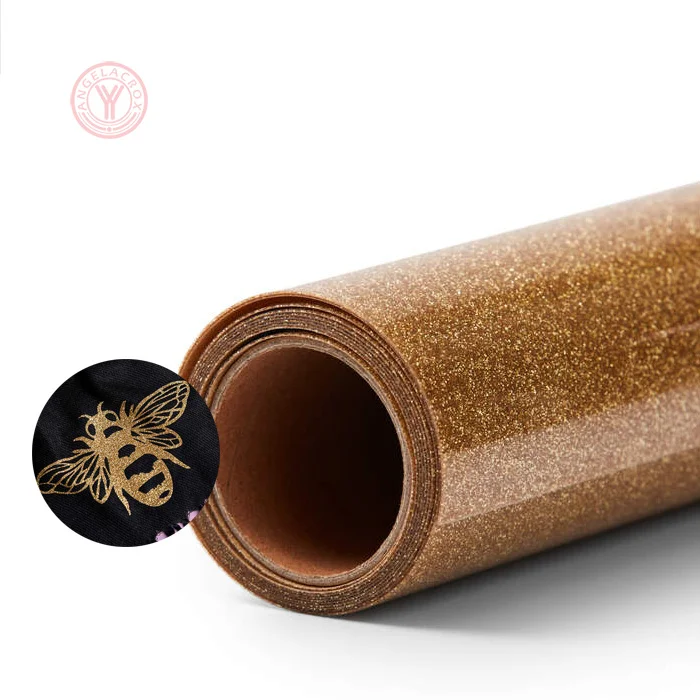
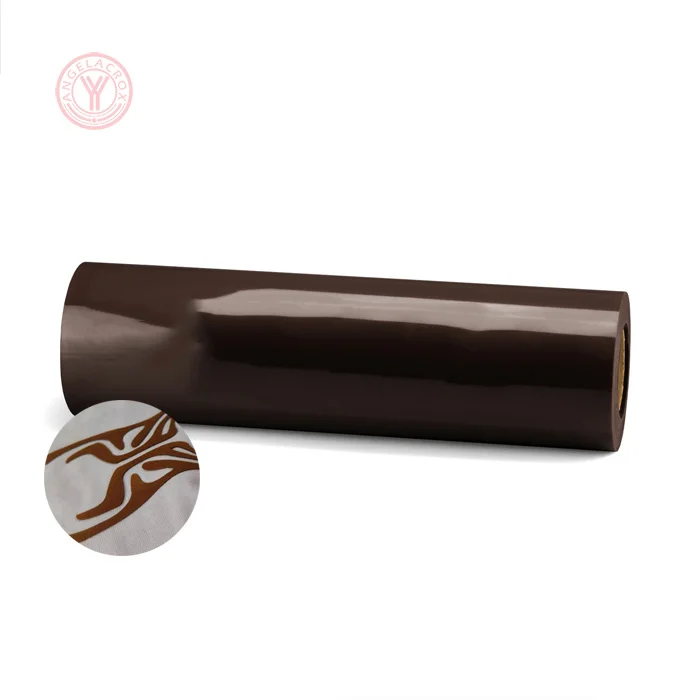
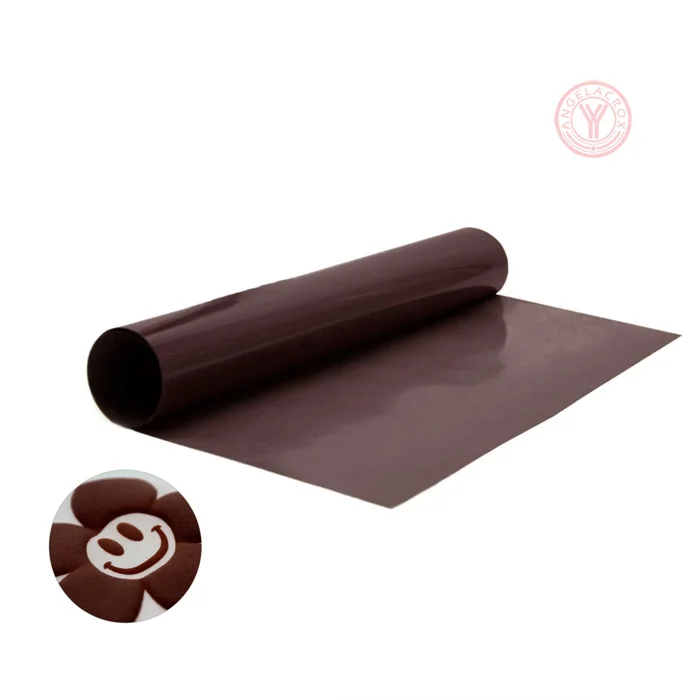
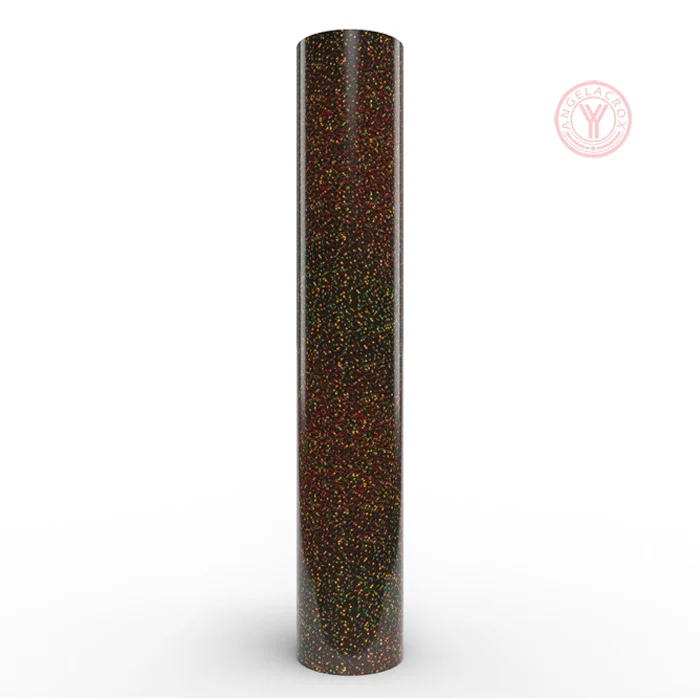
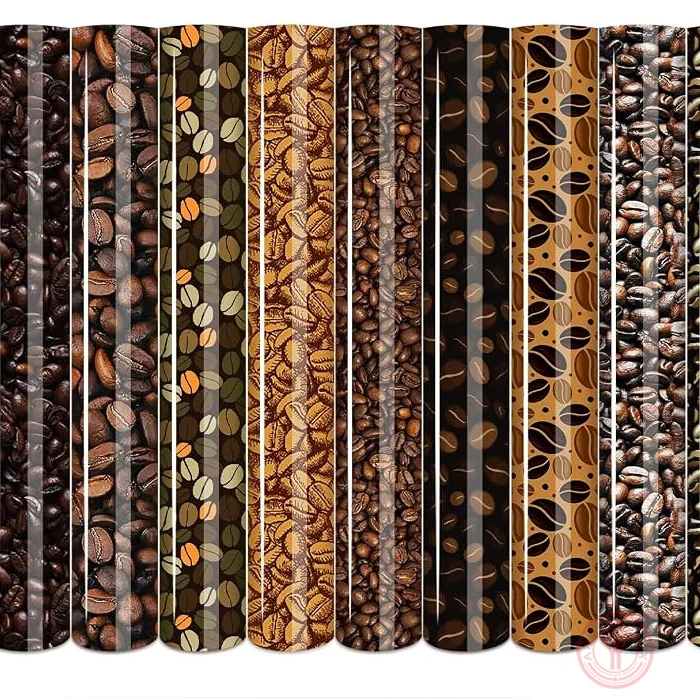
Description
Send Inquiry
Features
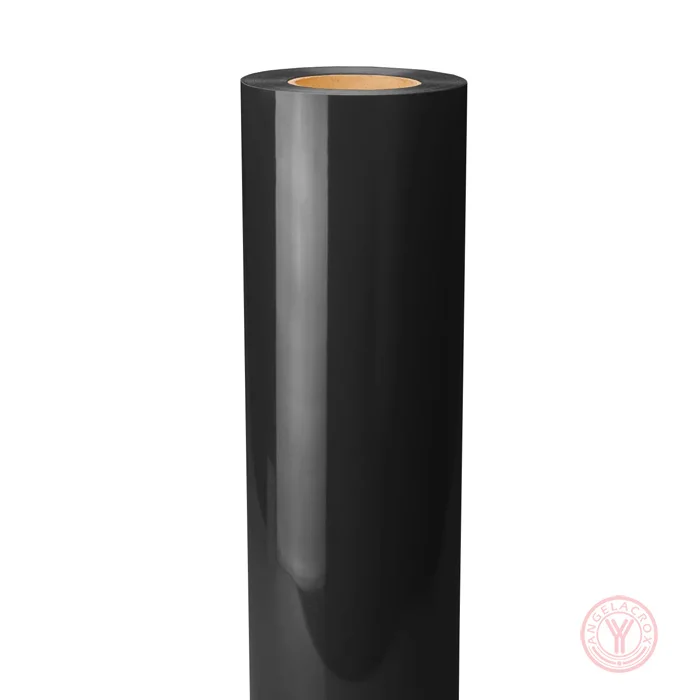
- Rich, Consistent Color — Deep brown tones with even color across the film.
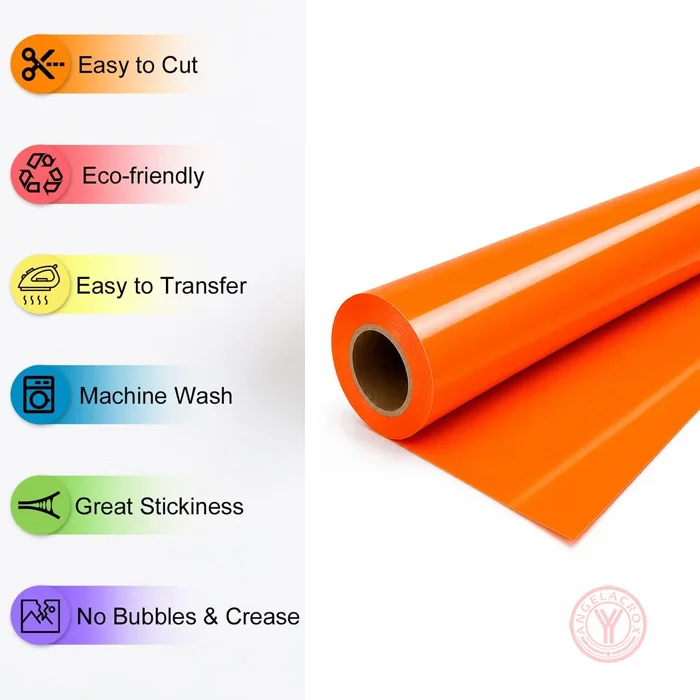
- Smooth Cutting & Weeding — Clean cutting and easy weeding for detailed designs.
- Reliable Heat Transfer — Good adhesion with a clean, even finish after pressing.
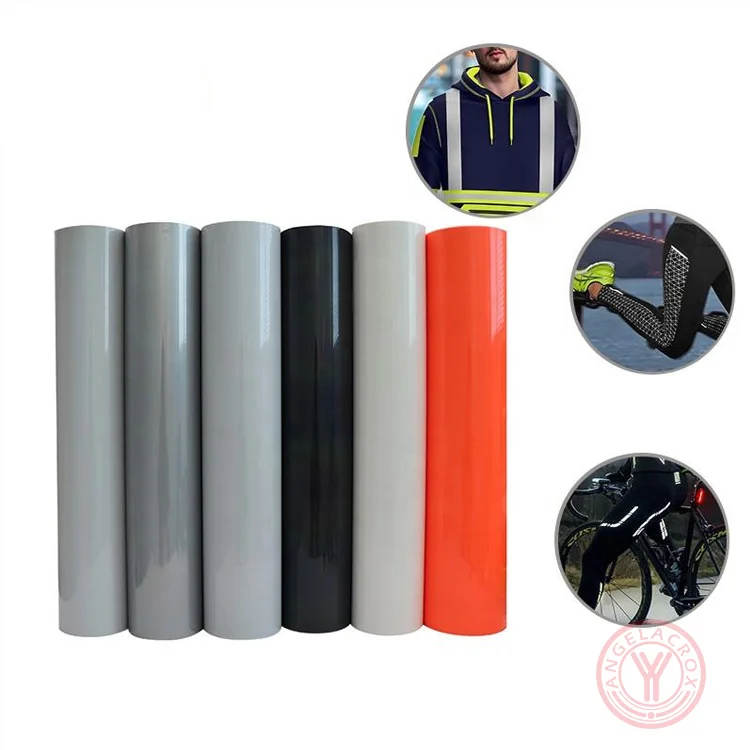
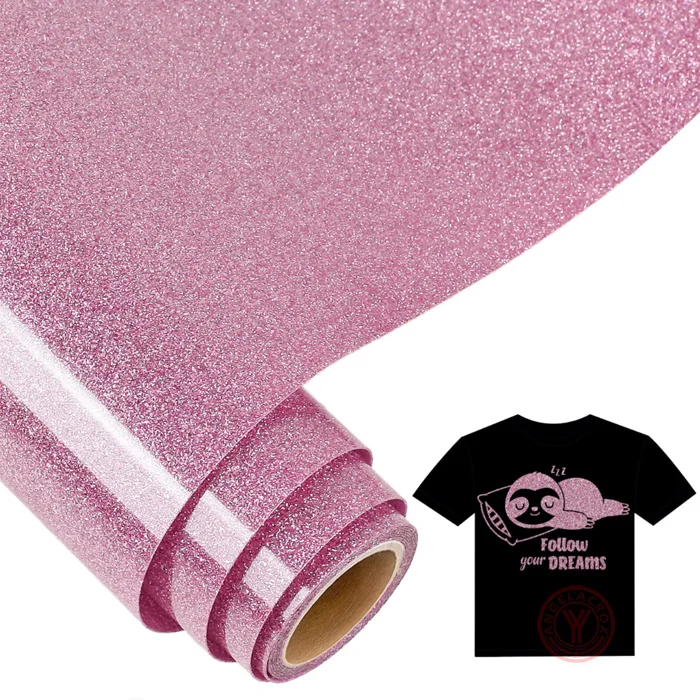
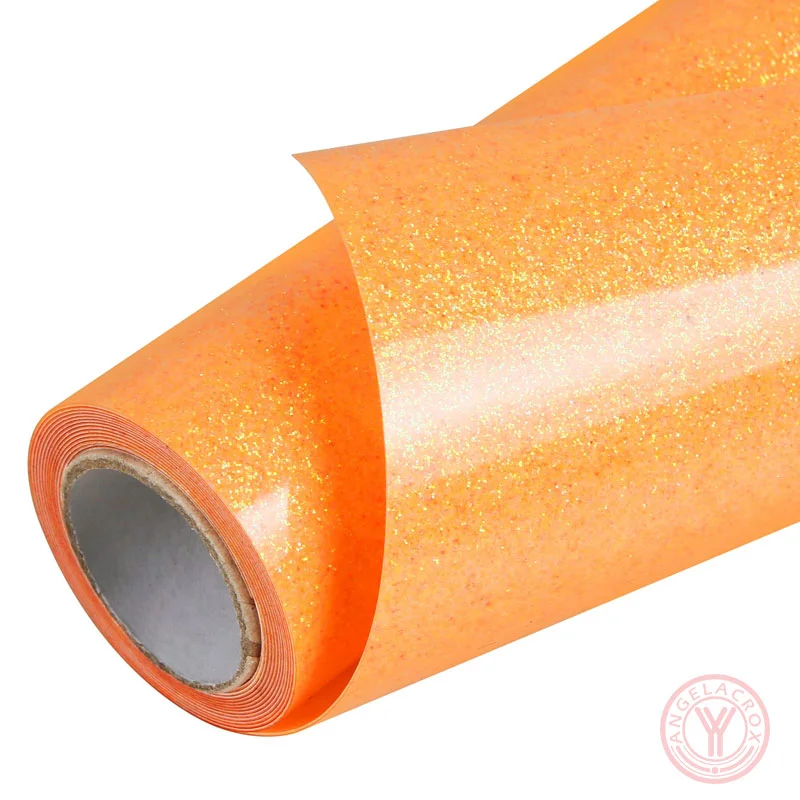
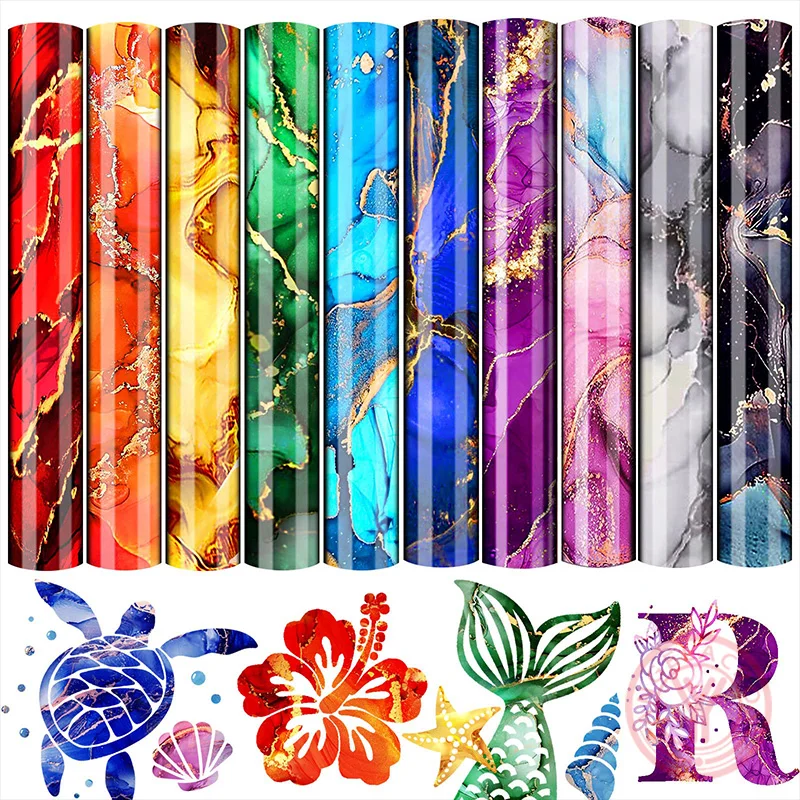
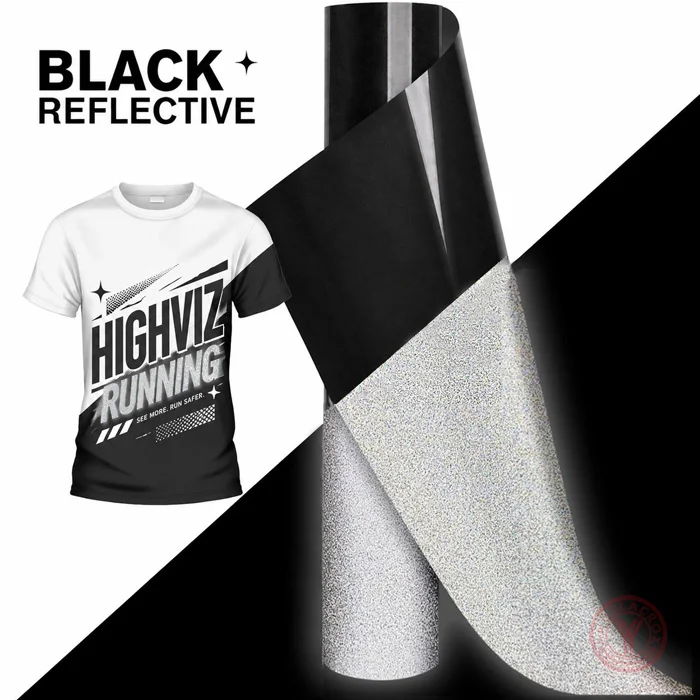
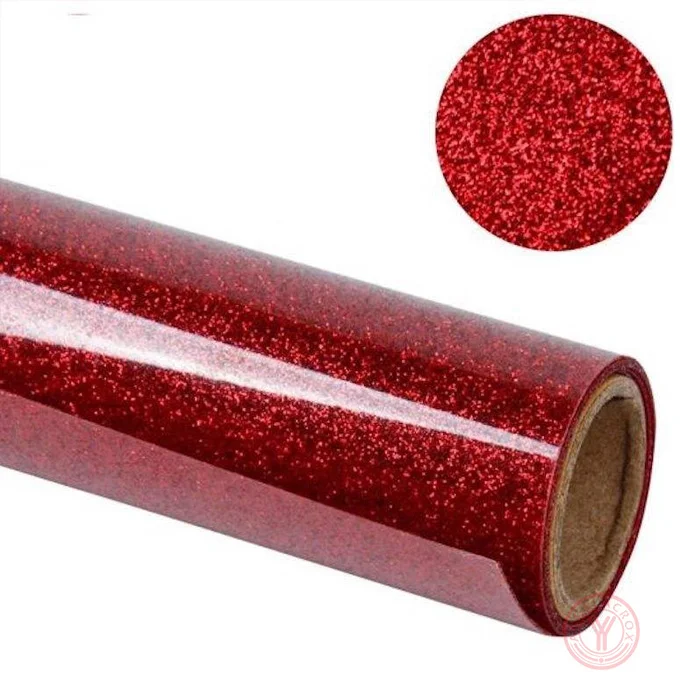
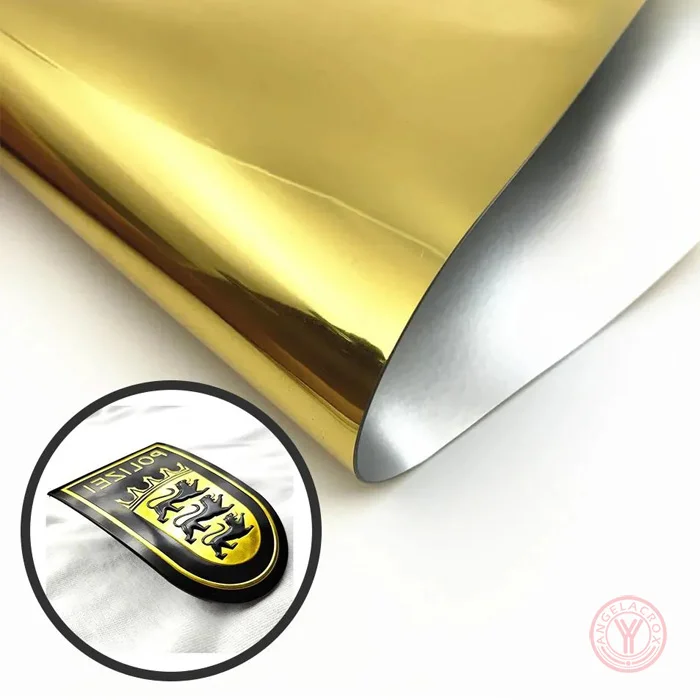
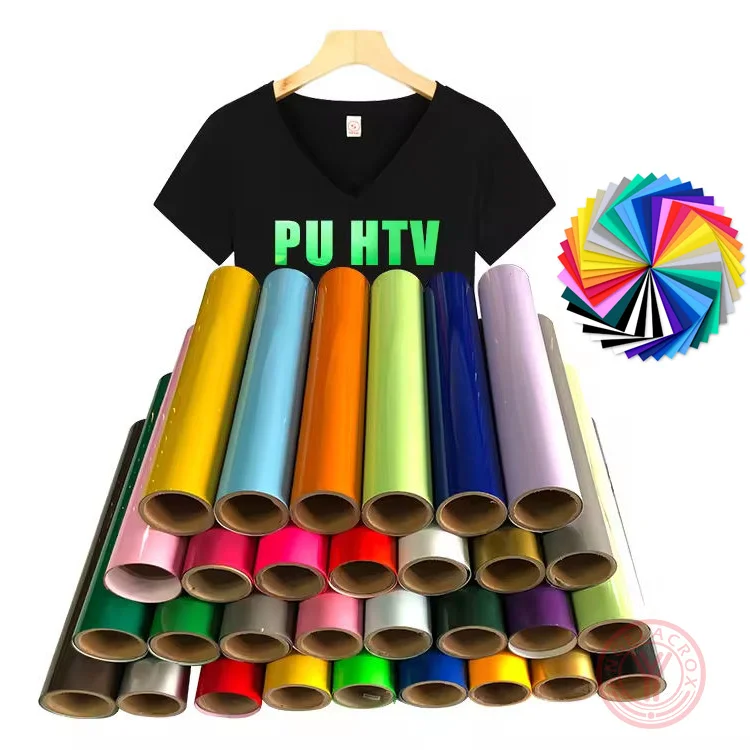
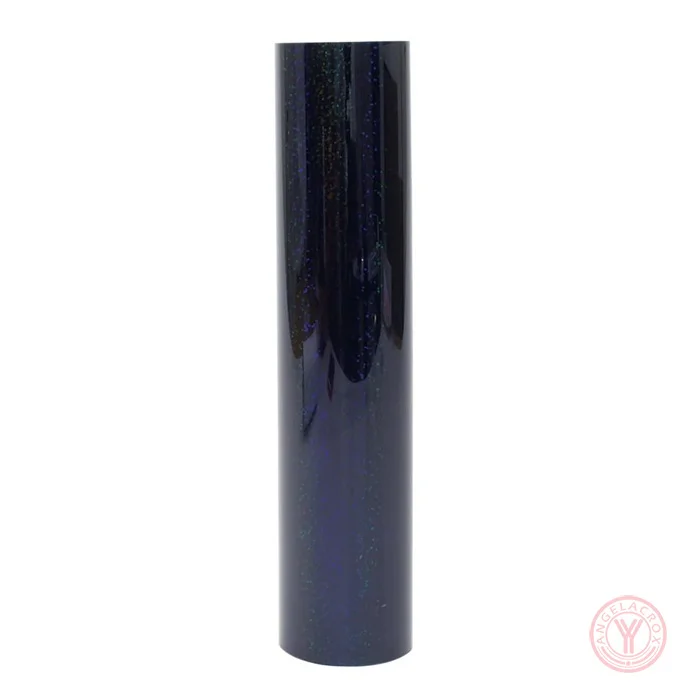
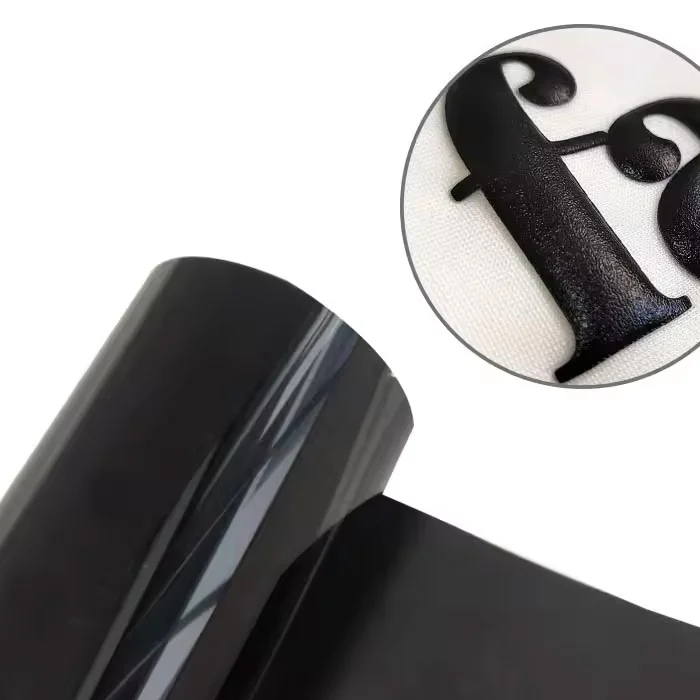
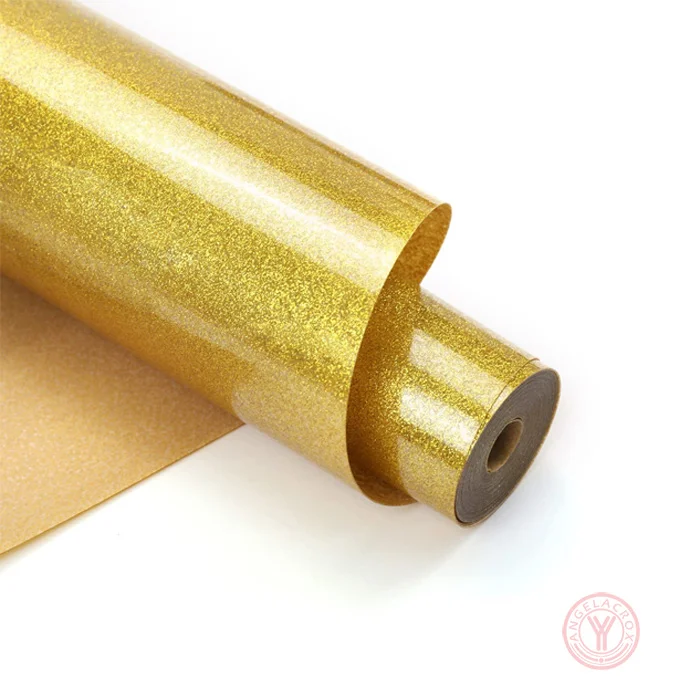
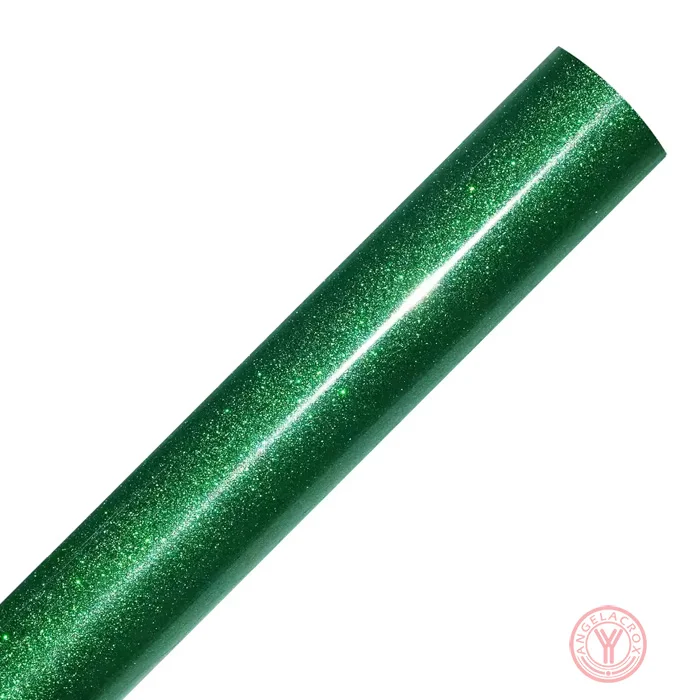
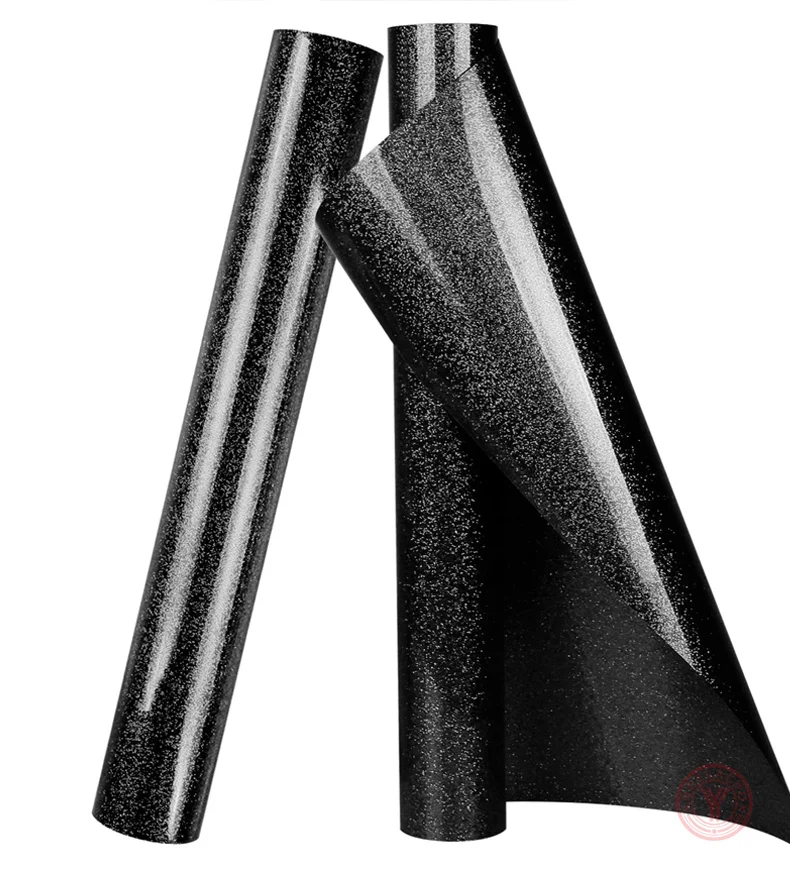
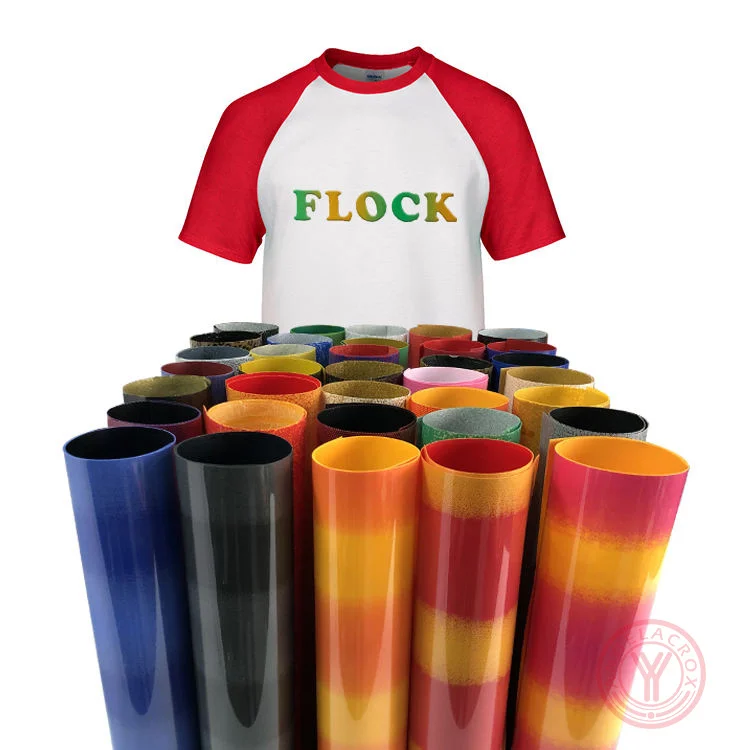
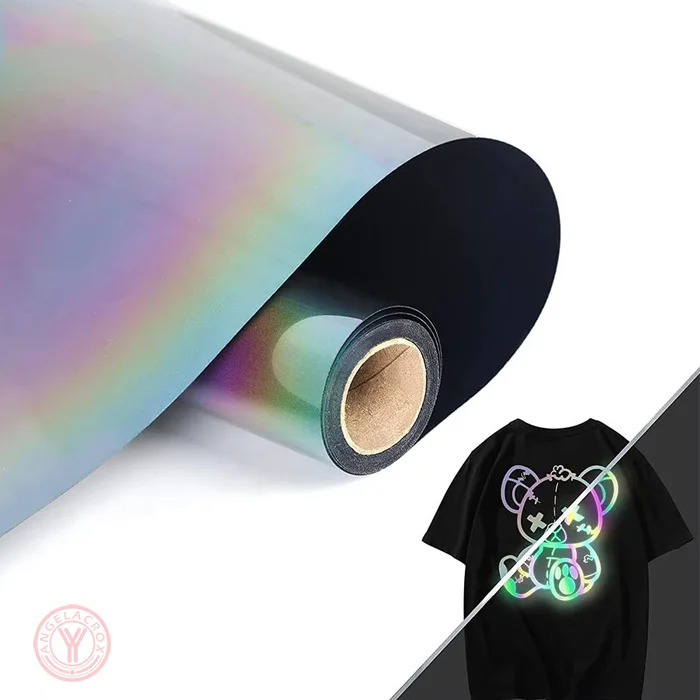
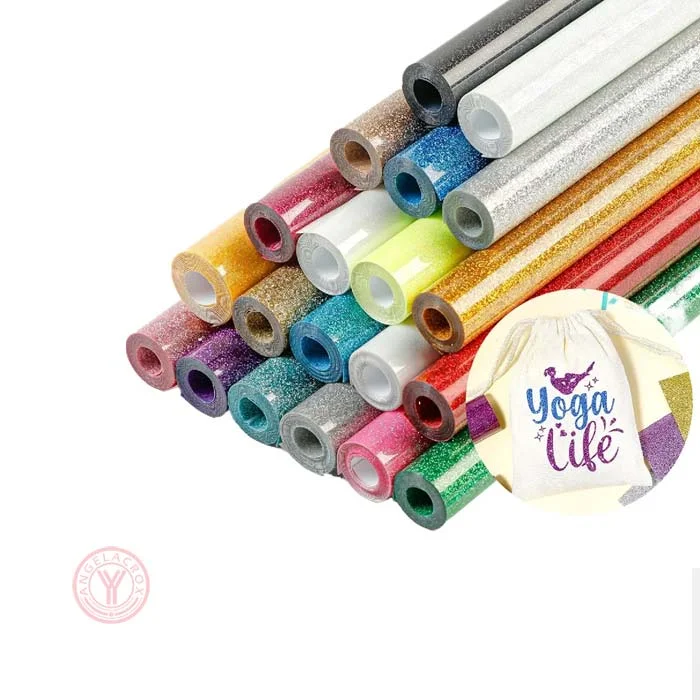
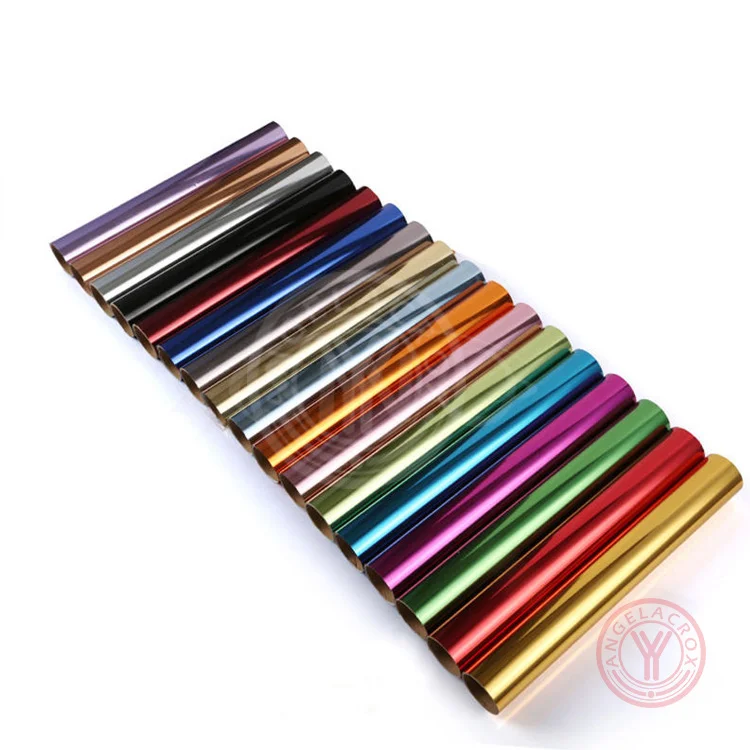
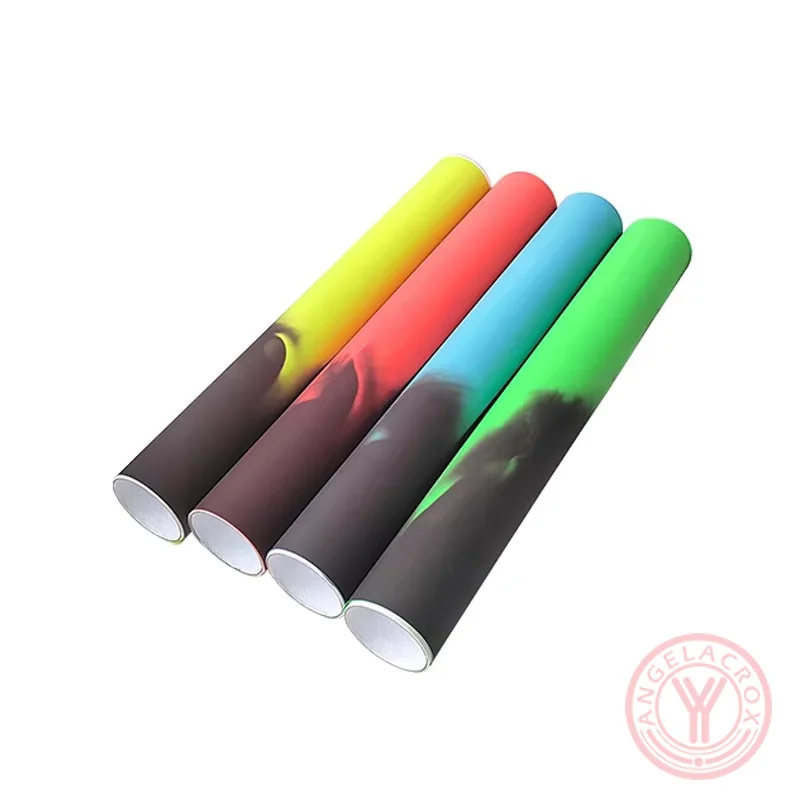
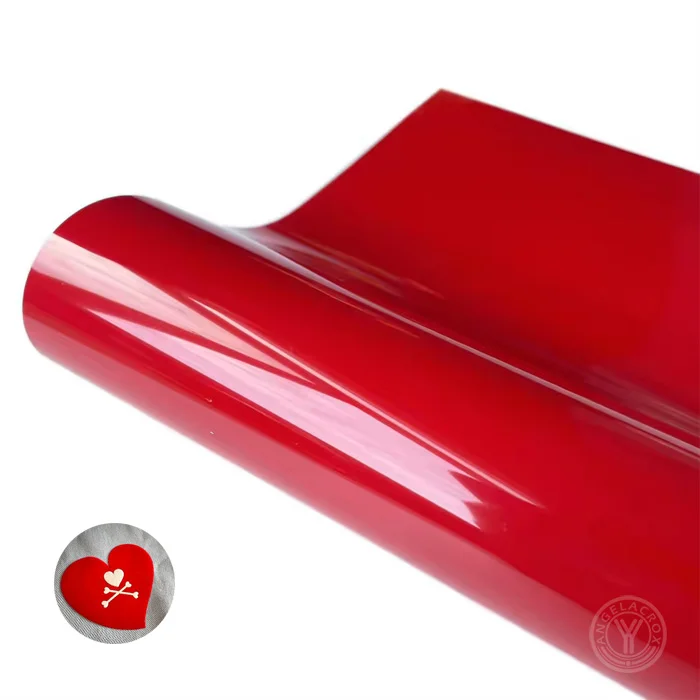
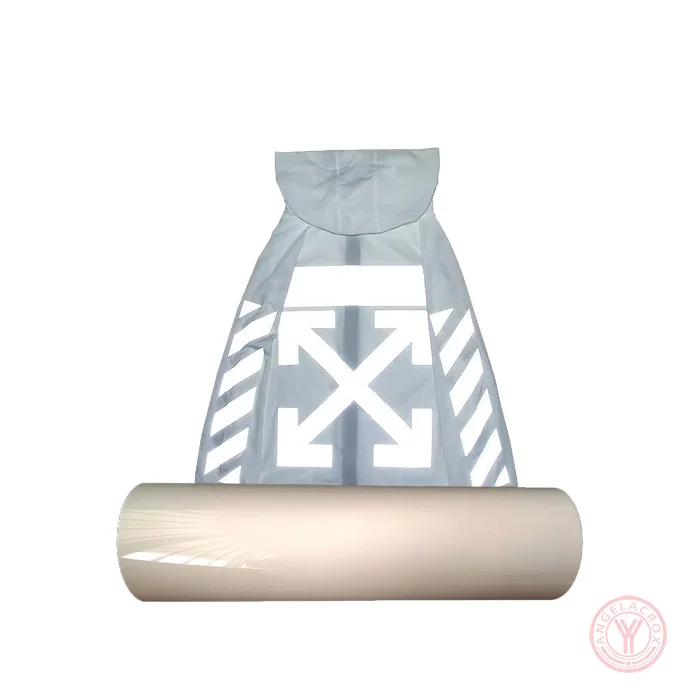
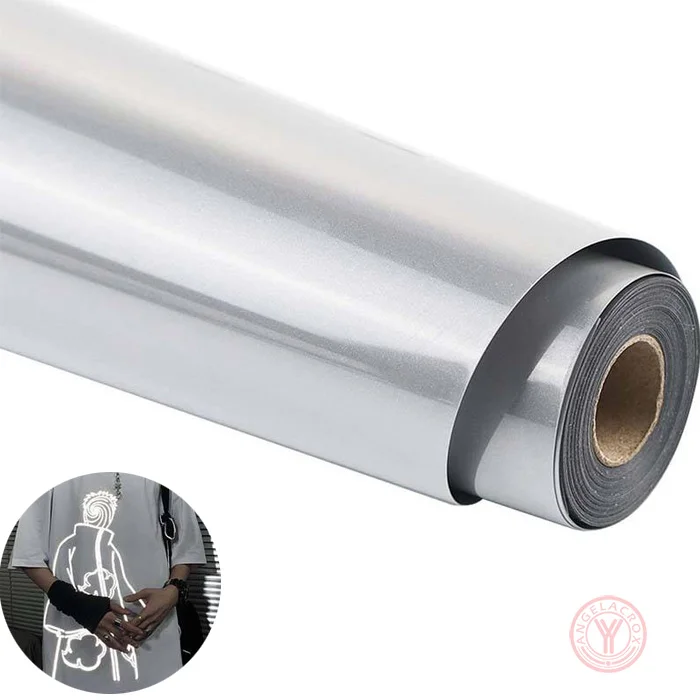
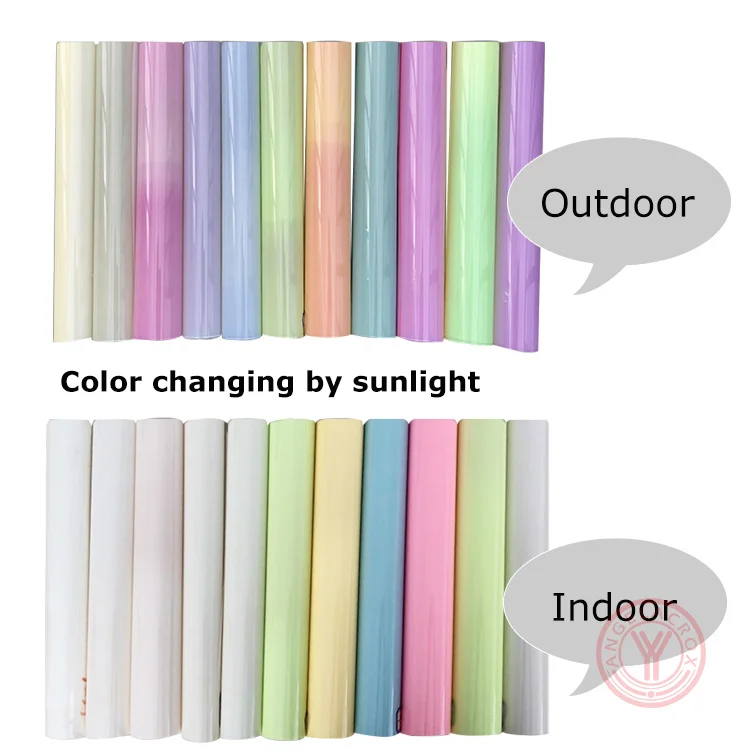
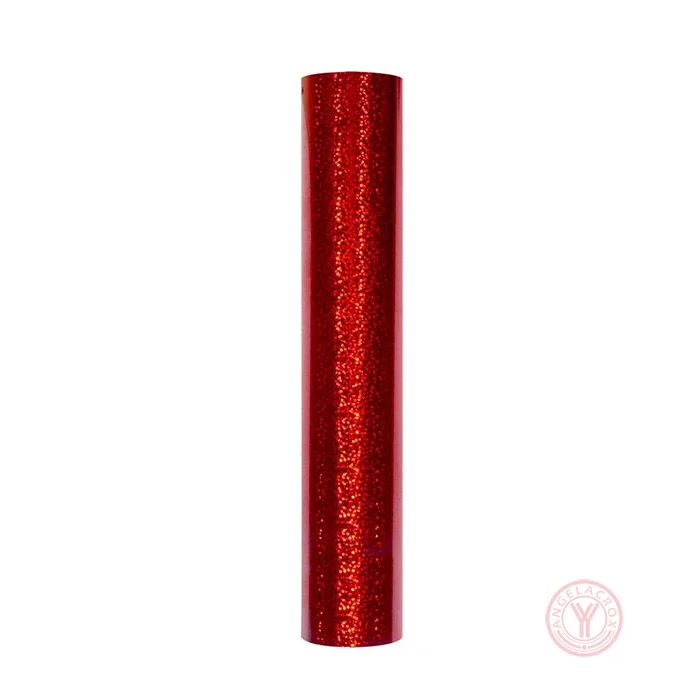
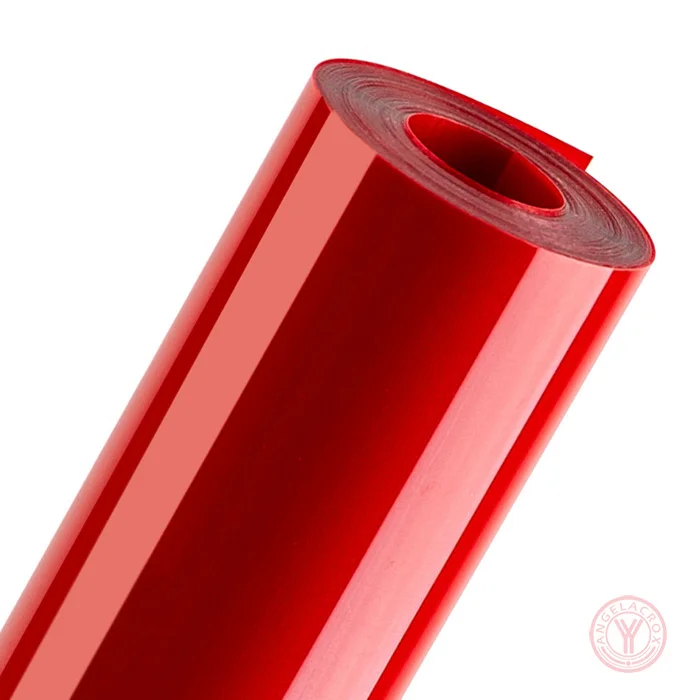
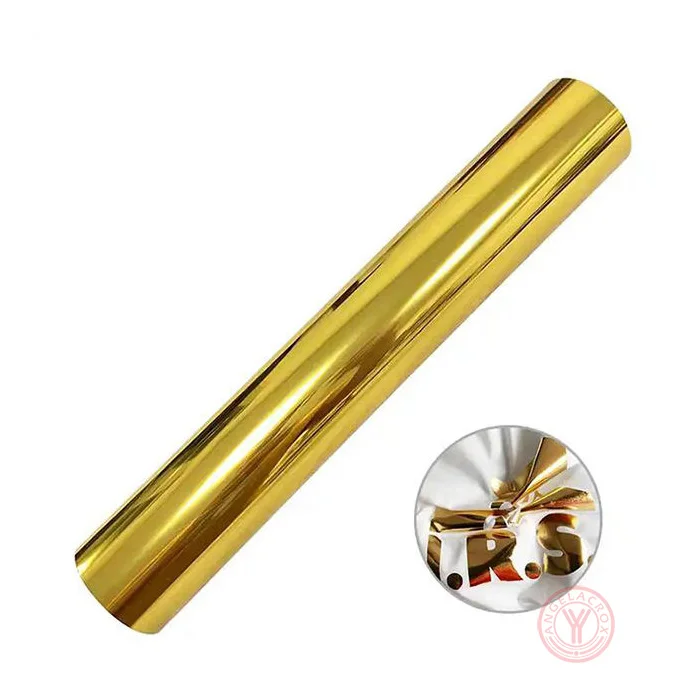
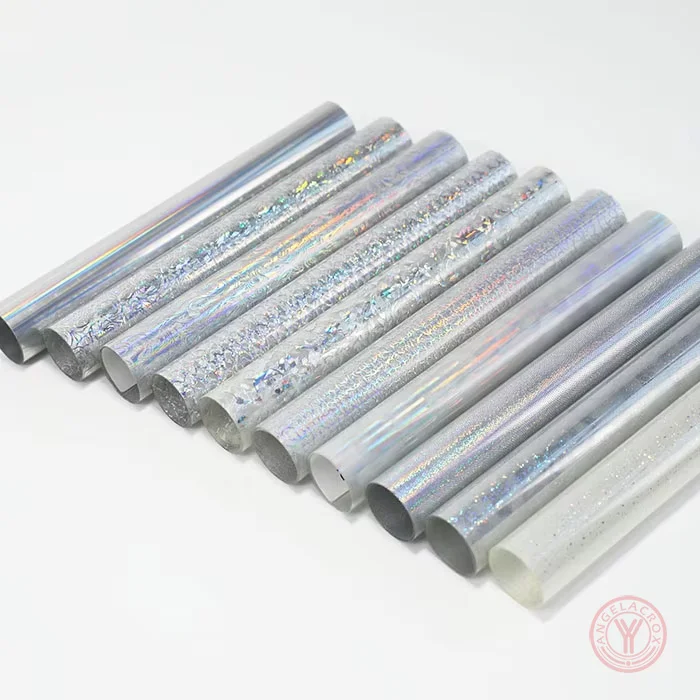
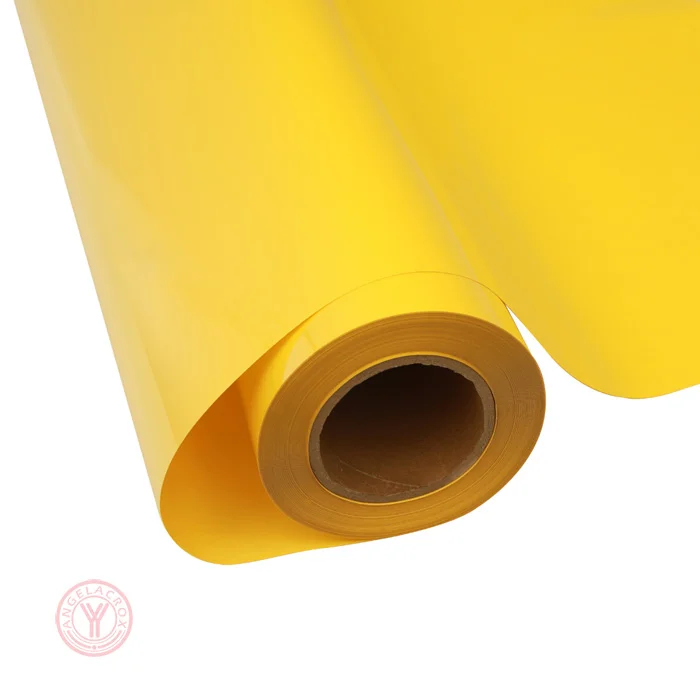
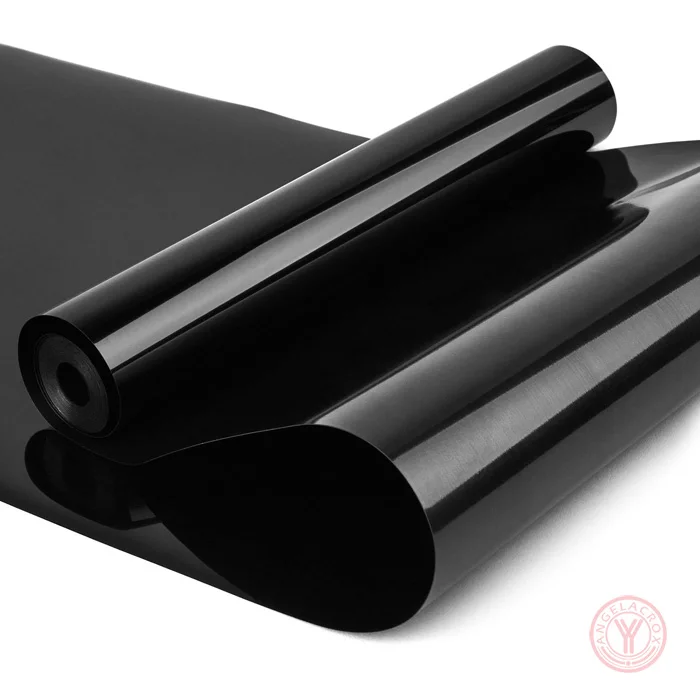
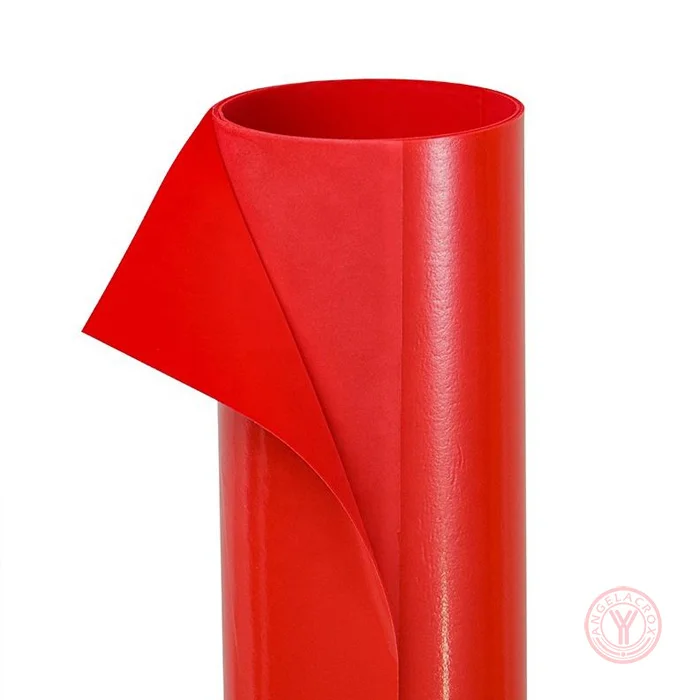
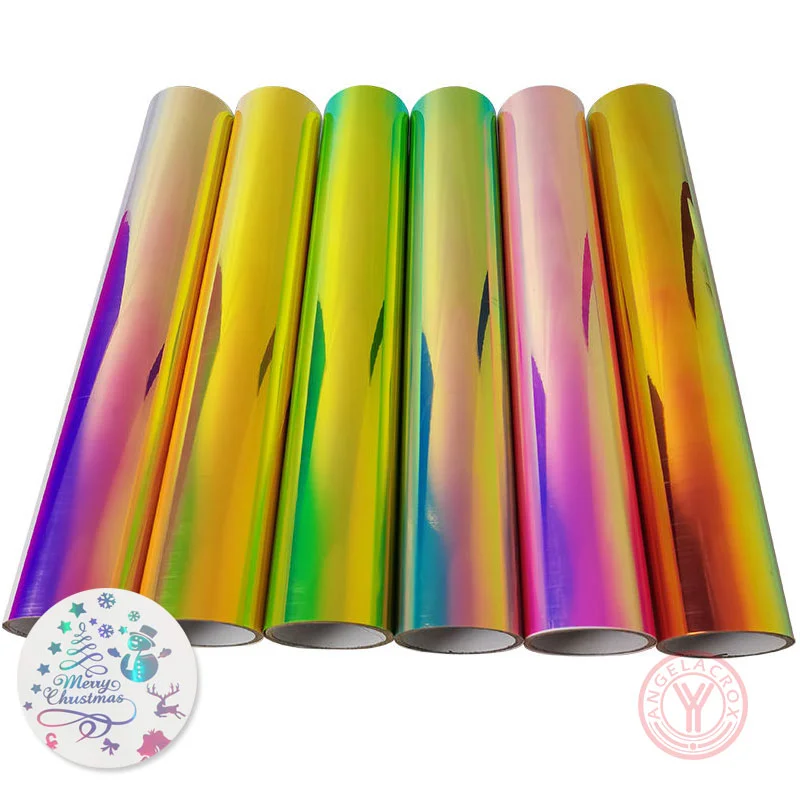
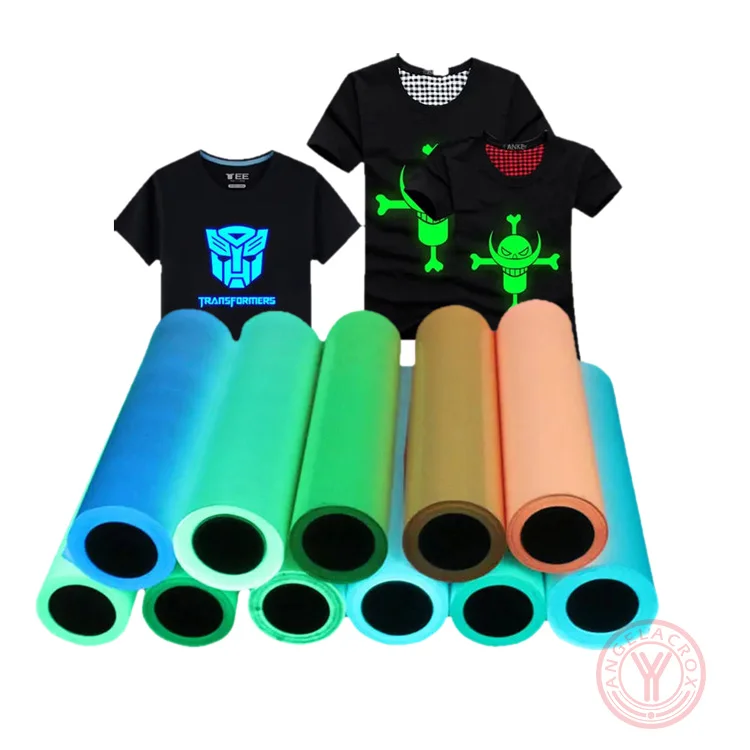
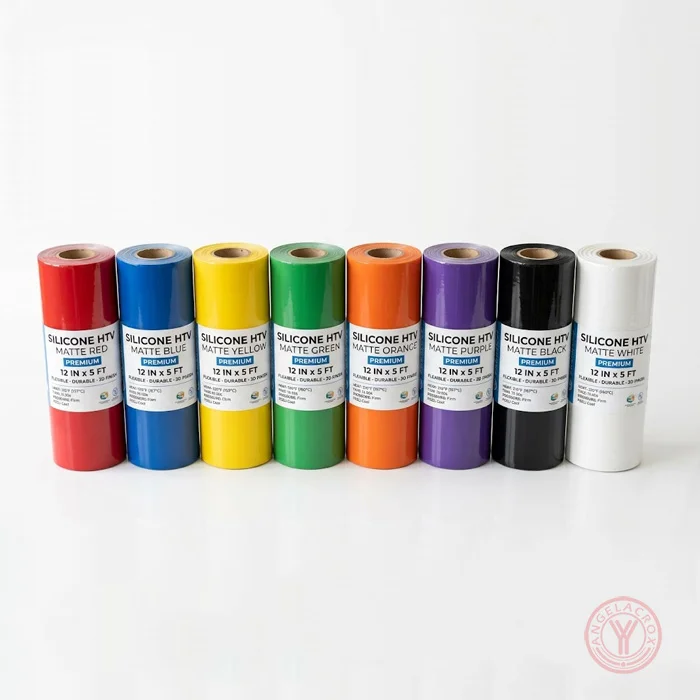
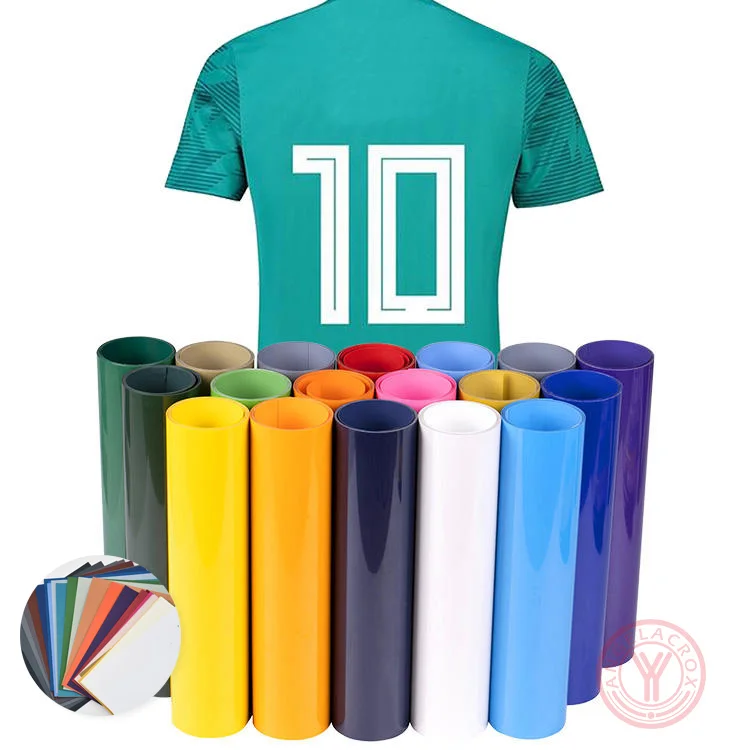
- Multiple Surface Effects — Matte, glossy, glitter, flock, puff, holographic and patterned finishes.
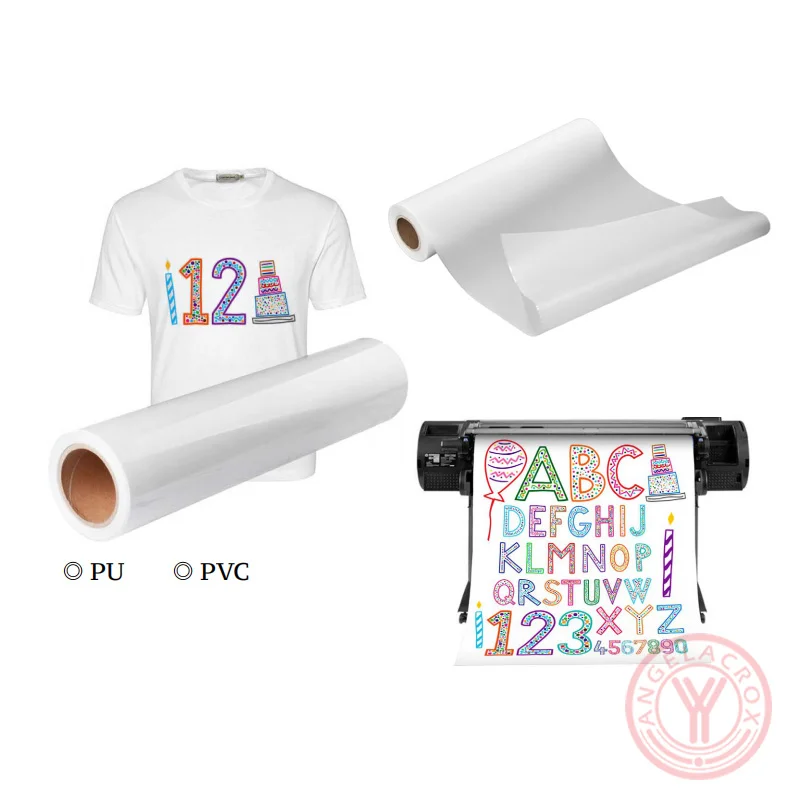
- Flexible Material Options — PU, TPU, PET, PVC and silicone constructions available.
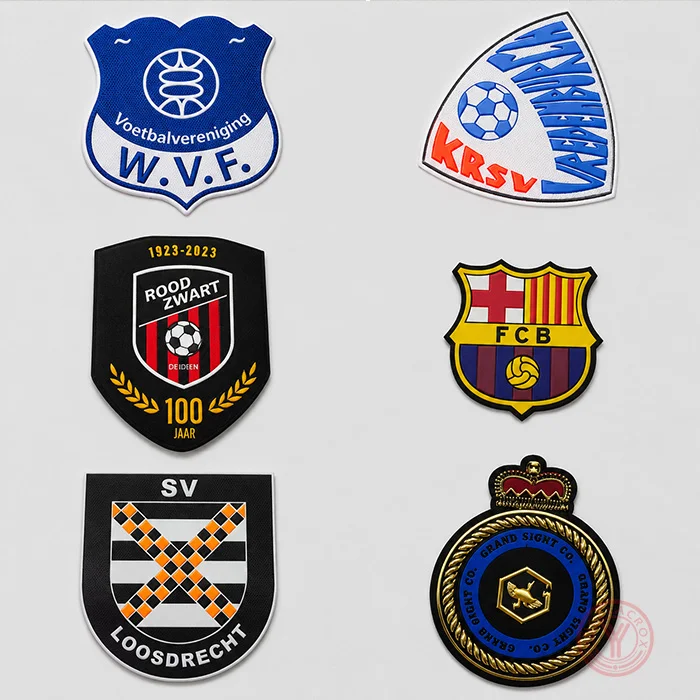
- Custom Production — Custom finish, size, thickness and material to meet specific requirements.
Specifications
| Color | Brown, Light Brown;Customization |
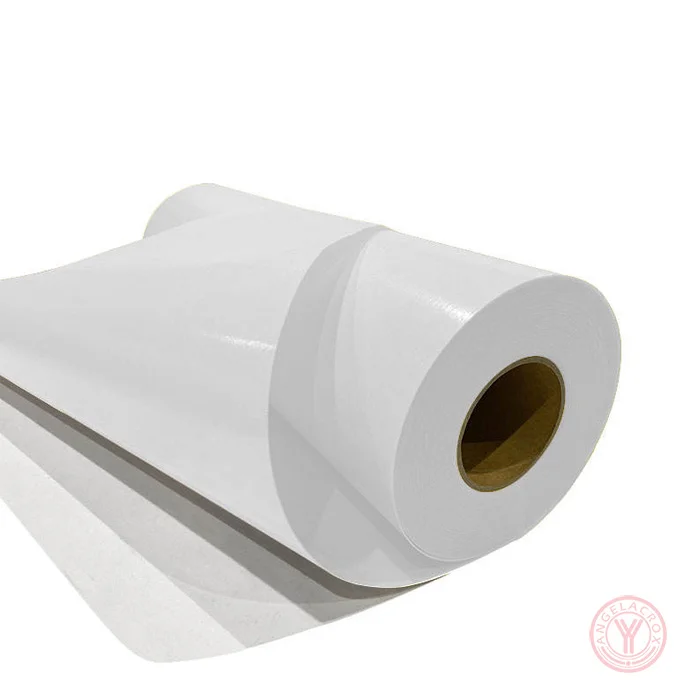
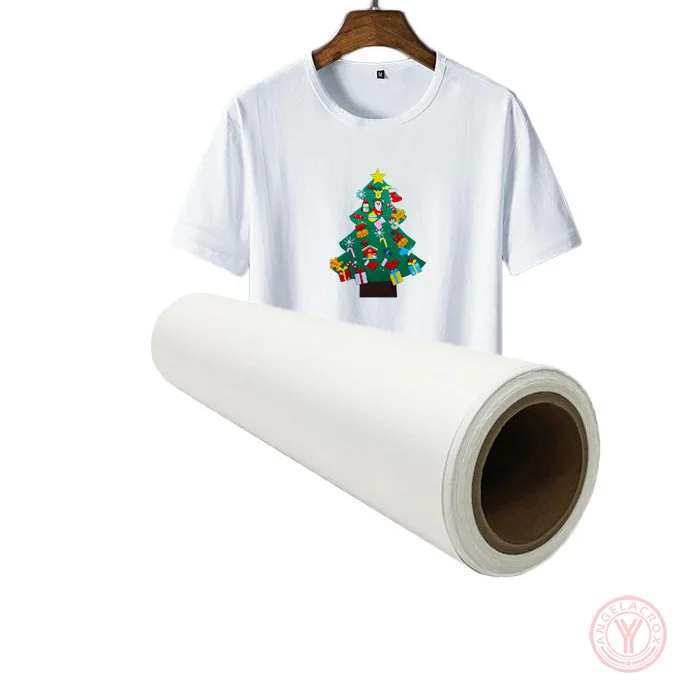
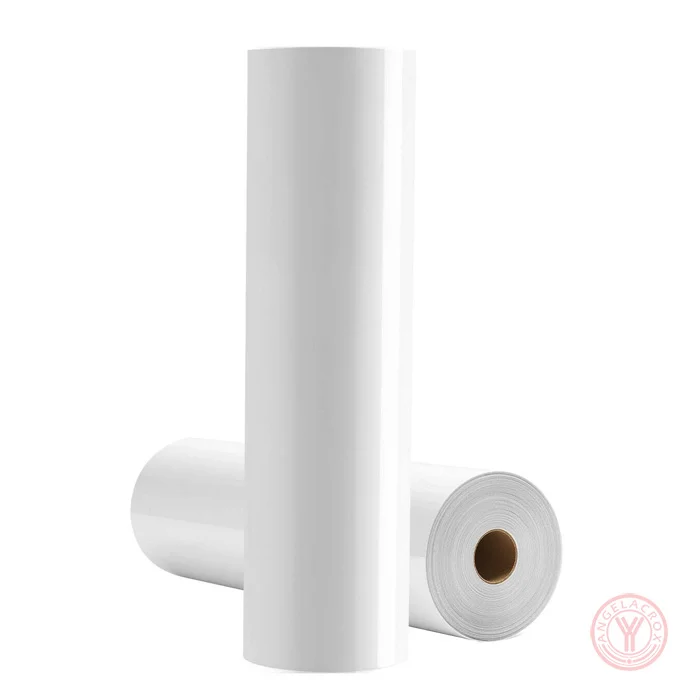
| Formats | Rolls and Sheets |
| Finishes | Matte, Glossy, Glitter, Flock, Puff, Holographic, Patterned |
| Materials | PU, TPU, PET, PVC, Silicone |
| Size | 50cm*50m;Customization |
| Thickness | 1.0mm;Customization |
| Transfer Temperature | 140–145°C (284–293°F) |
| Peel | Warm or Cold Peel |
| MOQ | 1 roll |
| Sample | Free Samples |
How to Use
- Prepare the Design — Create and mirror your artwork before cutting.
- Preheat the Garment — Preheat the fabric for a few seconds to remove moisture and wrinkles.
- Cut the Vinyl — Cut the HTV according to the selected product and machine settings.
- Weed the Design — Remove the excess vinyl and keep the design on the carrier film.
- Heat Press — Position the design and apply the recommended temperature, pressure and time.
- Peel the Film — Peel according to the product's warm or cold peel requirement.
- Final Press — If recommended, apply a short finishing press according to the product instructions.
Note: Temperature, pressure, time and peeling method vary by finish and material. Follow the specific settings provided for the selected Brown HTV vinyl.